About PixelTextReveal
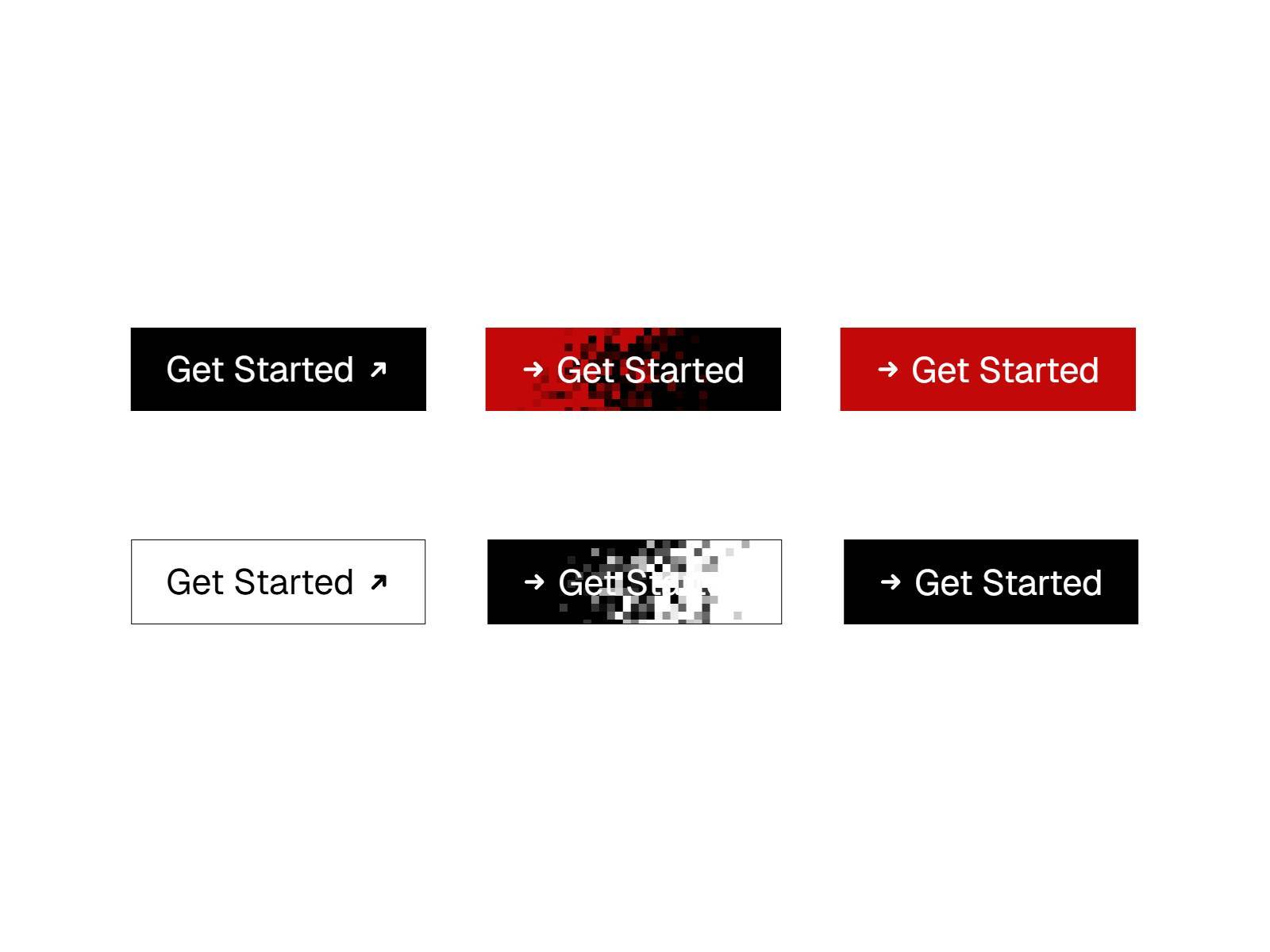
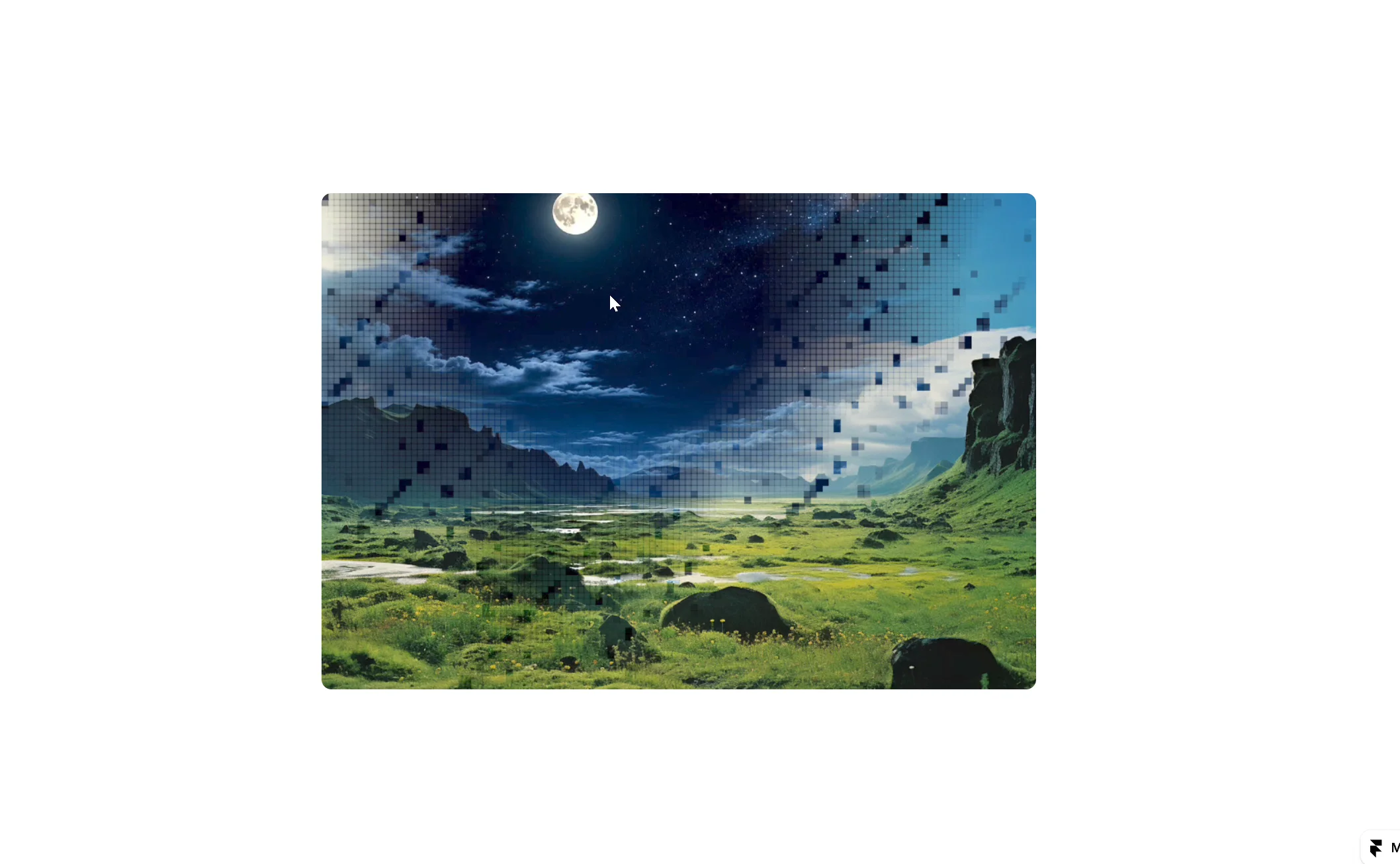
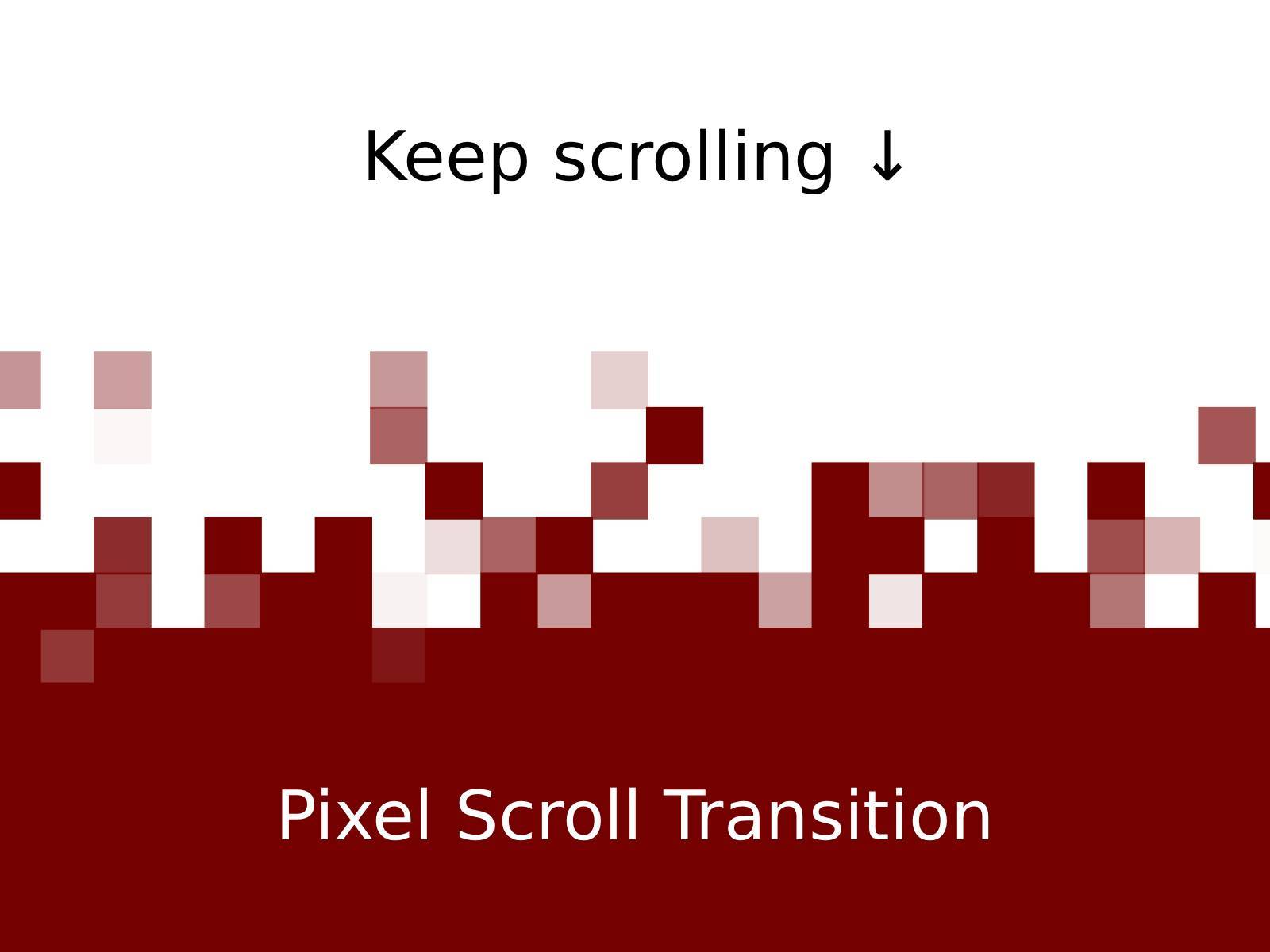
PixelTextReveal turns any heading into a pixel-sweep animation. Solid blocks wipe across the text, then dissolve to reveal crisp letters. It’s built for hero titles, section headings and portfolio pages that need a bold, digital feel.
Features
Any font: pick any Google, Framer or custom font from the Font control. The font is loaded automatically.
Responsive sizing: set size in px or rem, or choose Fit to scale the text to its container width.
Smart wrapping: Word Wrap breaks long lines automatically, and Balance avoids a lonely last word.
Scroll-triggered: plays when the text enters the viewport. Play it once or replay it every time.
Fully adjustable: block size, irregularity, timing and start delay.
Accessible and SEO-friendly: real text sits in the page with semantic tags (H1–H6, P, Div, Span), so screen readers and search engines can read it.
Respects reduced motion: visitors who turn off animations see the finished text right away.
How to use
Drag the component onto your page and type your text. Press Enter or use
\nfor a new line.Choose a font, color and size. Use Fit for full-width hero headings.
Set the Tag to H1 or H2 for headings, so the page keeps a correct structure.
Adjust the animation in the panel. Every setting has a short description.
Preset ideas
Clean sweep: Irregularity 0, Block Size 6, Duration 0.8
Glitchy: Irregularity 1, Block Size 14, Text Delay 0.2
Big hero: Unit Fit, Block Size 12–16, Duration 1.2
Subtle: Block Size 4, Duration 0.6, Text Delay 0.08
Tips
Smaller blocks look finer but take more work on very large text. Sizes between 6 and 16 work well for most headings.
If letters look clipped at the top or bottom, adjust Baseline.