About PixelScrollFX
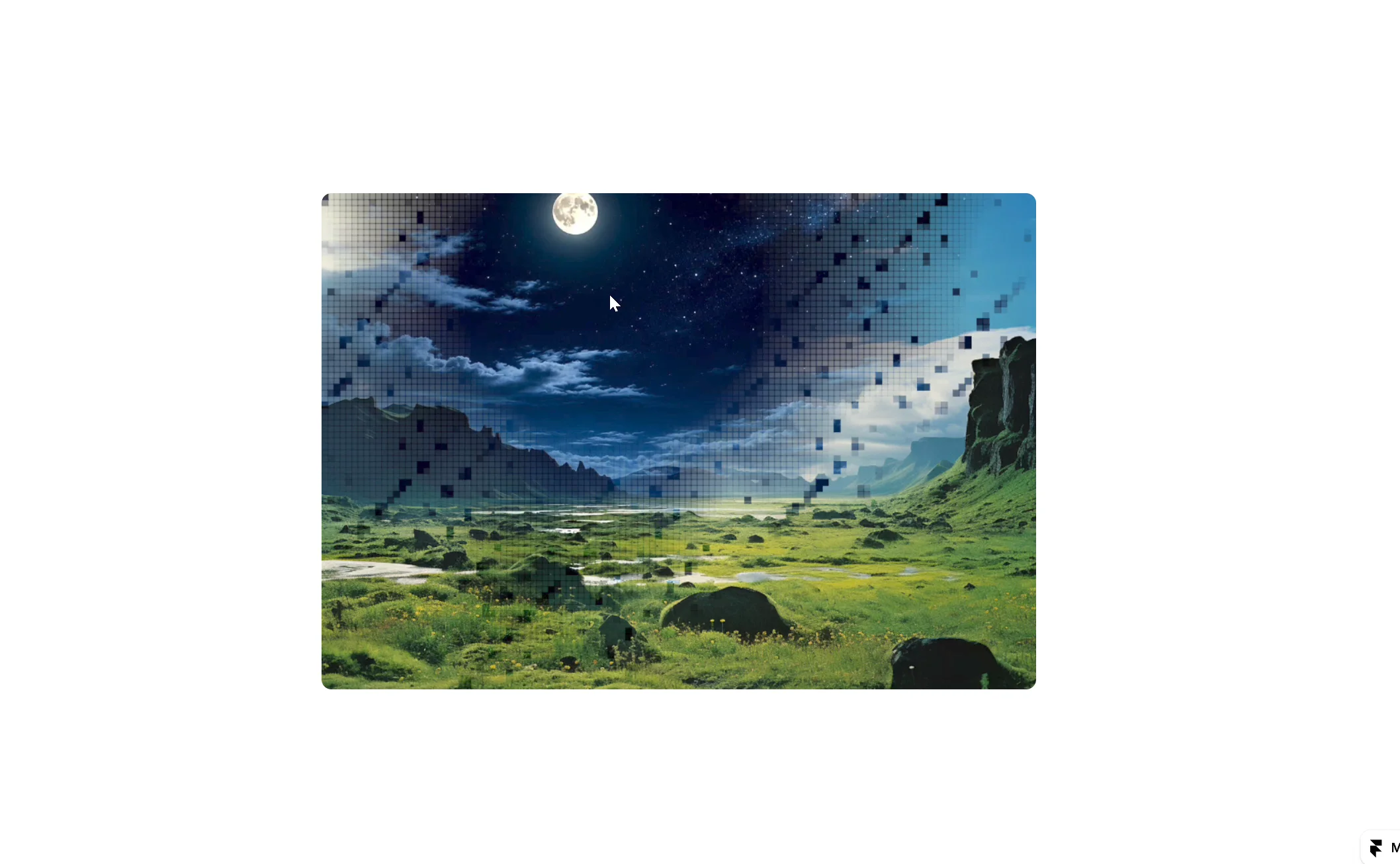
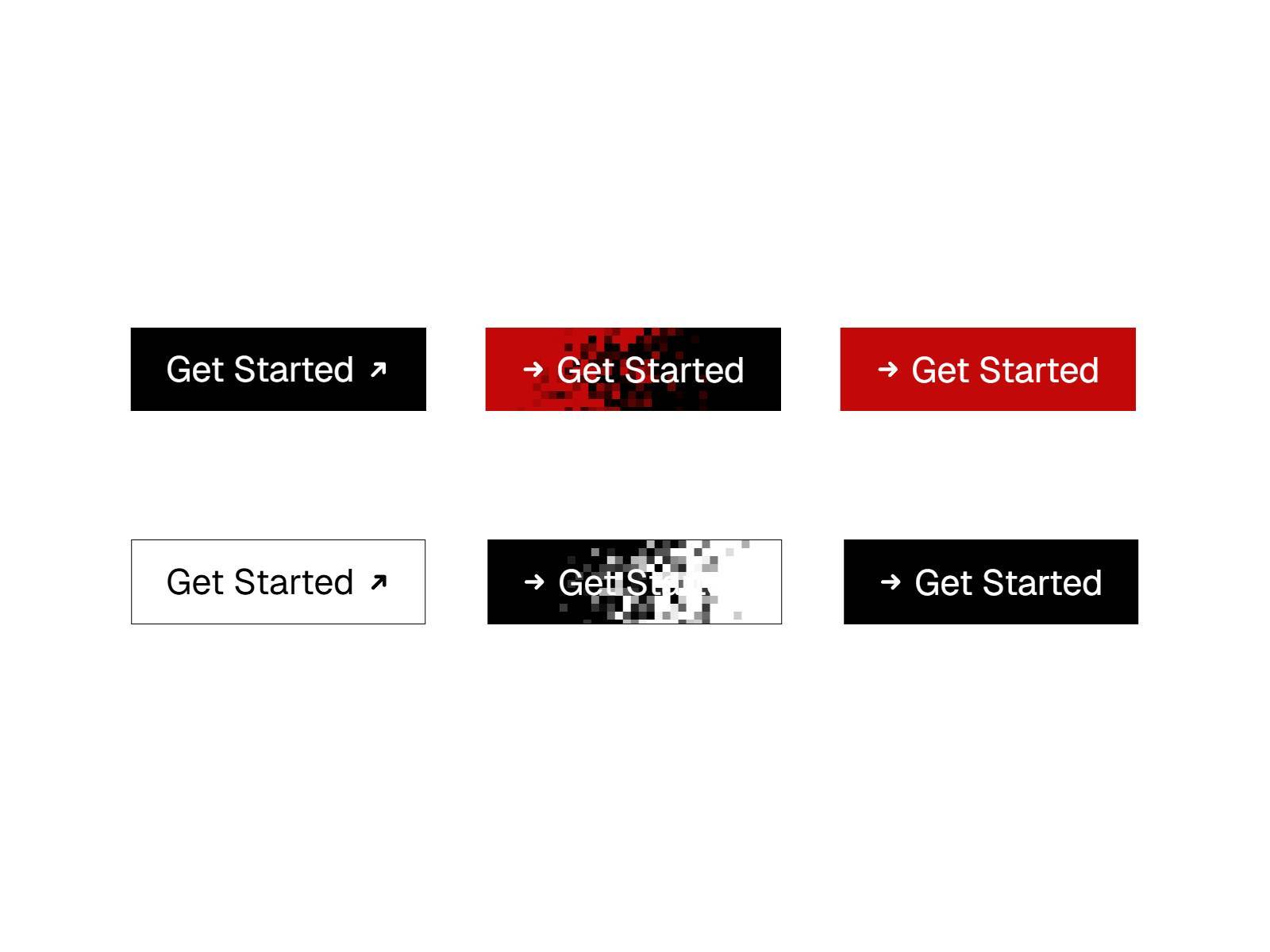
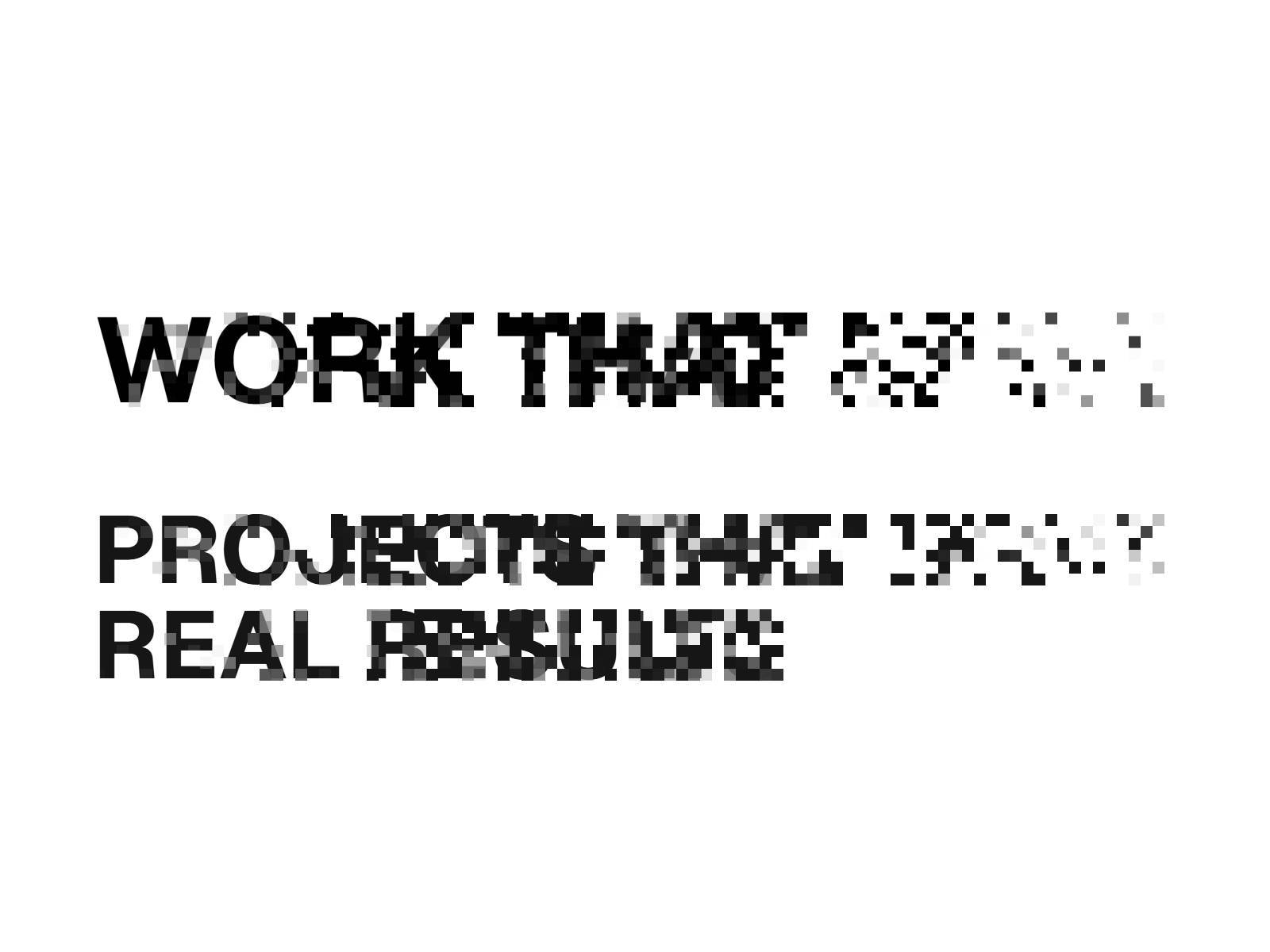
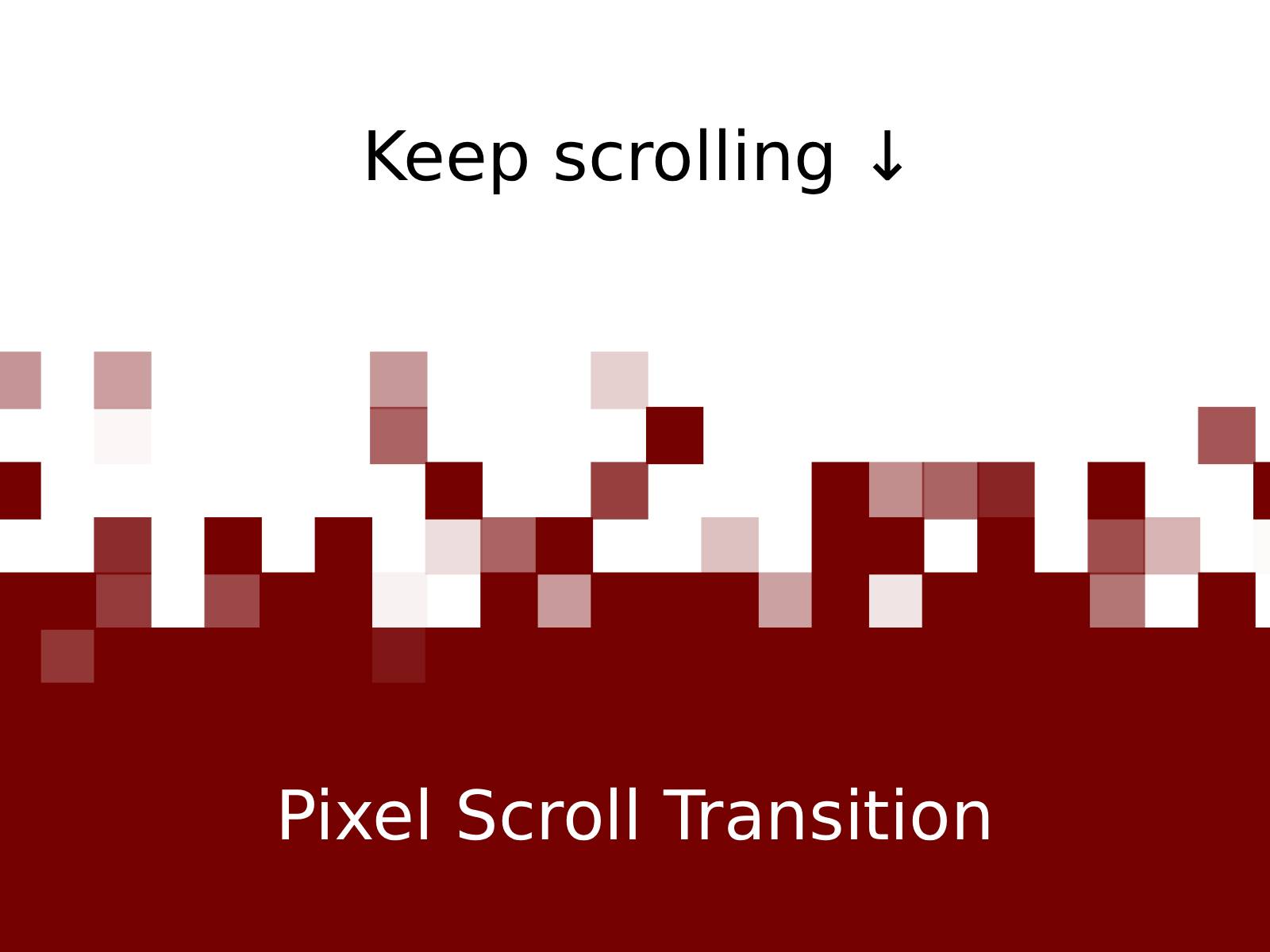
PixelScrollTransition fills a section with pixel blocks as the visitor scrolls, creating a smooth, retro-style transition from one section to the next. Pixels rise from the bottom and gradually cover the area until it becomes a solid color — perfect for bridging a light section into a dark one.
How it works
Place it at the bottom of a section (or between two sections) and set its color to match the next section’s background. As the page scrolls, the pixel blocks build up and seamlessly hand off to the content below.
Customize everything
• Color – match any brand or background color, including color styles
• Pixel Size – from fine pixels to chunky blocks
• Random – clean bottom-to-top rows or a scattered, organic fill
• Start / End – control exactly when the transition begins and completes
• Softness – sharp pixel pops or a gentle fade
• Fit Parent / Height – fill its parent frame or use a fixed height
Great for landing pages, portfolios, agency sites, and storytelling pages that need a scroll animation with personality. No setup or code required — drop it in and scroll.