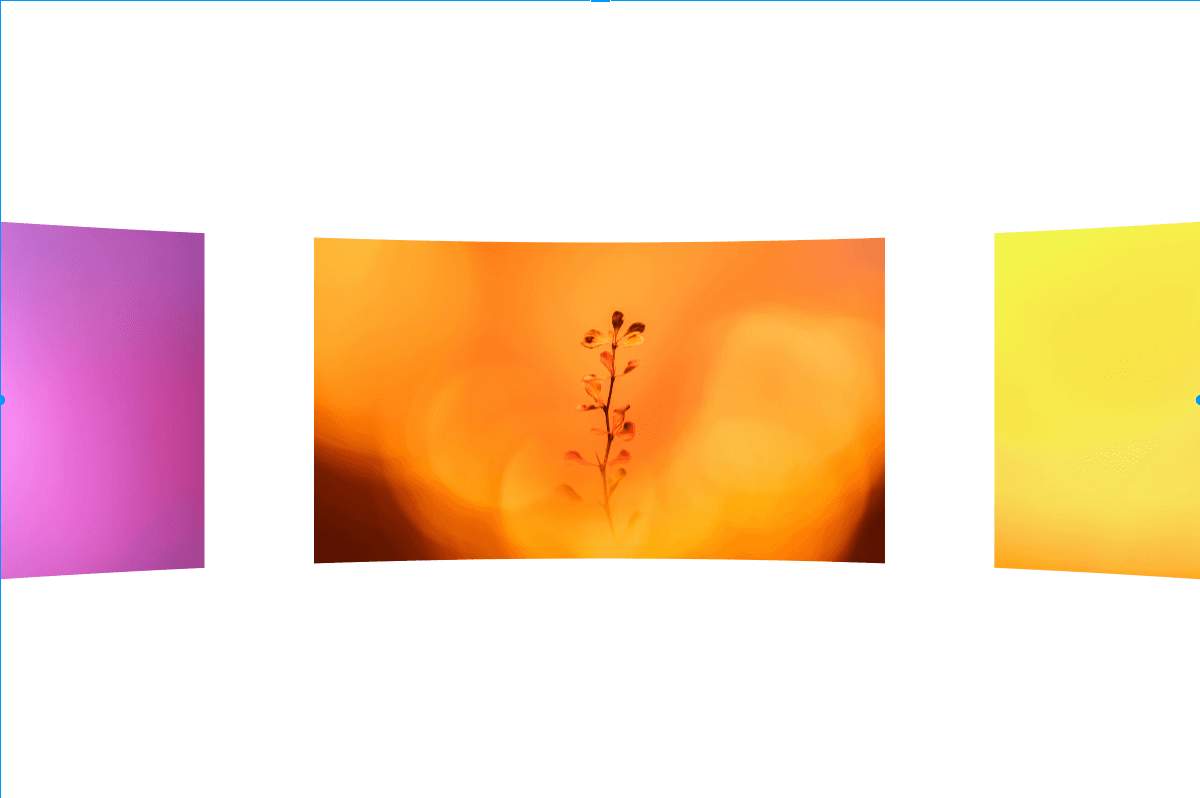
About Preload video
Features

Cinematic preload animation: full-screen video plays, smoothly shrinks into a golden-ratio frame, reveals your text, then fades out to reveal the hero section.
Responsive design: shrink size automatically adapts to screen width while maintaining the golden ratio
Accessibility ready: respects reduced motion preferences for users with motion sensitivity
Video error handling: graceful fallback when video fails to load
Canvas preview: static placeholder shown in editor and exports for smooth editing experience
Lightweight: single component, no external dependencies
Customization
Video source: upload a file (MP4, WebM, MOV) or paste a URL
Video fit: Cover, Contain, or Fill
Top and bottom text: fully editable
Font: native Framer font picker with size, weight, spacing, and line height
Background color and text color
Shrink duration, hold duration, and fade duration: all adjustable
Notes
Place this component at the top of your page, sized to 100vw × 100vh for a full-screen intro
The component fills its frame during animation
After the animation ends, the content fades out smoothly to reveal your page
Keep video files small and use a widely supported format for best results
Recommended video length: 3 to 4 seconds
Use a dark background on your hero for a smooth transition
Video files not included — please use your own.
Demo
Preview Mode is ON by default to showcase three example use cases
3 interactive demos included: Brand Intro, Pre-launch, and Event
Add your own videos to Demo 1, 2, and 3 to preview them with motion
Each demo plays the full animation followed by a hero mockup preview
Use the demo selector to switch between use cases
Toggle Preview Mode OFF for normal use