About PreloadPro
PreloadPro
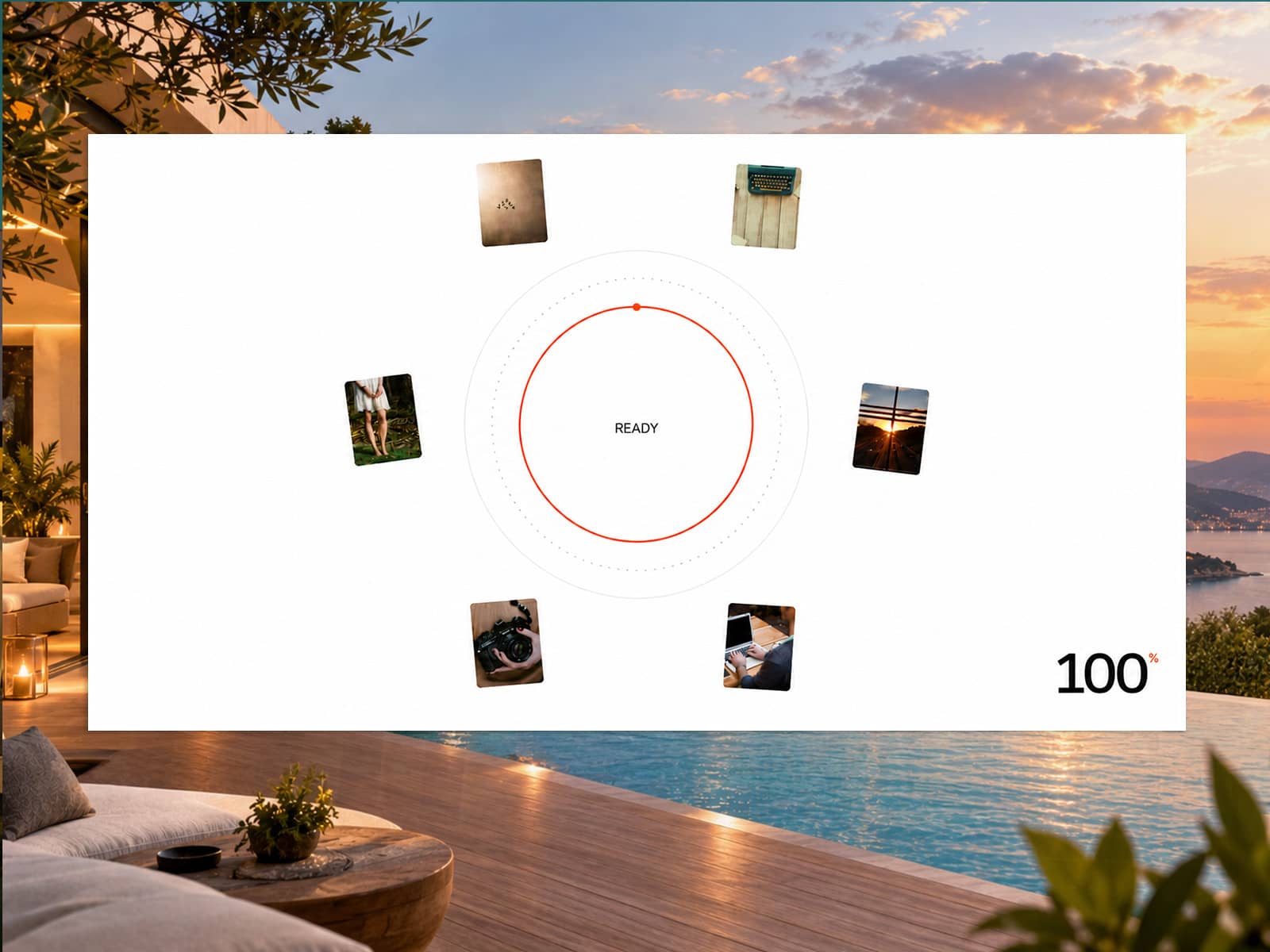
Make your website's first impression unforgettable. PreloadPro covers the screen with bold vertical strips, reveals animated scrolling words, then peels away strip by strip — exposing your page with a cinematic transition.
How it works
On page load, 4 full-height strips instantly fill the screen. Your static label appears first on the left, followed by a scrolling word ticker on the right that cycles through up to 10 custom words. Once the sequence completes, the strips exit one by one in a staggered random order (1→3→4→2), revealing your site underneath.
On mobile, the layout automatically simplifies to 2 strips — one for each text element — keeping the experience clean and fast on smaller screens.
What you can customize
Left static text and up to 10 scrolling words
Strip background color
Left text color and scrolling word accent color
Font family — choose from 10 presets including Syne, Playfair Display, DM Sans, Inter, and more, or type any custom font loaded in your project
Font weight from Light to Black
Font size independently for desktop and mobile
Divider line color and thickness between strips
Word scroll speed, strip exit stagger, and exit animation duration
On Complete event — connect it to show your page content or trigger any interaction
Who is this for
Designers and developers who want a premium loading experience on their Framer site without writing a single line of code. Works great for portfolios, agencies, product launches, and any site where first impressions matter.
Setup
Drop the component onto your page, set it to Fixed position, set width and height to 100%, and customize from the right panel. That's it.