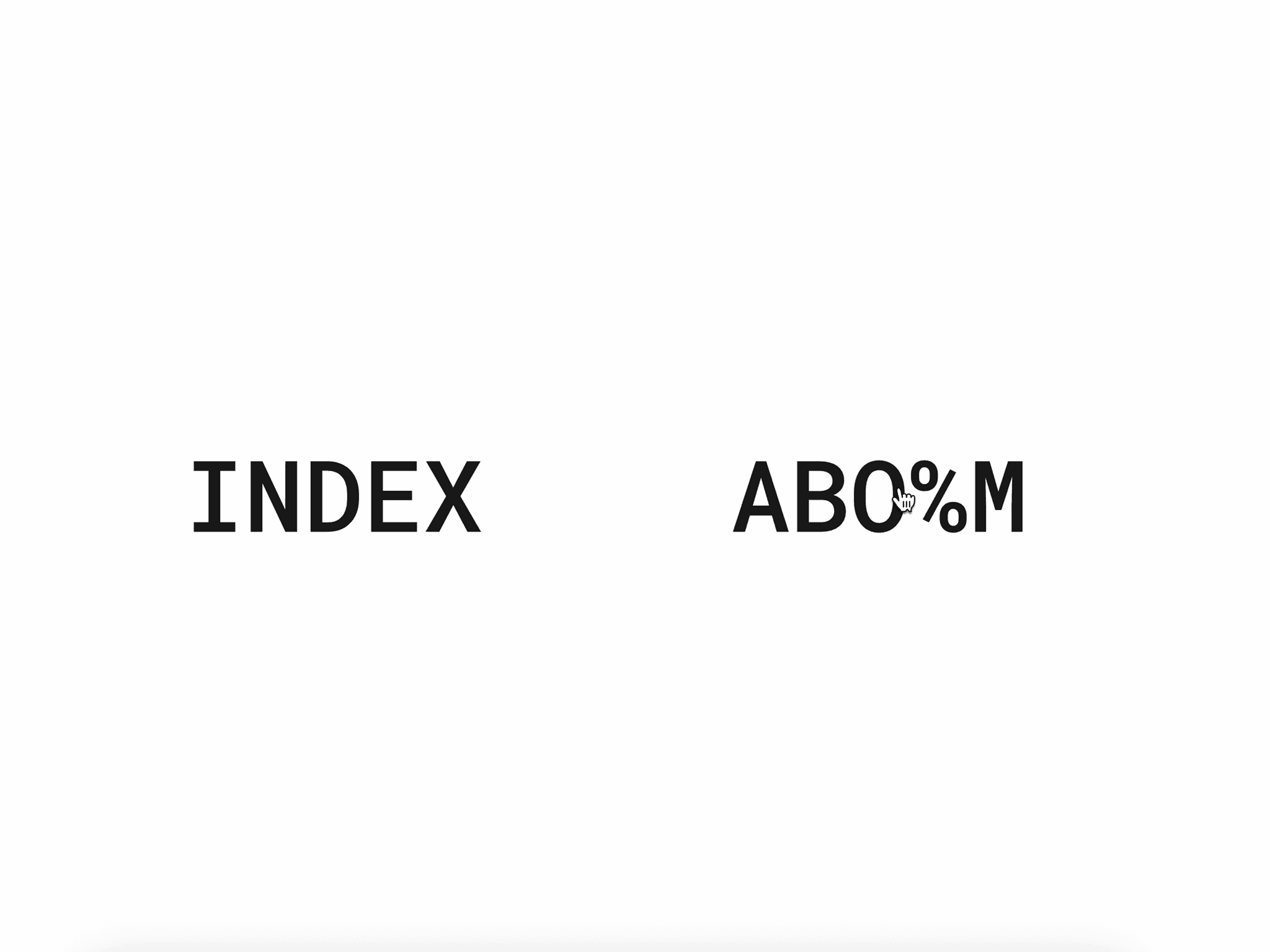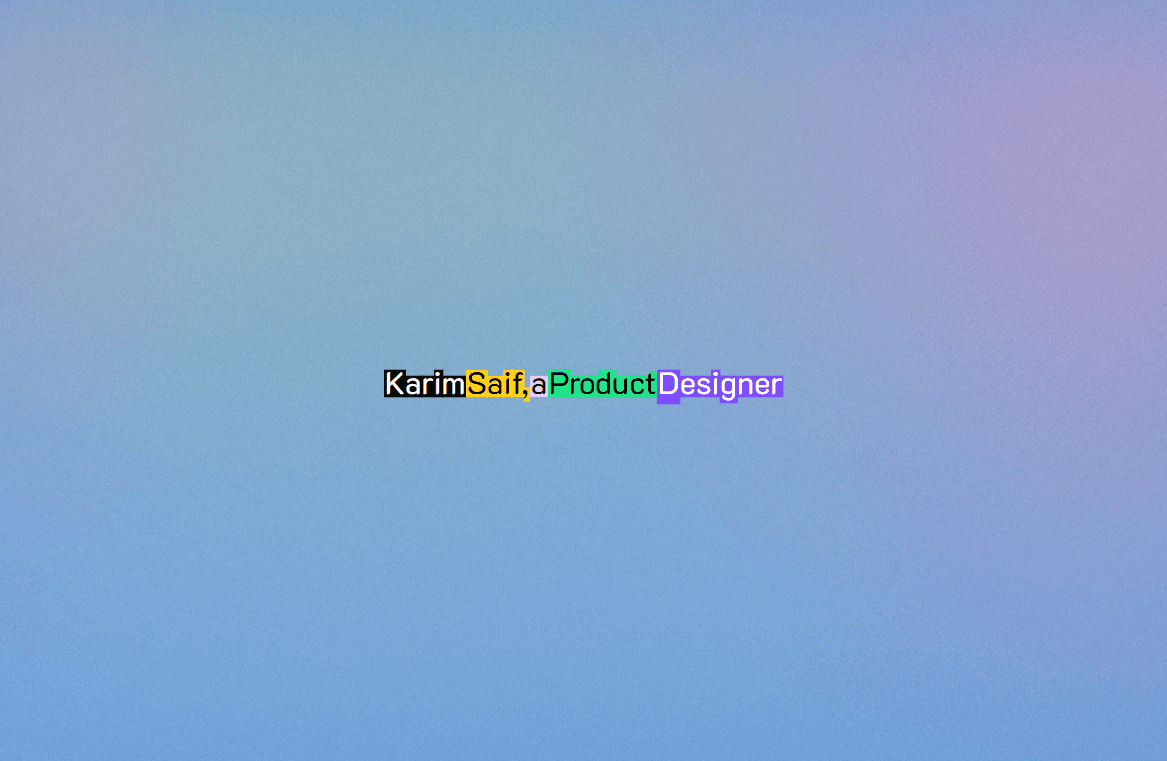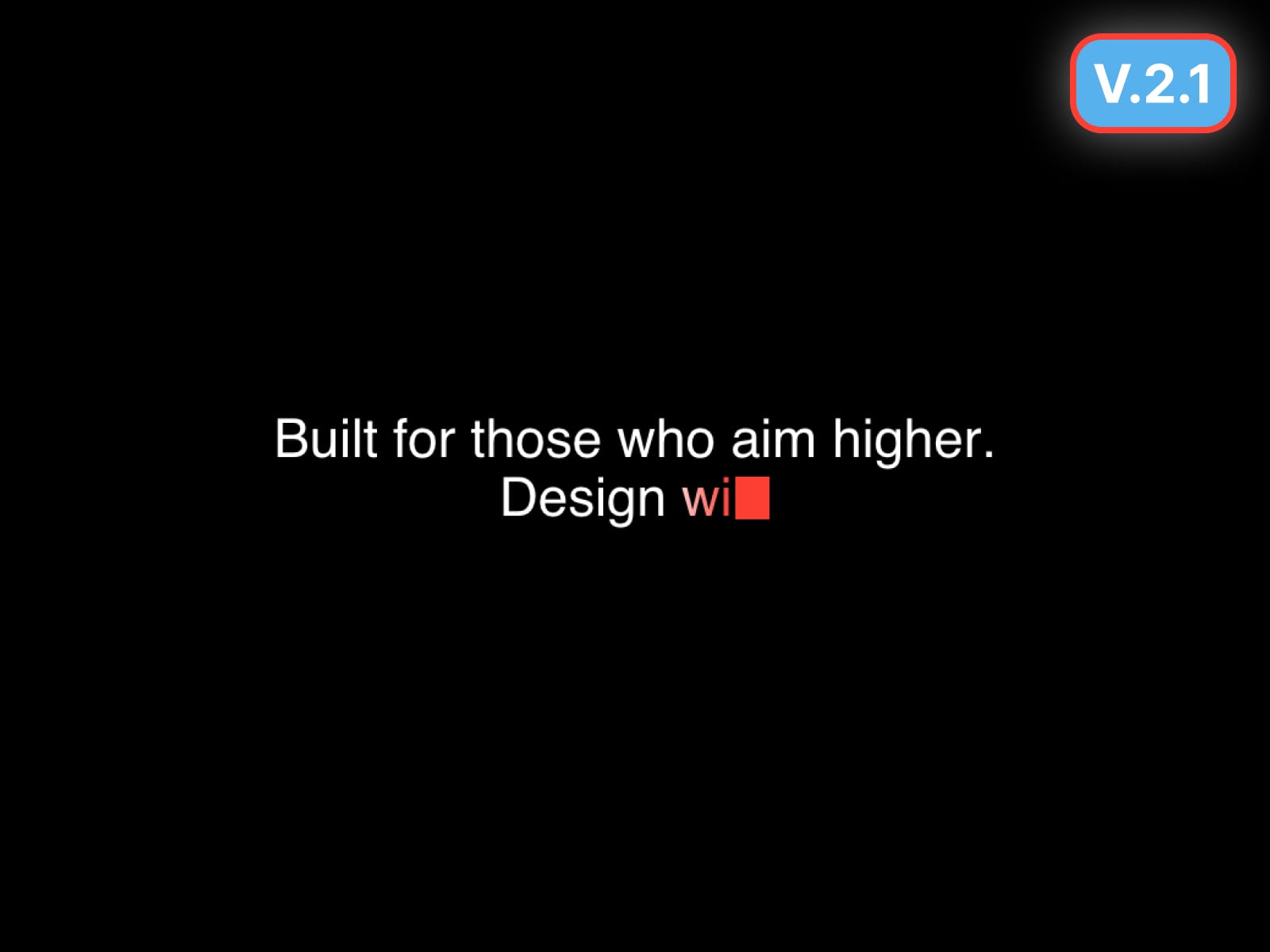
Typewriter Text brings a clean, premium typewriter animation to Framer - perfect for hero headlines, taglines, and short paragraphs.
Character or Word typing
Paragraph mode (keeps your line breaks and types naturally)
Two loop styles: Delete or Fade
Smart Pause for punctuation (comma, period, ellipsis)
Caret options: Bar / Block / Underscore + blink control
Optional caret glow
Optional highlight flash while typing
Optional scramble typing effect
Stable height option + max line clamp
Gradient text support (angle + colors)
Uses Framer Font control (Canvas + Preview consistent)
Gradient typing trail effect on last characters
Gradient resets to solid text after typing completes
Pixel-perfect caret alignment (no offset / jump issues)
SVG-based rendering for Canvas + Web Preview consistency
Improved font rendering (no size mismatch issues)
Better multi-line handling and spacing
Cleaner animation timing and loop transitions
Drop the component onto your canvas.
Add your copy in Text (use line breaks for multi-line typing).
Choose Chars or Words, then adjust timing (Type Speed / Pause).
Turn on Cursor and pick a caret style if needed.
Optional: enable Gradient, Highlight, or Scramble for extra effects.
Hero titles + subtitles
Landing page taglines
SaaS onboarding copy
Product micro-interactions
Refund Policy: Due to the nature of digital products, refunds are generally not available after purchase. Exceptions may be made for duplicate purchases or technical issues that cannot be resolved.
Typewriter Text brings a clean, premium typewriter animation to Framer - perfect for hero headlines, taglines, and short paragraphs.
Character or Word typing
Paragraph mode (keeps your line breaks and types naturally)
Two loop styles: Delete or Fade
Smart Pause for punctuation (comma, period, ellipsis)
Caret options: Bar / Block / Underscore + blink control
Optional caret glow
Optional highlight flash while typing
Optional scramble typing effect
Stable height option + max line clamp
Gradient text support (angle + colors)
Uses Framer Font control (Canvas + Preview consistent)
Gradient typing trail effect on last characters
Gradient resets to solid text after typing completes
Pixel-perfect caret alignment (no offset / jump issues)
SVG-based rendering for Canvas + Web Preview consistency
Improved font rendering (no size mismatch issues)
Better multi-line handling and spacing
Cleaner animation timing and loop transitions
Drop the component onto your canvas.
Add your copy in Text (use line breaks for multi-line typing).
Choose Chars or Words, then adjust timing (Type Speed / Pause).
Turn on Cursor and pick a caret style if needed.
Optional: enable Gradient, Highlight, or Scramble for extra effects.
Hero titles + subtitles
Landing page taglines
SaaS onboarding copy
Product micro-interactions
Refund Policy: Due to the nature of digital products, refunds are generally not available after purchase. Exceptions may be made for duplicate purchases or technical issues that cannot be resolved.