About Progress Card Slider
Progress Card Slider – Four Feature Cards With a Sliding Progress Bar
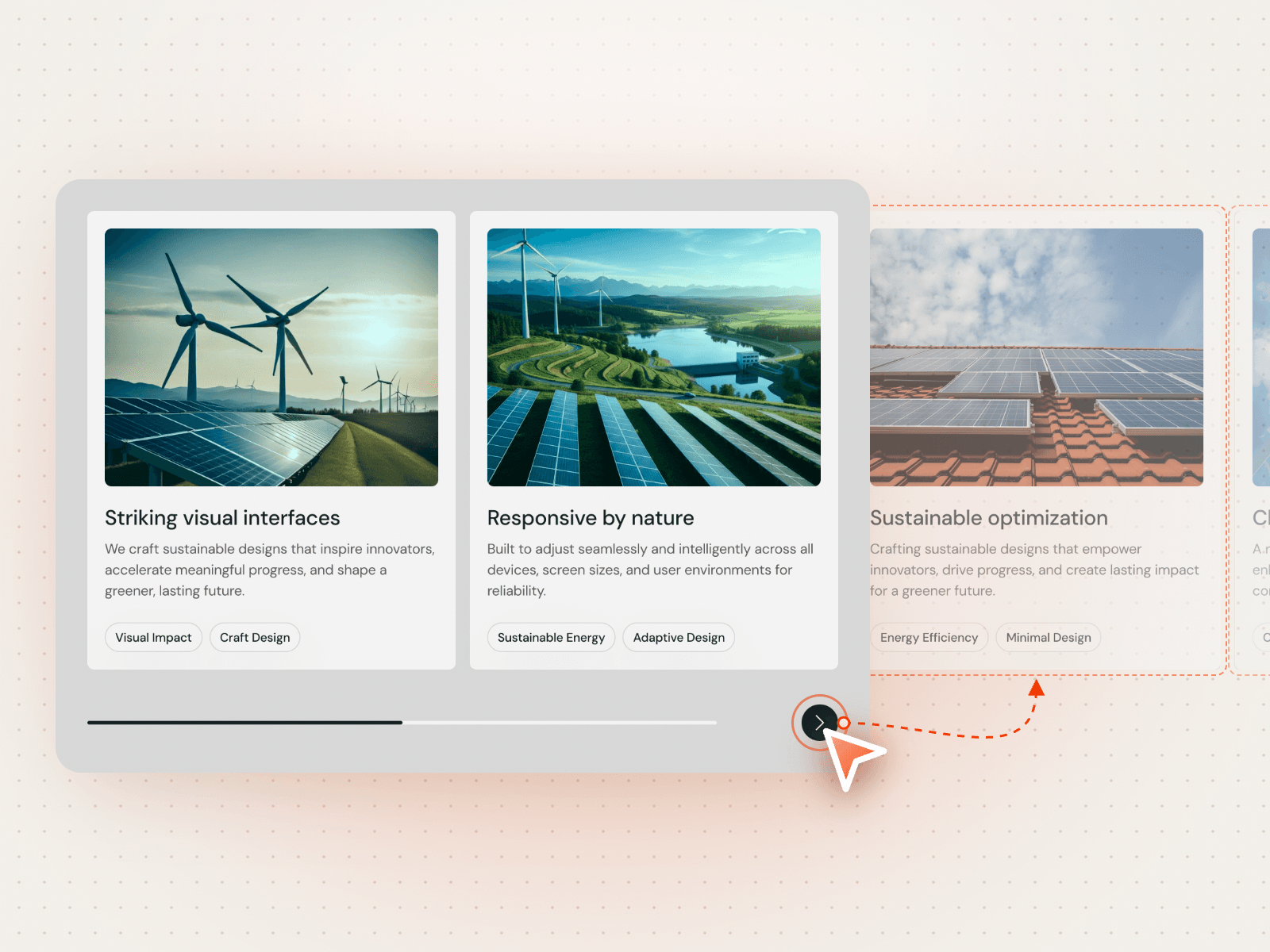
Progress Card Slider shows two image cards at a time, each with a title, short text and two tags. The arrow buttons move the row one card along, and a progress bar underneath shows how far through the set you are. It suits features, services or case highlights.
How it works
Four cards, two in view at once.
Next and previous arrows slide the row one card at a time.
The progress bar moves with every slide.
Includes a Mobile variant.
Easy to customize
Edit all four images, titles, texts, tags and links.
Change the card, line, title, text, tag, border and icon colours.
Drop it into any Framer page and edit it from the properties panel or with your AI agent.