About Glass Fold Ticker
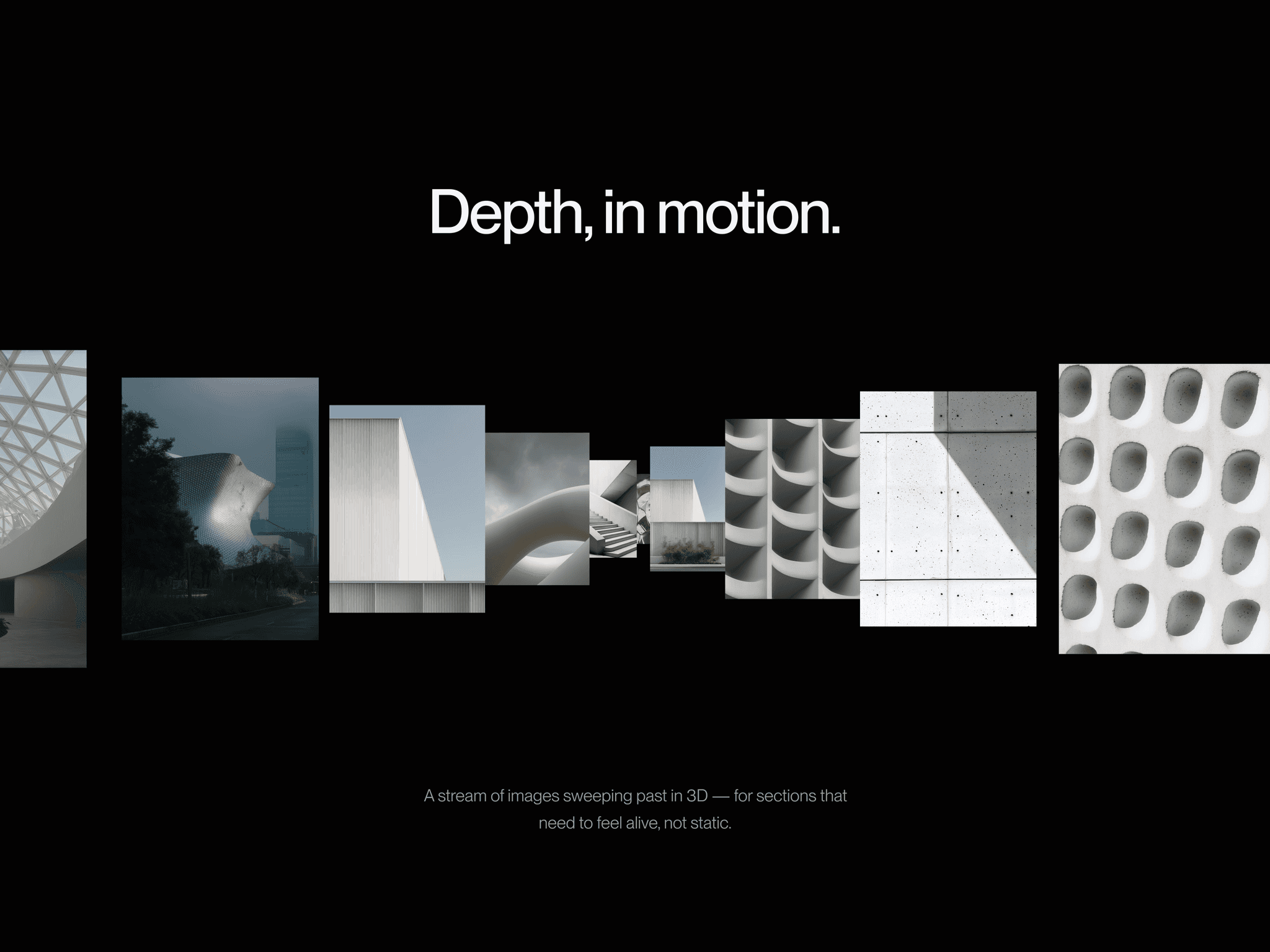
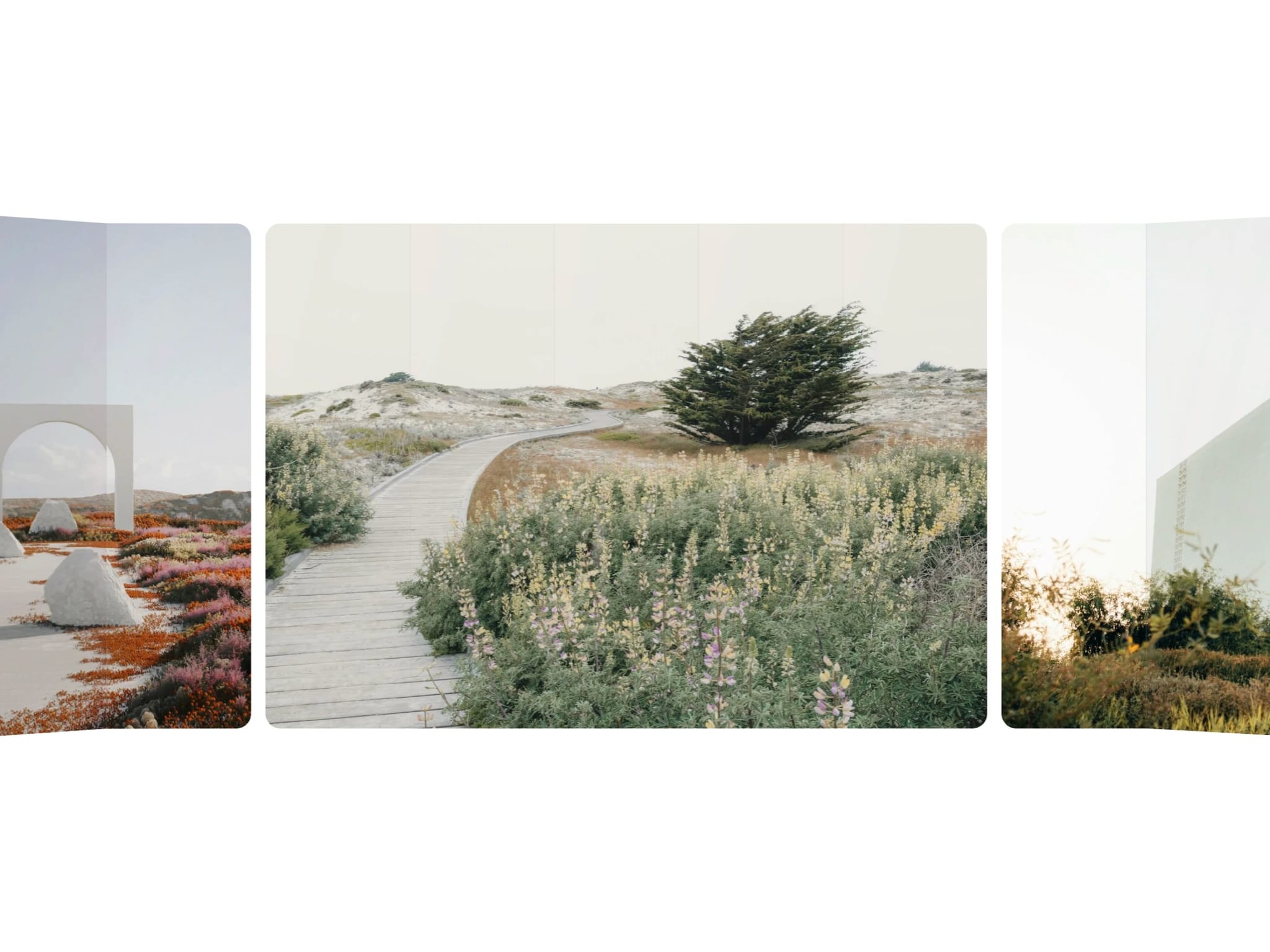
Glass Fold Ticker loops a row of images through a corridor that folds toward you. The middle stays flat, the edges break into angled glass panels that dim and catch the light as they turn. Drag it and throw it, or let it run on its own.
Images
Images. Up to 24, looped in the order you add them
Image Fit. Fill crops to the card, Fit shows the whole image
Layout
Card Width, Card Height. Match your image ratio
Gap. Space between cards. 0 for one continuous picture
Padding. Room above and below for the walls to lean into
Glass
Panels. Equal panels per card. More panels, smoother bend
Refract. Slides the picture inside each panel, breaking the image at the seams
Chroma. Prism fringe along the panel edges
Sheen. Reflection across each pane
Light. How much a panel dims as it turns away, equal on both walls
Edge, Edge Size. Seam line on the folds between panels
Depth
Flat Area. How much of the width stays flat before the fold starts
Angle. How far the walls turn. 0 is a flat ticker
Curve, Perspective. How soft the bend is, how close the camera sits
Walls. Fold toward you, or back like a curved screen
Behavior
Speed, Direction. Set Speed to 0 for a drag-only carousel
Drag. Drag and throw, then it glides back to auto speed
Hover. Slows smoothly to a stop while hovered
Setup
Drop it in and set the width to Fill
Add your images in the order they should run
Set Card Width and Card Height to your image ratio
Set Background to the colour behind the ticker
Tune Flat Area and Angle until the walls sit well
See it in action - remix the example file
Do
Use images that share the same aspect ratio
Set Gap to 0 for slices of one picture
Leave top and bottom padding for the walls
Keep Panels between 4 and 6 for smoothness and speed
Don't
Don't mix aspect ratios, every card is the same size
Don't raise Refract when the images form one picture