About RevealGallery
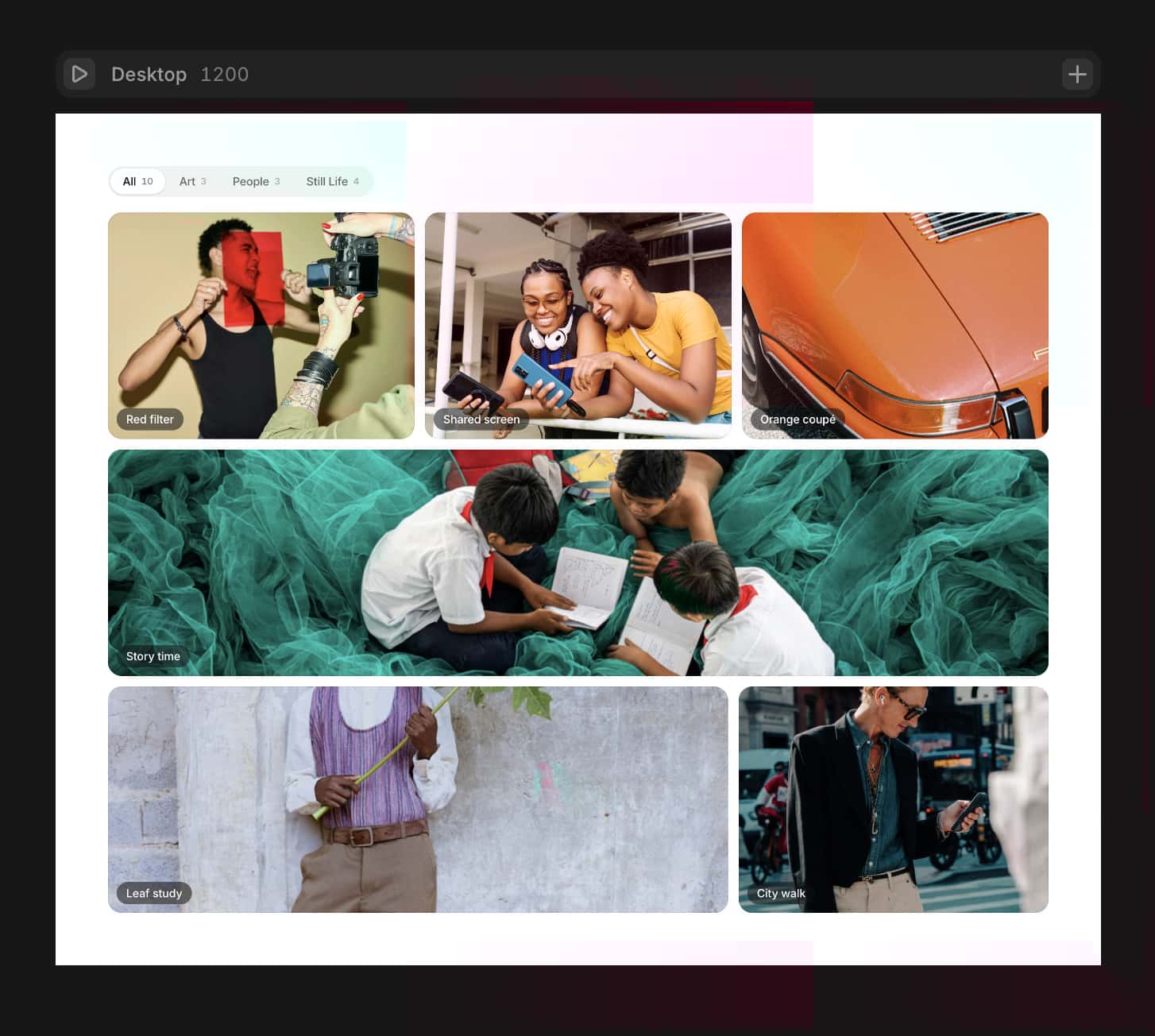
Place the component inside a tall section (e.g. 300–400vh) and set it to Sticky. The component fills the sticky frame at 100% width and height. As the section scrolls past the viewport, the central image scales down from fullscreen to its natural grid position while up to 14 surrounding images appear in staggered layers.
Key features
Scroll Duration — controls animation speed. Higher value = more scroll distance = smoother, slower reveal. The animation always starts the moment the section reaches the top of the viewport.
3-layer gallery reveal — outer ring, inner ring, and center top/bottom slots appear with independent easing curves and staggered timing.
Lightbox — click any image after the animation starts to view it fullscreen. Keyboard navigation with ← → and Esc.
Hover zoom — subtle scale on hover, locked until scroll begins so it doesn't trigger while the image is fullscreen.
Drop shadow — optional per-image shadow with full X, Y, blur, and spread controls.
Responsive — 5-column grid on desktop, 3-column on mobile (< 600px). Outer ring hides on mobile.
GPU-only animation — all motion uses CSS transform: scale() via framer-motion MotionValues. No layout shifts.Setup
Add the component to a section
Set the component to Sticky in the Framer layers panel
Set the section height to your desired scroll space (300–400vh recommended)
Drop in your images and adjust timing in the property panel