About SwapGridGallery
Designed for creators who want visual control and production-ready interactions without building custom logic from scratch.
Why it stands out
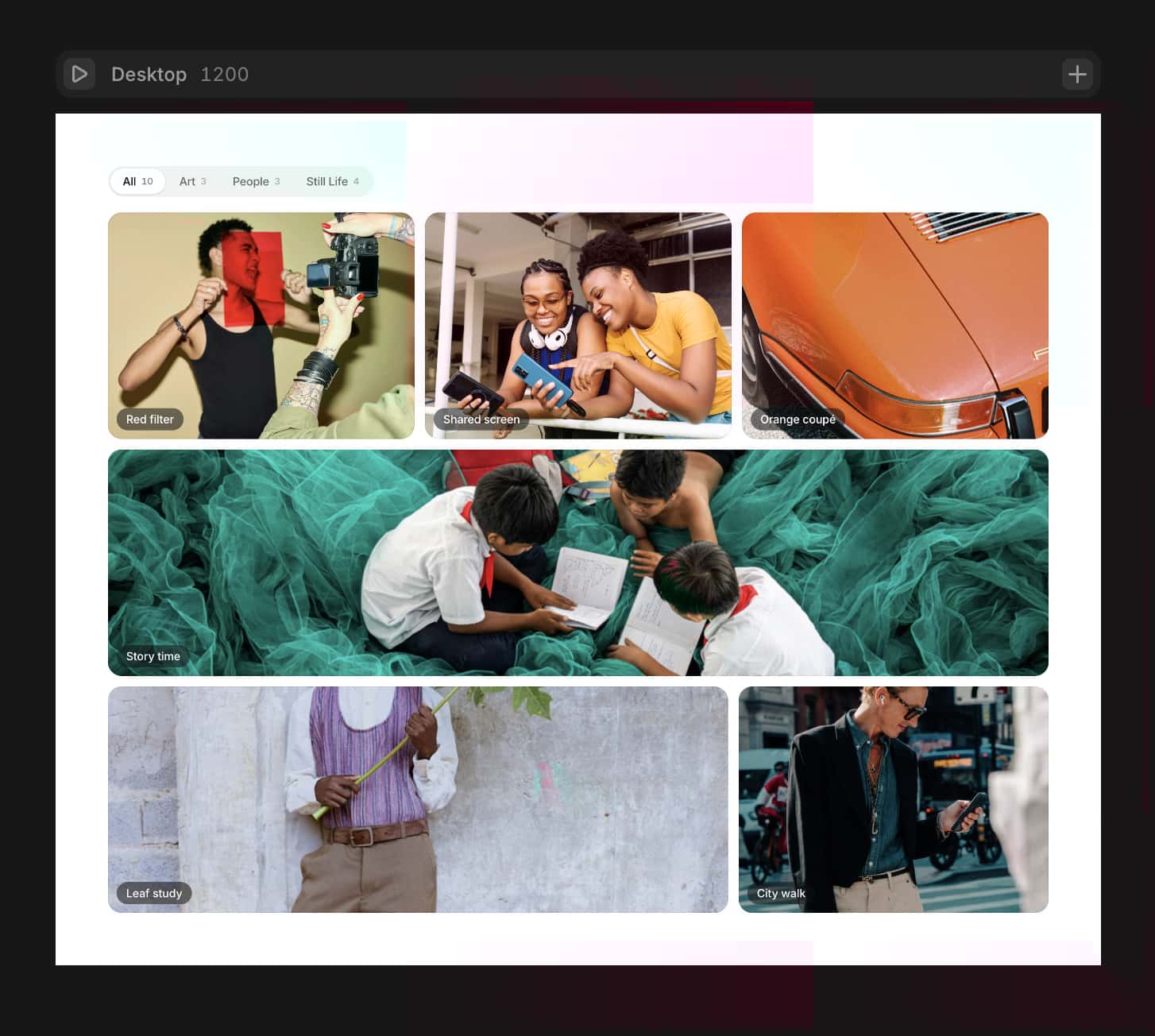
Dynamic Hero Swap interaction with smooth layout transitions
Works with Framer CMS through a practical adapter flow
Multiple layout systems: classic, checker, masonry-mix
Advanced hover styles (card scale or image zoom)
Click behavior modes for different product goals:
Make hero
Open link
Open lightbox
Full responsive control for desktop, tablet, and mobile
Built for real projects: fast setup, strong defaults, deep customization
Key features
CMS-ready architecture
Native CMS workflow via CMSItemAdapter
Auto-mapping for common CMS field structures
Manual field mapping fallback for custom schemas
Flexible grid engine
Configurable column/row system
Hero placement presets
Secondary card presets:
Uniform
Checker 2x2
Masonry Mix with random span range + seed
Interaction modes
Make hero: swap selected card into hero position
Open link: card acts as semantic link with optional new-tab behavior
Open lightbox: fullscreen preview with keyboard support
Lightbox UX
Overlay viewer with previous/next arrows
Keyboard navigation (Left/Right, Escape)
Focus trap and focus restore
Click-outside close
Icon-based close button (×)
Visual controls
Hero/thumbnail fill modes (cover, contain, fill, scale-down)
Optional title overlays
Hover mode:
Card Scale
Image Zoom inside card
Hover drop shadow controls (offset, blur, spread, opacity)
Hover z-index lift for clean overlap behavior
Motion controls
Spring/Tween transition modes
Entrance animation (Fade Up) with duration, stagger, offset
Edit-mode friendly rendering (no blank canvas issue)
Included components
SwapGridGallery — main gallery component
CMSItemAdapter — CMS item mapper for CMS List item context
CMSBridge — internal data bridge module (used automatically)
Perfect for
Portfolio grids
Product showcases
Editorial image collections
Campaign landing pages
CMS-driven galleries that need both design freedom and conversion behavior
Quick setup
Add SwapGridGallery to page.
Add CMS List and place CMSItemAdapter inside each item.
Set same Collection ID in both components.
Bind ID, Title, Slug, Image, Link in adapter.
Choose Click Action in GridGallery (Make hero, Open link, Open lightbox).Also you get Remix link to my project with all correct connections and settings.