RevealVibe

RevealVibe

About RevealVibe

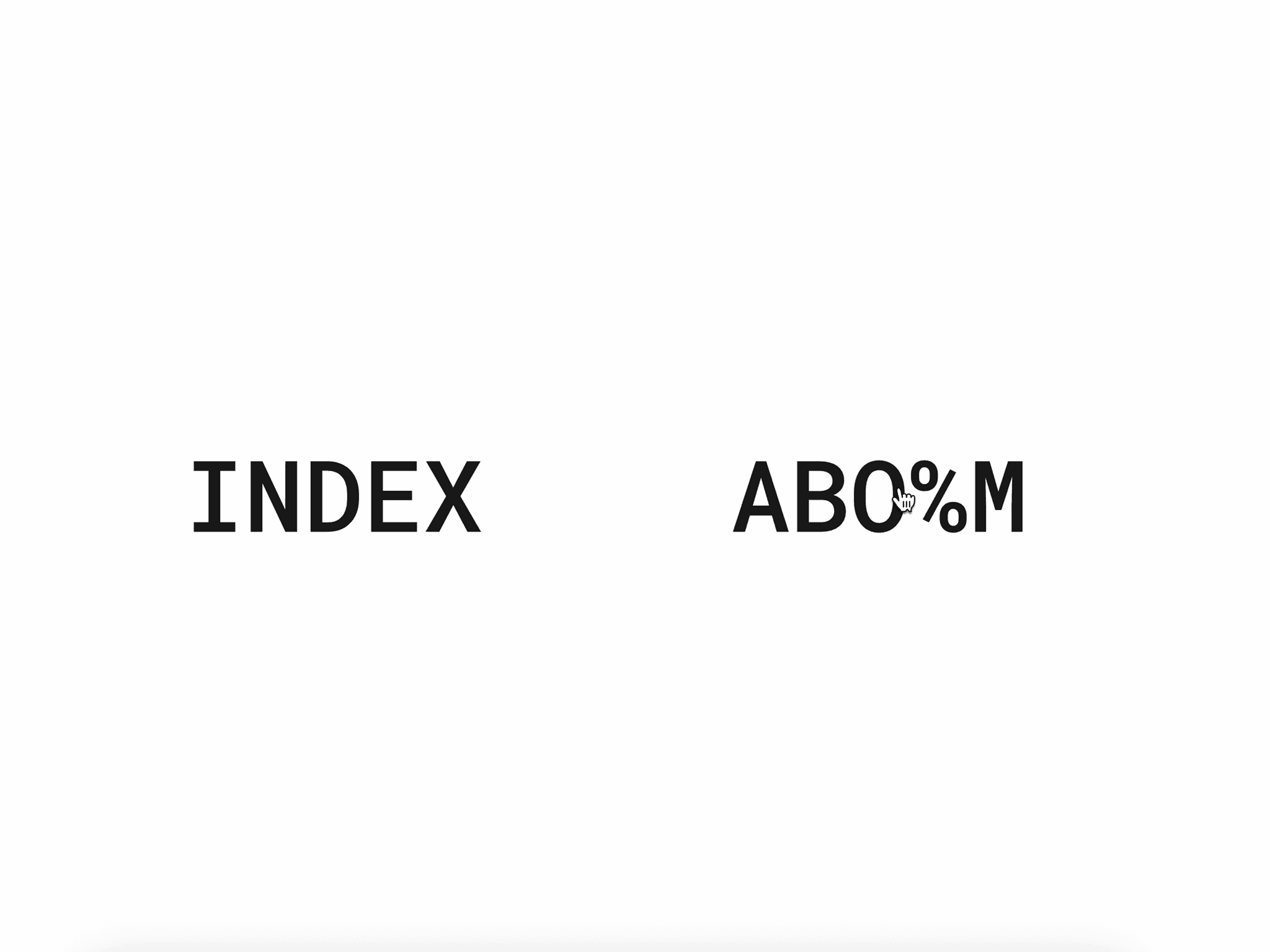
TextReveal — Premium Scroll & Load Text Animation for Framer

TextReveal is a high-performance text animation component built specifically for Framer. It reveals your headlines and paragraphs with refined motion — either the moment the page loads or as the text scrolls into view — giving any section the polish of a custom-coded site without timelines, keyframes, or Code Overrides.

Built with GSAP and SplitType, this component splits your text into real visual lines or words and animates each one with precise, controllable timing while staying fully responsive across every screen size.

Perfect for:

  • SaaS landing pages

  • Startup websites

  • Creative portfolios

  • Digital agencies

  • Product launches

  • Studio websites

  • Personal brands

  • Marketing sites

  • No-code builders using Framer

If you want your text to feel intentional — not static — this is the component.

What It Does

Instead of text that simply appears, your copy enters with deliberate, professional motion.

Drop TextReveal into any section, type your copy, and choose how it animates. Each line or word reveals with controlled easing and staggered timing, creating the kind of editorial polish usually reserved for hand-coded sites.

No flickering. No jumpy reflow. No Code Overrides.

Just smooth, intentional motion.

Why This Text Reveal Component Is Different

Unlike basic CSS fade-ins or opacity tricks, this uses:

  • GSAP-powered transitions for professional easing and timing

  • SplitType line and word splitting for clean, real-text reveals

  • Self-triggering scroll detection — no parent classes or selectors needed

  • Automatic re-splitting on resize via a built-in ResizeObserver

  • Three distinct reveal styles to match any section's mood

It behaves like a premium interaction — not a gimmick.

Three Reveal Styles

Choose the motion that fits your section:

Clip Path Reveal Lines slide up behind a clip-path mask for bold, editorial headlines.

Mask Reveal Words rise word-by-word inside hidden overflow for elegant, paced storytelling.

Blur Reveal Words fade in from blurred to sharp for softer, atmospheric intros.

Two Playback Modes

Toggle Play On Scroll to control how the animation fires:

On — the reveal plays when the text enters the viewport. No parent classes, no selectors, no extra setup. Each instance triggers itself.

Off — the reveal plays immediately on mount. Perfect for hero text that's already visible above the fold.

Key Features

Self-Triggering Scroll Animation Every instance detects its own viewport entry. No Code Overrides, no parent setup — drop it in and it works.

Fully Responsive Typography A built-in ResizeObserver automatically re-splits lines when the viewport width changes, so your reveals stay clean on every device.

Native Framer Font Controls Your text styles exactly like any other text layer — fonts, weight, size, spacing — all handled through Framer's native controls.

Precise Trigger Control A Trigger Point slider (0–100%) lets you decide exactly when the scroll animation fires.

Adjustable Stagger Control the rhythm and timing between lines or words for the exact pacing you want.

Multiple Independent Instances Run as many on one page as you like — each plays on its own, with no conflicts.

Use Cases

This text reveal component works perfectly for:

  • Hero sections

  • Landing page headlines

  • SaaS value propositions

  • Section intros and storytelling blocks

  • Paragraph and body copy reveals

  • Agency positioning statements

  • Product feature emphasis

  • Portfolio intros

  • Marketing funnels

  • Conversion-focused CTAs

If your copy carries the message, this makes it land.

SEO Benefits

Animated text reveals increase:

  • Engagement time

  • Visual interest

  • Perceived polish

  • Brand memorability

While the animation enhances UX, the text remains semantic, readable content — meaning your SEO structure stays intact. Search engines still read your headlines and paragraphs properly.

How To Use

  1. Copy the component

  2. Paste into your Framer canvas

  3. Place it in any section

  4. Type or paste your copy

  5. Pick a reveal style — Clip Path, Mask, or Blur

  6. Toggle Play On Scroll on or off

  7. Fine-tune Trigger Point and Stagger

  8. Done 🎉

No overrides. No setup. No dependencies.

Ideal For

  • Framer designers

  • No-code creators

  • Creative developers

  • Startup founders

  • Product marketers

  • Portfolio builders

  • Web designers building premium sites

If you want your Framer website to feel modern, refined, and high-end — this component delivers.