About Rotating Card Stack
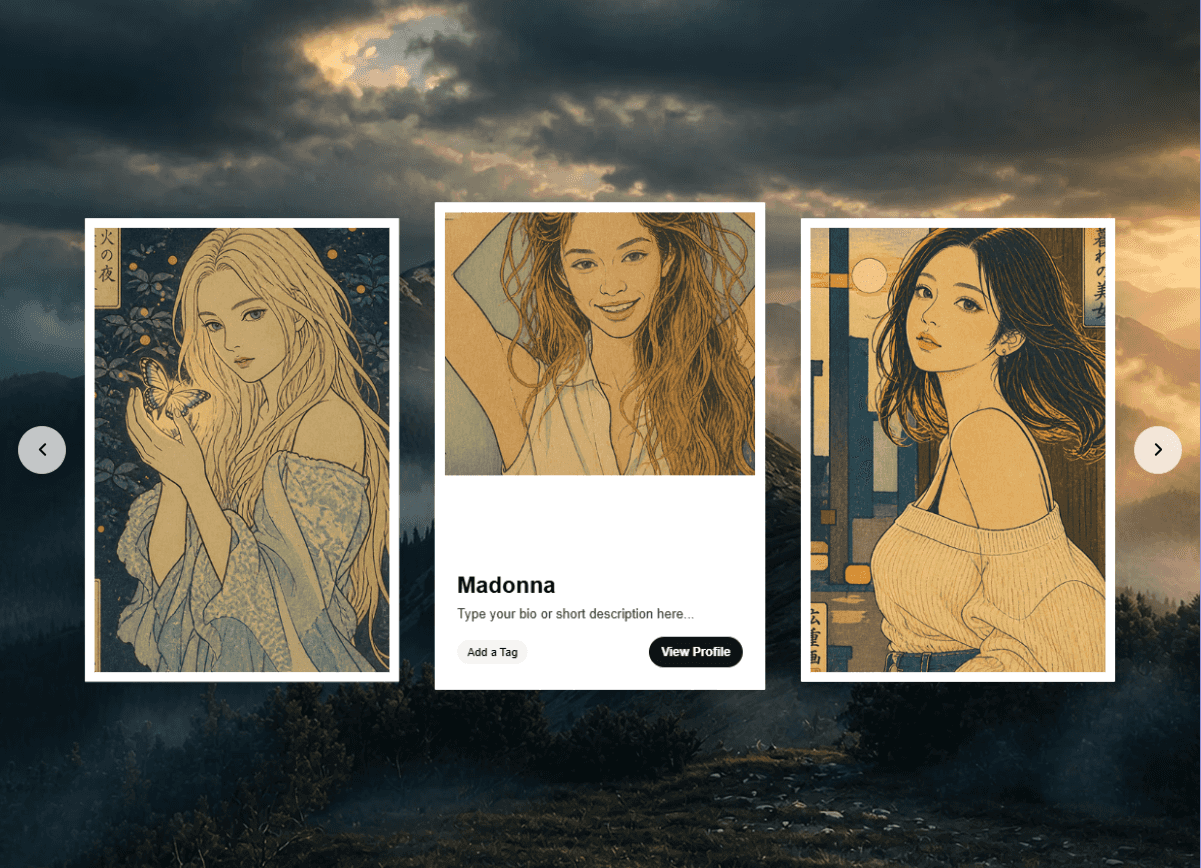
A responsive 3D card carousel with smooth perspective transitions. Ideal for onboarding steps, feature highlights, and sequential content displays.
The Problem
Building a rotating card carousel from scratch is harder than it looks. Getting the 3D perspective right, managing smooth transitions between states, handling timing and animations—it quickly becomes a rabbit hole of CSS transforms and JavaScript edge cases. Hours turn into days, and you're still debugging why cards flicker or don't stack properly.
You need this working now, not after another debugging session.
The Solution
Rotating Card Stack gives you a production-ready, polished 3D carousel that just works. Clean animations, perfect perspective transitions, and a slick modern aesthetic—without the headache of building it yourself.
See it in action: Watch the 1-minute intro video →
What's Included
✔ Rotating Card Stack Component (fully customizable)✔ Prebuilt Section (copy, paste, done—no setup required)
Preview here
Why the prebuilt section matters: Even if you already have a solution, switching takes effort. Our prebuilt section drops right into your project with zero configuration. Compare it side-by-side with what you have now—we think you'll prefer ours.
Key Features
Automatic 3D rotation with depth perspective and smooth transitions
Fully customizable cards with individual backgrounds, colors, and completion states
Flexible icon system supporting 100+ Phosphor icons or custom images
Adjustable spacing and padding for precise layout control
Per-item customization for text, colors, icons, and backgrounds
Optional completion images to mark finished steps
Responsive design that adapts seamlessly to any container
Clean, modern aesthetic with subtle shadows and overlays
Perfect For
Onboarding and verification flows
Feature walkthroughs and product tours
Process step indicators
Task progression displays
Service offerings and benefits
Multi-step form guidance
Educational content sequences
Customization Options
Individual card backgrounds and text colors
Global or per-card background settings
Icon sizing, colors, and backgrounds
Card dimensions, spacing, and border radius
Typography controls for headings and descriptions
Completion state images
Padding and layout adjustments