About Scroll Burn Text
Scroll Burn Text for Framer
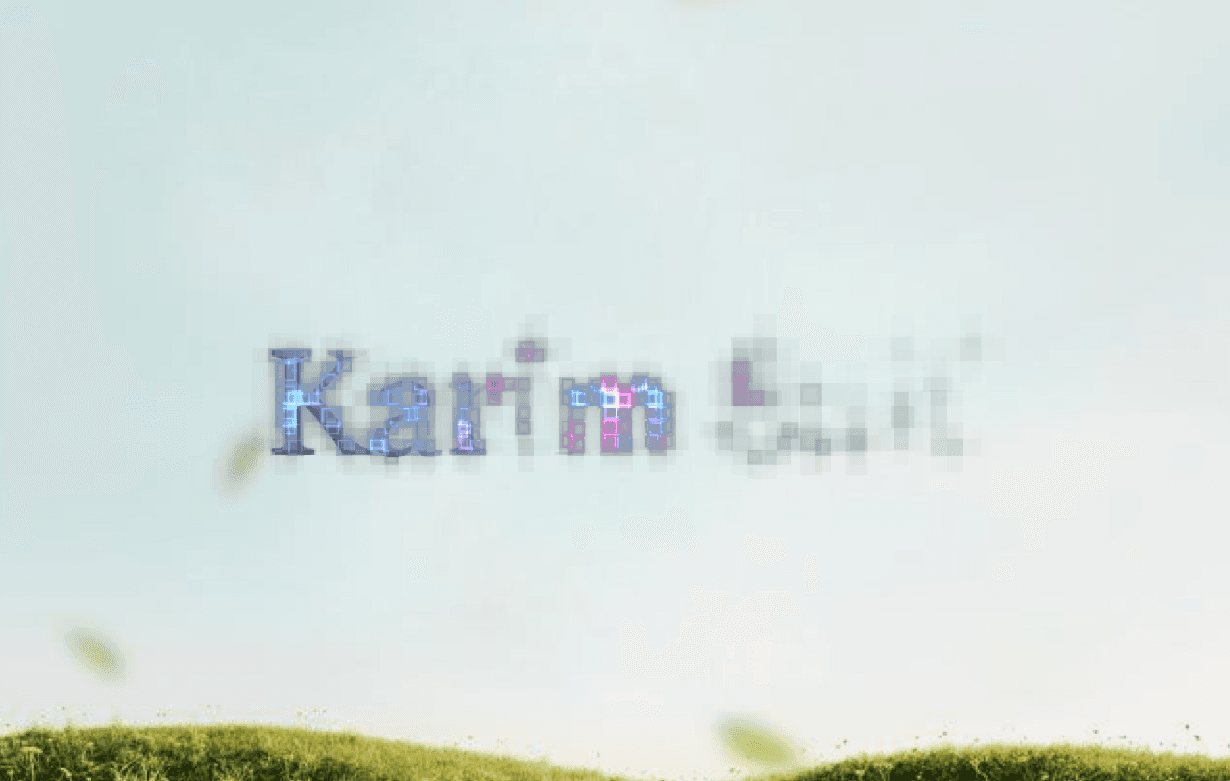
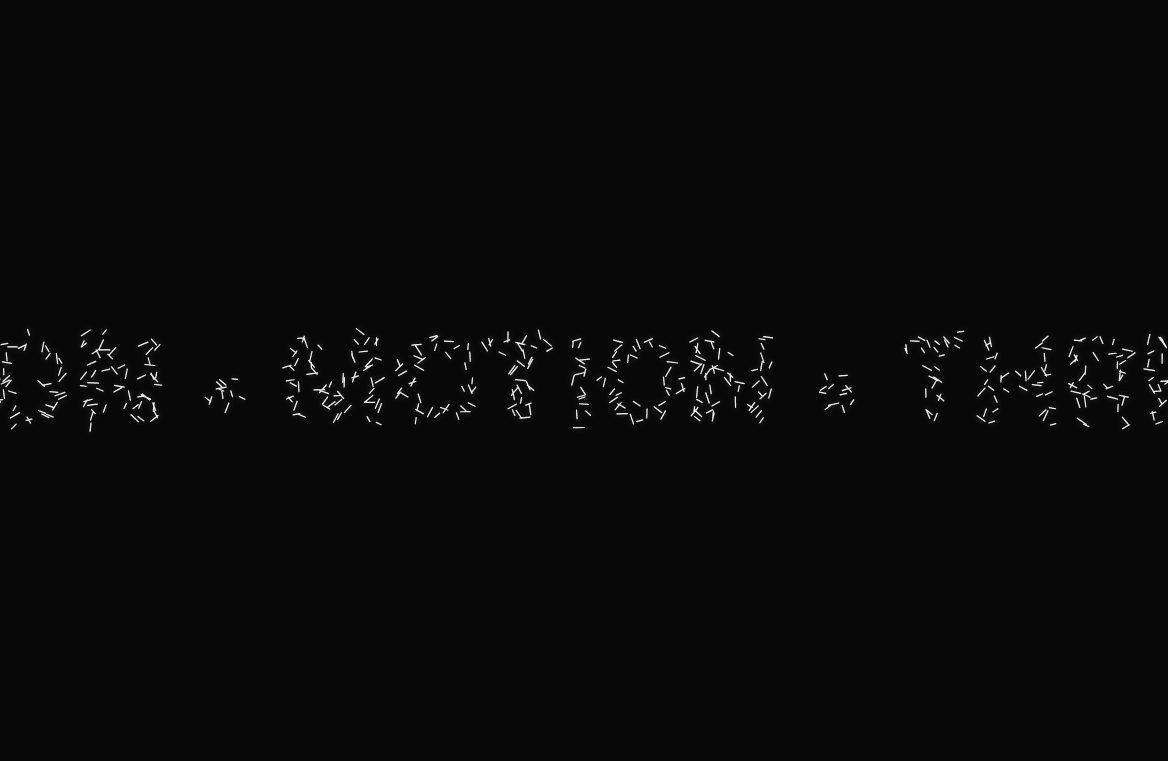
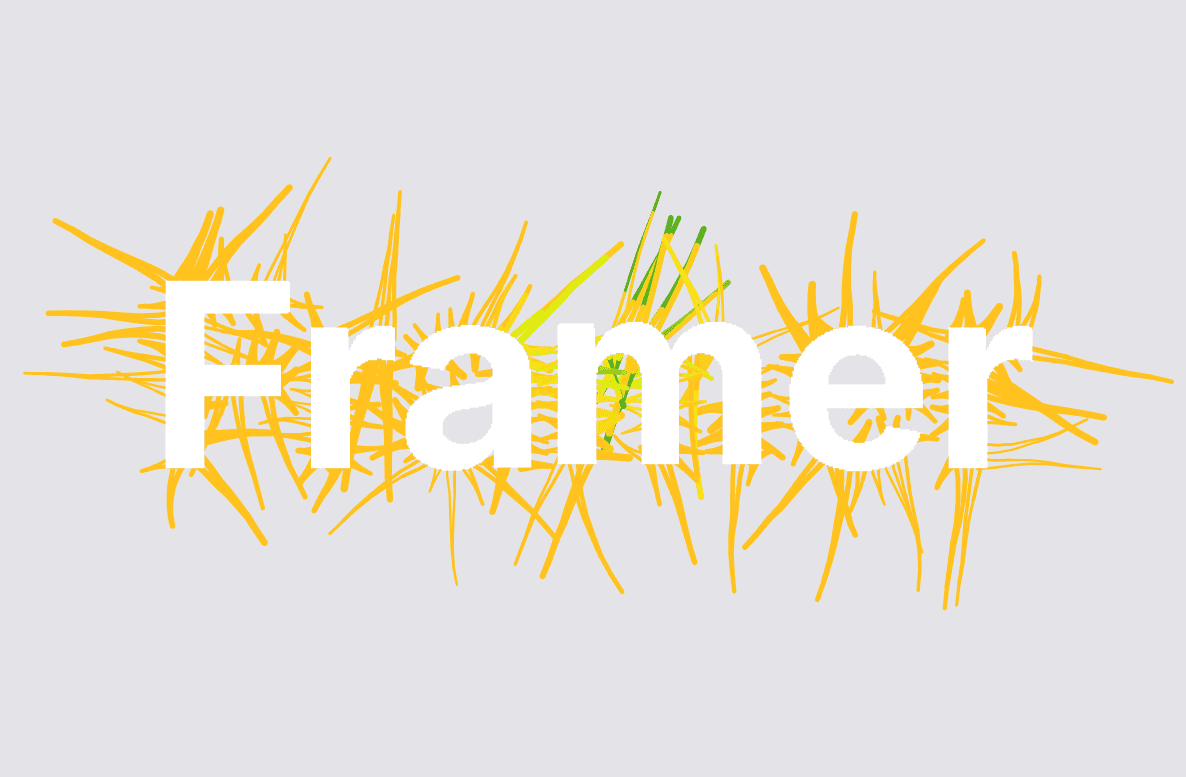
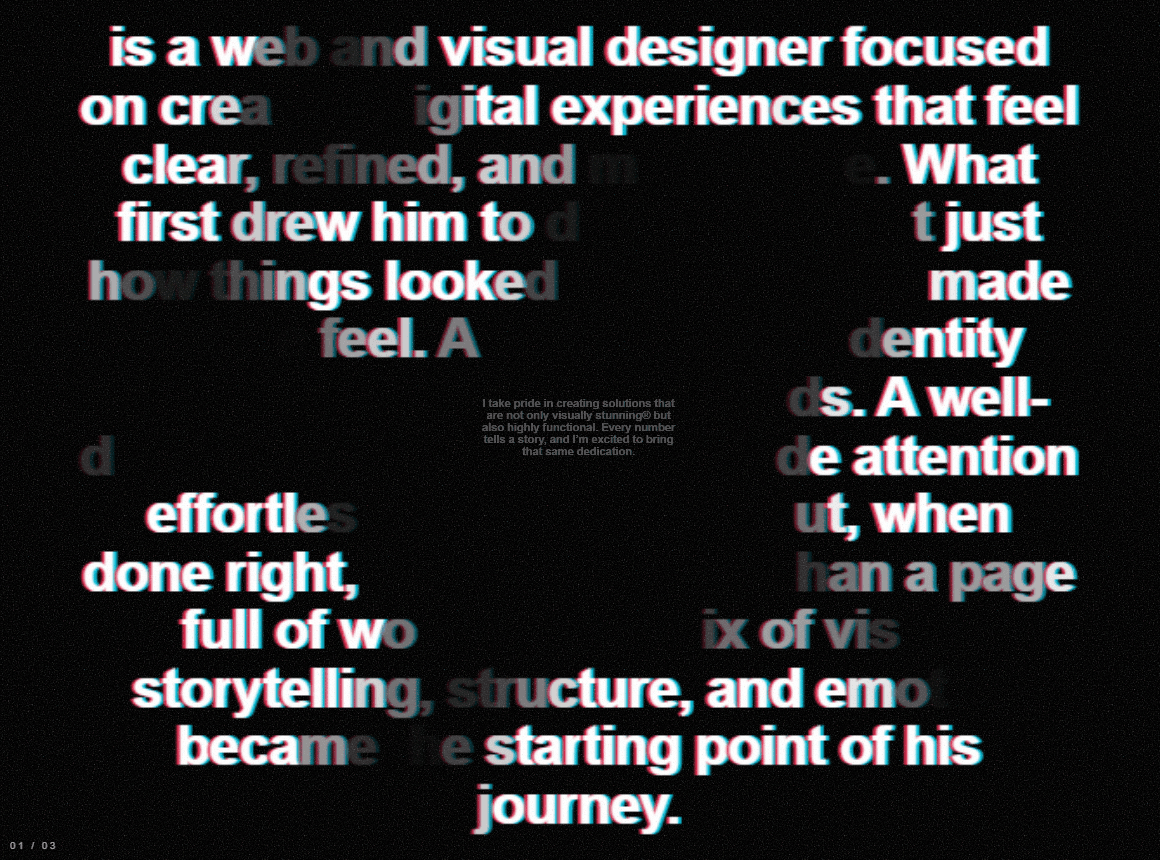
Scroll Burn Text is an interactive, scroll-driven typography component for Framer. Built around a cinematic burn-off visual effect, it transitions sequential blocks of text through custom glyph-level opacity animations, chromatic aberration, film grain overlays, and perspective scaling as the user scrolls through a sticky viewport.
Key Features
Sequential Text Burn: Smoothly transition text blocks using dynamic glyph opacity calculations and subtle scale perspective transformations based on scroll progress.
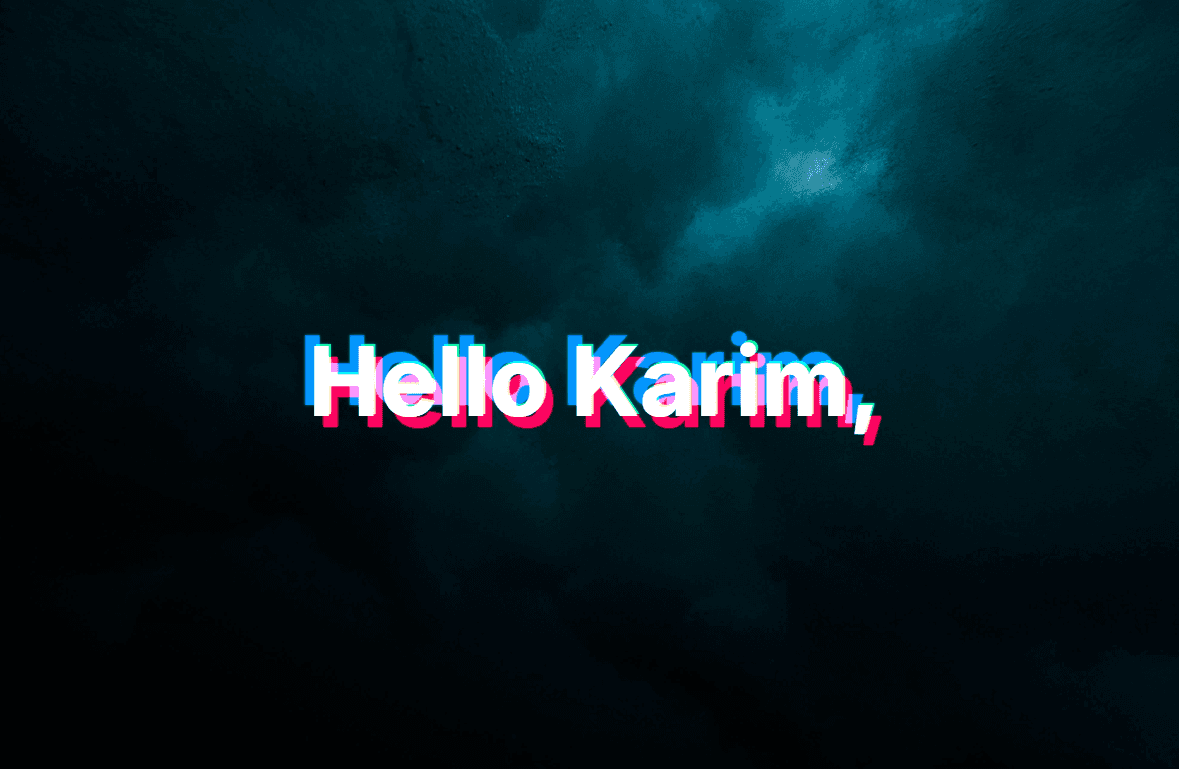
Chromatic Aberration & Film Grain: Built-in RGB offset text-shadows combined with a custom fractal-noise SVG grain overlay for a raw, tactile aesthetic.
Scroll-Linked Sticky Viewport: Pins content inside a full-height container while dynamically driving animations based on custom viewport runway height (
vh).Accessibility & Motion Safeguards: Includes screen-reader hidden text blocks (
sr-only),prefers-reduced-motionfallbacks to a clean readable layout, and canvas-safe static previews.Real-time Navigation UI: Features a dynamic section counter display (
01 / XX) and scroll indicator prompts that fade gracefully as interaction begins.
Property Controls
Content
Sections: Array list to input sequentially burning text paragraphs.
Scroll Hint: Custom string prompt shown prior to initial scroll interaction.
Show Scroll Hint: Toggle switch for the scroll prompt indicator.
Show Numbers: Toggle switch for the section index readout.
Scroll & Viewport
Runway (VH): Adjust scroll distance per section (50vh to 400vh) to customize transition speeds.
Typography & Styling
Font Size: Pixel size control for reading text (16px to 80px).
Font Weight: Font weight selection (100 to 900).
Text Color: Primary color picker for typography and overlay UI.
Background: Color picker for sticky background container.
Need Help?
For support, feedback, or feature requests:
X / Twitter: @Karim Saif