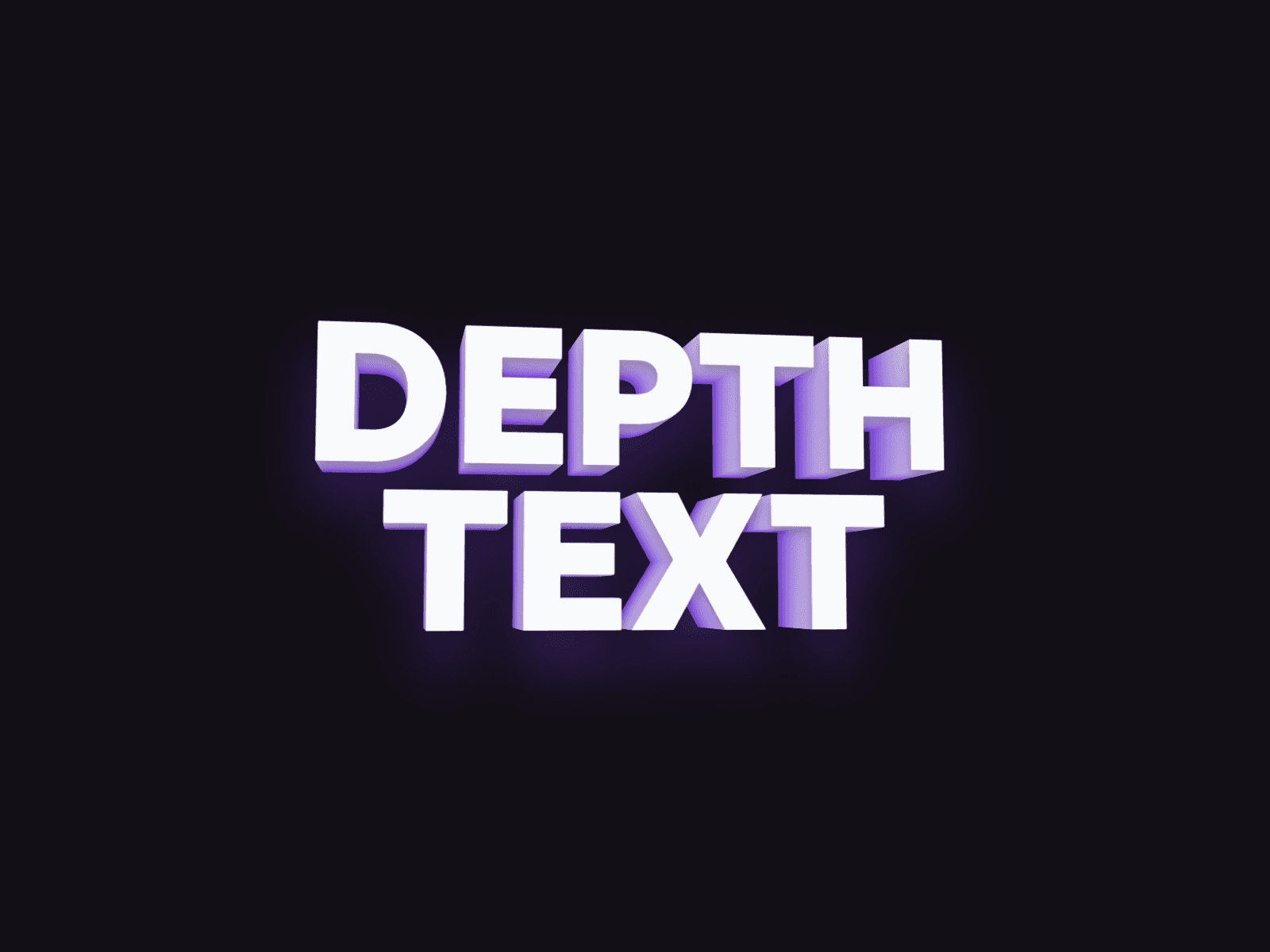
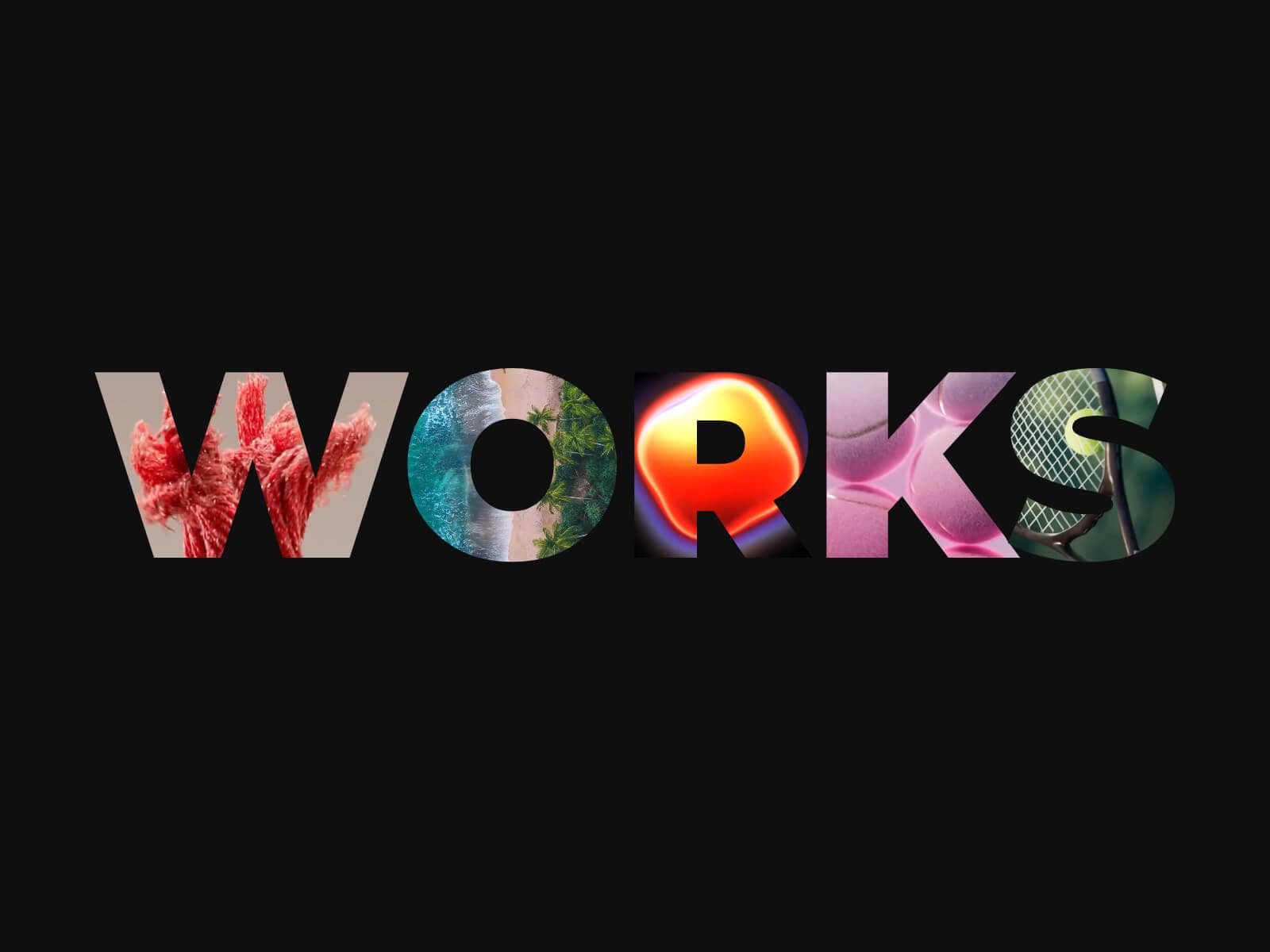
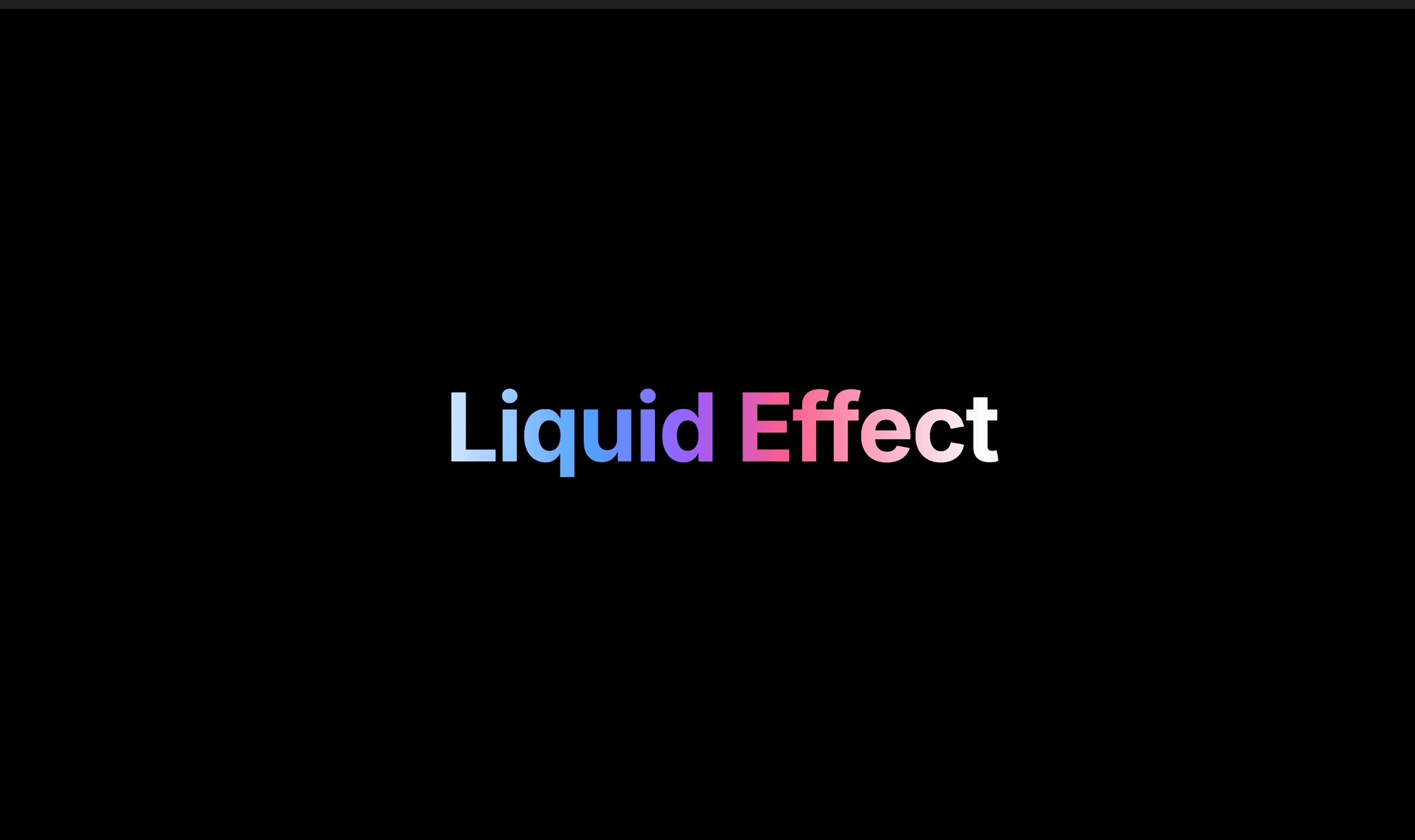
About Scroll Curve Text
About This Component
Scroll Curve Text lets you dynamically curve or straighten text based on scroll position, creating expressive and fluid typography.
Perfect for large, full-width headlines, especially in hero sections or footers, the component transforms static text into a living element that reacts to user interaction. Whether you want subtle curvature or dramatic bending, the effect remains smooth and visually engaging.
It works perfectly with Framer Smooth Scroll for an ultra-fluid visual experience.
Usage Notes
Best used with short text (single words or short phrases) for optimal performance. Multi-word text will not wrap to new lines and may overflow the container when Font Fit is disabled.
Make sure any parent Stack wrapping this component is set to Overflow Visible, so the curved text won’t be clipped.
Key Features
Fine-tune text curvature and control how it responds to scroll.
Text & Styling
Define any text content (single word or full sentence)
Set text color or use a two-color gradient
Full typography control (font, size, line-height, etc.)
Enable Font Fit for fluid/responsive text that fills the component width (overrides font size; requires component width set to Fill)
Choose semantic HTML tag (h1–h6, p, span) for accessibility and SEO
Curvature Controls
Rotation controls individual letter rotation
Depth defines the curvature intensity (arc depth)
Spread adjusts spacing between letters
Scale allows zooming in or out of the text
Distribution controls how the effect is applied across the text (center vs edges)
Letter Origin defines the pivot point for letter transformations (bottom, center, or top of each letter)
Scroll Behavior
Start from straight or from curved state
Preview lets you visualize the before or after state directly in the canvas
Start controls when the animation begins (% of viewport height)
End controls when the animation completes (% of viewport height)
Works like scroll-trigger systems for precise control over animation timing
How to Set Up
Drag Scroll Curve Text onto your canvas
Add your text and adjust typography
Configure curvature settings (rotation, depth, spread, etc.)
Set scroll behavior (effect, start, end)
Publish
Refund Policy
All sales of digital products are final and non-refundable.
If you have any questions about the product, please contact me at pierrevion90@gmail.com before completing your purchase. I’m happy to help.Enjoy!