About Scroll Reveal card
Description:
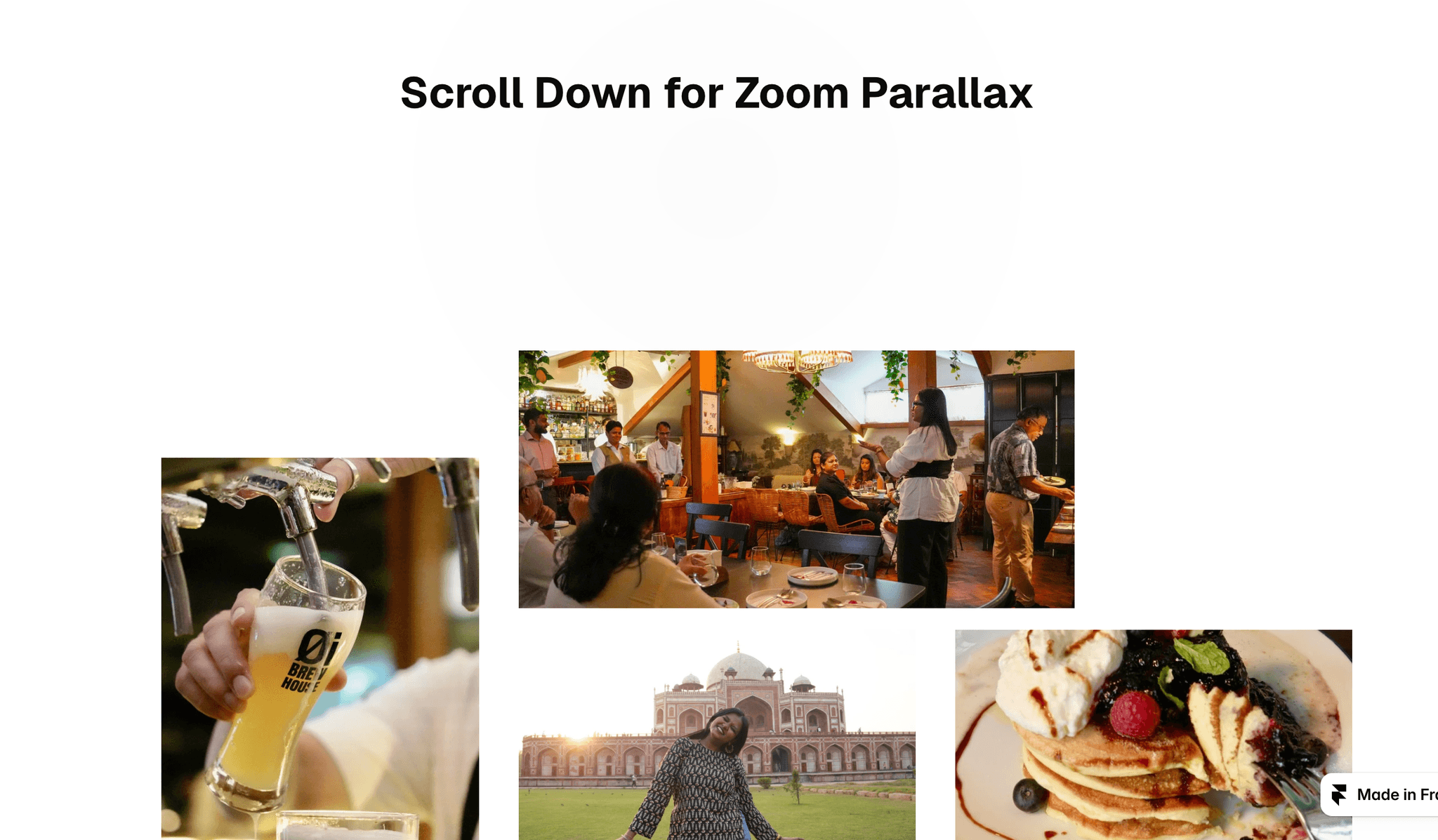
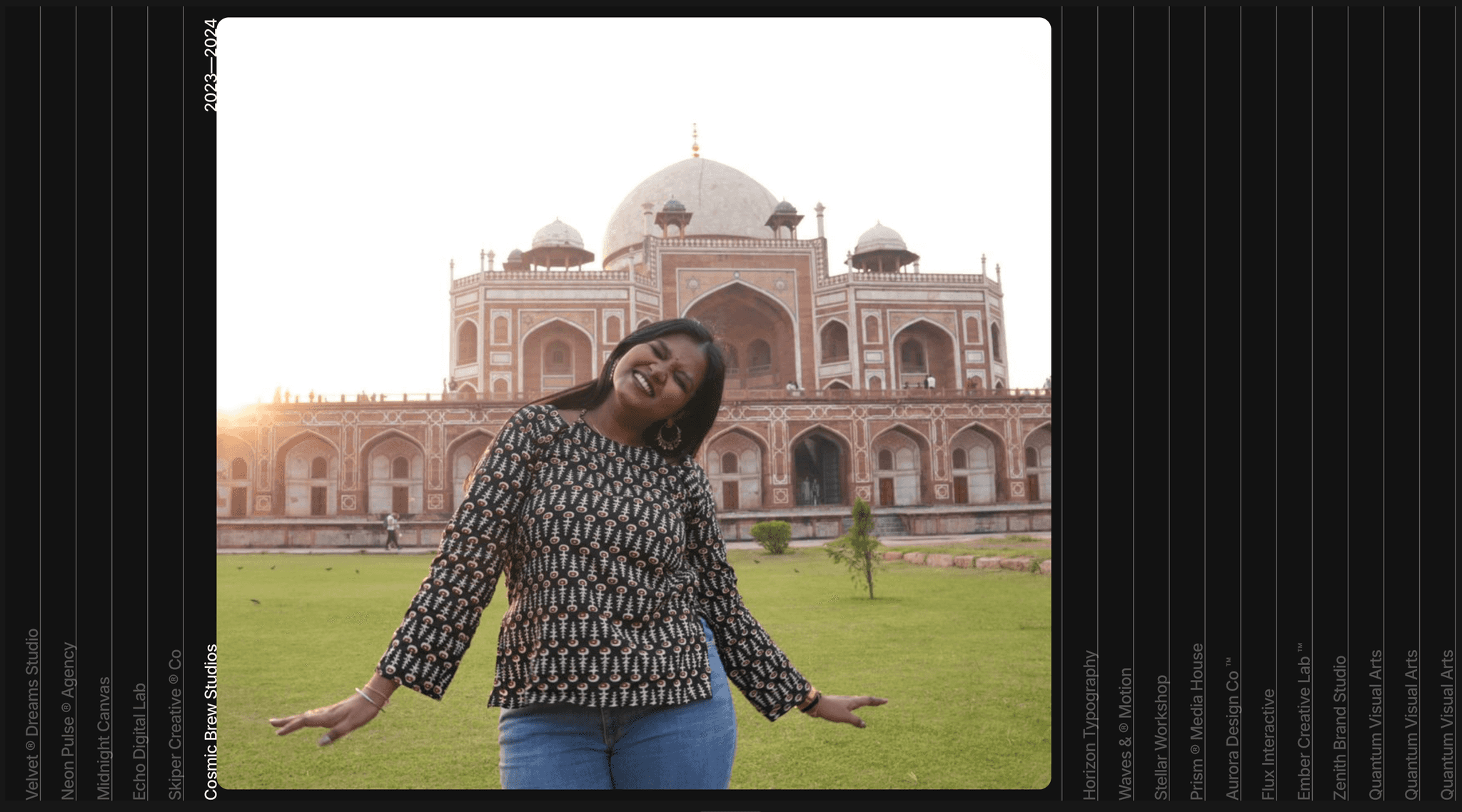
Turn any photo set into a scroll moment. Scroll Reveal includes two components built with native Framer layers:
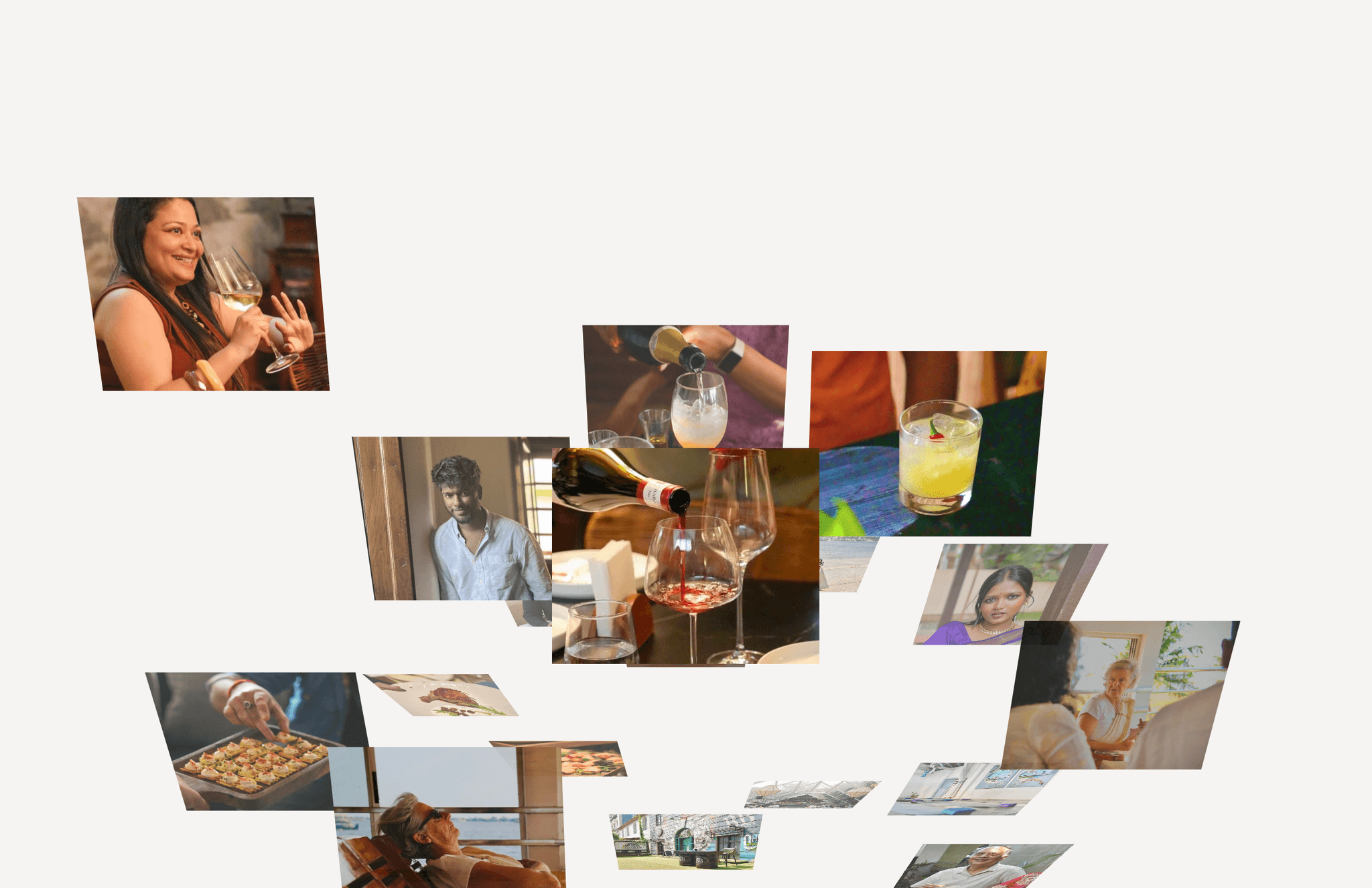
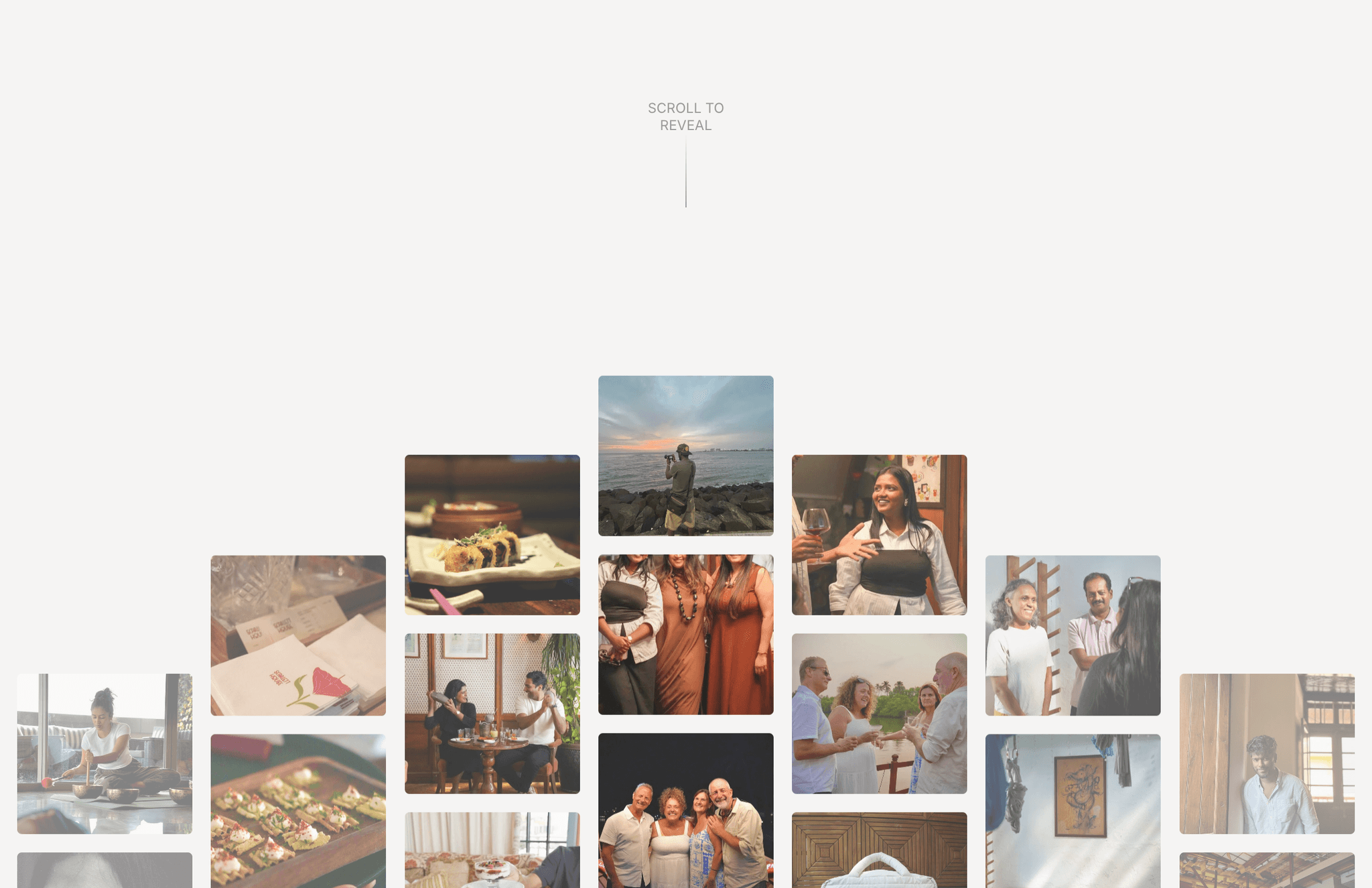
Wave: your images rise into a grid column by column. The centre column arrives first and the outer columns follow, forming a smooth V as you scroll.
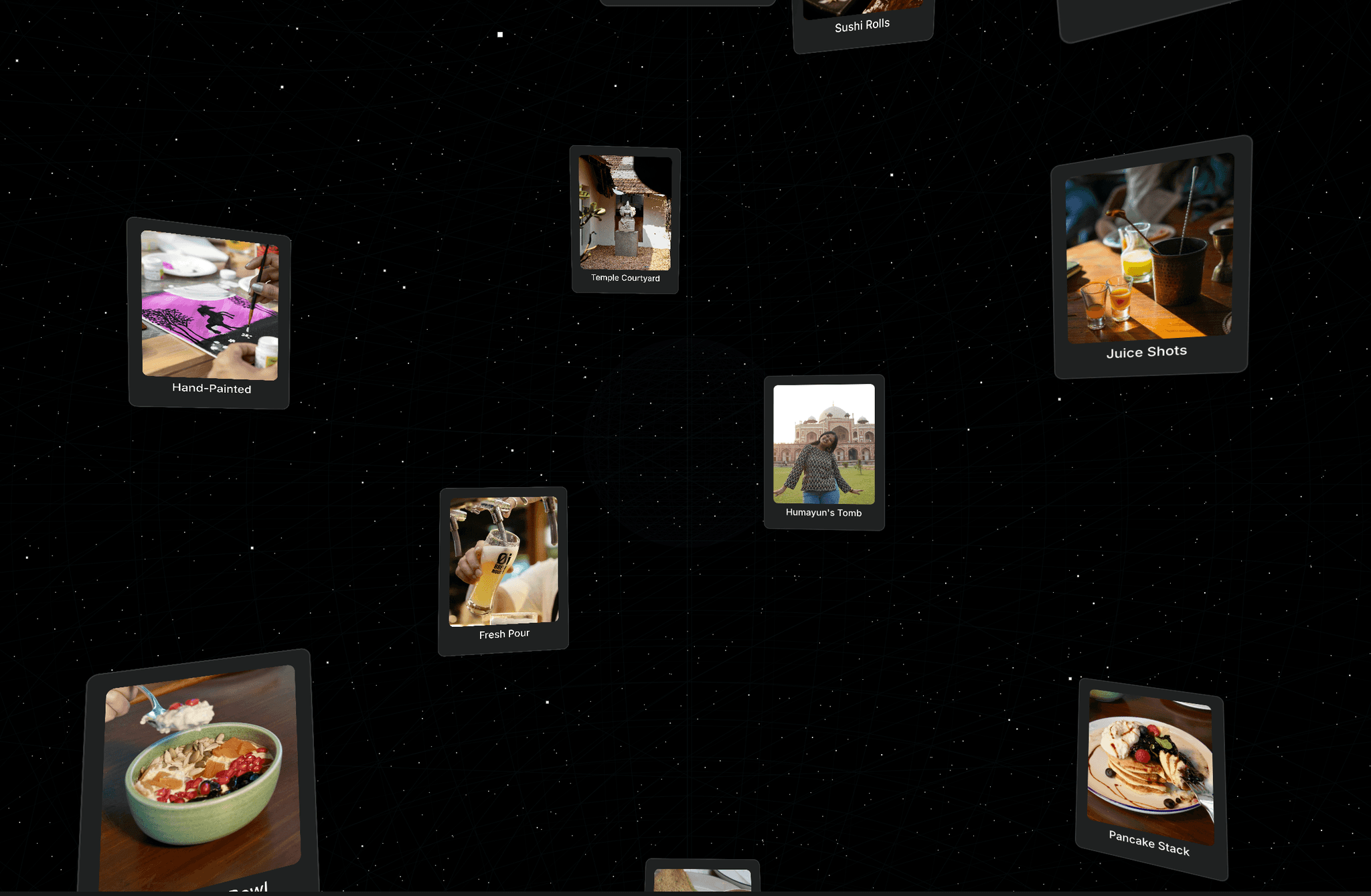
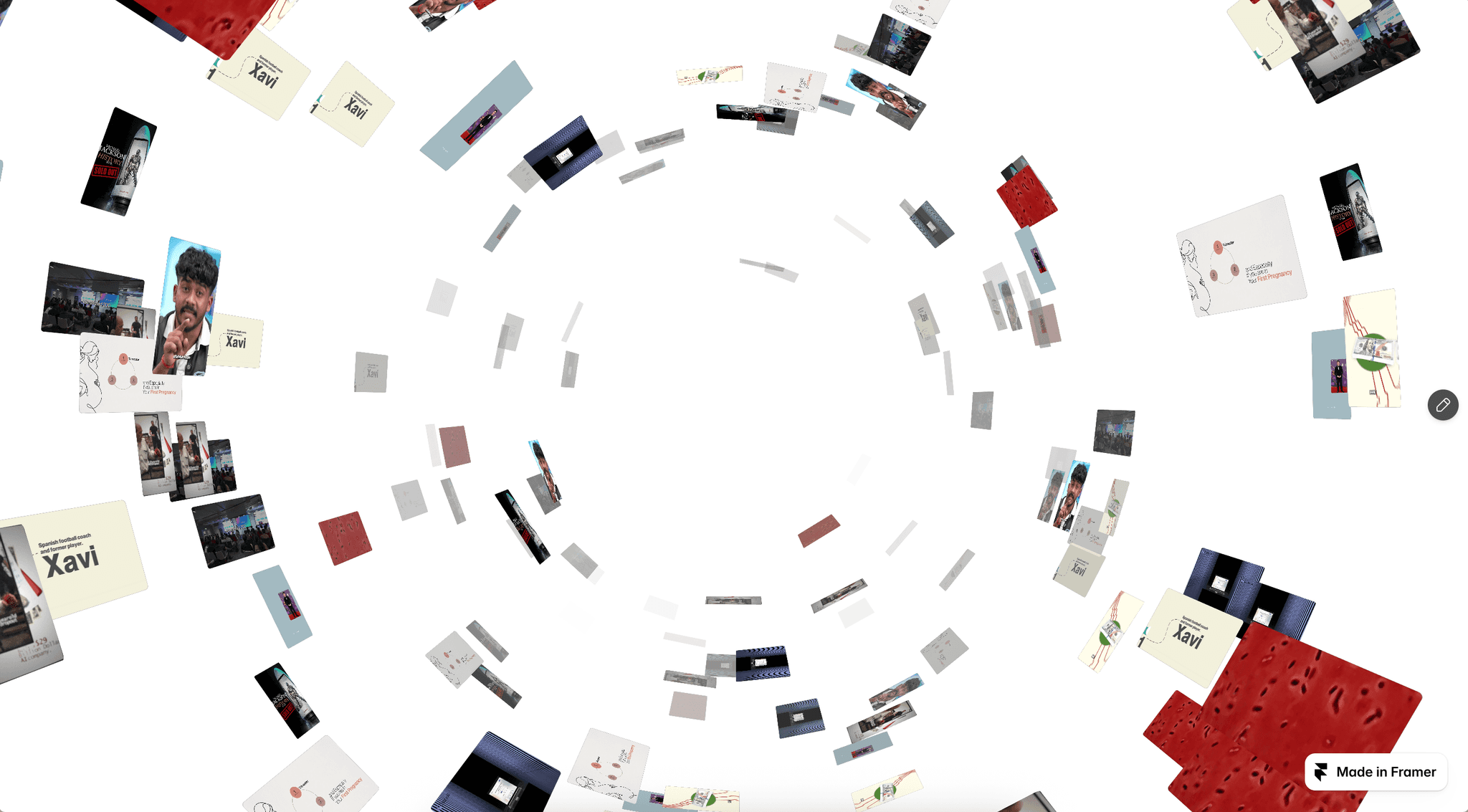
Fly-in: a pinned full-screen grid where each image tilts up out of deep 3D space into place. Every tile has its own angle, depth and timing, so the grid assembles organically.
Both are tied directly to scroll position, run on a single animation frame, and include optional smooth scrolling. Every layer is editable on the canvas: swap images, restyle, and set a variant per breakpoint.
Features:
2 components: Wave (21-image grid) and Fly-in (20-image pinned 3D grid)
Desktop, Tablet and Phone variants (Phone: 3-column wave, 4×5 fly-in)
Image list control: add, remove or reorder images, and the animation adapts
Built-in smooth scrolling with an on/off toggle, so it won't clash with your site's own
Controls for background, text colour, corner radius, caption text and caption visibility
Scroll-linked, not time-based: it plays forward and backward with the user's scroll
Built from native Framer layers; one lightweight override handles the motion
Respects the visitor's reduced-motion setting
How to use:
Copy the component and paste it into your page.
Set its width to Fill, then choose the Desktop, Tablet or Phone variant at each breakpoint.
Replace the images in the Images control.
Adjust the colours, radius and caption as needed. Turn off Smooth Scroll if your site already uses a smooth-scroll setup.
Category: Components → Scroll / Animation (secondary: Gallery)
Tags: scroll animation, scroll reveal, image grid, gallery, 3D, parallax, smooth scroll, portfolio, photography, sticky, interactive
Preview link: your published site URL
Suggested thumbnail/video: a 6–8 second screen recording scrolling through both effects on Desktop. Motion sells this far better than a still image.