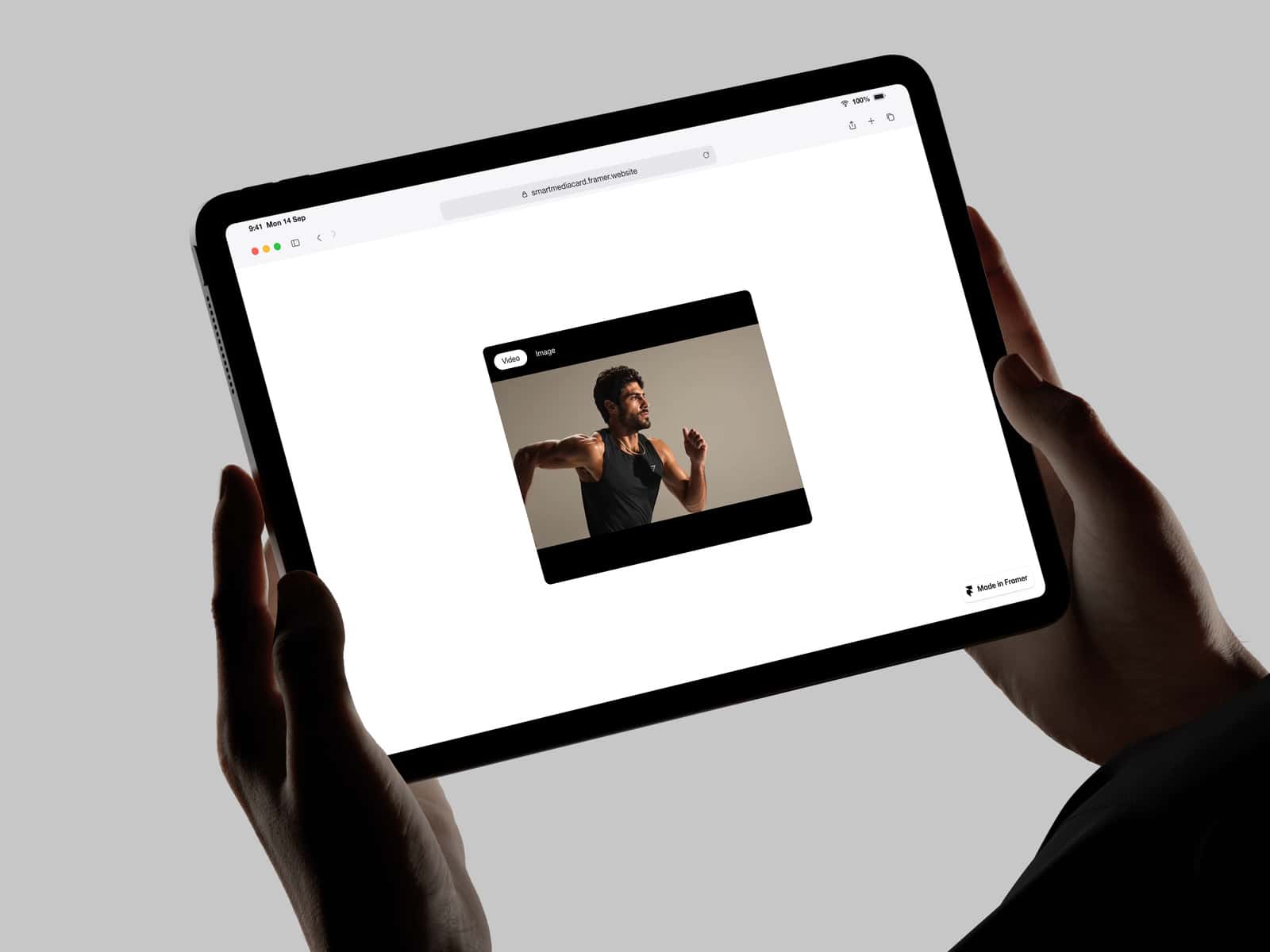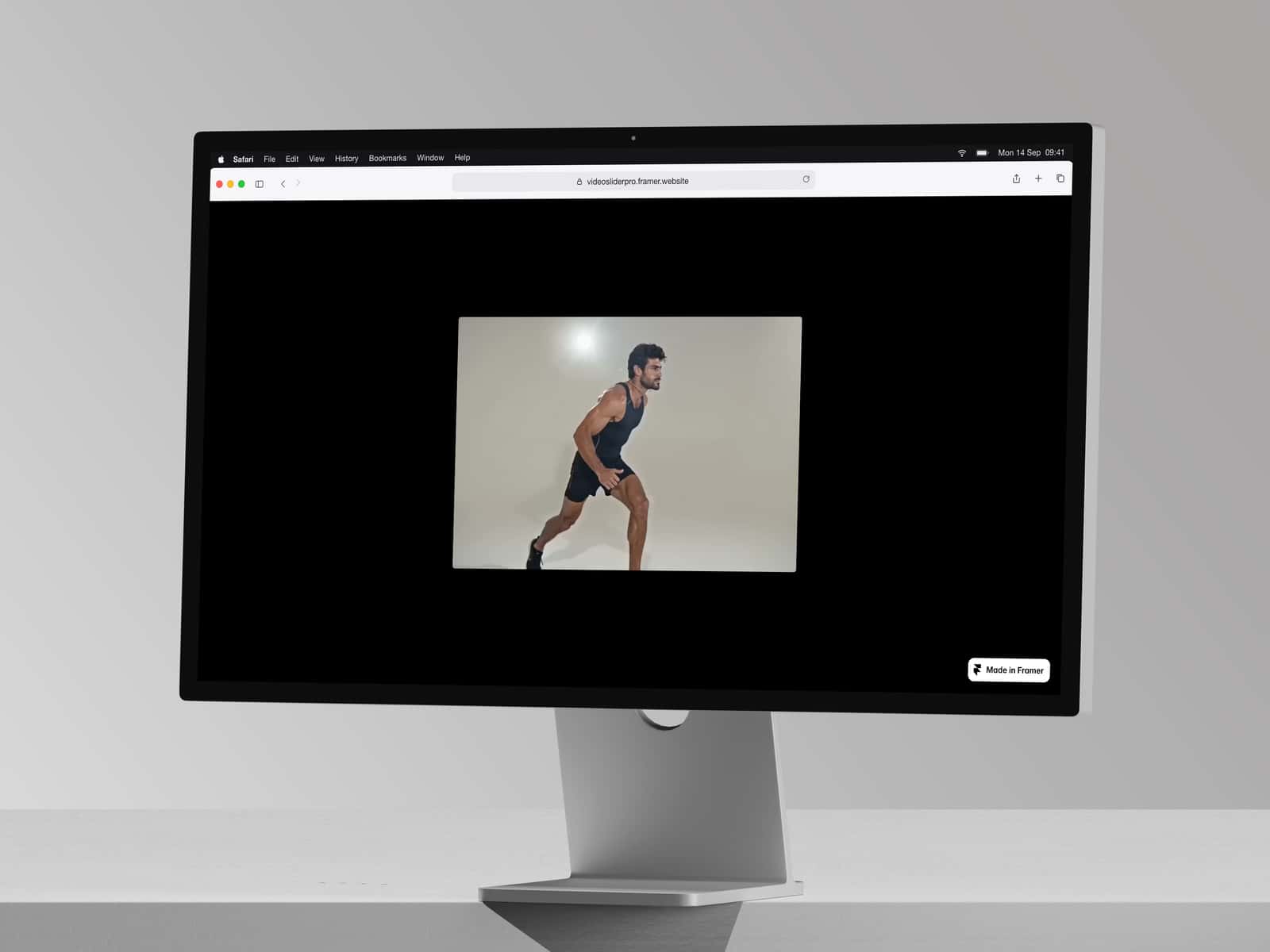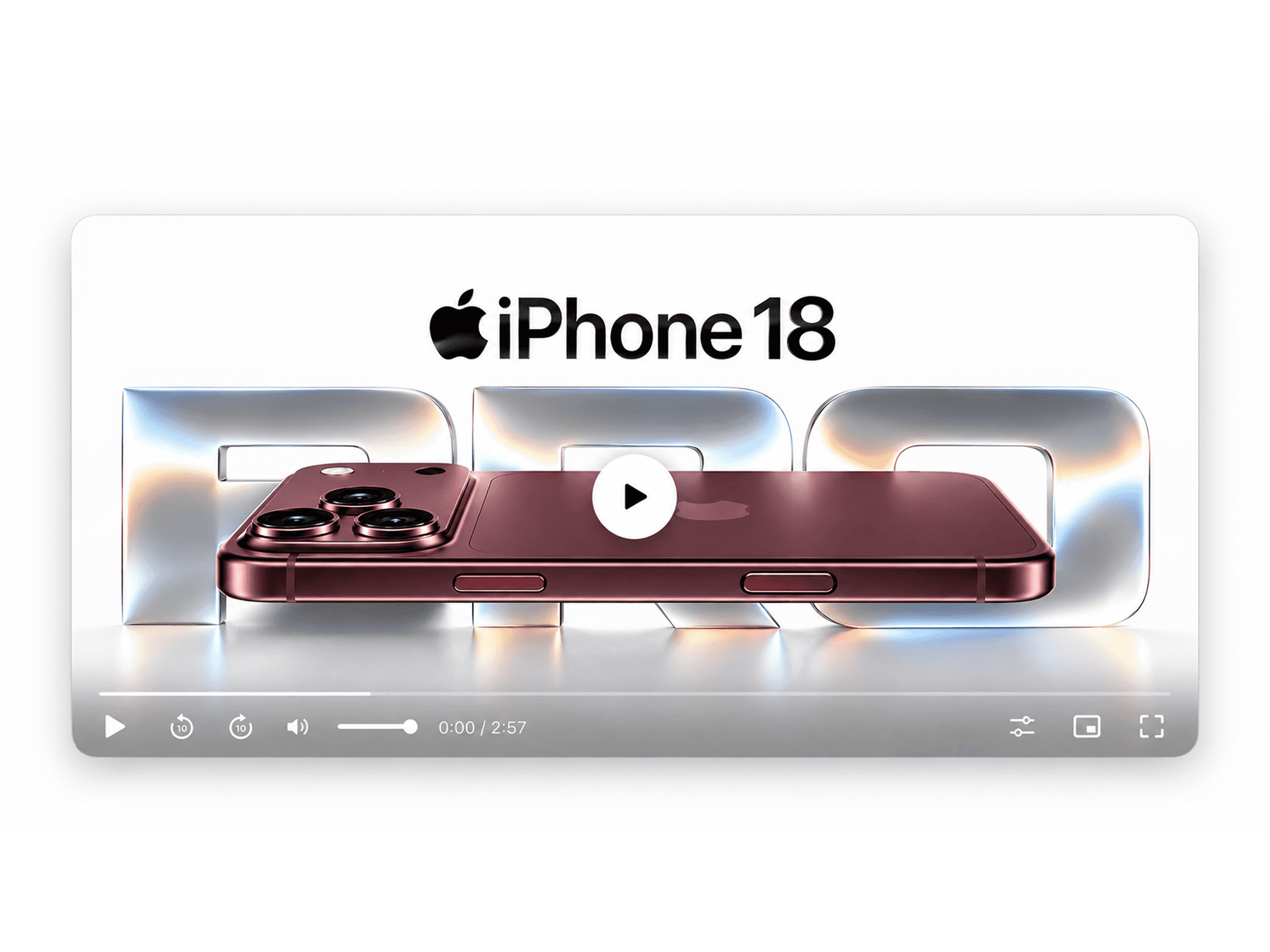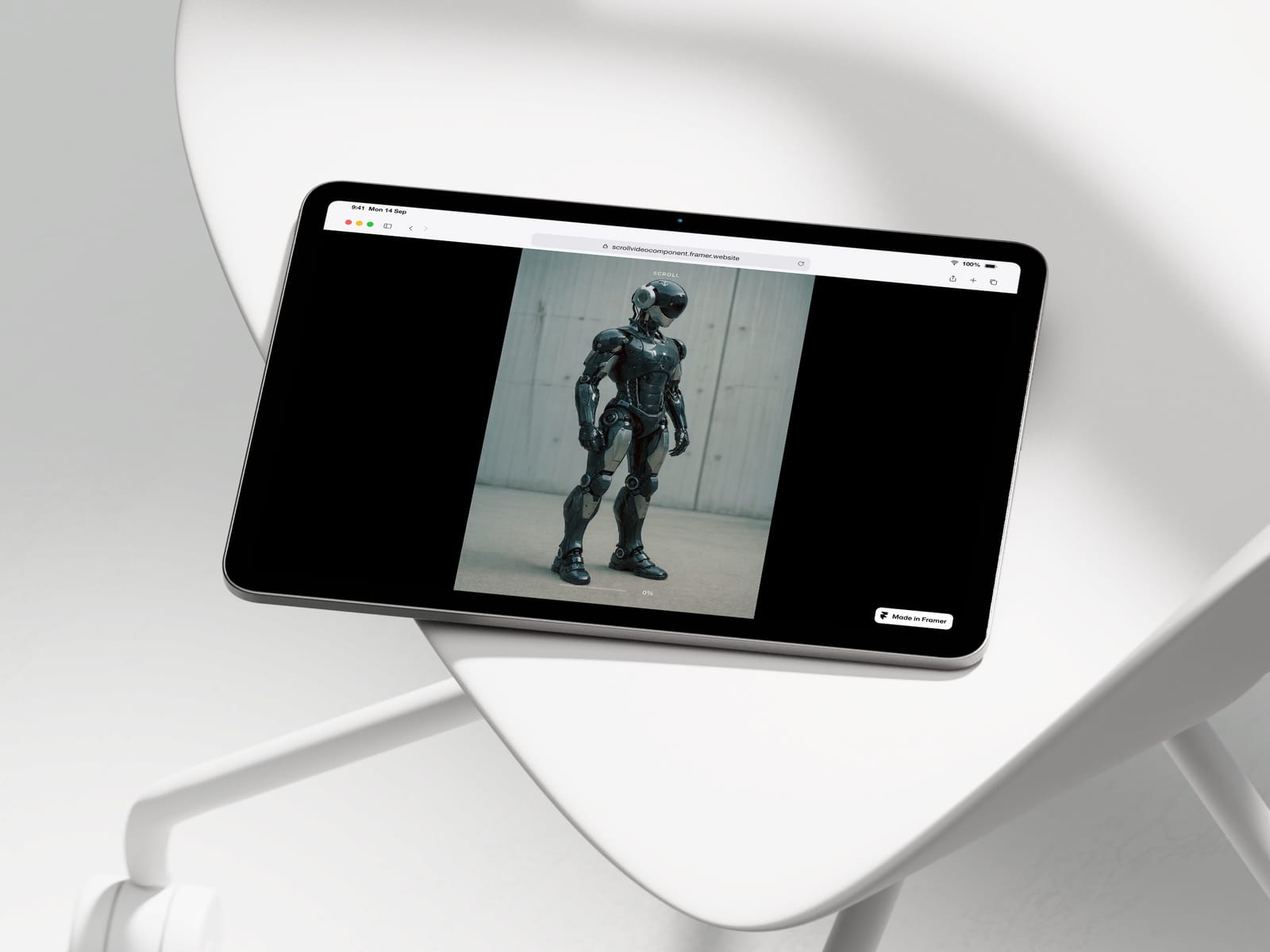
About Scroll Video Sync
Buttery smooth scroll-controlled video playback for Framer. The video plays forward and backward as you scroll, with Lenis-style interpolation for silky smooth motion. Auto-calculates scroll length based on video duration. Perfect for hero sections, product reveals, storytelling, and cinematic scroll experiences.
Features:
Lenis-style exponential easing
Auto scroll length based on video duration
Progress bar with percentage
Scroll indicator (fades after 5%)
Mobile optimized with separate URL option
iOS autoplay unlock built-in
⚠️ Video Requirements for Smooth Playback
For best results, your video must be encoded with all keyframes. Without this, the video will skip and jump between frames.
Encode with Handbrake (free):
Open your video in Handbrake
Go to Video tab
Set Video Encoder to H.264 (x264)
Select Constant Framerate
In Additional Options field, paste:
keyint=1:min-keyint=1:scenecut=0
Set Quality RF to 18 for best quality
Click Start
Or with FFmpeg (command line):
bash
ffmpeg -i input.mp4 -c:v libx264 -x264-params keyint=1:scenecut=0 -crf 18 output.mp4
Note: File size will increase 3-5x. This is normal — every frame becomes seekable.