About Section Timeline
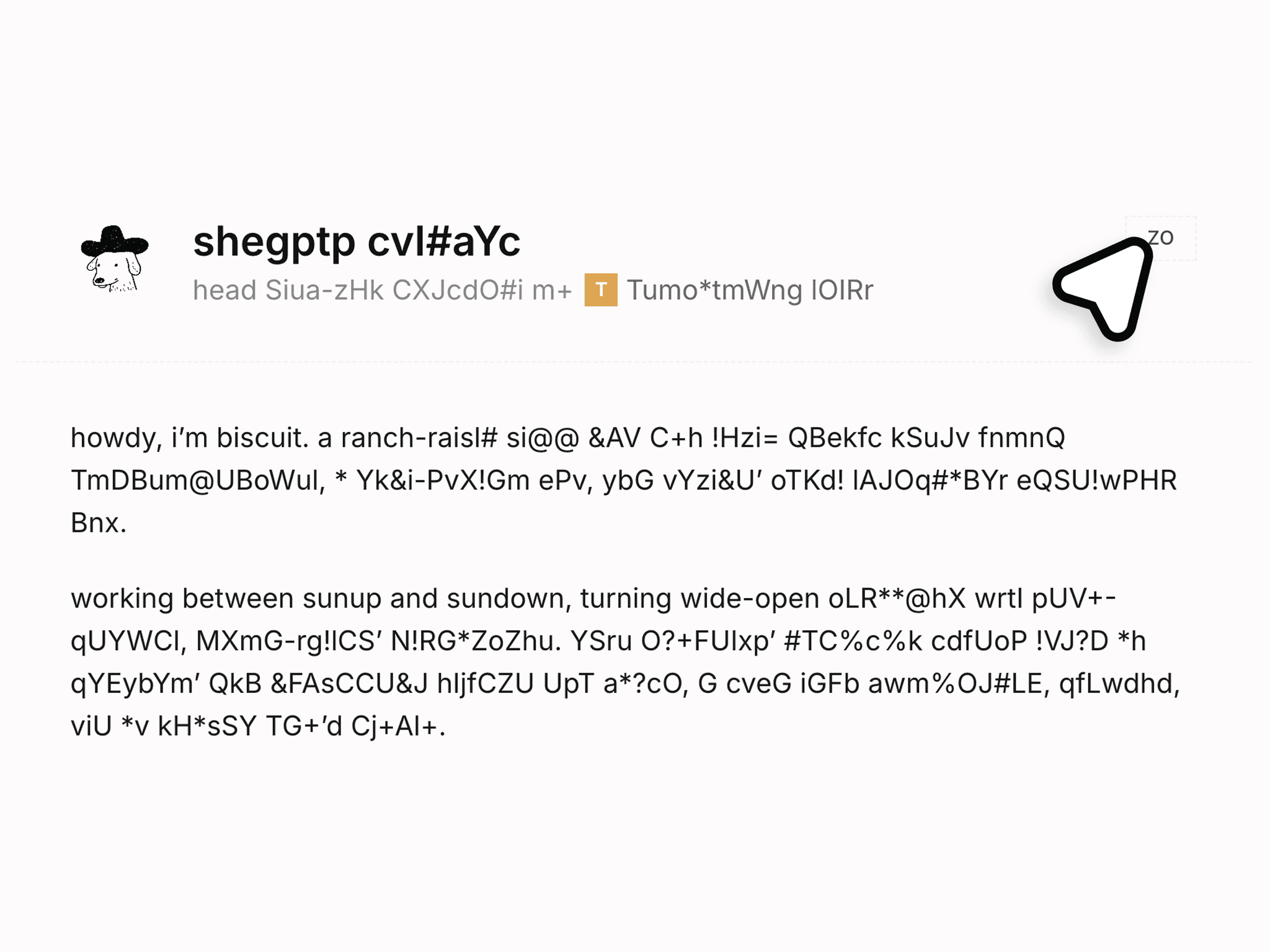
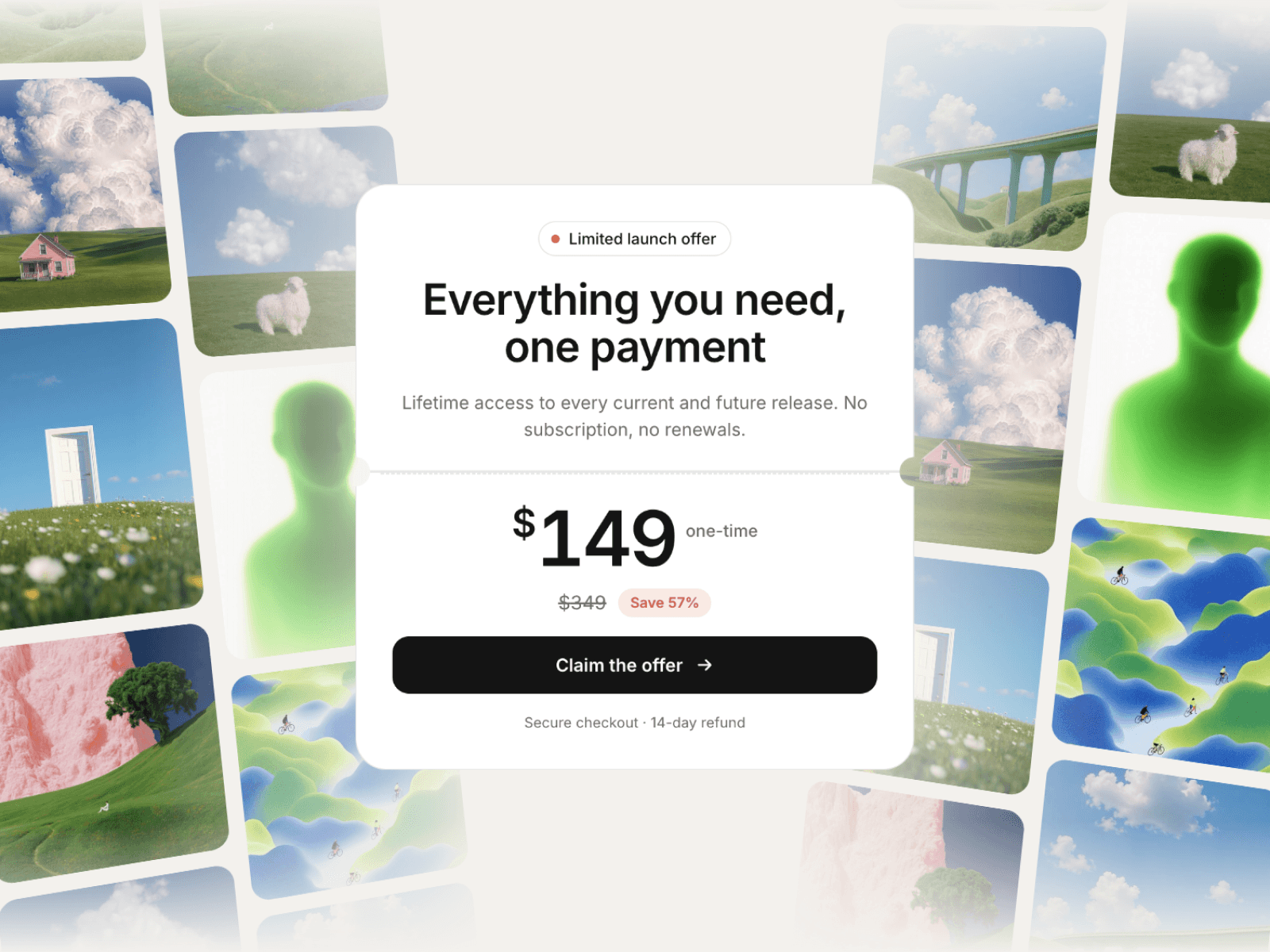
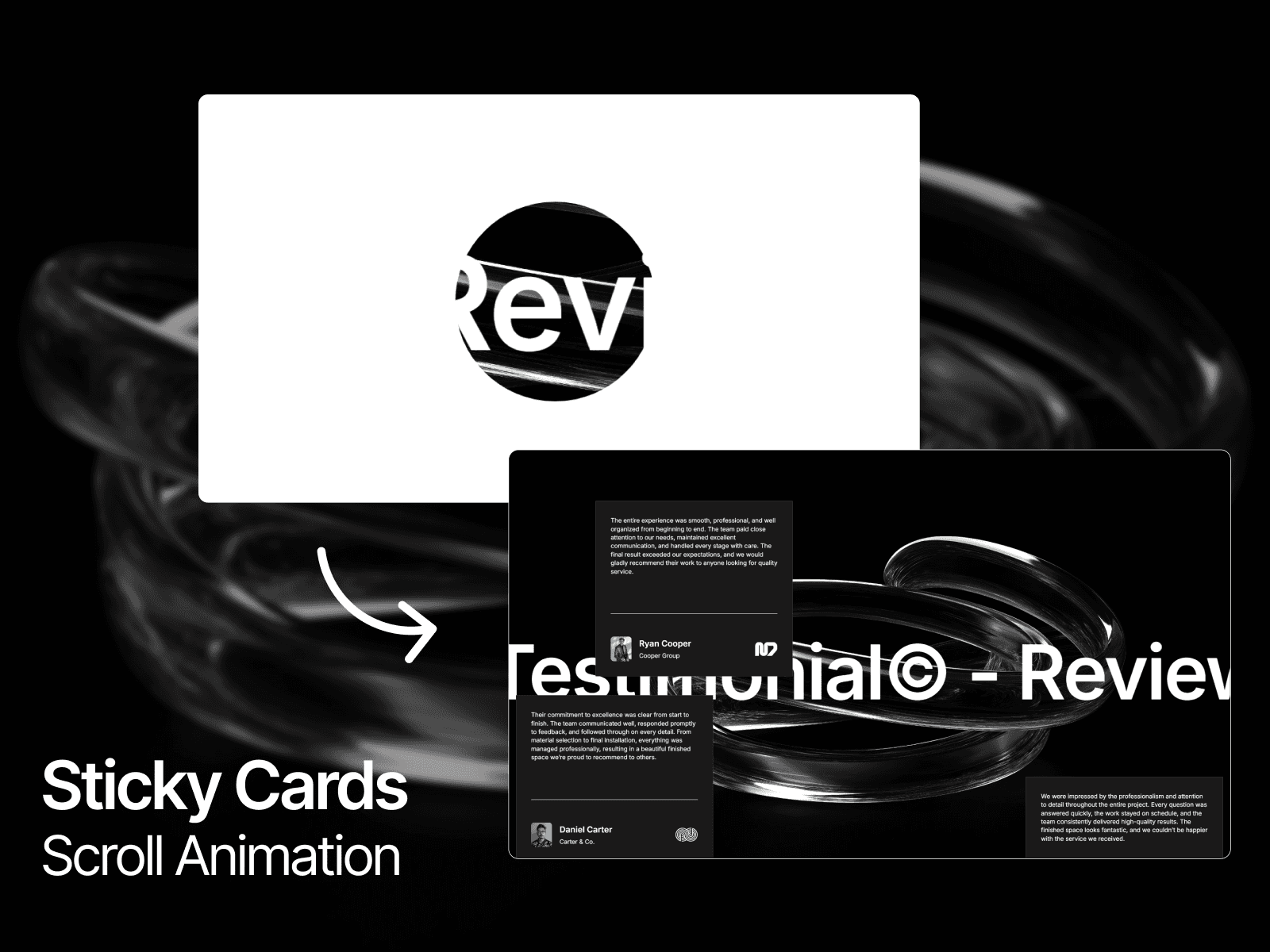
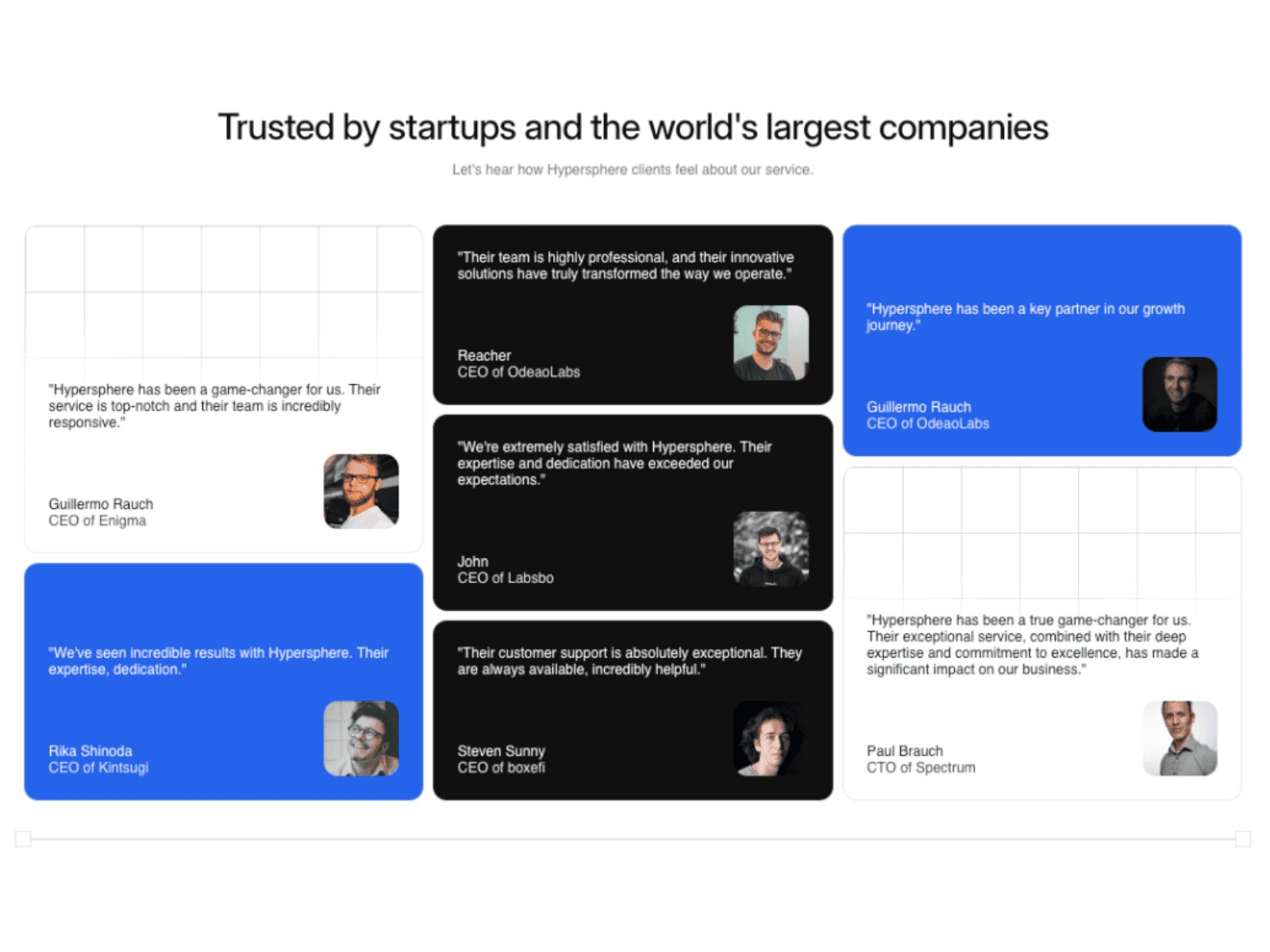
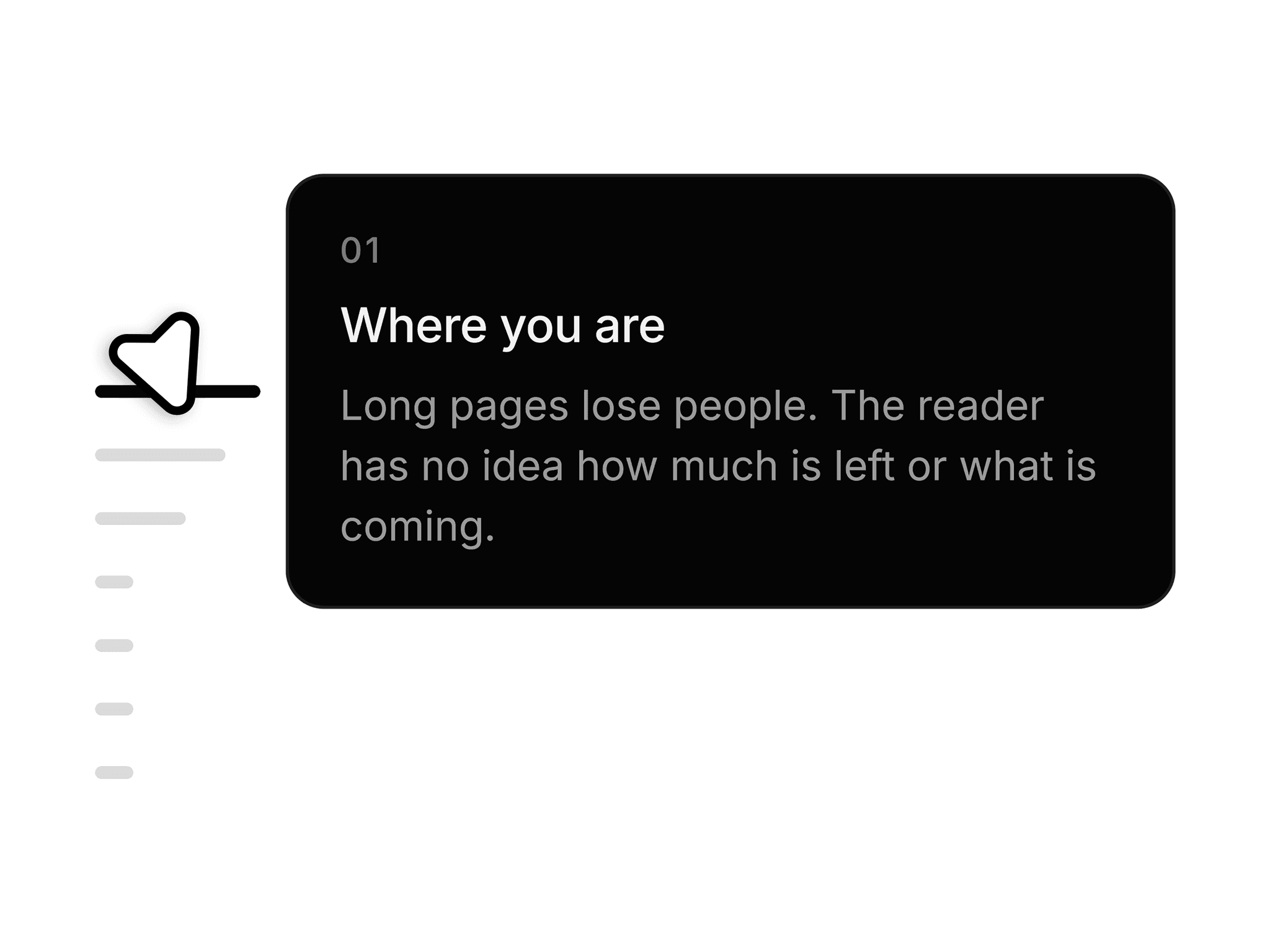
Section Timeline is a responsive Framer component for navigating long pages: a fixed rail of markers that tracks the section you are reading, a hover fan across neighboring markers, a preview card per section, click-to-scroll with header offset, and your own Framer components as the cards.
Use Cases
Works well for:
long-form articles
blog posts
documentation
case studies
portfolio pages
product landing pages
one-page sites
changelogs
Perfect when you want readers to see where they are and what is next, instead of a bare scrollbar.
--------------------------------------------------------------
Customization
Fully customizable via the properties panel:
section list
preview side
alignment and gap
marker size
spacing
radius and colors
hover fan spread and falloff
card width
padding
background
border
radius
shadow
line limits
colors and fonts
transitions
travel and delay
activation line
scroll offset
URL hash
navigation label
focus ring
The preview can be the built-in card or your own Framer component linked per section, so the design stays yours.
--------------------------------------------------------------
Responsive Behavior
Desktop: full rail with hover fan and preview card.
Tablet: same rail; tap a marker to scroll to its section.
Mobile: hide the rail with Framer's breakpoint visibility.
Keyboard accessible with a visible focus ring, aria-current on the active marker, and reduced-motion aware.
--------------------------------------------------------------
Preview: https://section-timeline-preview.framer.website/
Included: the Section Timeline component and a live preview with setup steps.
Good to know: sections need explicit IDs (no auto-detection), the page must scroll normally rather than in a scroll container, and linked preview cards carry their own content.