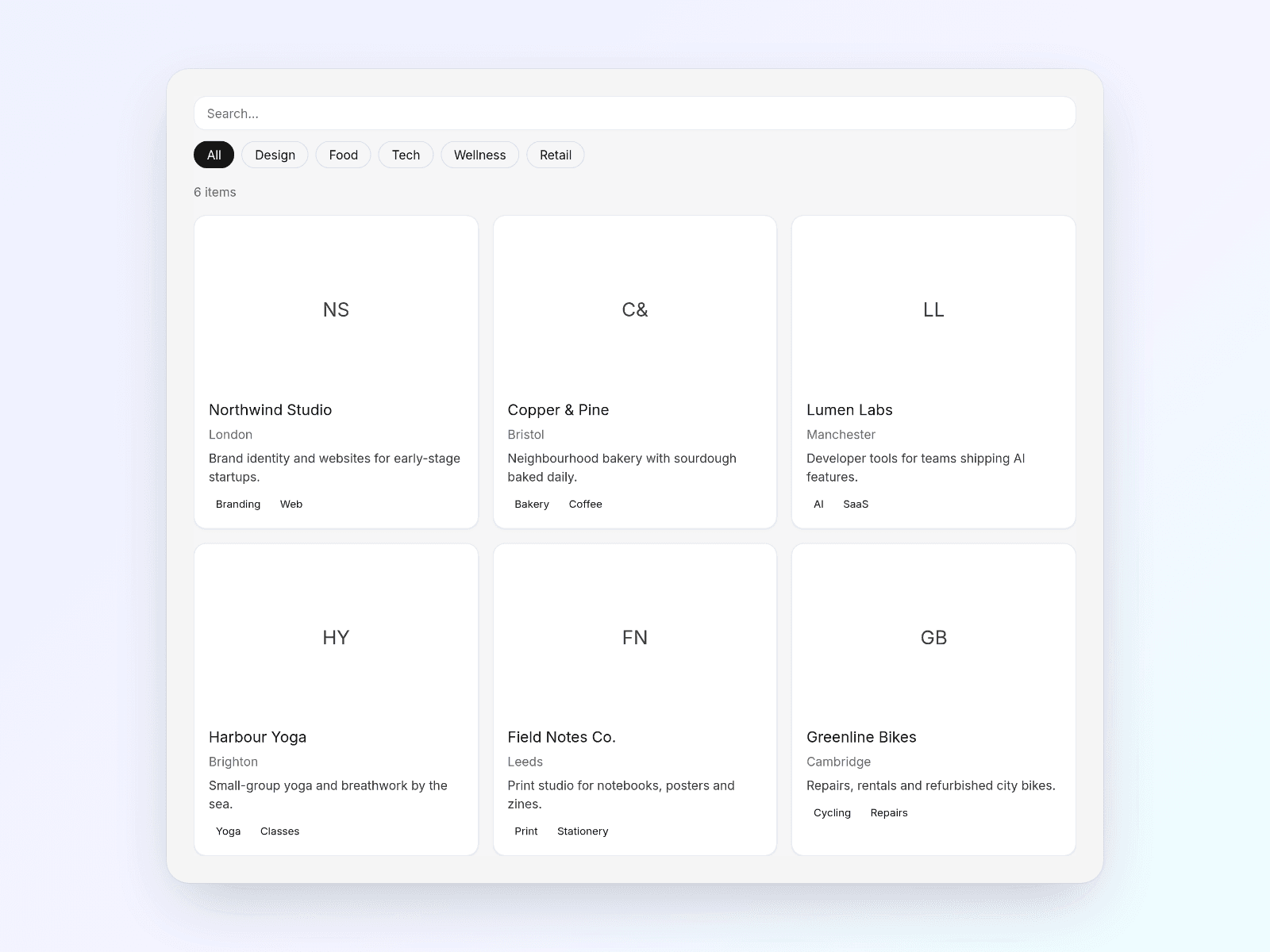
About Sheets Directory
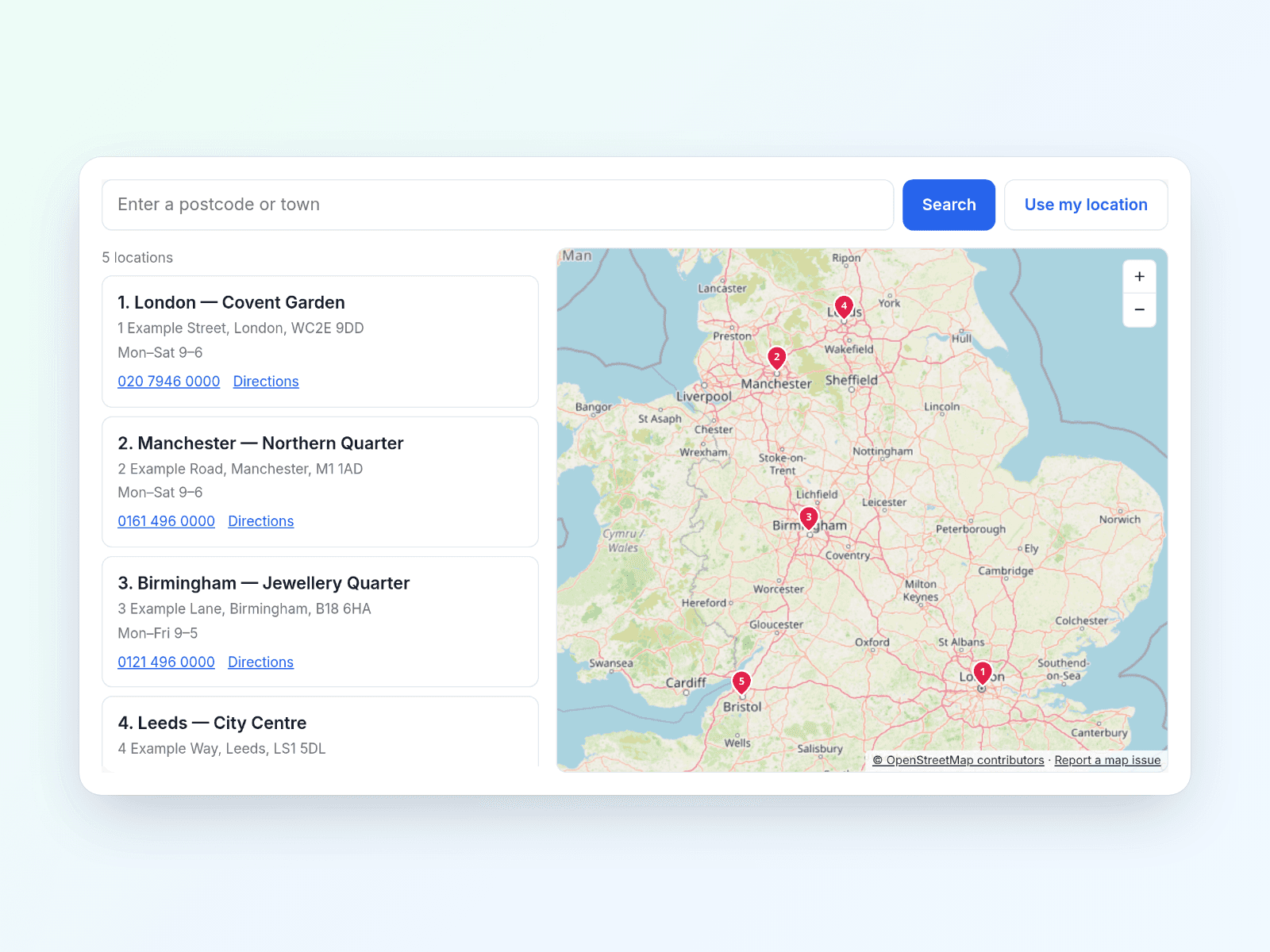
Let your team update a resource library or member directory from Google Sheets instead of editing each card in Framer. Sheets Directory turns public sheet rows into a responsive, searchable card grid or list.
- Add search, category filters, an optional second filter, sorting and Load more.
- Map your column names to titles, descriptions, images, links and tags.
- Style desktop, tablet and phone layouts in the properties panel.
Included: SheetsDirectory.tsx and a README.md setup guide, in a downloadable ZIP.
Setup: Prepare a sheet with headers in row one and one card per row. Publish the relevant tab as CSV or enable public viewer sharing. In Framer, create a code file named SheetsDirectory, paste the supplied TSX and save. Drag Sheets Directory onto your page, paste the Sheet URL, map your columns and preview. Alternatively, paste CSV directly into the component.
Requirements and limits: Requires a Framer project and code-editor access. No API key. Remote data must come from a public Google Sheet; arbitrary CSV URLs are not supported. Never include private data. Sheet changes appear after caching/Google refresh delays, not necessarily instantly (default browser-tab cache: 10 minutes). Intended for hundreds to a few thousand rows; Google can rate-limit heavy use. Cards render in the browser: use Framer CMS instead when reliable indexing of individual entries is essential. Images must also be accessible to visitors.
Licence: Single-use.
Currency and taxes: Prices are listed in US dollars. Checkout may show a converted currency and applicable taxes; review the final total before paying.
Support: hello@clickedfirst.co.uk