About Shimmering Effect
Interactive Shimmering Effect — Premium Canvas Animation
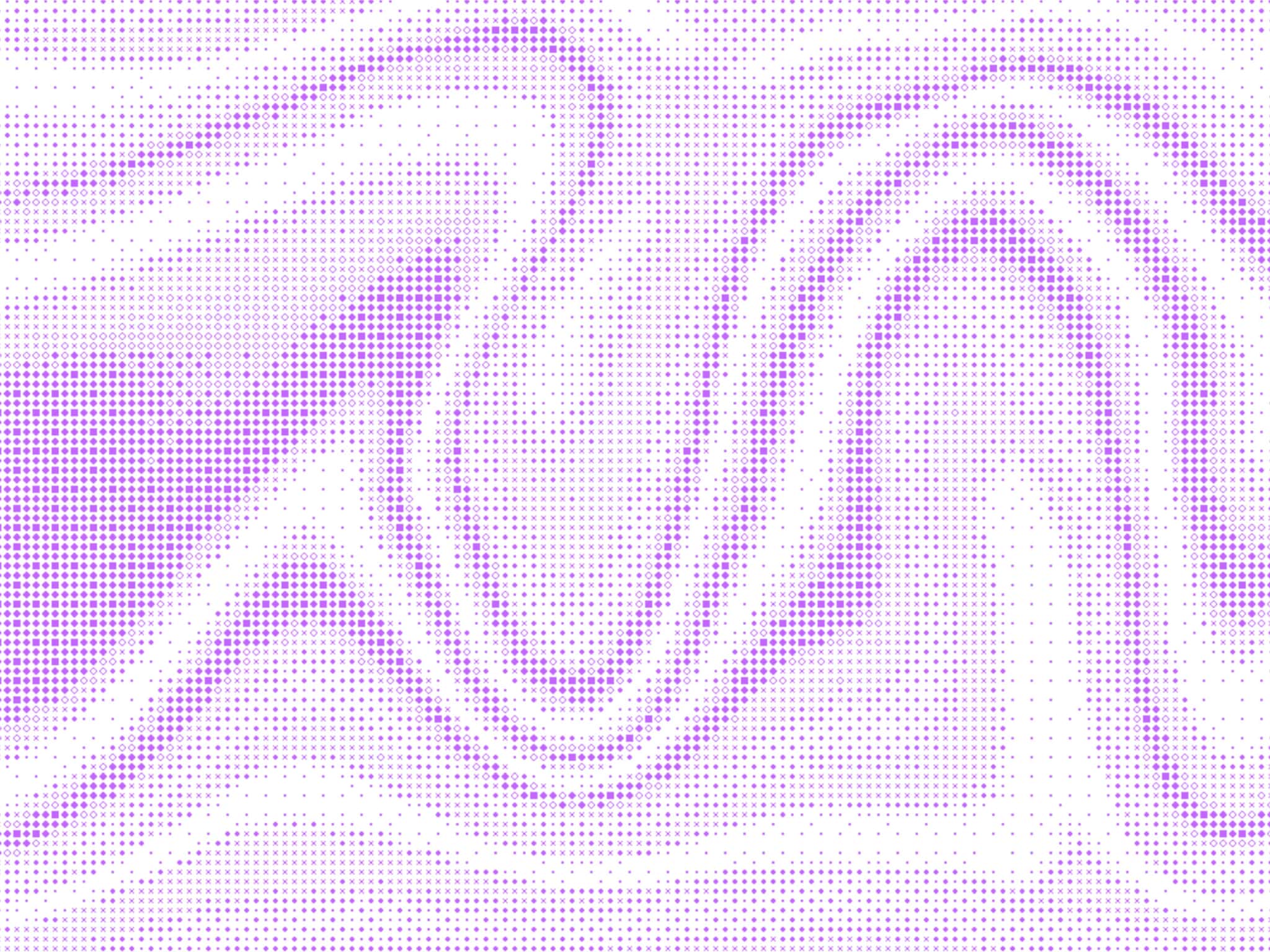
Transform any area of your Framer site into an interactive canvas that responds to user hover with a sophisticated pixel shimmer effect. This premium component creates a rippling wave of animated pixels that emerge from the center outward on hover and elegantly disappear when the cursor leaves.
Ready to use out of the box, yet flexible enough for advanced customization.
Key Features
Fully customizable color palettes - use any combination of colors
Dynamic ripple effects that propagate from center to edges
Adjustable pixel density and spacing for different visual styles
Responsive shimmer speed controls for subtle or dramatic effects
Zero-lag hover detection with instant visual feedback
Canvas-based rendering for crisp, scalable visuals at any size
Mobile-optimized touch interactions
Perfect For
Hero sections and landing page backgrounds
Interactive buttons and call-to-action areas
Portfolio showcases and creative agency sites
Product reveals and feature highlights
Ambient background effects
Loading states and micro-interactions
Fully Configurable
Multi-color support with random color distribution
Scaling support to increase the pixel size
Multiple shapes presets (circle, triangle, diamond, square)
Pixel gap spacing (4-50px range)
Shimmer animation speed (0-100% intensity)
Ripple propagation speed for dramatic reveals
Changelog
v1.1
- added 'Always-on' mode (no mouse interaction)
v1.1
- added Scale support
- added multiple shapes (triangle, circle, etc)
v1
- initial release