About Shine Slide FX
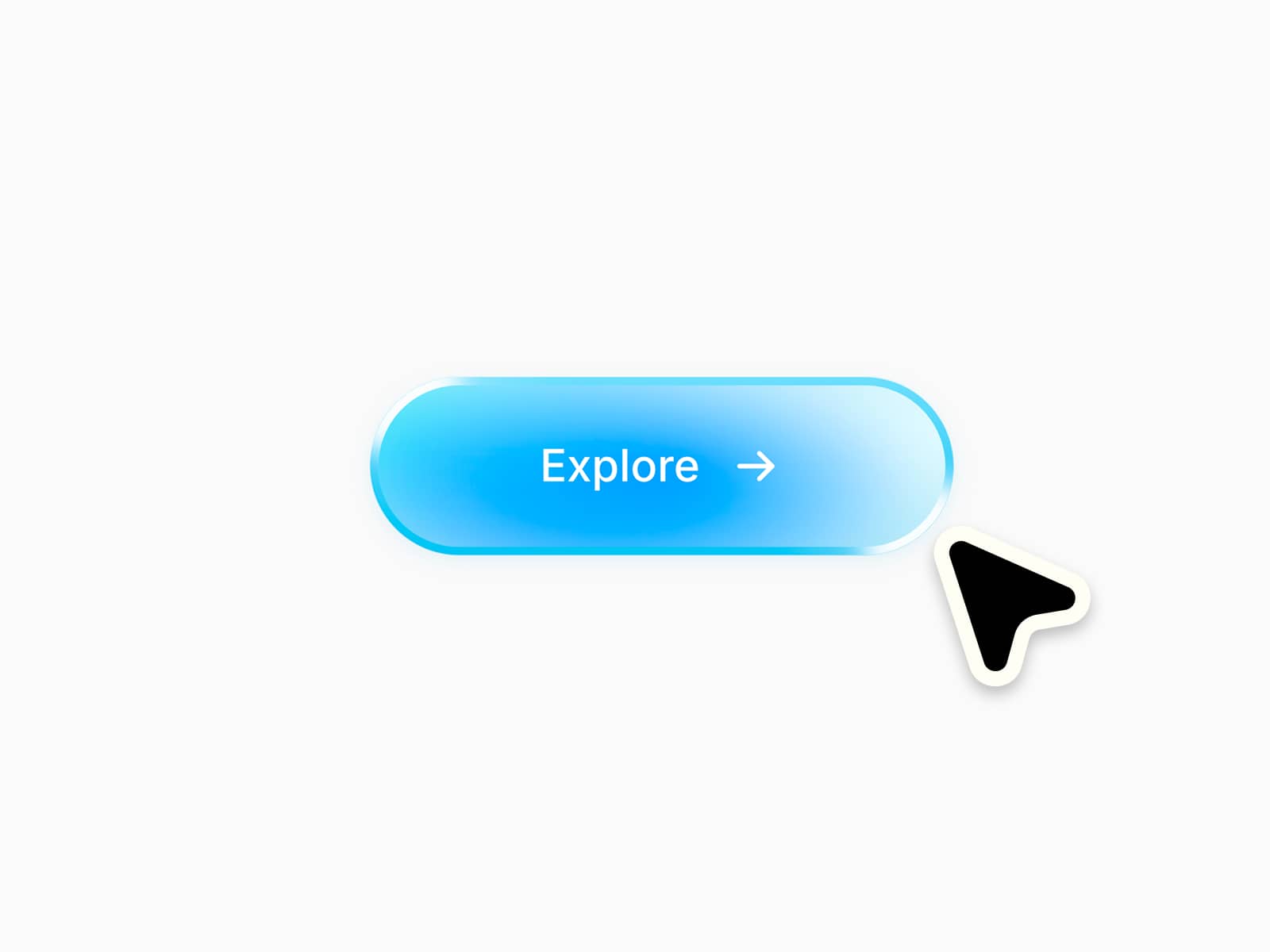
OverviewUniversal Shine FX adds a dynamic glossy reflection effect to any layer in your Framer project. Simply drop it on top of an element and position it with absolute layout to achieve cinematic depth and light motion.
Features
Works with any component (buttons, images, cards, text blocks)
Fully responsive and customizable
Adjustable direction, speed, opacity, and gradient width
Lightweight animation using Framer Motion
Use Cases
Create premium-looking CTAs and cards
Add moving light reflections to UI elements
Simulate glossy or metallic surfaces
How to Use
Drop the Shine FX layer inside your Frame
Set its position to Absolute and place it above your element
Adjust the gradient, angle, and animation speed
Optionally loop or trigger on hover for interactivity
CompatibilityWorks with any Framer project, supports both dark and light themes.