About Shop Mega Menu
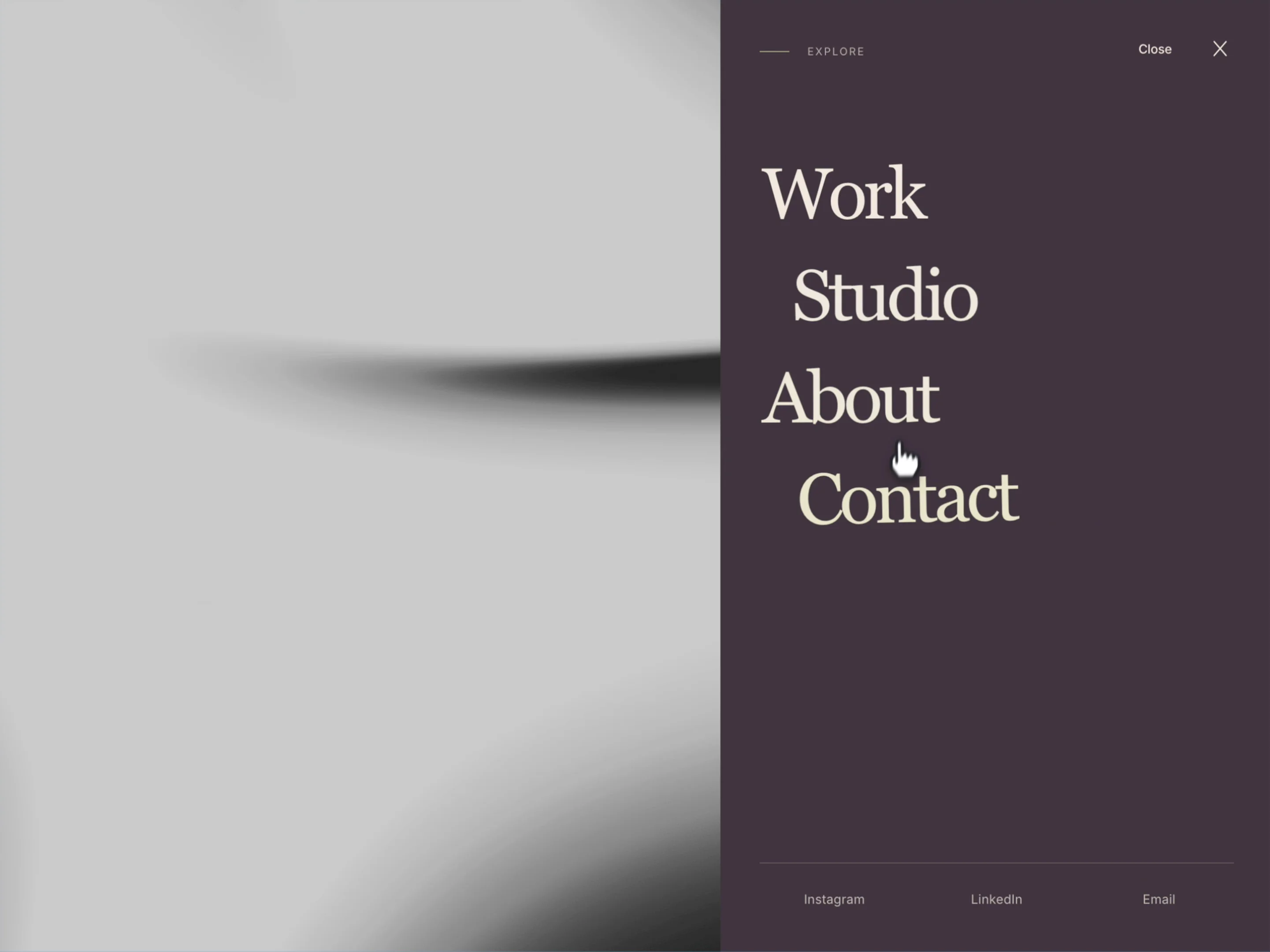
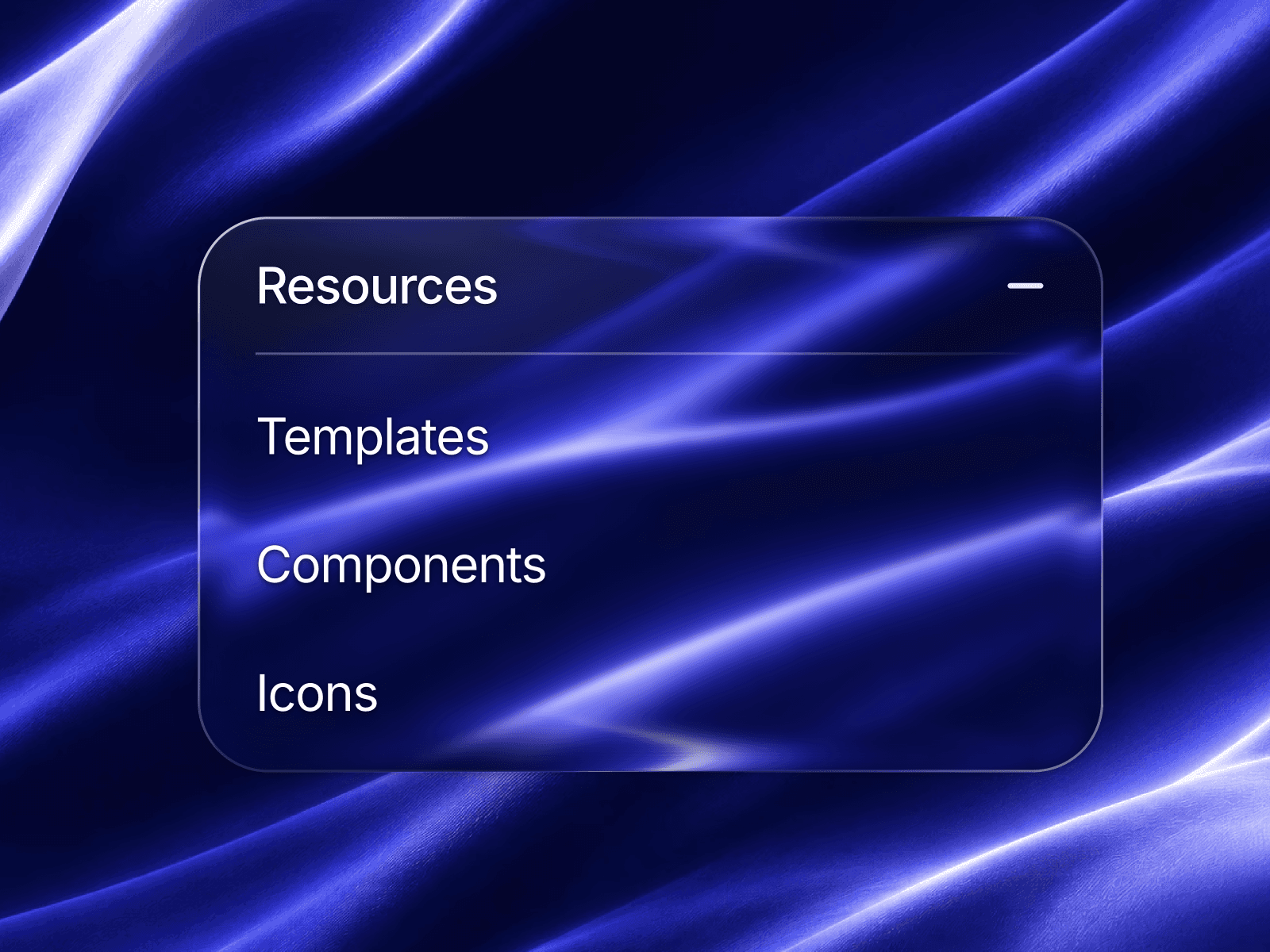
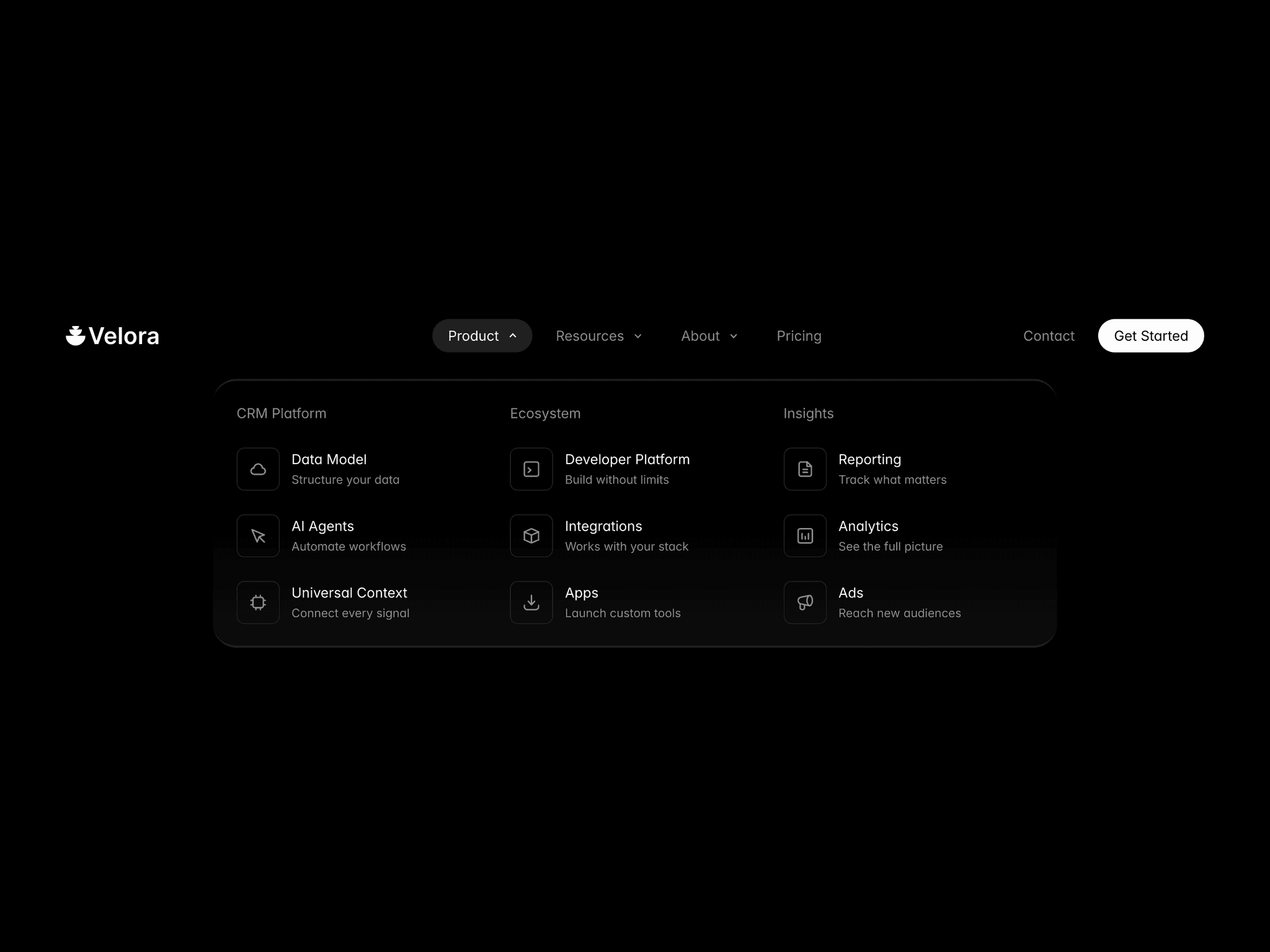
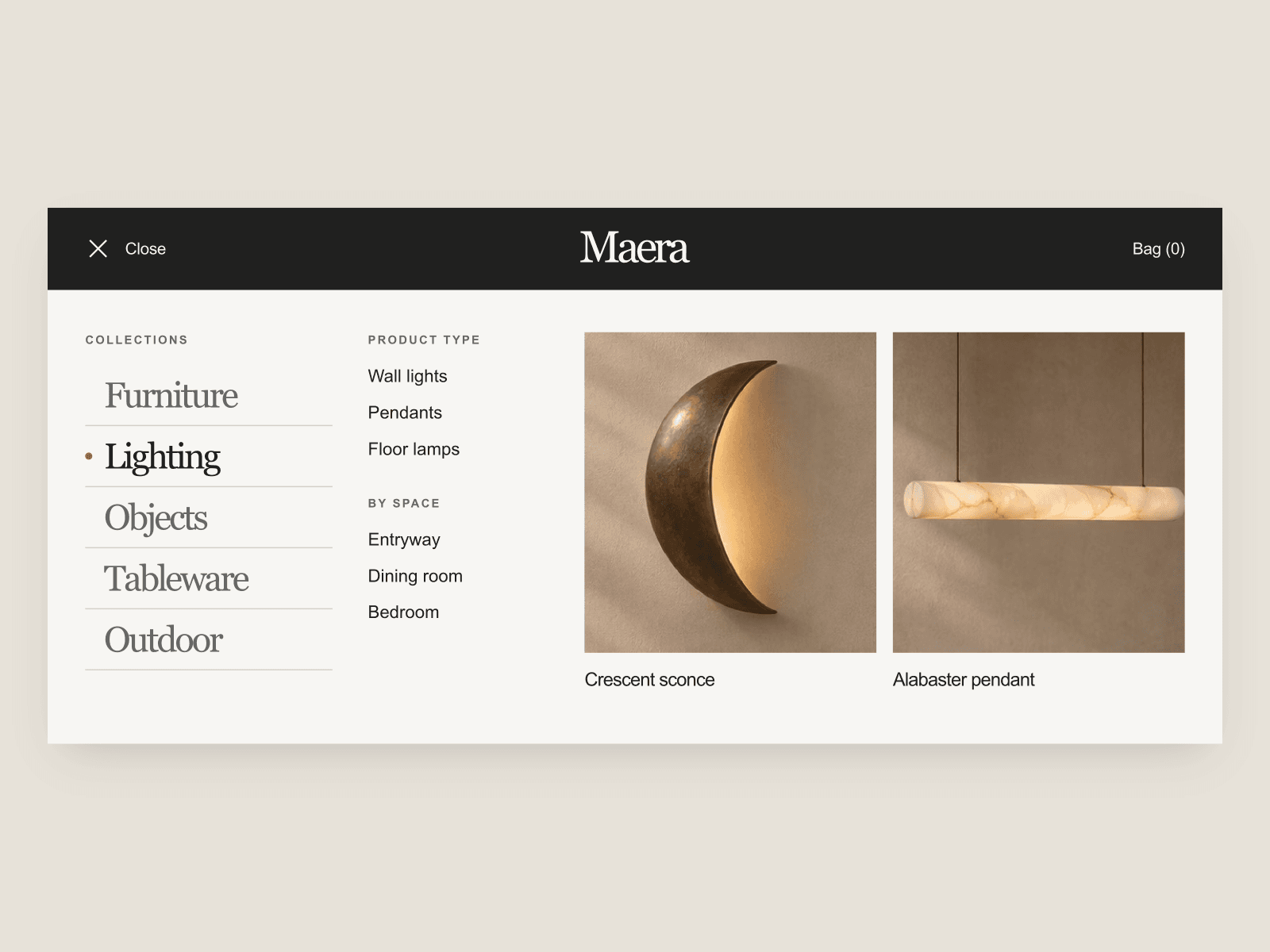
Shop Mega Menu is a responsive ecommerce navigation component for Framer. Open the slim header and a collection index appears alongside product links and two featured pieces. A shopper can move from Furniture to Lighting and see the next pair of products before choosing where to go.
A visual index for your store
Each collection brings together three product types, three spaces and two image-led destinations. Someone looking for a pendant can jump straight to lighting, while someone furnishing a dining room can browse by space. The photographs give both shoppers a feel for the collection as they explore. Each photograph and its caption share a single click target.
From desktop to a mobile collection list
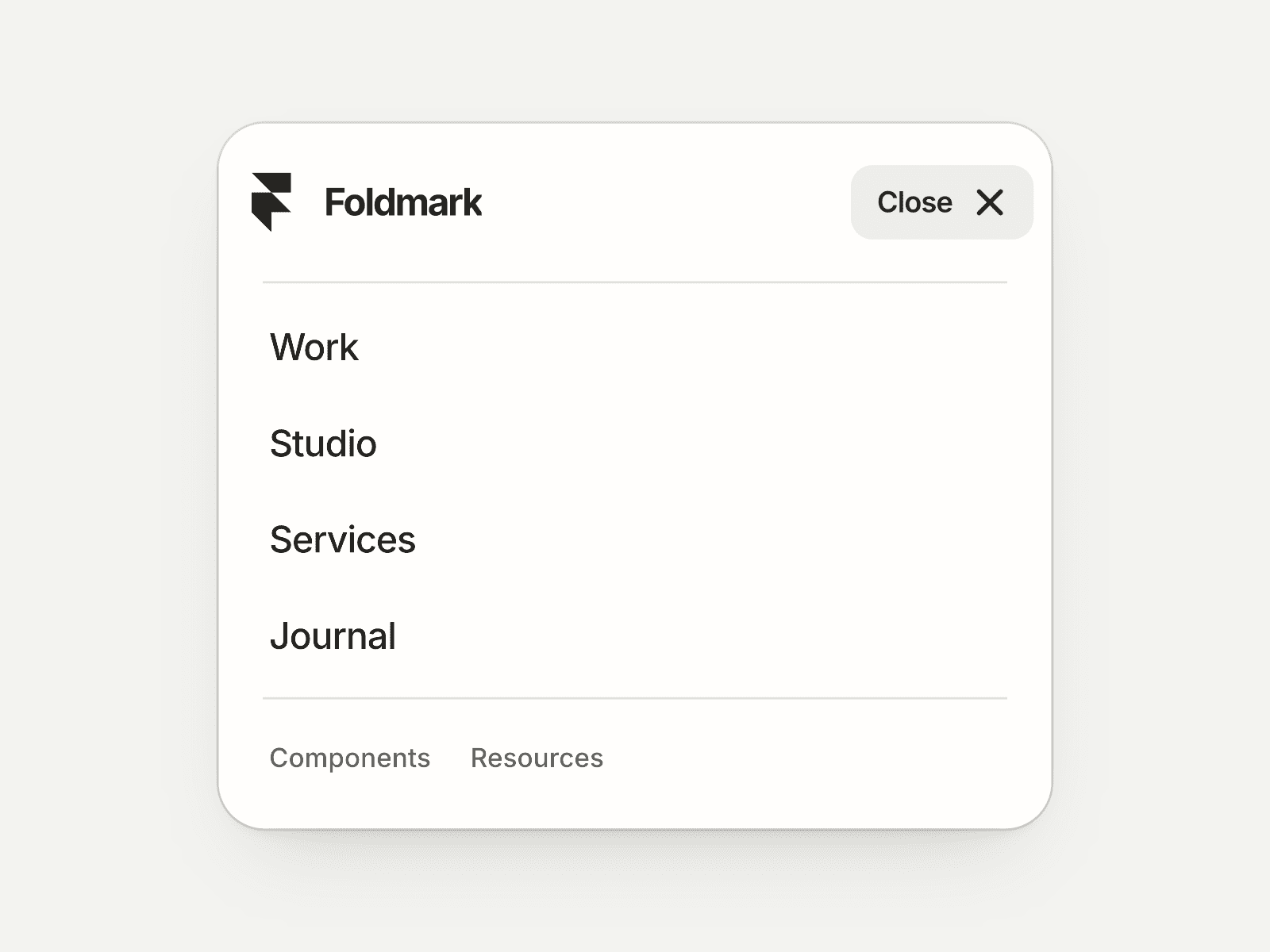
Hover or click a collection on desktop to reveal its links and product pair. On a phone, all five collections sit in one vertical list. Tap a name to open its detail view, then use Collections to return to the same row. The layout follows the width of the component, so it also works inside a narrower Framer stack.
Make it your own
Replace the wordmark, set the homepage and bag destinations, and edit each collection’s labels, links, photographs and captions. Choose which links open in a new tab, or set a shared destination while you build. Adjust the surface, text and selection colors to match your storefront.
Start with the menu open to introduce a range, or keep it closed above an existing page. Choose the initial collection and preview mobile details on the canvas. The Shop and Close controls share one position, keyboard focus stays visible, and the transitions respect reduced-motion preferences.
Where it fits
Use it for furniture and lighting stores, ceramics studios, tableware collections, outdoor living brands or a curated shop with a small, distinct range of products.
Made by Frame Agency