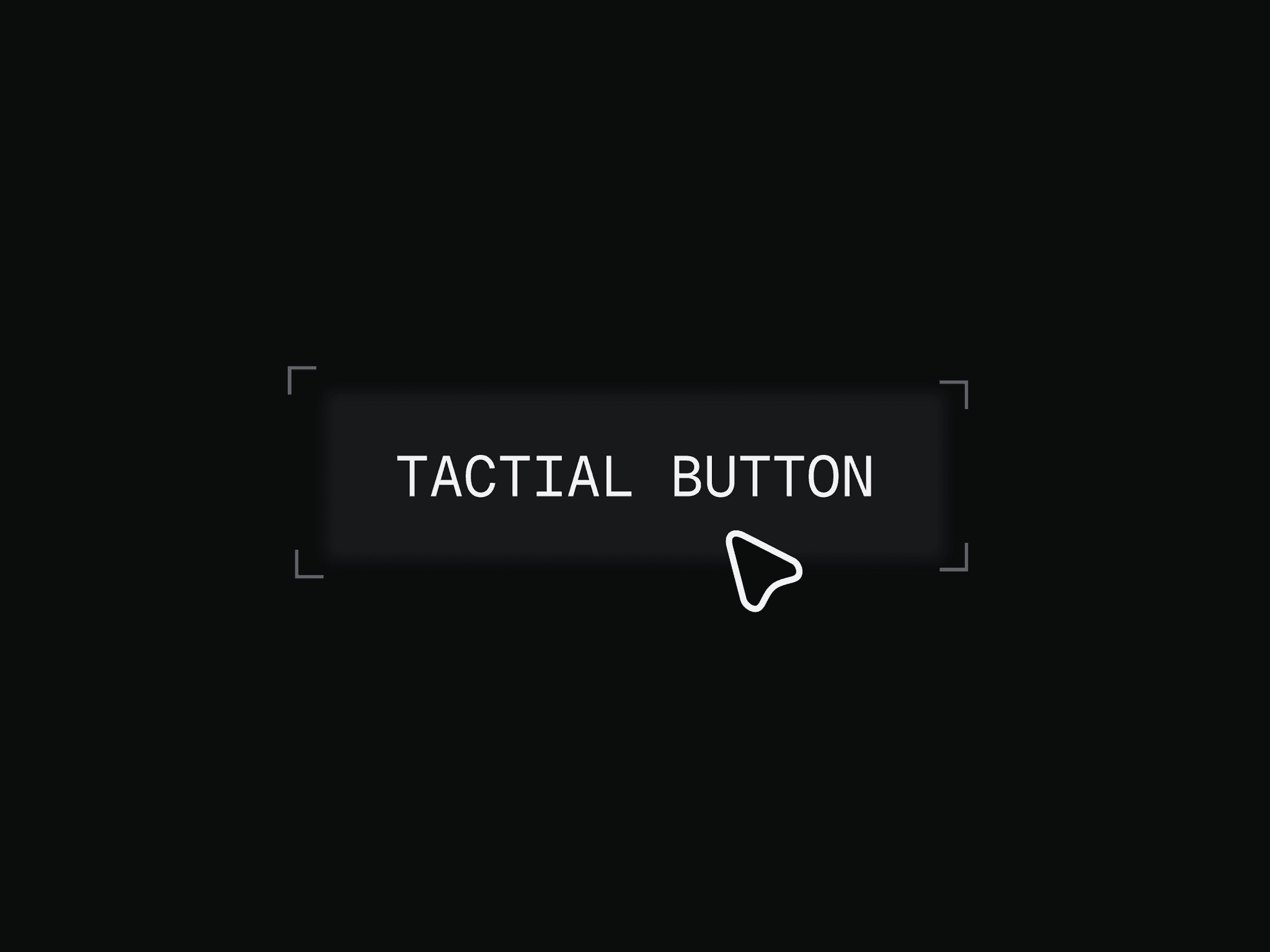
About Slide Sweep Button
Slide Sweep Button is a customizable Framer code component for CTAs, navigation links and interface actions. On hover, thin slanted bars slide across the button and the label dips into the background color as they pass, then everything returns to normal.
What you can customize
Use Framer property controls, grouped into clear sections, to edit everything without touching code:
Content: label, font, link and an On Click event.
Appearance: text color, background, radius, padding, border and shadow.
Bars: count (1 to 6), color, width, gap and angle. A positive angle leans like
/, a negative one like\.Text tint: choose whether the text ahead of the bars matches the background or takes a custom color.
Sweep animation: direction (left to right or right to left) and a full transition editor, so you can use tween or spring.
Hover state: scale, text scale, lift, rotate, opacity, text color, background, border color, shadow, radius and press scale, each with its own transition.
Canvas preview: freeze the sweep or the hover state on the canvas so you can style them without opening Preview.
The Link control also accepts a path such as pricing, which opens that page on your own domain. Full URLs, mailto:, tel: and #anchor links work as well.
Great for (examples)
Just a few ideas, use it anywhere a sharp hover fits your design:
Hero CTAs on dark, minimal landing pages
SaaS sites, pricing pages and feature links
Portfolio navigation and case-study links
Agency contact buttons
Anywhere you want a quick hover with a bit of edge
Setup
Copy the component, paste it into your project and place it on the canvas. Want to see it configured? Open the setup example.
Share your build
If you ship something cool with it, send it my way. You can message me on X @Noorul_saliha or reach me at noorulsaliha.design@gmail.com. I’d love to see what you create.
Need help?
Questions or feedback? Reach me anytime at noorulsaliha.design@gmail.com or on X @Noorul_saliha.