About Slideshow Max
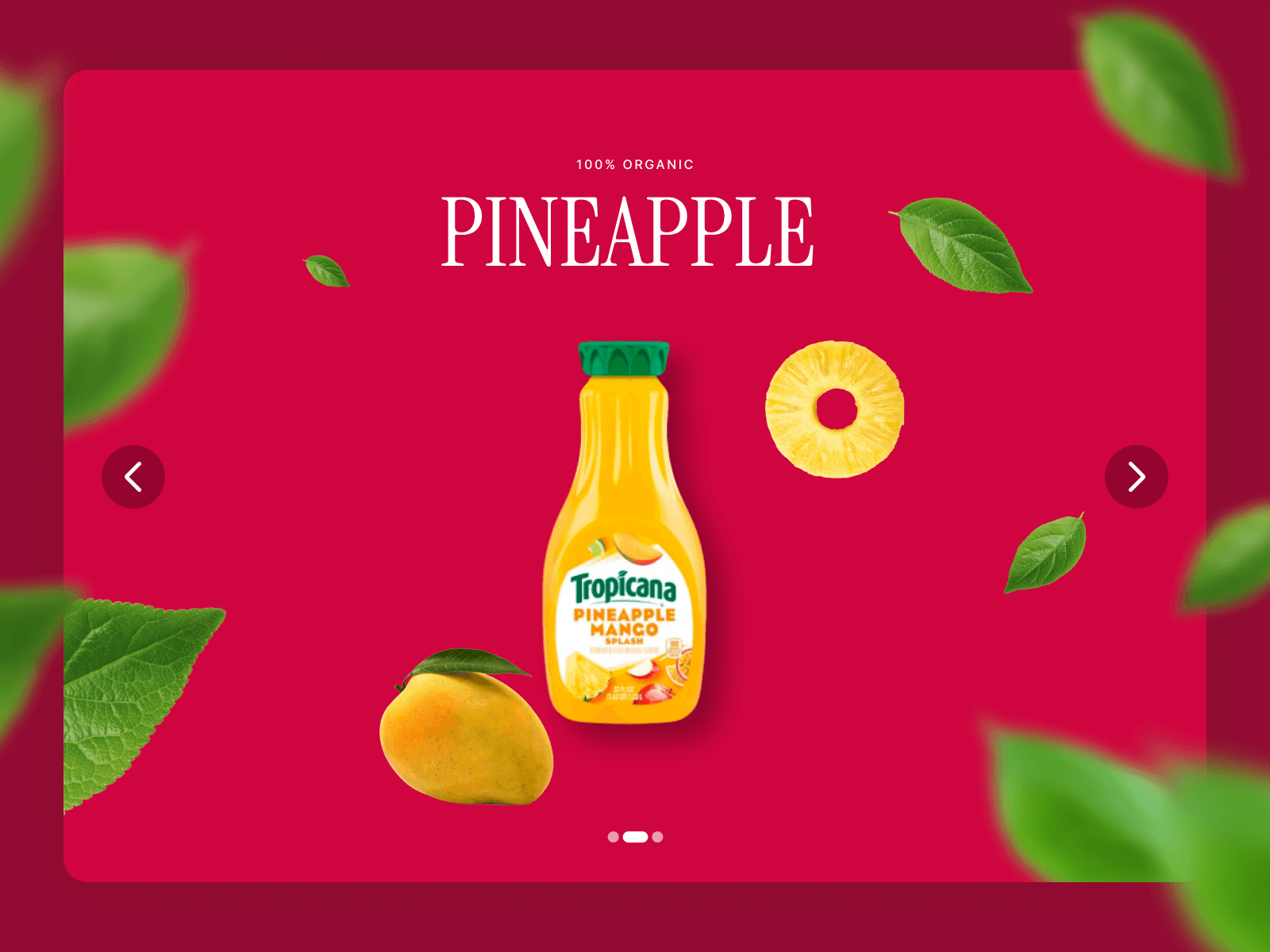
A flexible, high-performance slideshow for Framer with precise arrow placement, smart indicators, and smooth inactive-state styling. Works with any Framer layer/component as a slide and adapts to 1-up or multi-column carousels.
Layout & content: show 1 or more slides at once (Visible), set gap, start on any slide (1-based index), optional force-fill to make embeds/images stretch perfectly
Interaction modes: Drag, Swipe (trackpad / horizontal wheel), or None (fully disabled)
Momentum swipe (Swipe mode): natural wheel/trackpad momentum with overshoot resistance and snap-to-slide
Drag behavior (Drag mode): edge-clamped with smooth spring snapping; native image drag is suppressed for clean interaction
Arrows on your terms: use your own arrow components designed in Framer (Prev/Next) and choose Separate or Group placement
Separate placement: “Edge Align” options (Inside / Half outside / Outside) keep arrows visually flush with the carousel edge at any size
Group placement: position the pair at Center, Top/Bottom Left/Middle/Right; set a custom gap between arrows
Insets, precisely: independent vertical and horizontal inset controls (group mode) for perfect placement
Manual Sizes (per side): override left/right arrow width/height (0 = auto) when your icons report odd sizes; makes edge alignment pixel-perfect
Arrow polish: set disabled opacity and z-index to float controls above content
Indicators: choose None, Dots, or Progress
Global indicator placement: Position control (Center, Top/Bottom Left/Middle/Right) + global Horizontal Inset; vertical inset taken from each indicator’s own settings
Dots (native): set active/inactive colors, size (W/H), corner radius, dot gap; optional container padding, radius, and background
Dots (custom): design your own active/inactive dot components in Framer.
Progress bar: customizable height, radius, colors; fixed width or fill; animated fill that tracks visible range
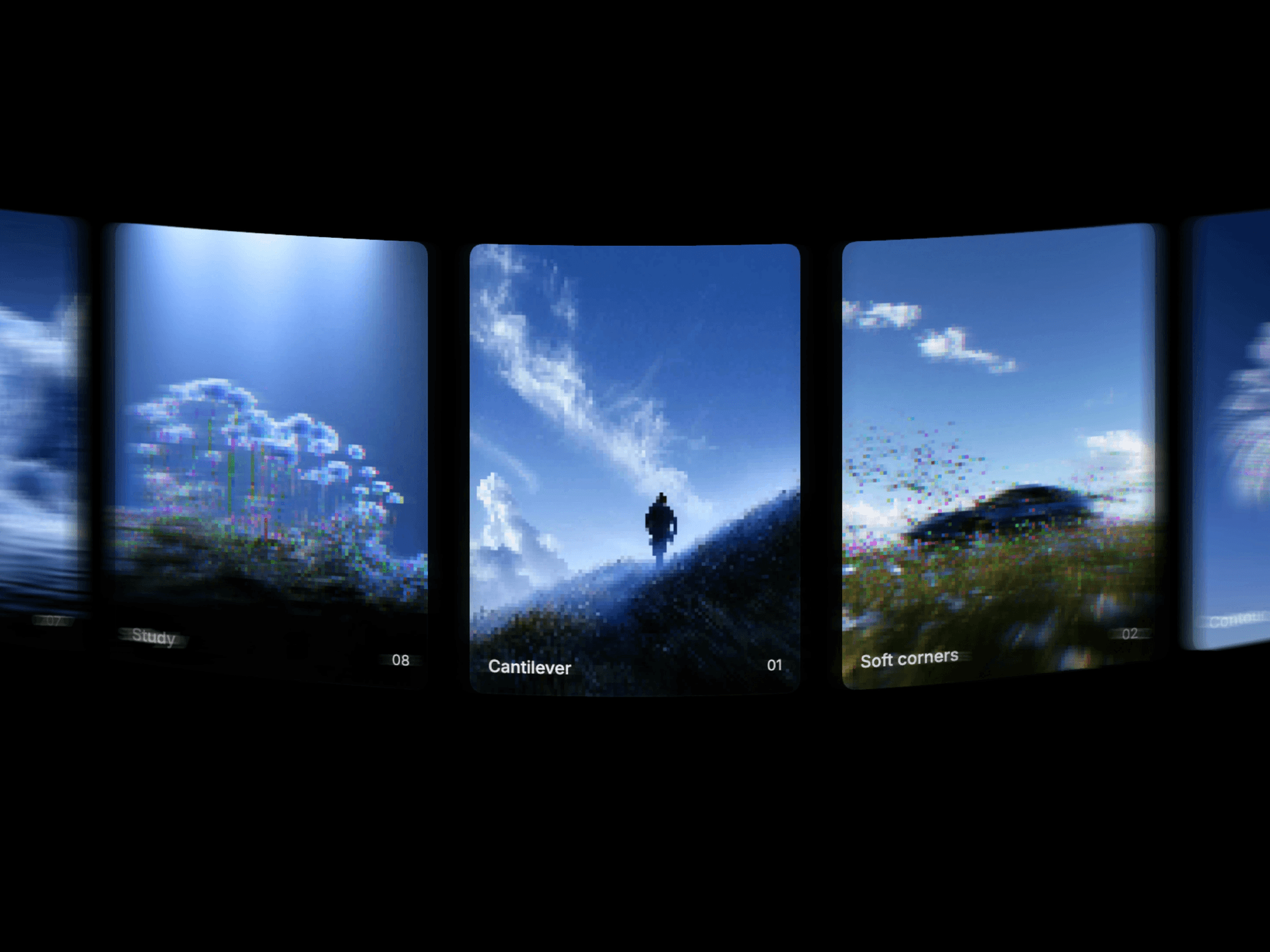
Inactive state styling: fade and scale non-active slides (tunable opacity & scale) for a premium, depth-y feel
Does not offer loop or infinite scrolling