About Curved Carrousel
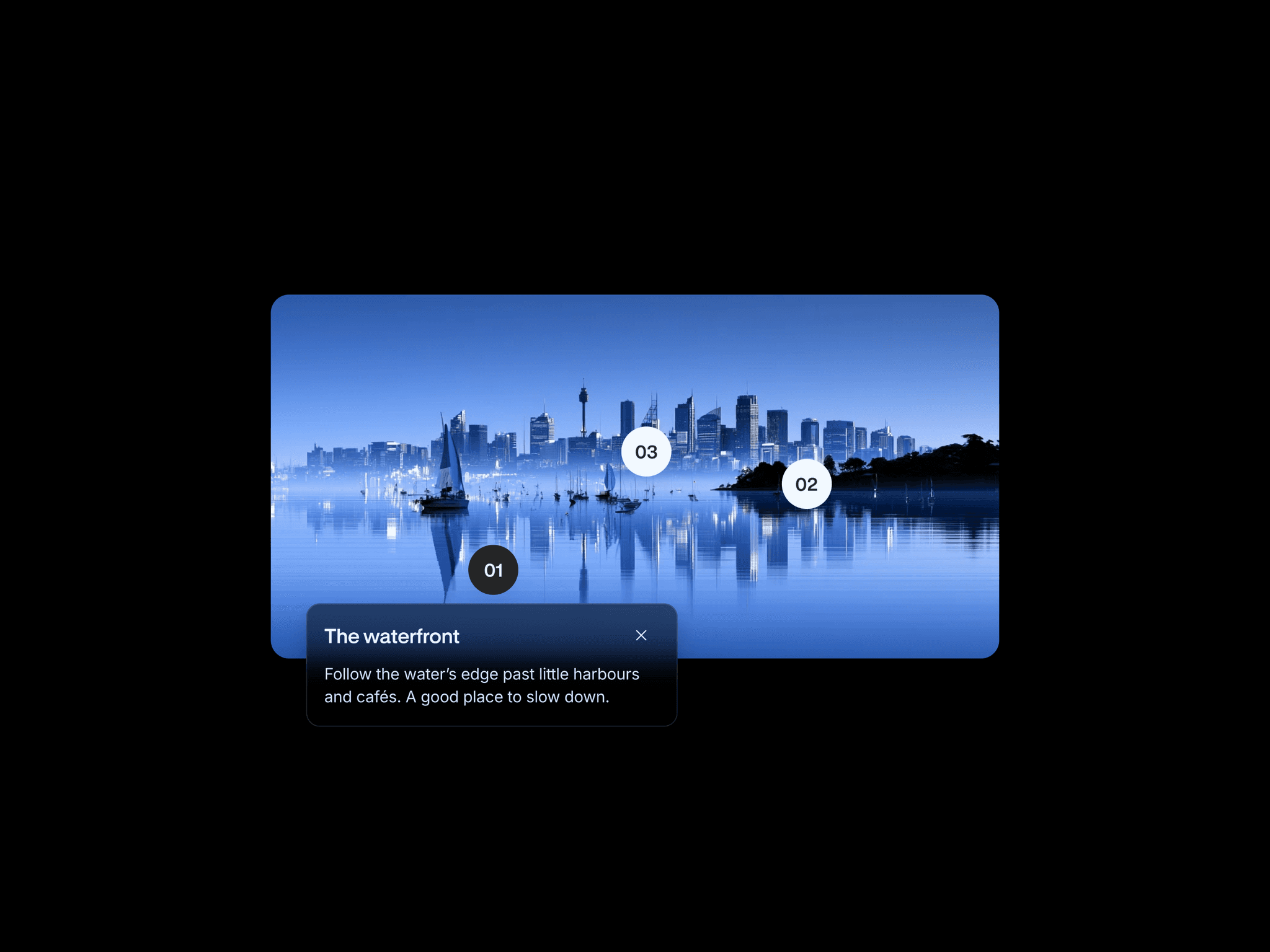
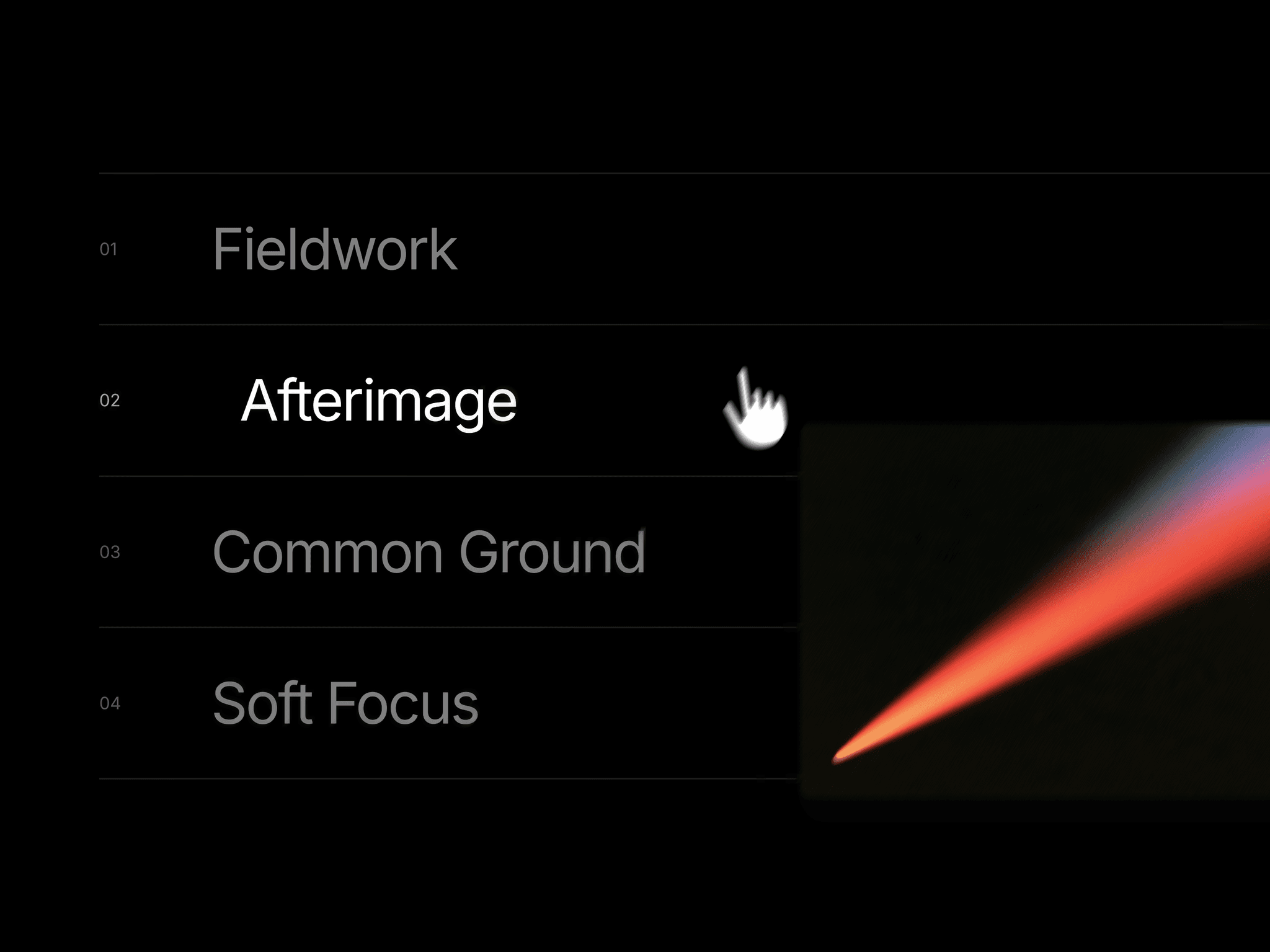
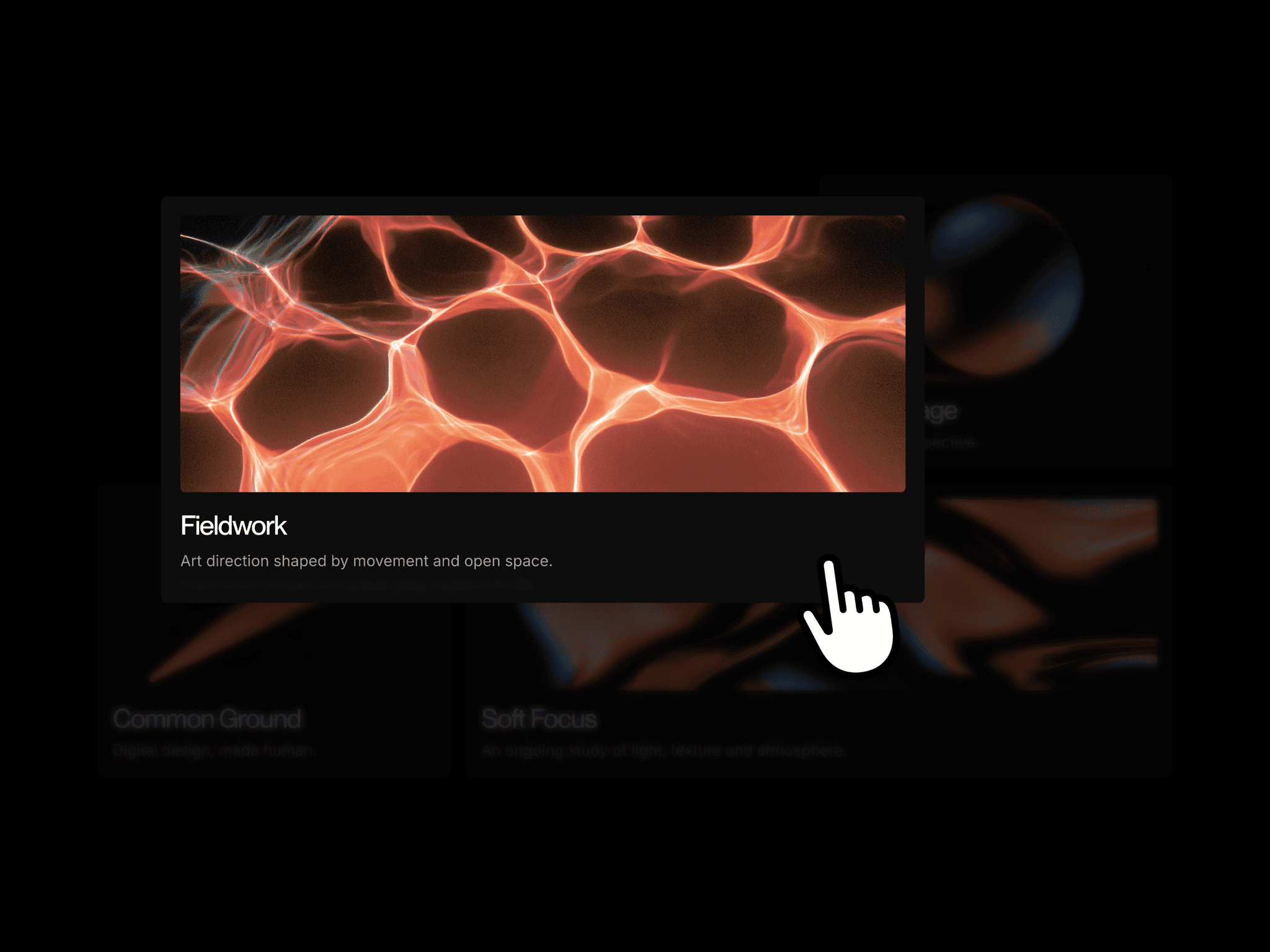
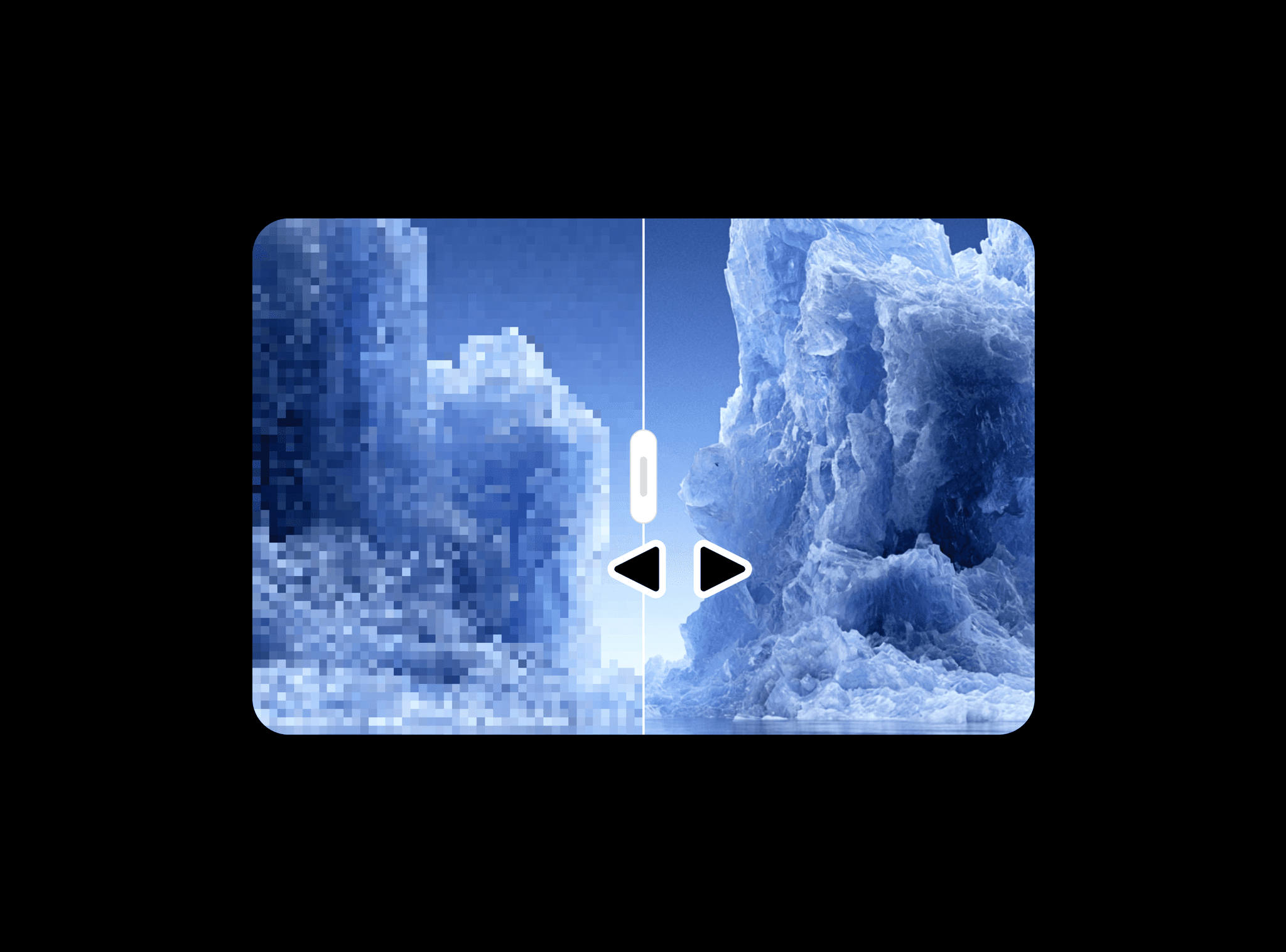
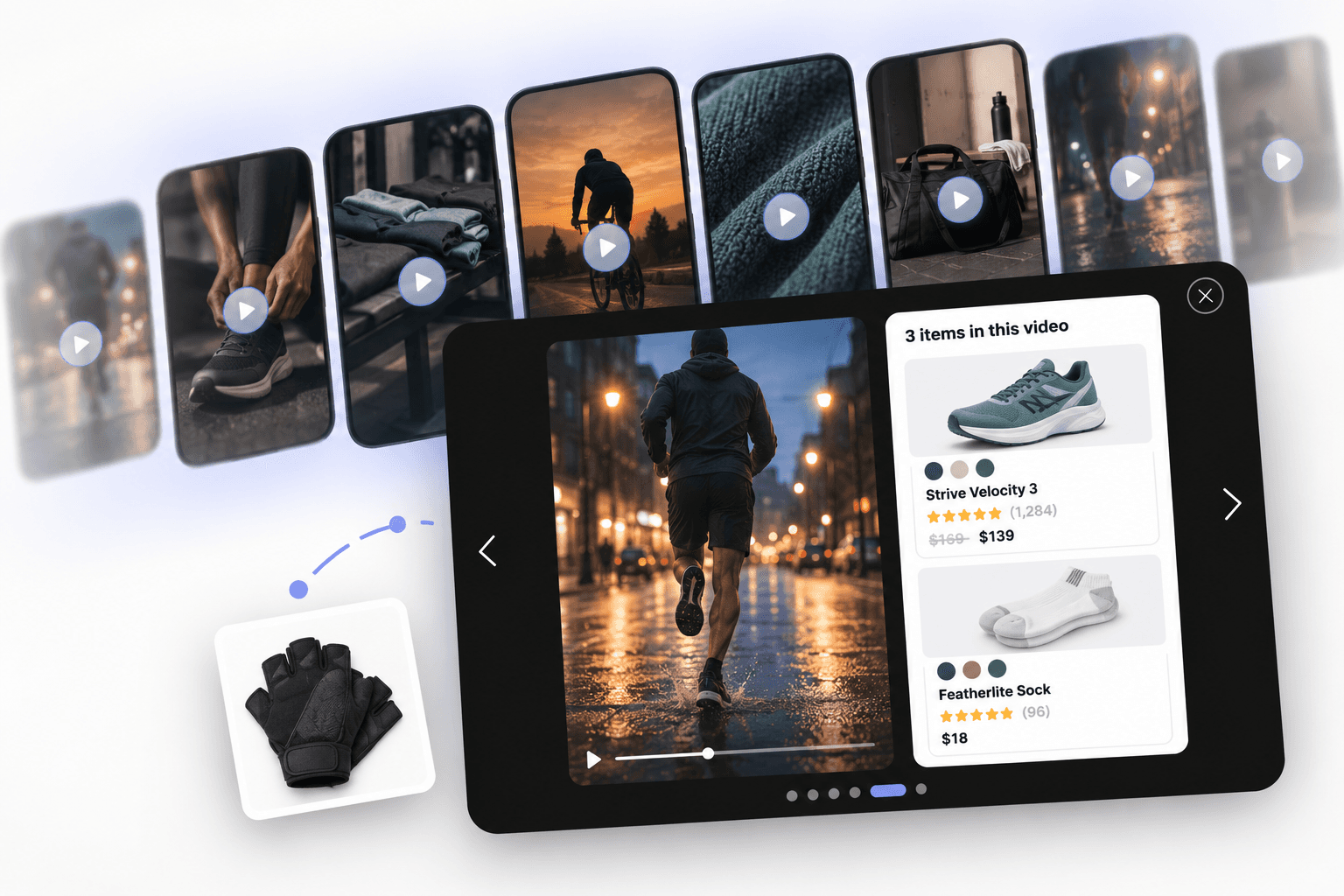
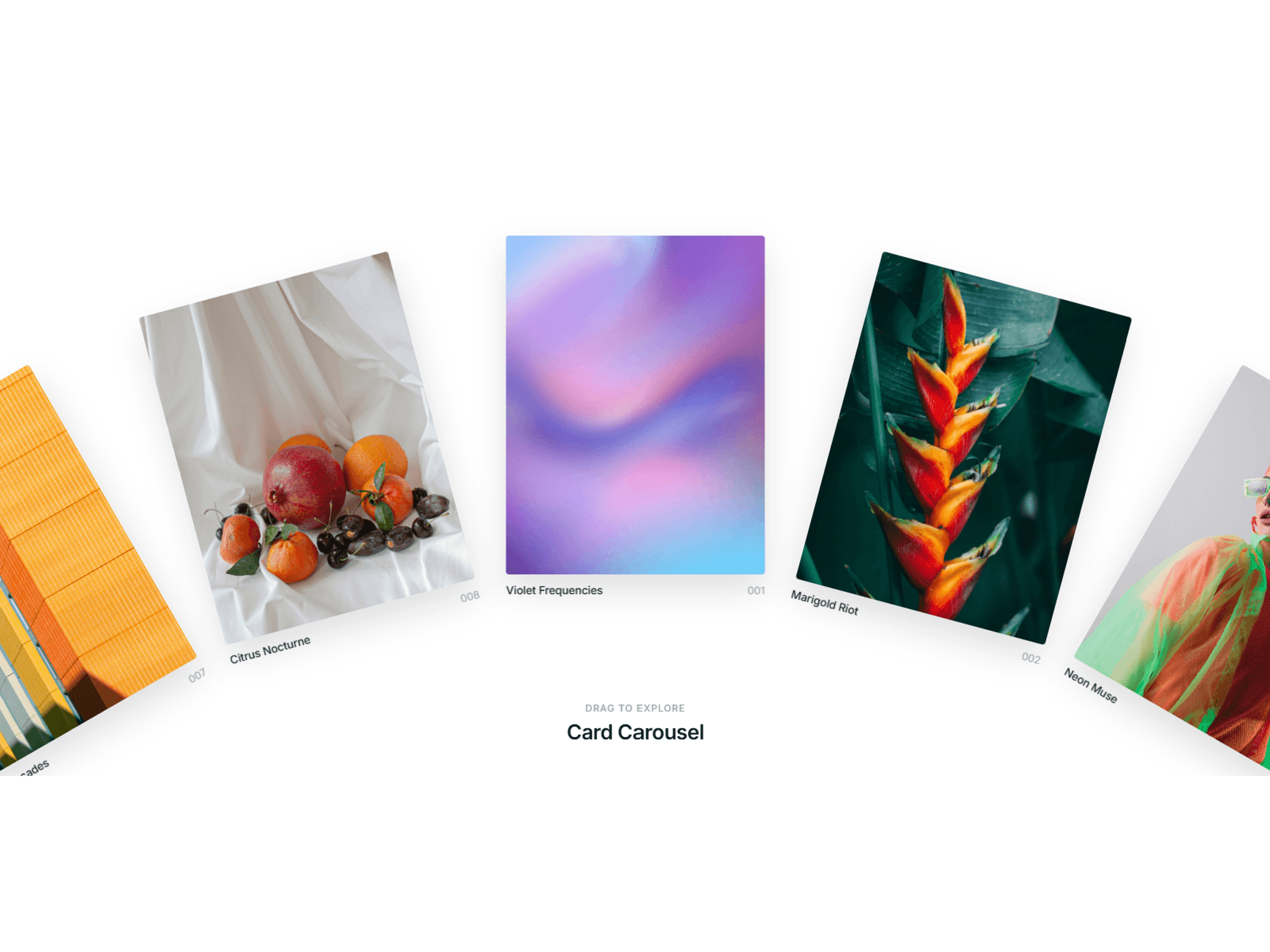
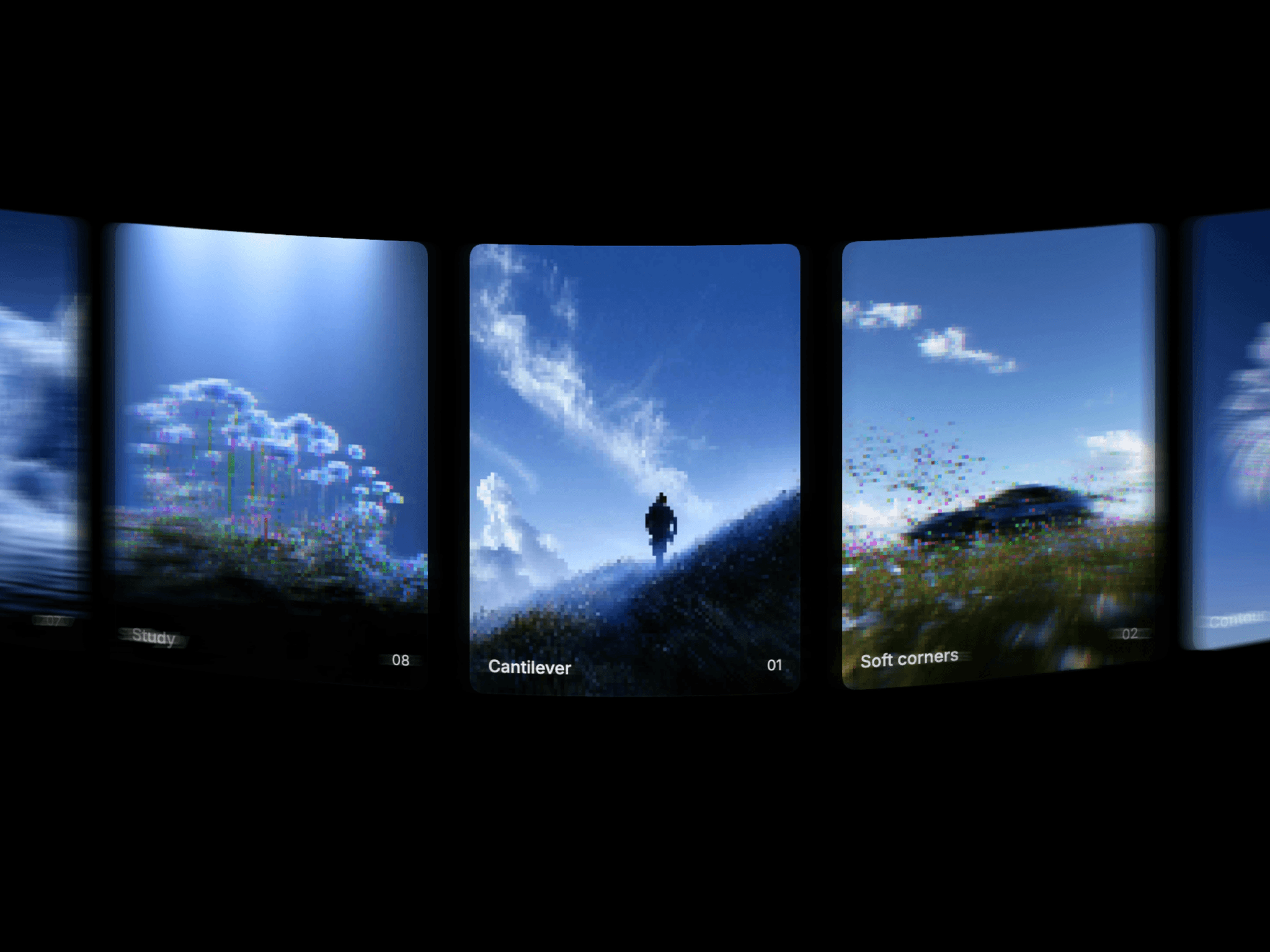
Curved Carousel arranges image cards along a curved track, adding depth to a visual collection. Visitors can drag through the images with momentum or let autoplay keep them moving. Optional captions and index numbers give each card context.
What you can customize
Manage images and captions through Images. Adjust Curve, toggle Autoplay, and set Speed and Direction. Show or hide captions and numbers independently.
Open Customize to adjust card width, height, gap, radius, momentum, fill, and border. Refine the font, text size, weight, color, number size, inset, and shading to keep captions readable.
How to use
Copy the component from the Marketplace and paste it onto the canvas
Open Images to replace the collection and edit captions
Set Curve and configure Autoplay, Speed, and Direction
Show Customize to refine the cards, typography, and momentum
Preview the page to test dragging and autoplay
Great for
Selected portfolio projects
Photography collections
Product imagery
Studio and agency galleries