About SplitType
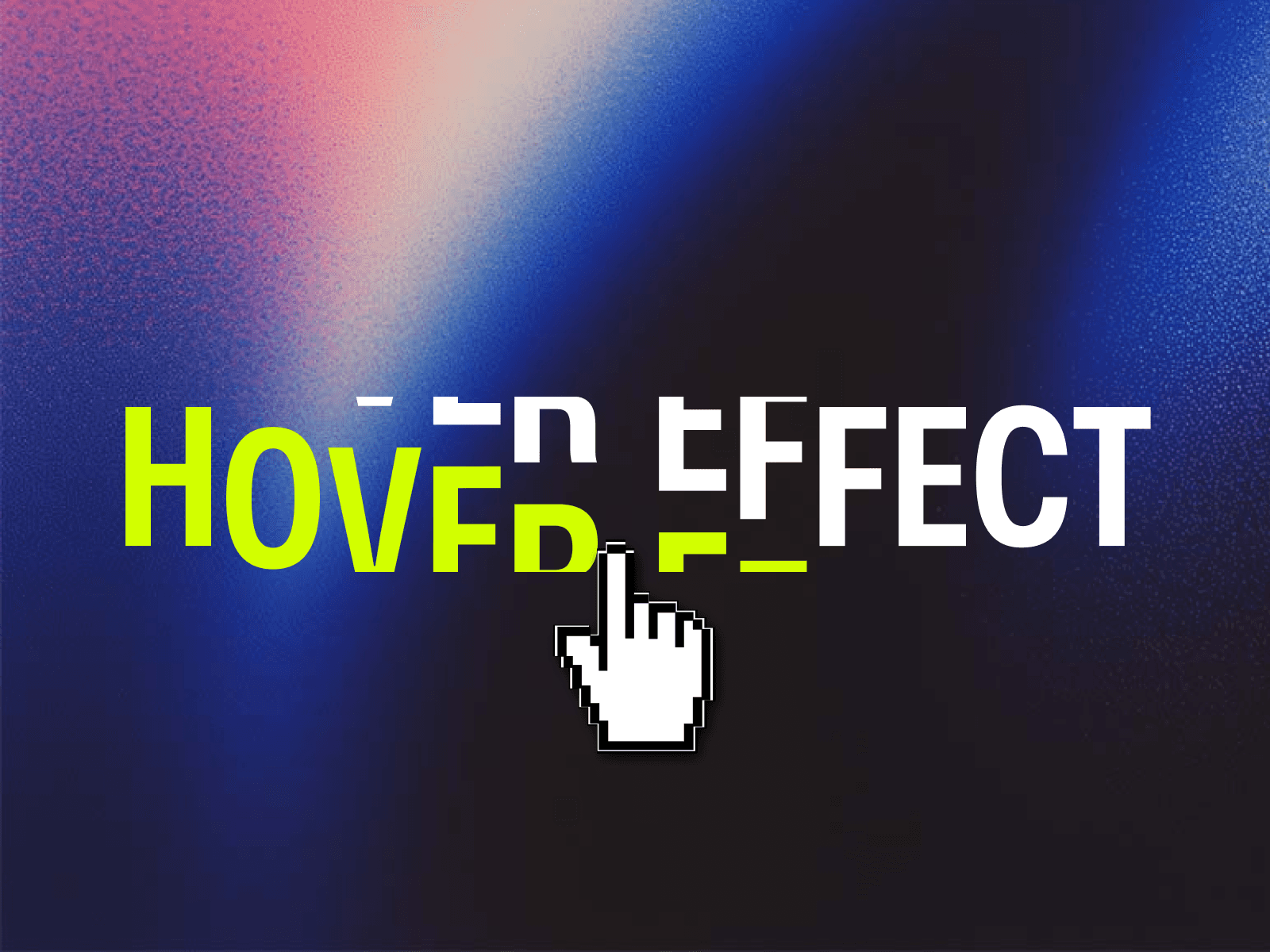
The component offers multiple animation styles, from a classic "split" effect to more subtle transitions, making it ideal for creating engaging headlines and titles.
Customization Options
Text & Typography:
Text: The string of text to be displayed.
Text Color: The color of the text.
Font: Full typographic controls, including font family, size, and weight.
Text Transform: Sets the text to uppercase, lowercase, or none.
Stroke Color: The color of the text outline.
Stroke Width: The thickness of the text outline.
Shadow Color: The color of the text drop shadow.
Shadow Blur: The blur radius of the text shadow.
Shadow X Offset: The horizontal position of the shadow.
Shadow Y Offset: The vertical position of the shadow.
Animation & Effects
Animation Type: A crucial control that lets you choose the animation style on hover:
Split: The classic effect where text characters split apart.
Fade: Characters fade in or out on hover.
Slide: Characters slide up or down.
Scale: Characters grow or shrink.
Rotate: Characters rotate on their axis.
Blur: Characters blur on hover.
Split Style: The direction of the split (vertical, horizontal, or diagonal). This is only visible when the Split animation type is selected.
Effect Distance: The distance the text characters move during the animation.
Animation Speed: The duration of the animation in milliseconds.
Easing Function: The animation's easing curve, with options including ease, ease-in, ease-out, and a custom Bouncy effect.
Neighbor Effect: A toggle that applies a smaller, secondary effect to the characters directly next to the hovered one.
Neighbor Distance: The distance for the secondary "neighbor" effect. This is only visible when Neighbor Effect is turned on.
Show Scissors: A toggle to show or hide a scissors icon that appears when a character is hovered over. This is only available for the Split animation type.
Scissors Color: The color of the scissors icon.
Scissors Size: The size of the scissors icon.