About Pro Typewriter Text
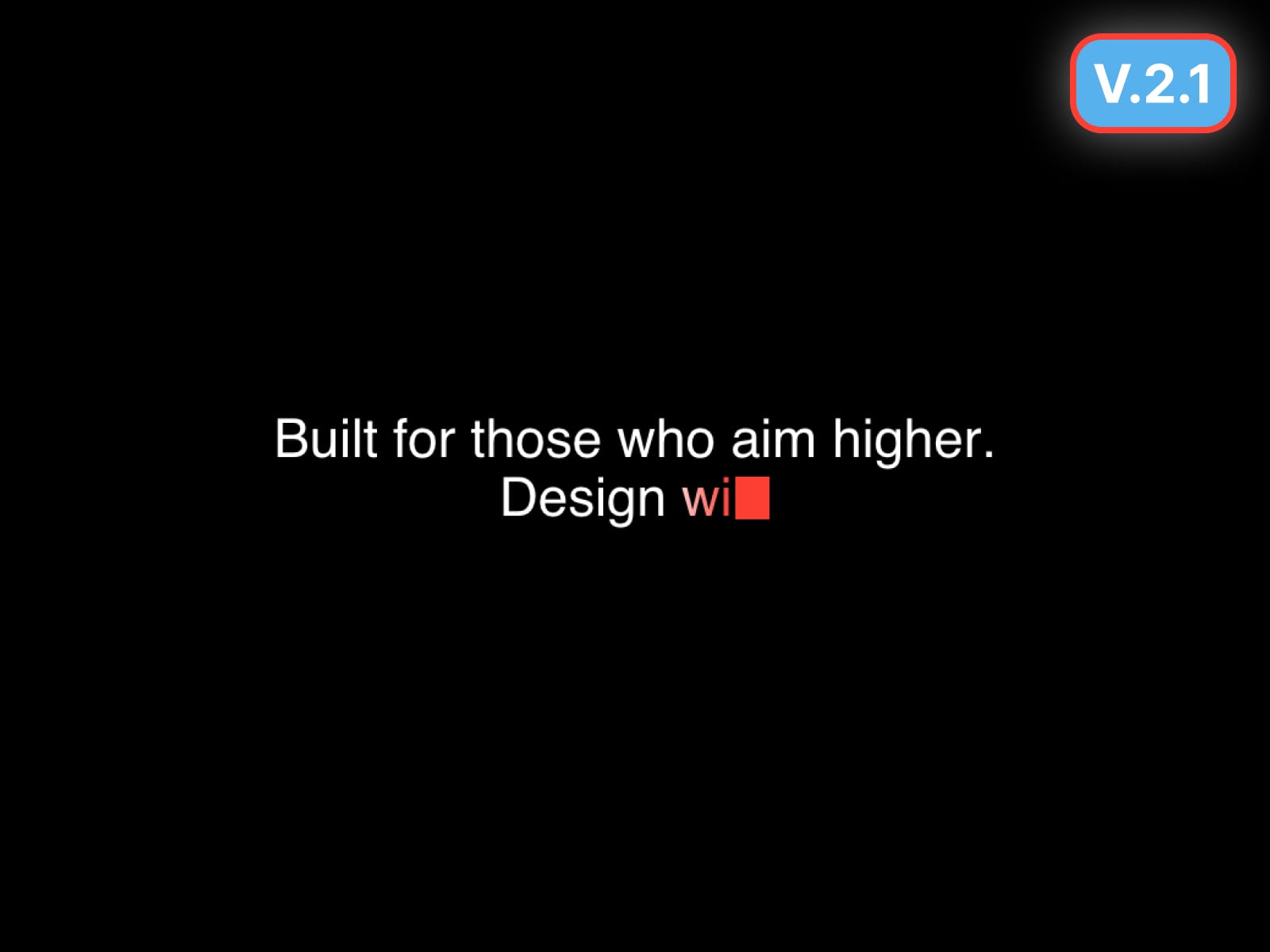
Typewriter Text brings a clean, premium typewriter animation to Framer - perfect for hero headlines, taglines, and short paragraphs.
Version 1 - Core Features
30 Jan 2026
Character or Word typing
Paragraph mode with line breaks
Delete or Fade loop styles
Smart Pause for punctuation
Bar / Block / Underscore caret
Optional caret glow
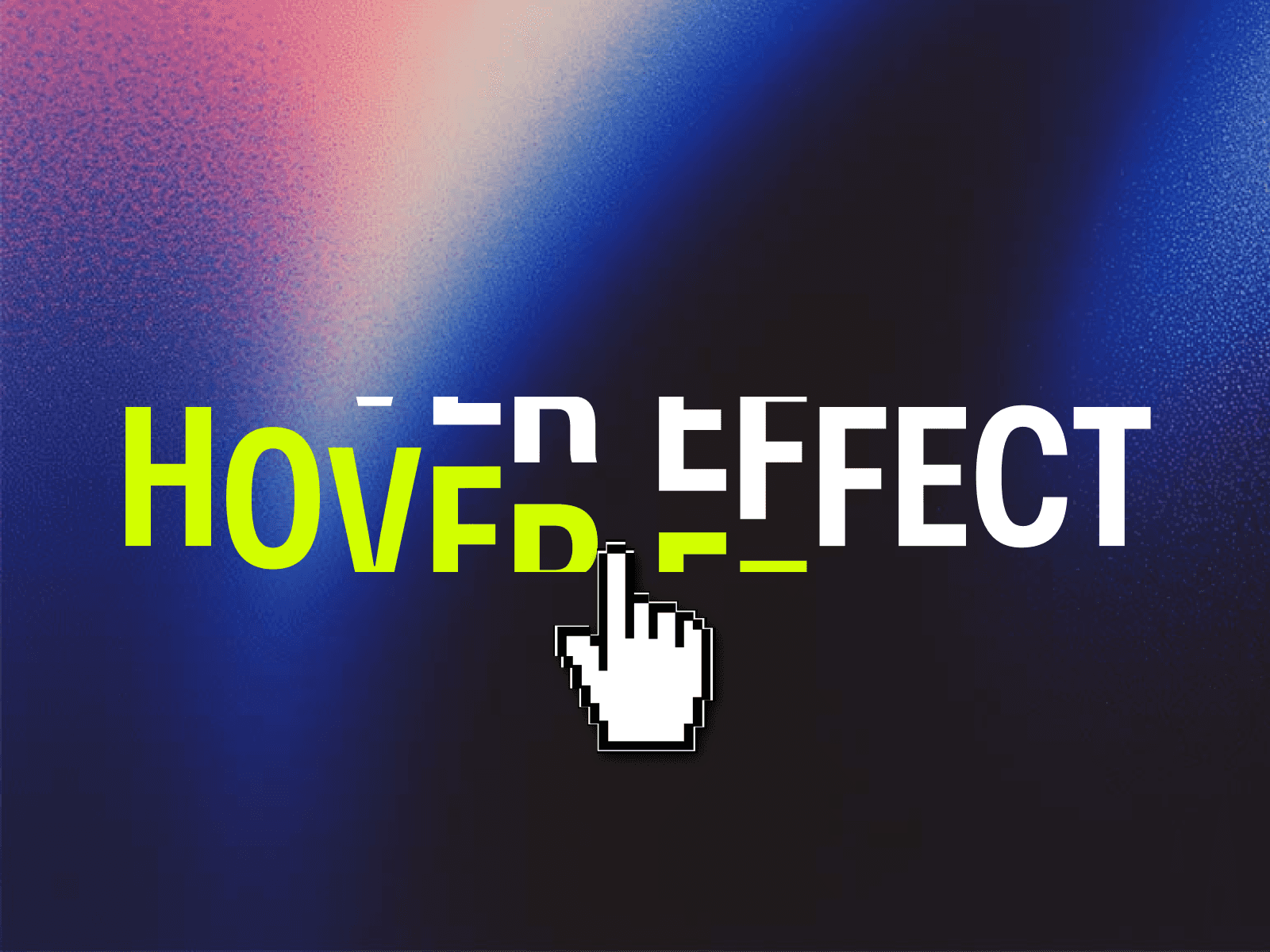
Highlight + Scramble effects
Stable height + max line clamp
Gradient text support
Framer Font control
Version 2 - New Updates ✨
23 April 2026
Gradient typing trail effect
Gradient resets to solid after typing
Improved caret alignment
SVG rendering for Canvas + Preview consistency
Better font rendering
Improved multi-line spacing
Cleaner loop transitions
Version 2.1 - Refinements ✨
31 Aug 2026
New gradient completion modes: Solid / Full Gradient / Keep Trail / Fade Trail
Smoother gradient transitions between lines
Improved caret sizing + X/Y alignment controls
New Custom Caret option
New delete modes: Chars / Words / Line / Instant
Better Word mode + blank-line support
New Line Smart Pause
Improved Stable Height
Reduced Motion + offscreen performance controls
How to use
Add your copy in Text
Choose Chars or Words
Adjust typing and pause timing
Customize Cursor and Gradient
Optional: enable Highlight, Scramble, or Glow
Best for
Hero headlines
Landing page taglines
SaaS websites
Product micro-interactions
Portfolio and marketing text