About Spotlight Collage
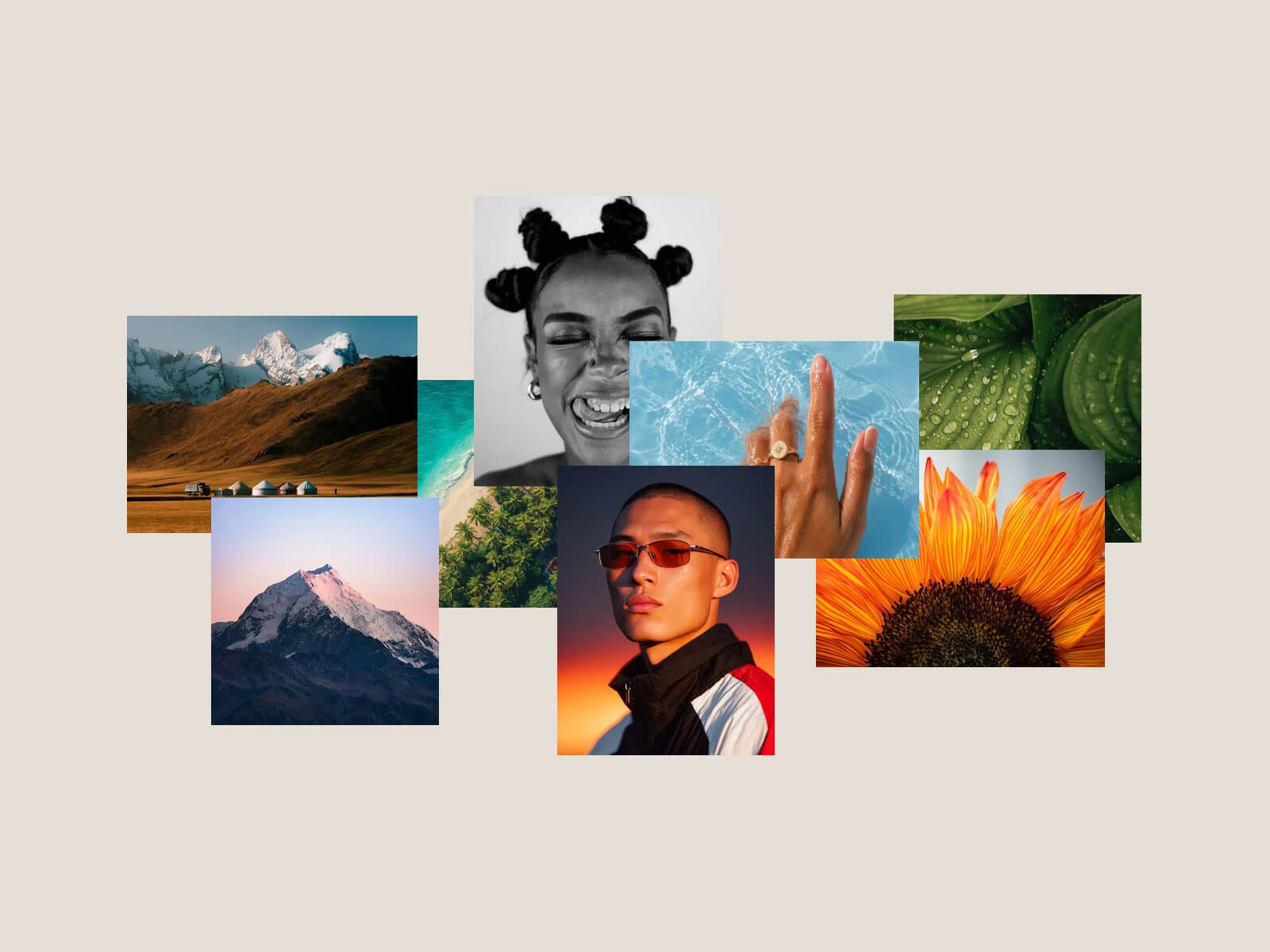
Spotlight Collage arranges your images and videos into a loose, overlapping collage. Hover any media and it stays put while the rest slide aside, shrink back and softly blur, so the one you are looking at stands alone. Move away and it eases back. On touch, a tap does the same.
Place every piece yourself: exact position, size and rotation per media, images and videos mixed freely, each from an upload or a URL. Then tune how far the others move, how much they scale and blur, the styling, and the spring behind every motion.
Key Features
Interaction
Hover or tap a media to spotlight it; the rest clear a path around it
Separate horizontal and vertical spread, plus scale-down and blur for the unfocused media
Optional lift, shadow and slight zoom on the hovered one
Tap outside to release on touch; links open on the second tap
Media
Image or video per item, from an upload or a URL
Manual X, Y, width, height and rotation for every piece
Videos autoplay muted, loop, pause off-screen and show their first frame while loading
Per-media link with an optional new tab
Reveal
Media animate in the first time the collage scrolls into view
Auto: pieces fly out from the centre and assemble the collage
Custom: set the starting opacity, scale and vertical offset
Adjustable duration and per-item stagger
Layout and Style
Auto Fit scales the collage to fit narrower breakpoints and fill containers, no per-breakpoint tuning
Manual zoom; visible or clipped overflow
Background, shadow, border and radius for every media
How to Set Up
Drop Spotlight Collage onto the canvas
Add your images and videos under Media, then place each with X, Y, width and height
Publish
Refund Policy
All sales of digital products are final and non-refundable. Questions? Contact hellonostromostudio@gmail.com before purchasing. Enjoy!