About Scroll Sync Gallery
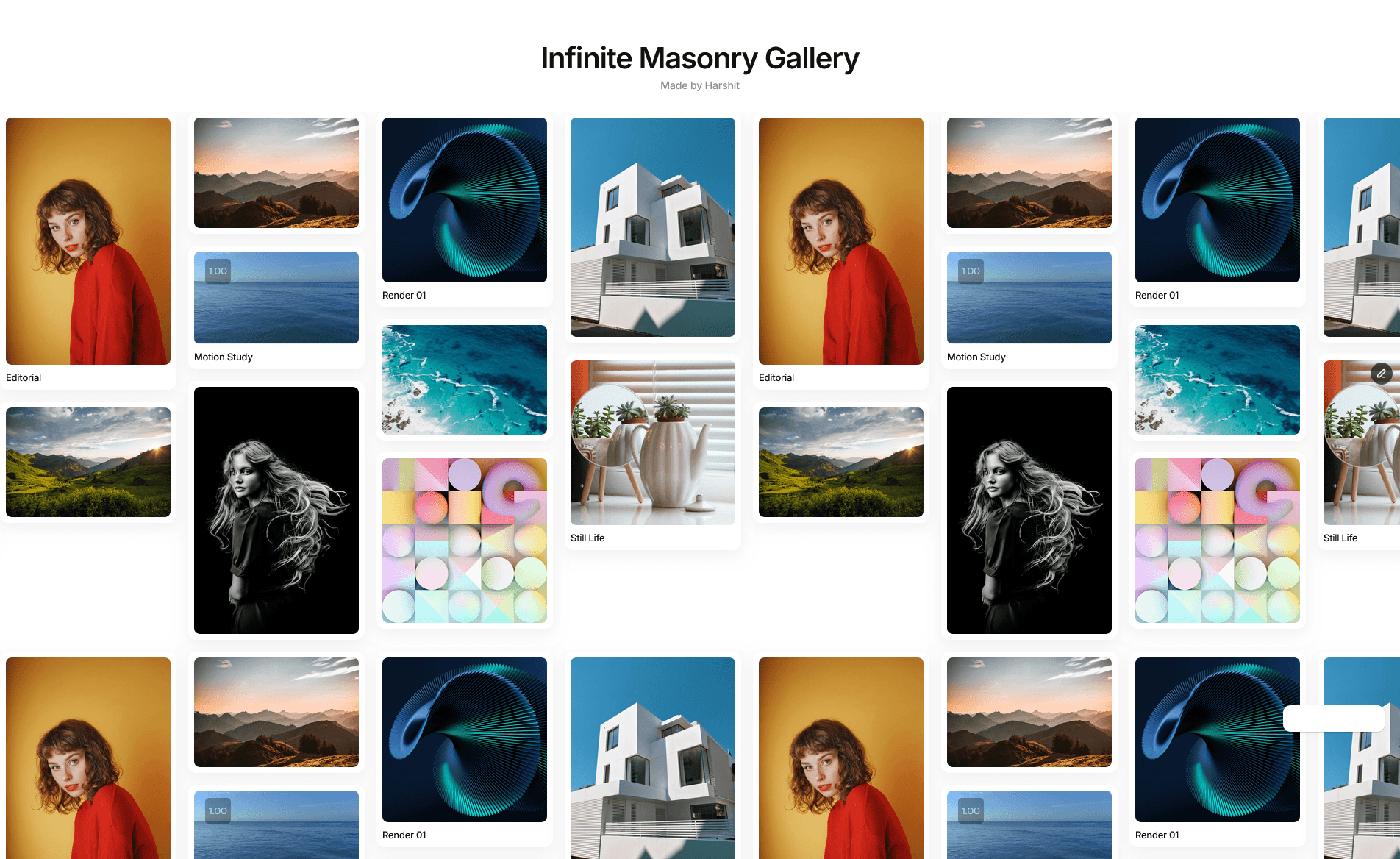
Scroll Sync Gallery is a vertical media grid where each column moves at its own speed as the page scrolls, creating a smooth cascading parallax. Mix images and videos in the same layout and let the columns glide past each other for an editorial, gallery-wall feel.
Built for Creative Control
Every column is configured on its own: set how many items it holds, reorder them, and swap an image for a video anywhere. Tune the aspect ratio, gap, and corner radius to fit your design, and pick a different column count and media set per breakpoint for full responsive control.
Pairs perfectly with Framer's Smooth Scroll (or Lenis) for extra-fluid motion.
Key Features
Media
Mix images and video files in any column
Poster image, autoplay, loop, muted, and controls options per video
Alt text field on every item for accessibility and SEO
Layout
2 to 6 columns, configurable per device
Any CSS aspect ratio (1, 2/3, 3/4, 4/3, 9/16, and more)
Adjustable gap and border radius
Overflow toggle: clean crop or visible column movement
Motion
Each column scrolls at its own pace for a natural cascade
The first column stays put as a steady reference
Works with or without Smooth Scroll
Performance
Videos load only their metadata upfront, not the full file
Motion is disabled on the canvas and in exports for a clean static preview
How to Set Up
Drag Scroll Sync Gallery onto your canvas
Choose the number of columns
Add images and videos, giving each column more items than the one before it
Adjust ratio, gap, radius, and overflow to taste
Publish, everything syncs automatically
Refund Policy
All sales of digital products are final and non-refundable. Questions? Contact hellonostromostudio@gmail.com before purchasing. Enjoy!