About Infinite Drag Grid
About This Component
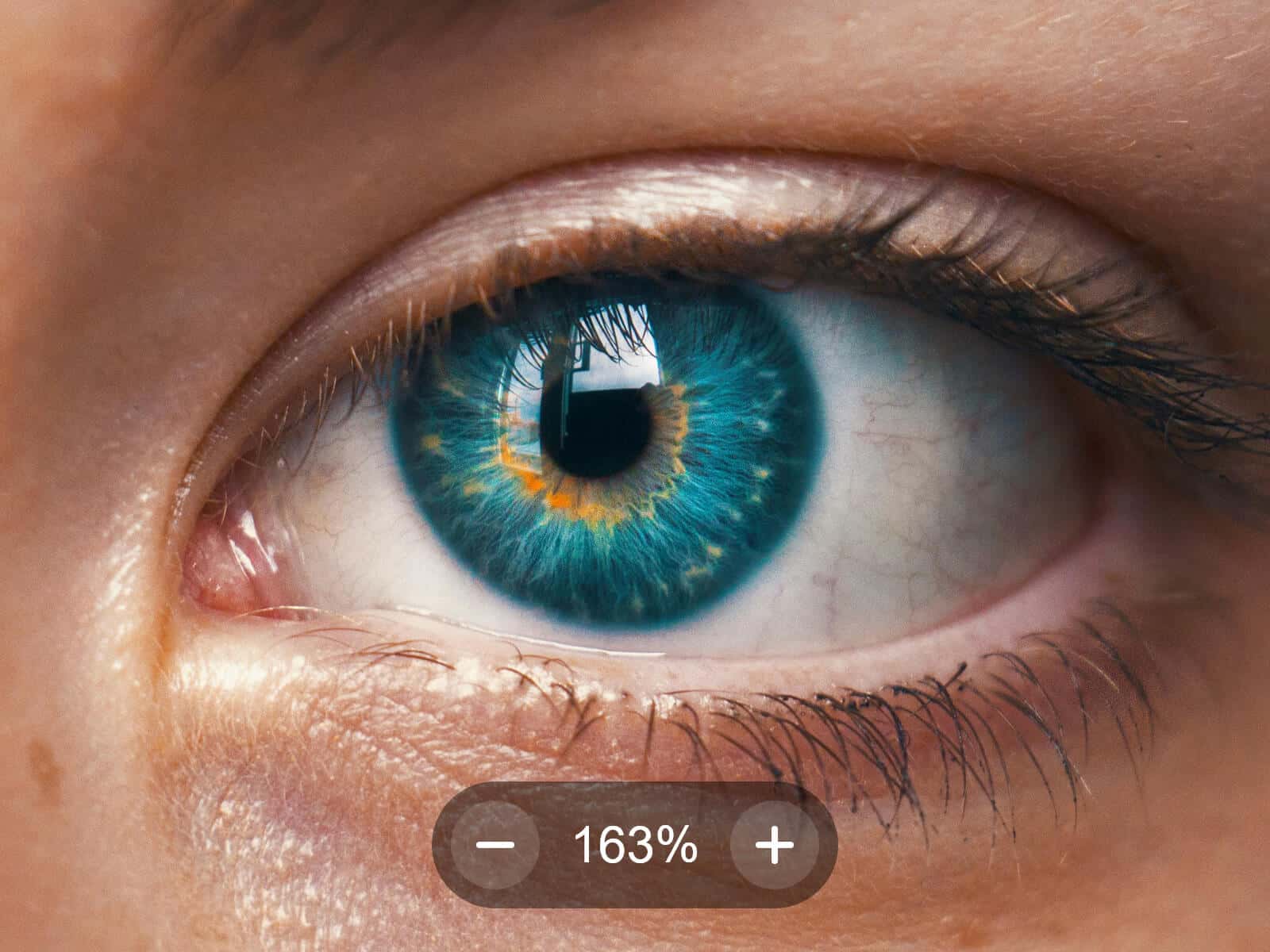
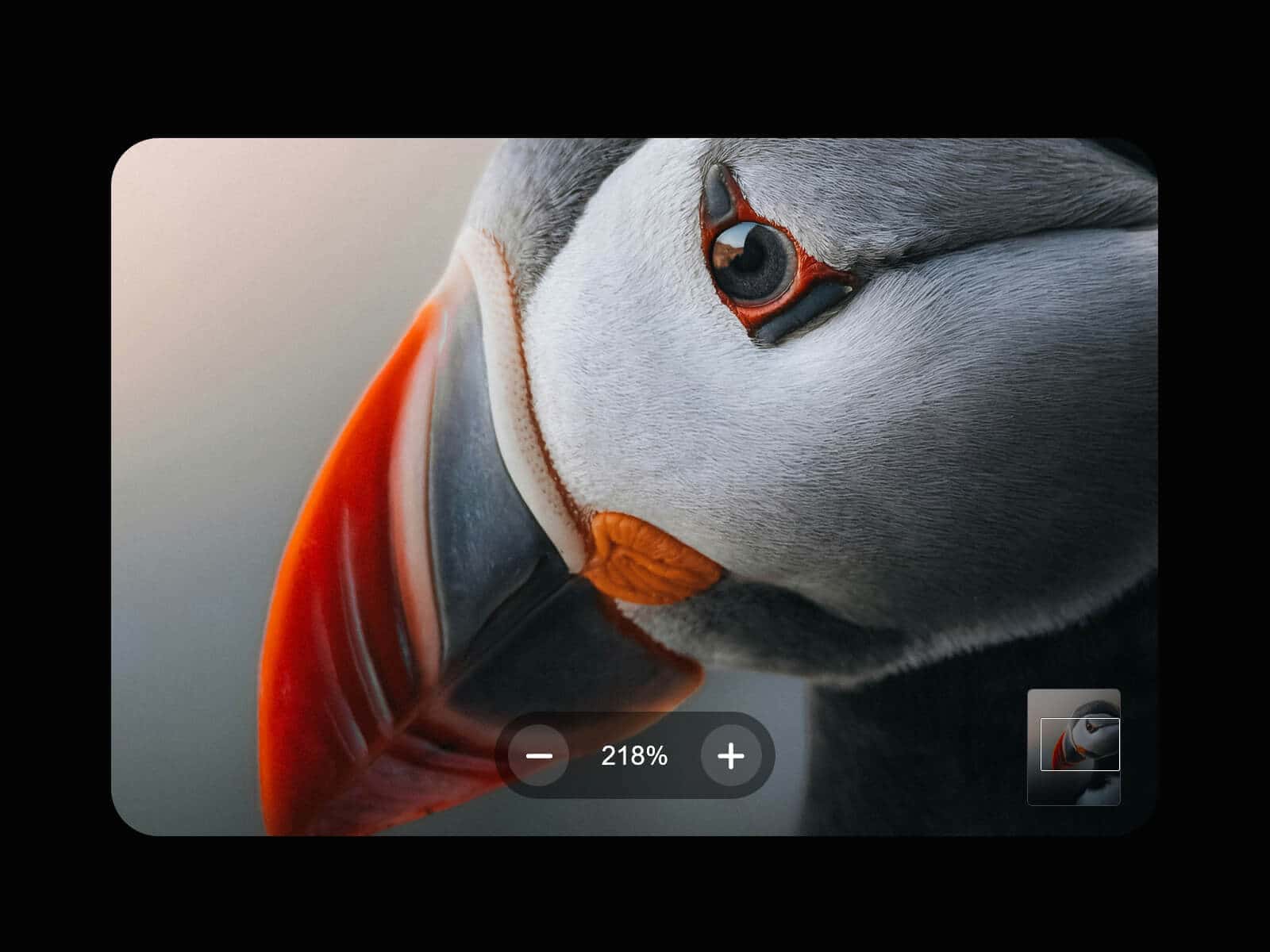
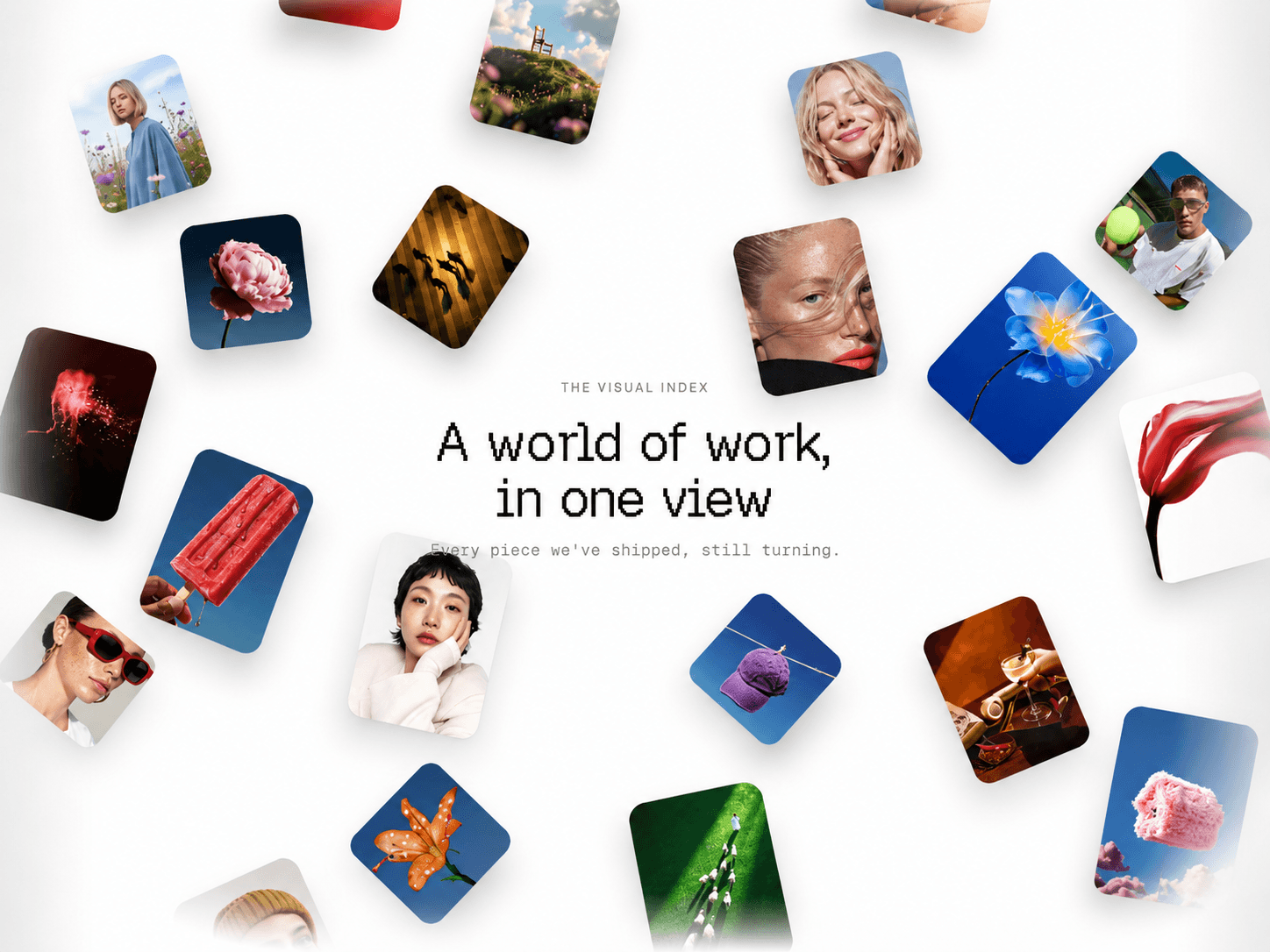
Infinite Media Grid is an immersive, endlessly scrolling gallery designed to bring motion and depth to your layouts. Instead of a static grid, it creates a living surface where images and videos flow infinitely in all directions, inviting users to explore content in a more natural and engaging way.
The experience goes beyond simple scrolling. Users can drag the grid freely, combine it with scroll interactions, and navigate through content with smooth, continuous motion. The result feels fluid and tactile, closer to a dynamic canvas than a traditional layout.
You can display both images and videos, either manually or dynamically through CMS variables. With support for up to 25 CMS-driven items, the component makes it easy to build data-driven galleries that evolve automatically as your content grows.
The layout itself is highly adaptable. Whether you want a perfectly structured grid or a more experimental composition, you can control how items are arranged, sized, and spaced. From clean and minimal to dense and expressive, the grid can be shaped to match any visual direction.
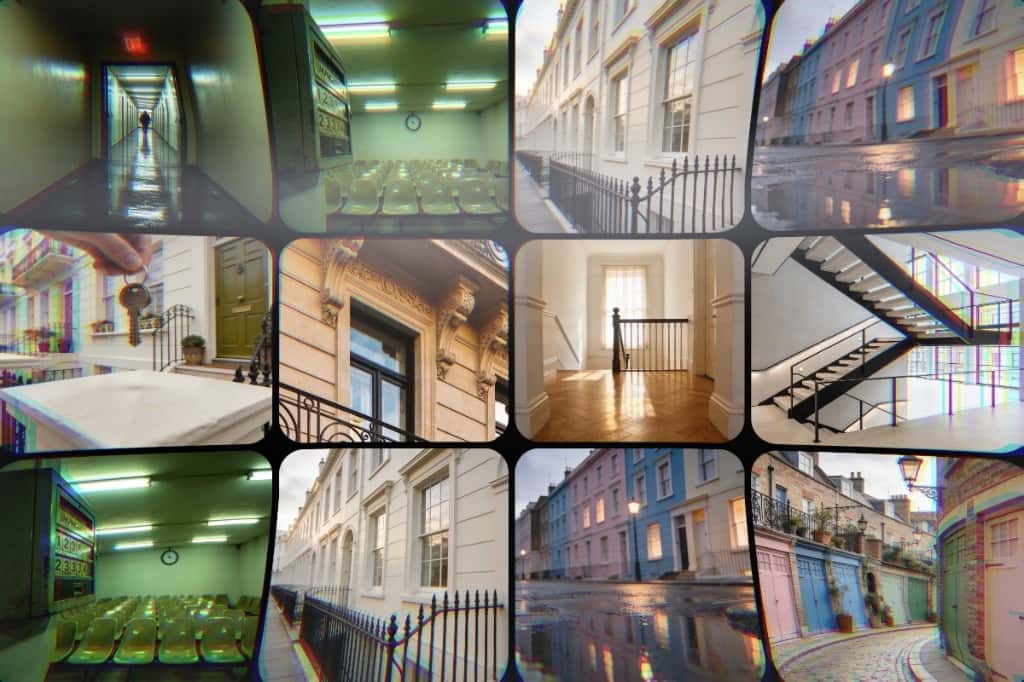
On top of that, advanced animation and visual controls let you push the experience further—introducing desynchronization between columns, distortion effects during interaction, or even transforming the grid into a curved 3D-like surface. Combined with subtle reveal animations and vignette effects, this creates a rich, immersive browsing experience that feels both modern and alive.
Preview Demos
Usage Notes
For best performance, use optimized and properly resized images, and lightweight videos. Using large or uncompressed media can significantly impact loading times and overall performance.
The component offers a high level of customization across layout, animation, and visual effects—take time to fine-tune settings to match your design and performance needs.
Key Features
Content
Manual mode supports unlimited images and videos (upload or URL)
CMS Mode supports up to 25 images via CMS variables
Optional links can be added to each item (CMS support)
Layout
Fit mode defines number of columns based on container width
Fixed mode defines media width in pixels
Gap controls spacing between items
Custom Tile
Control tile width (in Fixed mode)
Set ratio to fixed (1-1, 3-4, 16-9, etc) or original per media
Customize fill (color or image)
Supports background image duplication for blur effects
Adjust padding, radius, opacity
Control scale and blur of the media background
Initial State
Choose how items are positioned on load
Aligned grid
Randomized offsets
Custom offset positioning
Links
Enable or disable media links
Open links in new tab
Customize icon and size and position (top-left, top-right, bottom-left, bottom-right)
Control padding, background, radius, and background blur
Animation
Control grid motion and behavior
Desync controls column offset (0 = fully aligned)
Smoothing adjusts motion interpolation
Distortion adds dynamic scale squeeze on scroll and drag
Tube 3D
Create a curved, immersive layout
Concave or convex effect
Adjust depth intensity
Vignette
Add an immersive vignette effect
Customize vignette color
Adjust vertical intensity
Adjust horizontal intensity
Drag & Scroll
Enable or disable drag interaction, adjust drag speed
Enable or disable scroll interaction, adjust scroll speed and choose scroll target:
Follow global page scroll
Trigger only when scrolling over the component (optionally lock page scroll to focus interaction on the component)
Reveal
Add a smooth entrance animation
Fade-in effect
Scale From controls zoom in/out on reveal
How to Set Up
Drag Infinite Media Grid onto your canvas
Add your media or connect CMS variables
Choose layout mode (Fit or Fixed)
Customize tiles and spacing
Configure interactions (scroll, drag)
Publish
Refund Policy
All sales of digital products are final and non-refundable.
If you have any questions about the product, please contact me at hellonostromostudio@gmail.com before completing your purchase. I’m happy to help.
Enjoy!