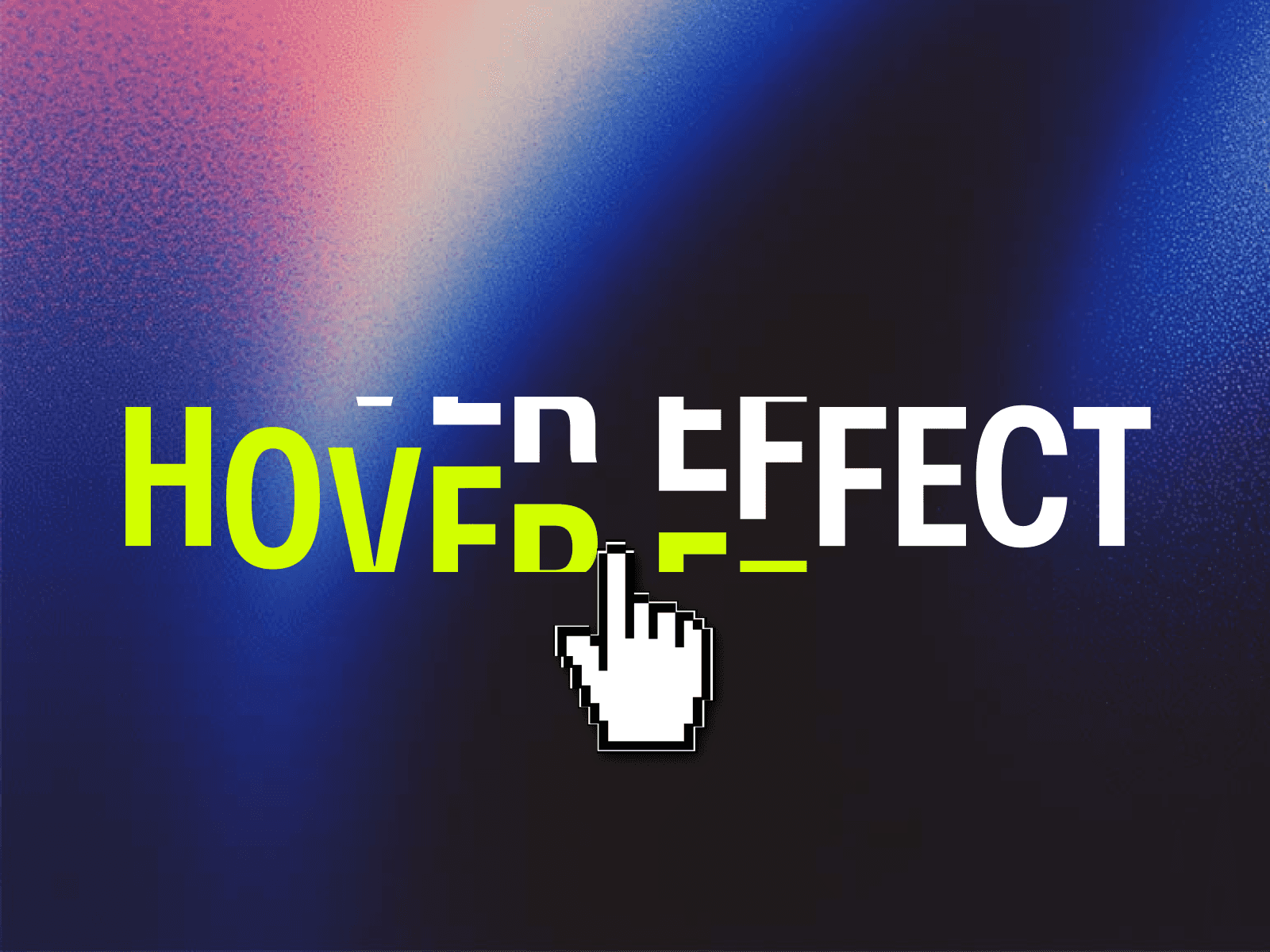
About Stack Text Reveal
Have you ever tried building a bold stack text reveal effect natively in Framer and realized it becomes messy surprisingly fast?
Most manual setups rely heavily on absolute positioning and fixed pixel spacing. It might look fine on one screen size, but the moment the viewport changes, the rhythm breaks. Text overlaps inconsistently, spacing feels off, and the whole animation loses its premium feel.
That is exactly why Stack Text Reveal was created.
This code component gives you a fully responsive stacked text animation system built specifically for Framer without complicated manual setups, without fragile pixel positioning, and without breaking across breakpoints.
Inspired by modern editorial websites and premium Awwwards website text effects, it creates layered kinetic typography that feels cinematic, immersive, and production-ready from the moment you drop it onto the canvas.
Whether you want a dramatic bold hero text effect, a premium scroll text reveal, or a clean sticky text effect for storytelling sections, this component gives you that polished high-end experience in minutes.
What Makes This Different
Unlike many manual Framer text animations, Stack Text Reveal is designed to stay fully responsive while preserving visual rhythm across all screen sizes.
Instead of forcing you into fixed layouts or complicated positioning systems, the component dynamically handles spacing, scaling, layering, and reveal behavior automatically.
You get:
Responsive layered typography
Smooth kinetic text Framer interactions
Sticky-section compatibility
Fluid responsive text scaling
Semantic SEO-friendly text tags
Scroll-connected reveal animations
Canvas-safe editing workflow
Everything is built to feel native inside Framer while still delivering a premium text reveal effect usually seen on high-end agency and editorial websites.
Instructions
Create a Section/layer onto the canvas.
Copy the component URL and paste it onto the canvas inside the section
Set the component width to "Fill "and the height to "Viewport 100vh"
Add another layer below the component inside the same section and name it "Trigger Layer" and In the right-side panel, add the layer name inside the Scroll Section setting.
Set the component position to Sticky.
In the right-side panel of component, connect your Trigger Layer using the Section Trigger control.
Adjust the reveal settings, text, colors, and typography from the property panel.
Preview or publish the site - the sticky scroll text reveal will now respond automatically to the connected section trigger.
💡 Pro Tip
If setup feels overwhelming, the included remix project lets you copy the entire pre-built section directly into your own Framer project with one paste.
How It Works
Stack Text Reveal uses a focused set of controls to keep setup simple while still giving full visual customization.
Text: Defines the main word or phrase shown in the center and repeated across stacked layers.
Rows Behind: Controls how many repeated text rows appear above and below the main layer.
Row Offset: Adjusts spacing distance between each repeated layer during the reveal animation.
Scroll Smoothness: Softens the scroll response for a smoother and more cinematic motion feel.
Font: Controls typography styling while preserving Framer-compatible font behavior.
Text Size: Supports responsive scaling with minimum, maximum, and fluid sizing values.
Text Color: Sets the visible typography color.
Background: Defines the reveal background color behind the stacked typography.
Section Trigger: Connects the reveal to a selected Framer section trigger.
Viewport Trigger: Choose whether the animation begins at the top, center, or bottom of the viewport.
SEO Tag: Select semantic HTML tags like: H1, H2, H3, Paragraph for better SEO structure and accessibility.
Canvas Preview: Preview the reveal amount directly inside Framer while editing.
Features
Fully responsive stack text reveal system
Premium stacked text animation for modern websites
Scroll-driven text reveal effect
Sticky-section compatible sticky text effect
Cinematic scroll text reveal behavior
Smooth kinetic text Framer interaction
Fluid responsive typography scaling
Semantic SEO-ready text tags
Canvas-safe editing and preview support
Sticky scroll storytelling layouts
Built entirely for Framer workflows
Production-ready for live websites
Inspired by premium Awwwards website text effects
Perfect for bold editorial-style hero sections
Use Cases
Hero Sections: Create dramatic bold hero text effects for landing pages and portfolios.
Agency Websites: Add premium layered typography to agency and studio sites.
Editorial Layouts: Use cinematic responsive text reveal interactions for storytelling.
Product Launches: Build immersive launch pages with scroll-connected typography.
Campaign Websites: Create premium motion-driven section dividers and statements.
Creative Portfolios: Add high-end section trigger animation moments to project intros.
Awwwards-Inspired Experiences: Bring polished sticky scroll text interactions into Framer without complex setups.
Stack Text Reveal transforms ordinary headings into cinematic layered typography experiences, helping your website section feel more immersive, editorial, and intentionally crafted with modern scroll-driven motion.
Made with ❤️ by Soyeb
Refund Policy: Due to the digital nature of these components, all sales are final, and once delivered they cannot be returned or refunded. Please review product details and demos before purchasing, and feel free to reach out if anything is unclear.
Have questions or need a custom Framer component? Reach out at heysoyebali@gmail.com