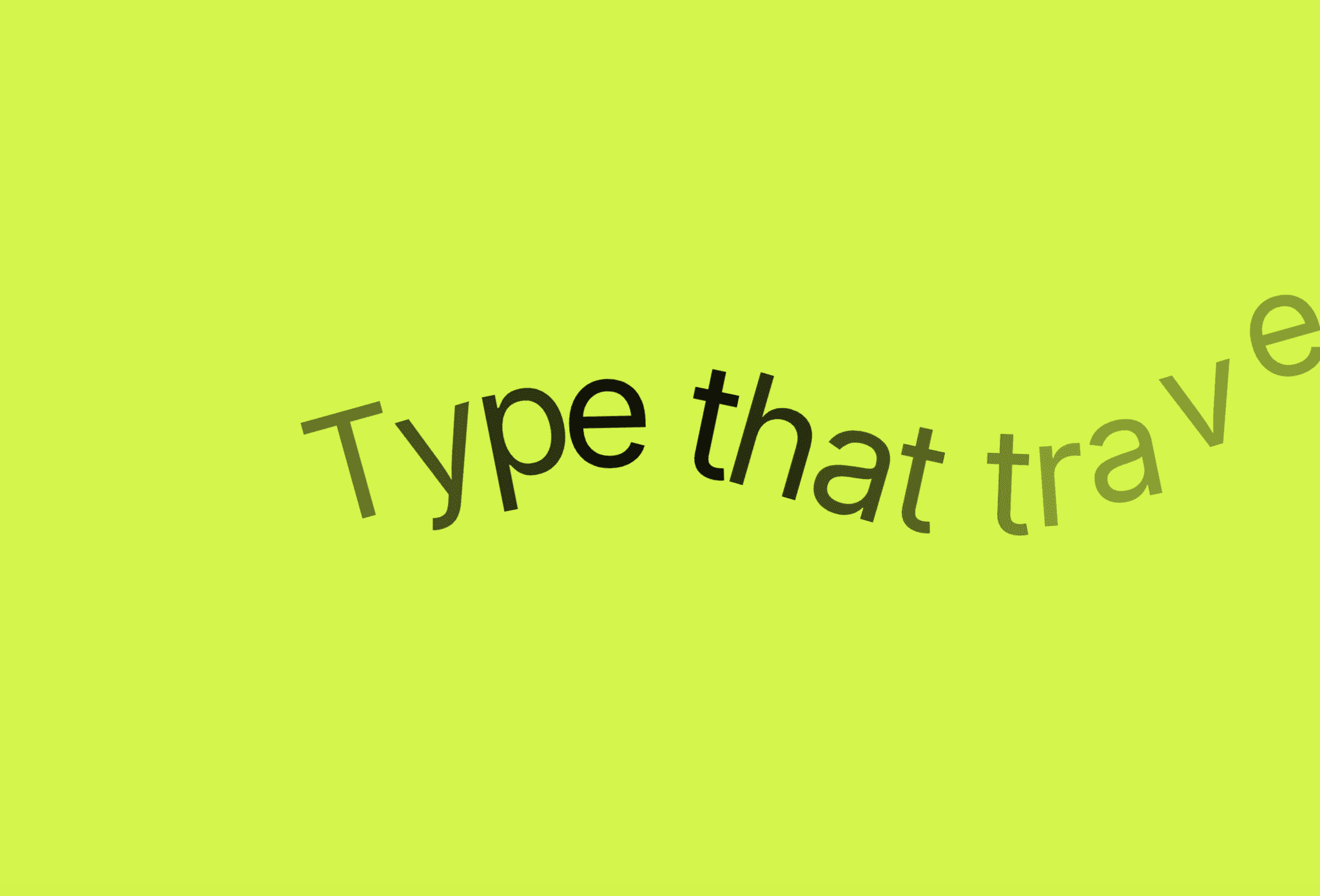
About Clip Text Reveal
Trying to create a text reveal animation in Framer usually leads to the same problem.
You split text manually into lines… and everything breaks.
On resize, your layout collapses. Lines don’t wrap naturally. And worse - your content becomes multiple disconnected layers, hurting SEO and accessibility.
That's not how text should work.
Clip Text Reveal fixes all of this.
It reads your real text layer, dynamically splits it in the browser, and applies a smooth clip mask animation - all while keeping your content fully responsive, SEO-friendly, and editable.
No hacks. No broken layouts. No compromises.
What makes this different
Most split text Framer setups rely on manual layers or external tools.
This component works directly with your real text.
Keeps your original text layer intact
Supports line by line animation, word by word animation, and letter animation
Preserves all global text styles from Framer
Works with CMS content dynamically.
There are:
No hardcoded text layers
No layout breaking on resize
No external libraries
This makes it a true responsive text animation system, not just a visual trick.
Instructions
Drag Clip Text Reveal from the Assets panel onto your canvas
Create a Text, Heading, or RichText layer, and place it outside the breakpoint canvas.
Connect your text using the Text property control
Choose Animate By → Lines, Words, or Letters
Select a trigger:
On Appear
Layer in View
Section in View
Publish - your scroll text reveal is fully responsive and ready.
Properties Control
How It Works
The component includes 15 controls grouped for flexibility:
- Text
Connect any Framer text layer (including CMS content).
- Animate By
Choose:
Lines → natural line by line animation
Words → smooth word by word animation
Letters → detailed character animation
- Direction & Distance
Control how elements enter (top/bottom + movement range).
- Opacity Controls
Set start and end visibility for smooth text opacity transitions.
- Rotation & Origin
Add depth and motion to your animation.
- Stagger
Create a cascading stagger text animation effect.
- Trigger Options
Control when animation plays (load or scroll-based).
- Section Trigger
Link animation to scroll sections for storytelling.
Key Features
True responsive text animation: Text wraps naturally at every breakpoint - no layout breaks.
SEO-friendly structure: Maintains a single semantic text layer for search engines.
Multiple animation styles: Supports lines, words, and letters in one component.
Clip mask animation: Creates smooth, modern reveal effects without hacks.
Scroll-driven animation: Perfect for scroll text reveal and storytelling layouts.
Pure Framer Motion: No GSAP, no external dependencies.
CMS-ready: Fully supports CMS text animation with dynamic content.
Global text style support: Preserves typography from Framer’s asset panel.
Canvas-safe: No DOM manipulation while designing.
Accessible by design: Maintains readable and selectable text.
Use Cases
Hero headings: Create bold cinematic text entrances.
Landing pages: Guide attention with progressive text reveal.
Portfolio intros: Use letter animation for dramatic typography.
Product sections: Highlight content with word reveal scroll effects.
Editorial layouts: Control reading flow with line by line animation.
Agency sites: Deliver premium framer text animation experiences.
Made with ❤️ by Soyeb
© 2026 Soyeb. All rights reserved.
Refund Policy: Due to the digital nature of these components, all sales are final, and once delivered they cannot be returned or refunded. Please review product details and demos before purchasing, and feel free to reach out if anything is unclear.
Have questions or need a custom Framer component? Reach out at heysoyebali@gmail.com