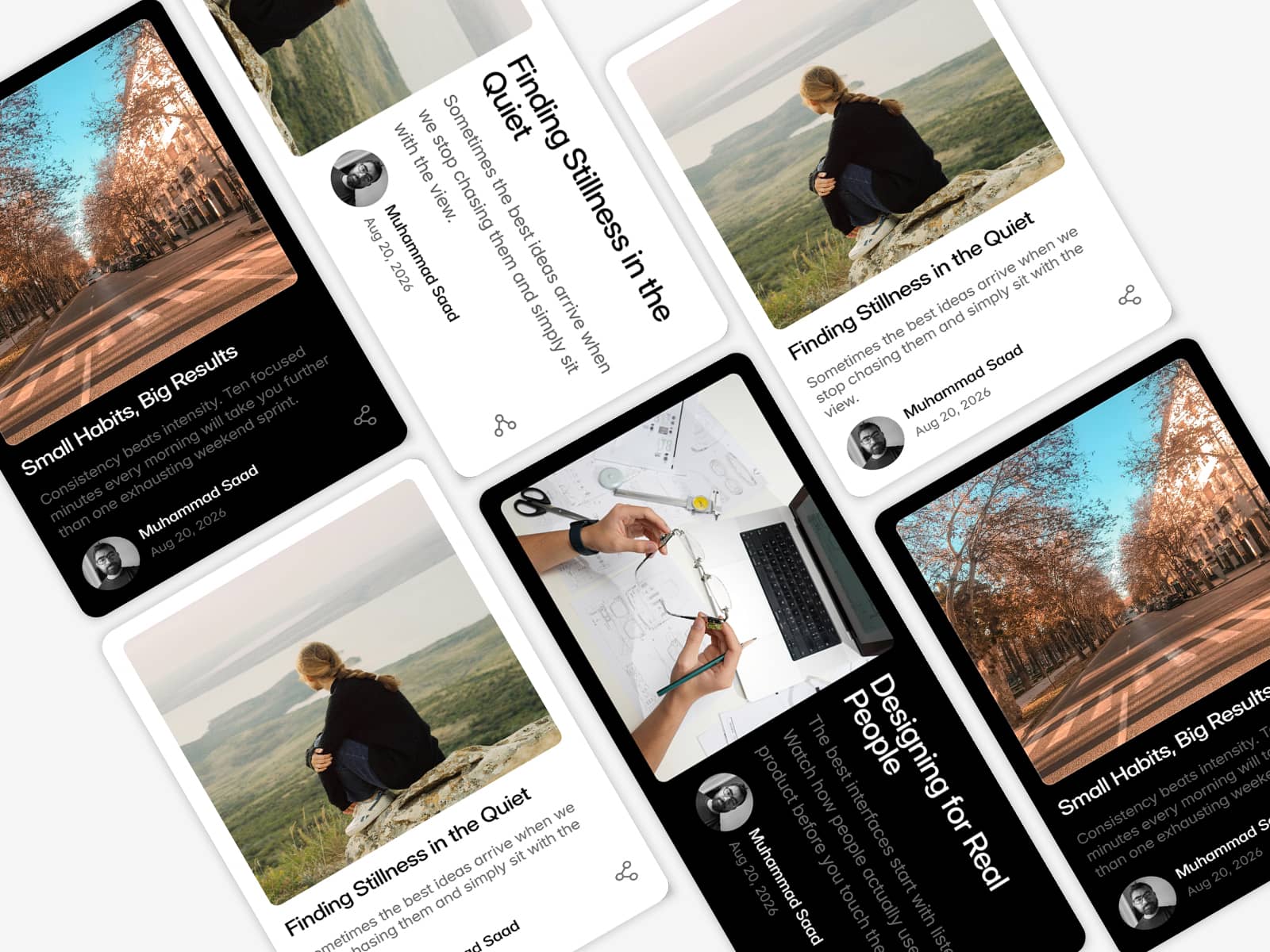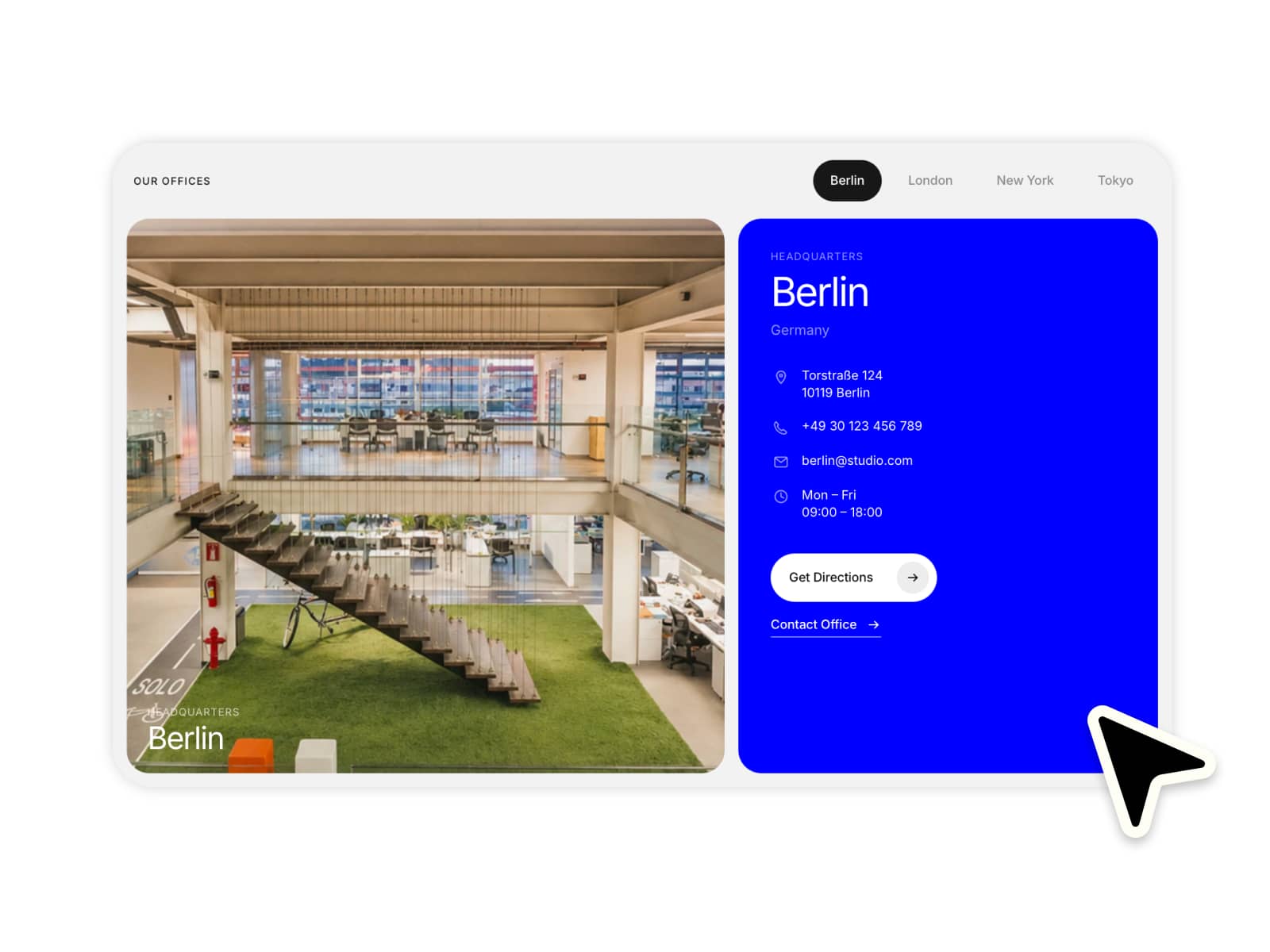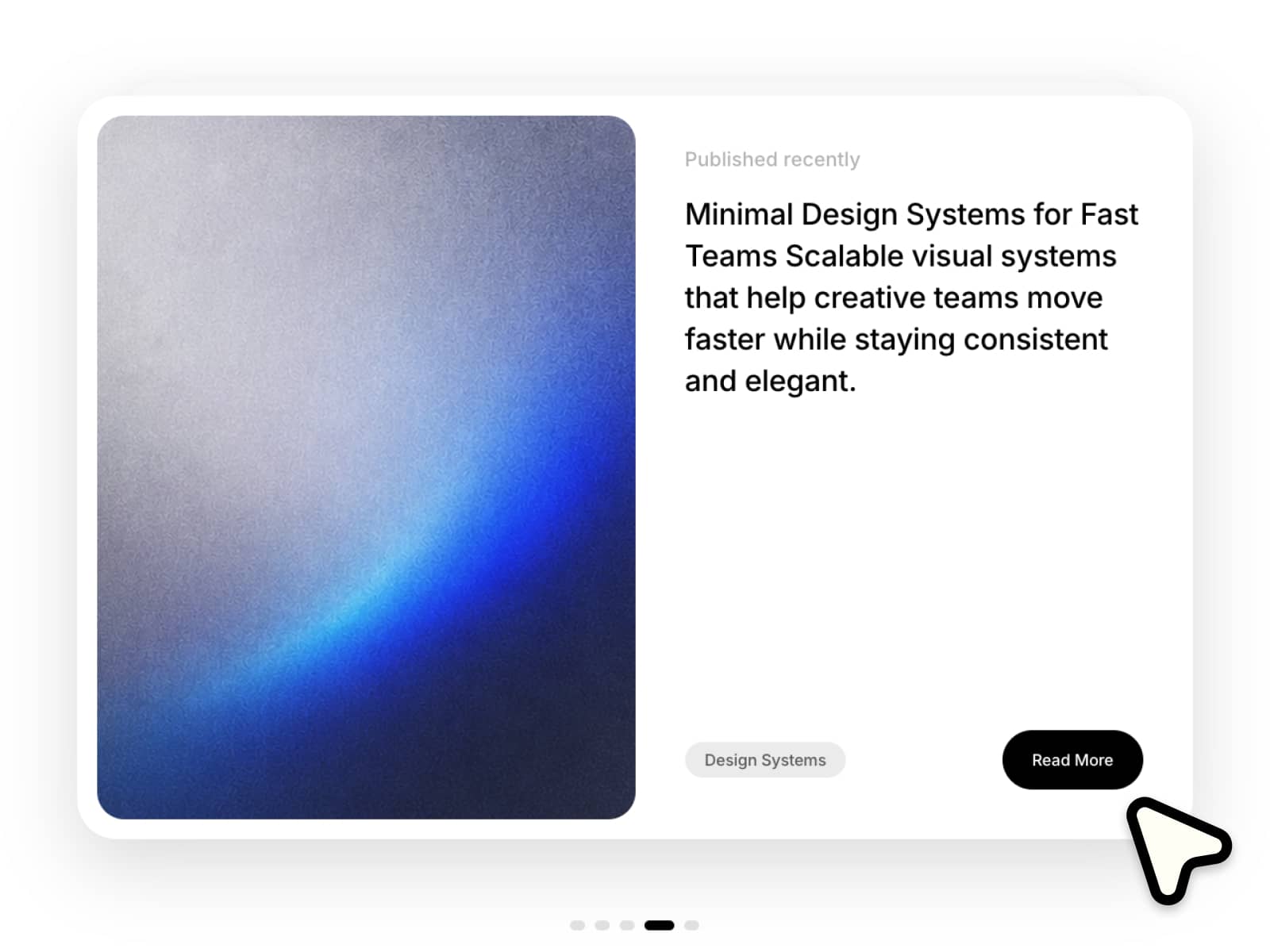
About Synced Deck
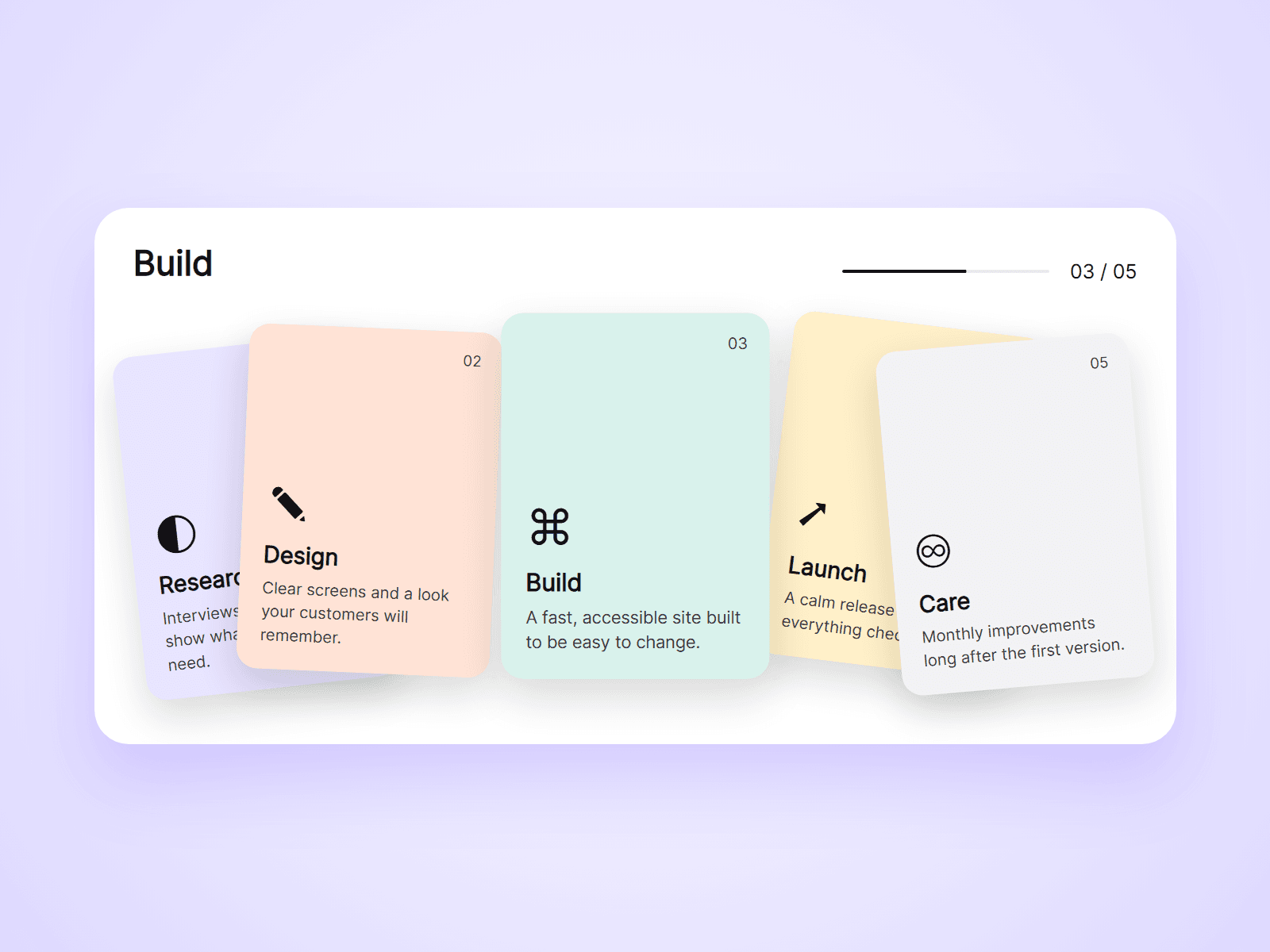
A deck of overlapping, tilted cards. Point at a card and it straightens and comes to the front, while the cards beside it spring out of the way. Text and a progress bar placed anywhere on the page follow the card in front.
What you can customize
Everything is set from the property panel. No code needed.
- Cards, up to 10: image, symbol, title, text, color and link
- Layout: Scatter, Fan or Straight
- Card size, overlap, tilt, spread, lift and radius
- First card in front, autoplay and a deal-in entrance
- Numbers and shadows shown or hidden
- Text colors and fonts
- Narrow screens: a list or a swipe row
- Linked Text: title, text or counter
- Linked Progress: colors, thickness and radius
Details
- A card with an image is a photo card. A card without one is a color card with a symbol. Both can sit in the same deck.
- Set Type to Text or Progress and use the deck's Group name. That layer shows the front card's title, text, number (03 / 05) or progress, anywhere on the page.
- Every card can be reached with the Tab key. Arrow keys, Home and End move between cards, and Escape puts them back.
- On touch screens the first tap brings a card forward and a second tap opens its link.
- Cards are typed in by you. They are not loaded from a CMS collection, and they hold images, not video.
How to use
Add the component to your page and set its width to Fill. Open Cards and add your content. For linked text, paste another copy, set Type to Text and choose what it shows. On the canvas the cards do not react. Open the preview to try it.
Code
This is a code component. Unlinking is not available, so the source cannot be viewed or edited. Updates arrive through the Update button in your Assets panel.
Support
Email joviseo1106@gmail.com. Replies usually take up to 3 business days. More components are at https://joviseo.vercel.app