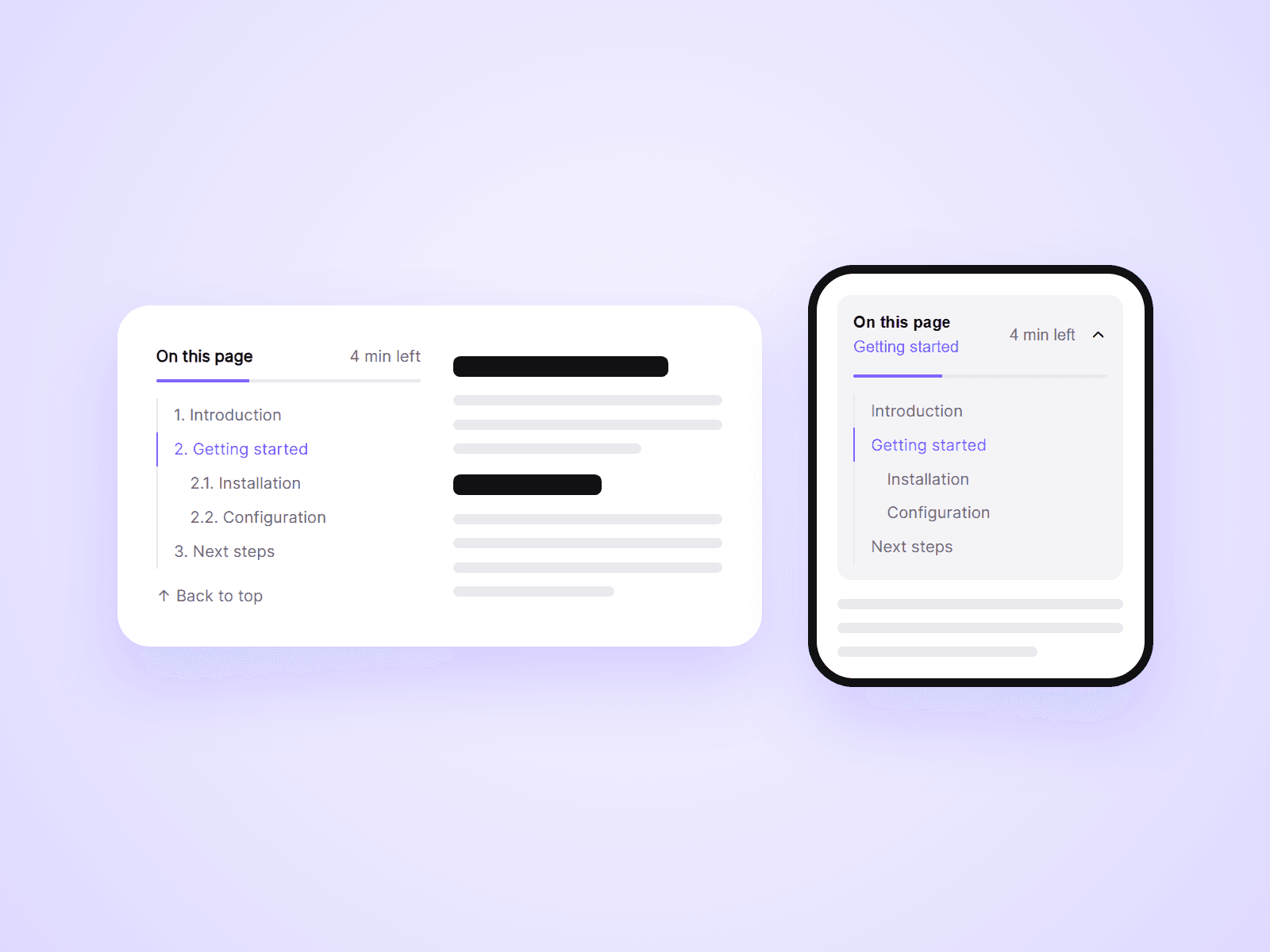
About Article TOC
An automatic table of contents for articles and blog posts. It reads the headings on your page, builds the list, and highlights the section the visitor is reading. It can show how much is left to read, and on phones it folds into a bar that shows the current section. Add it once to your CMS page and it works for every post.
What you can customize
Everything is set from the property panel. No code needed.
- Layout: List, Dropdown, or Auto (Dropdown on narrow screens)
- Progress: a reading bar, with an optional "4 min left"
- Collapse: sub-headings only for the current section
- Back to top link
- Section ID, to list only the headings inside your article
- Heading levels to include, from H1 to H6
- Title, numbers, indent and gap
- Top offset for a sticky navigation bar
- Smooth or instant scrolling, and shareable links
- Indicator, dropdown, fonts and colors
Details
- The current section is highlighted as the visitor scrolls.
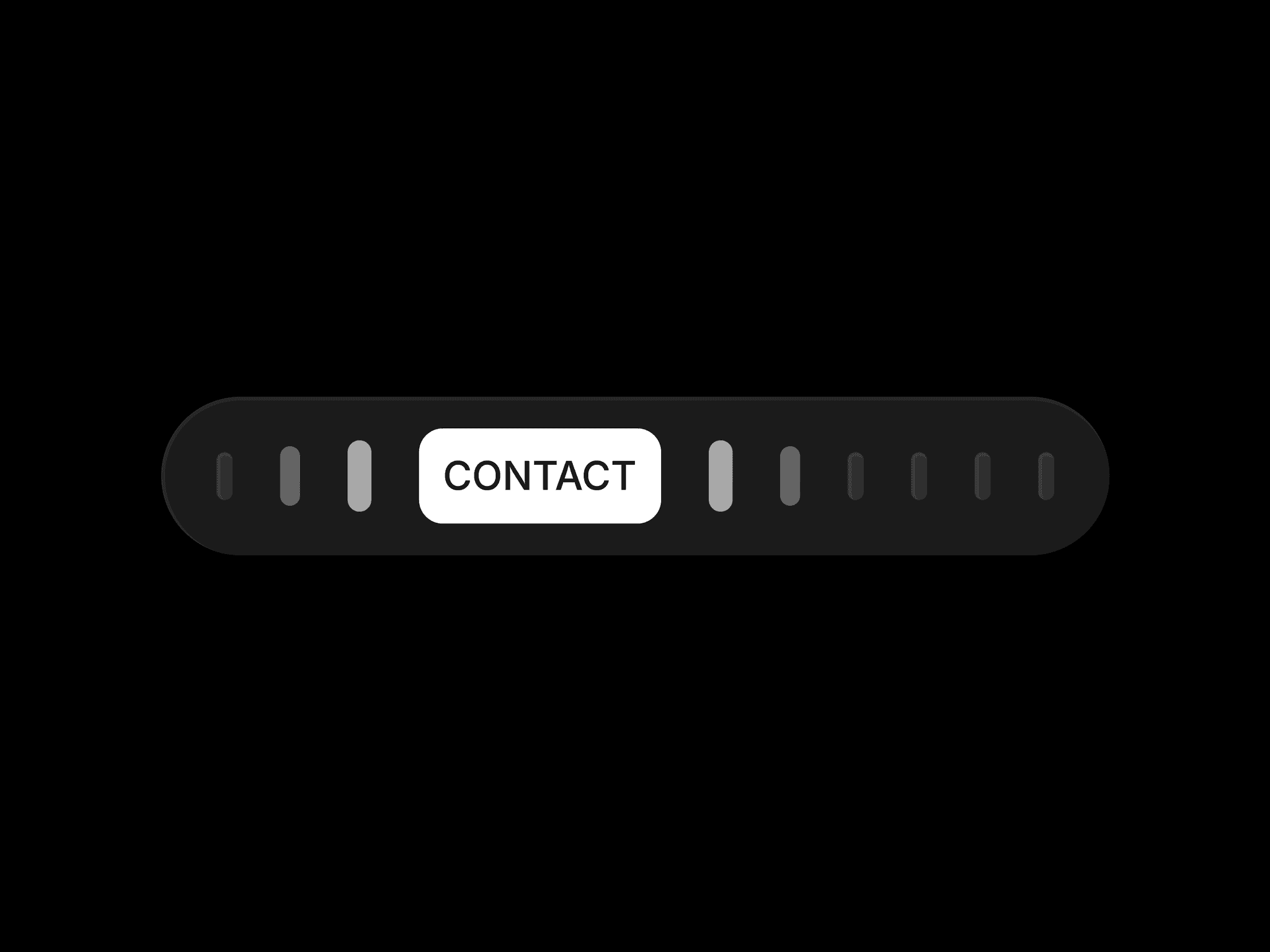
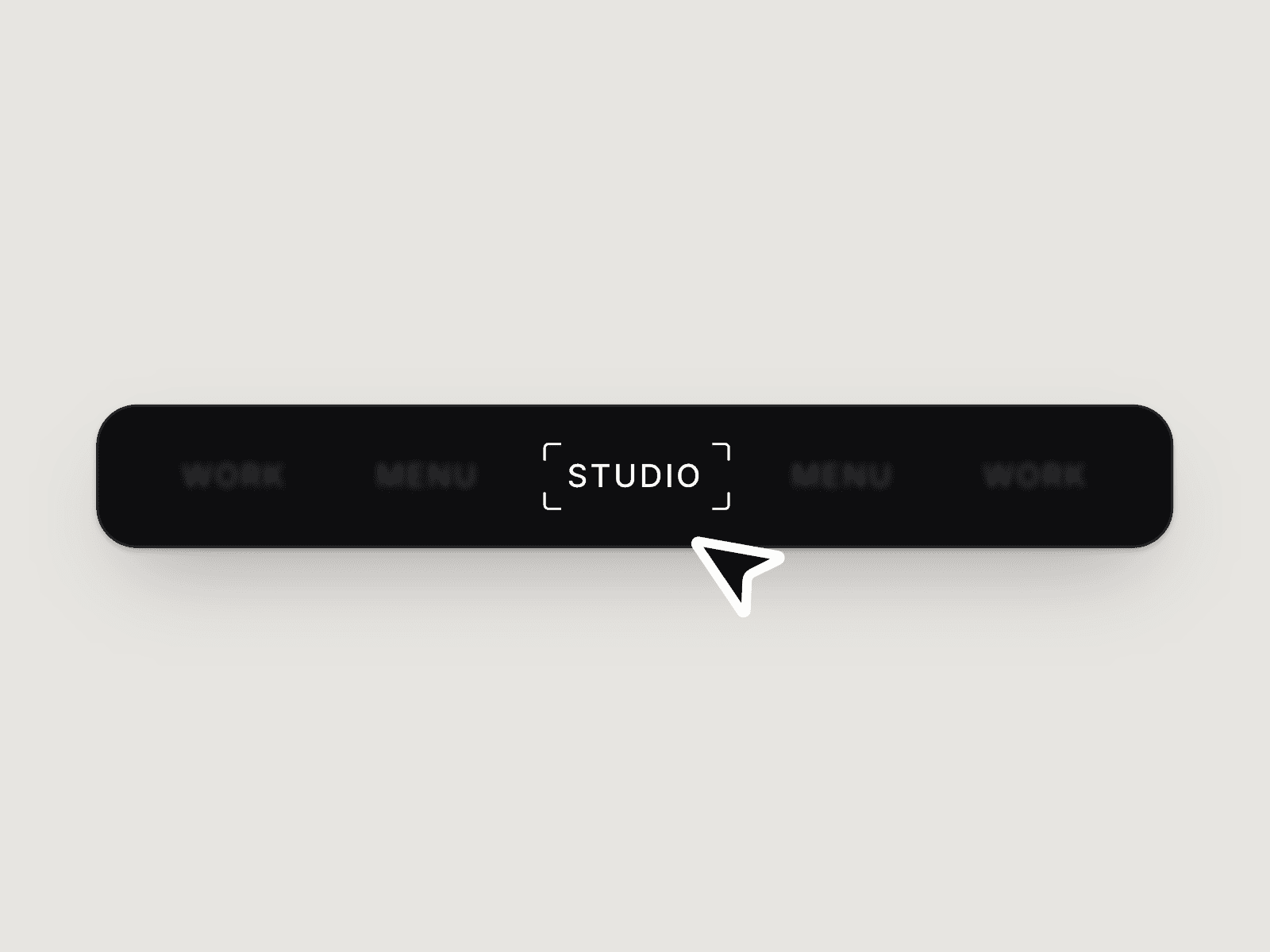
- The dropdown shows the section being read. Tap it to open the full list. It closes on a choice, a tap outside, or Escape.
- The time left counts the words in your article and updates as the visitor reads.
- With Update URL on, a click adds the heading to the page address, so visitors can share a link to any section.
- The component hides itself on pages with no headings.
How to use
Add the component beside your article and set its Position to Sticky. Give your article layer a Scroll Section ID and enter it in Section ID. Set Layout to Auto for phones. On the canvas the list shows sample headings. Open the preview to see your real ones.
Code
This is a code component. Unlinking is not available, so the source cannot be viewed or edited. Updates arrive through the Update button in your Assets panel.
Support
Email joviseo1106@gmail.com. Replies usually take up to 3 business days. More components are at https://joviseo.vercel.app