About Synced Globe
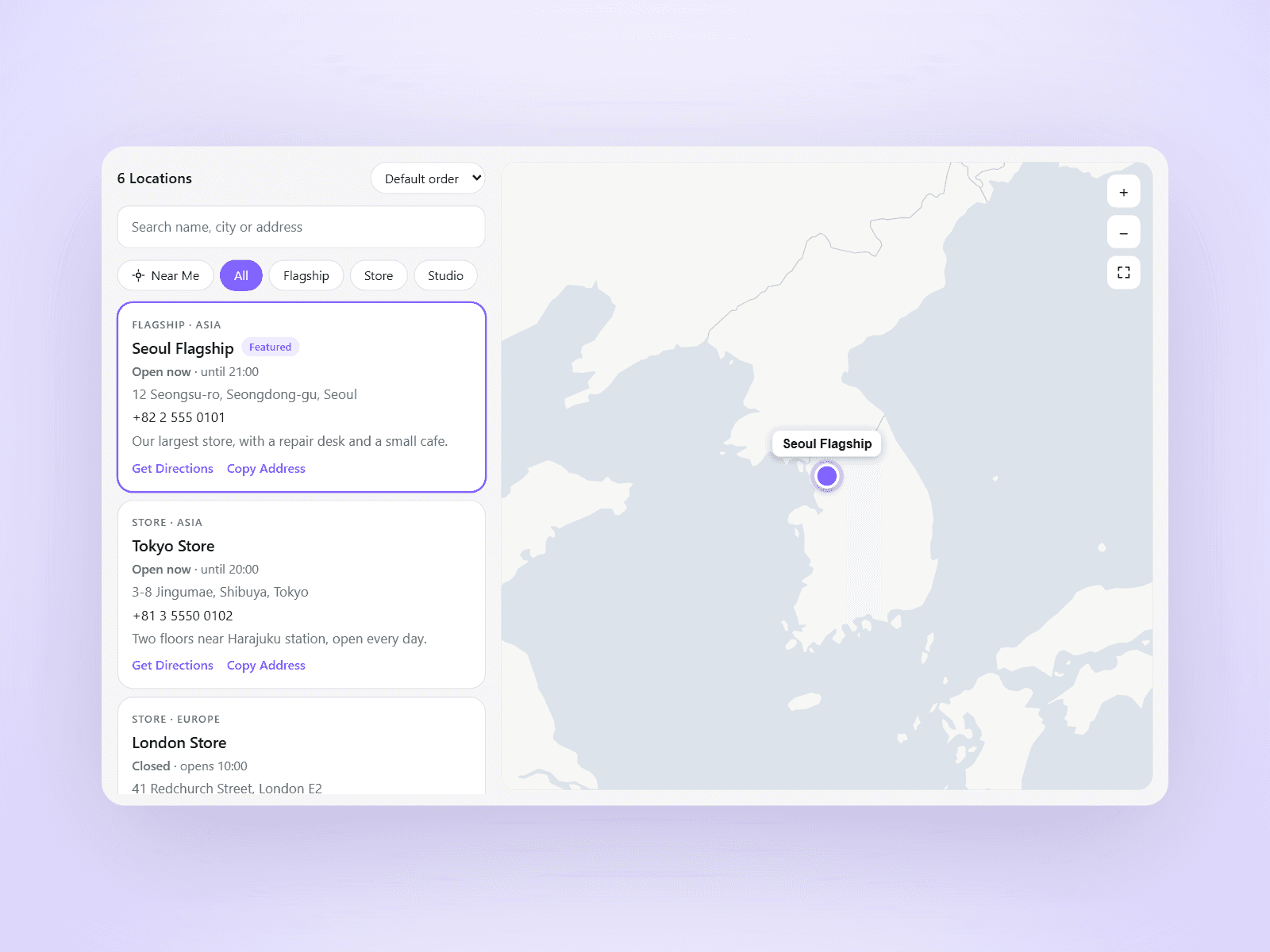
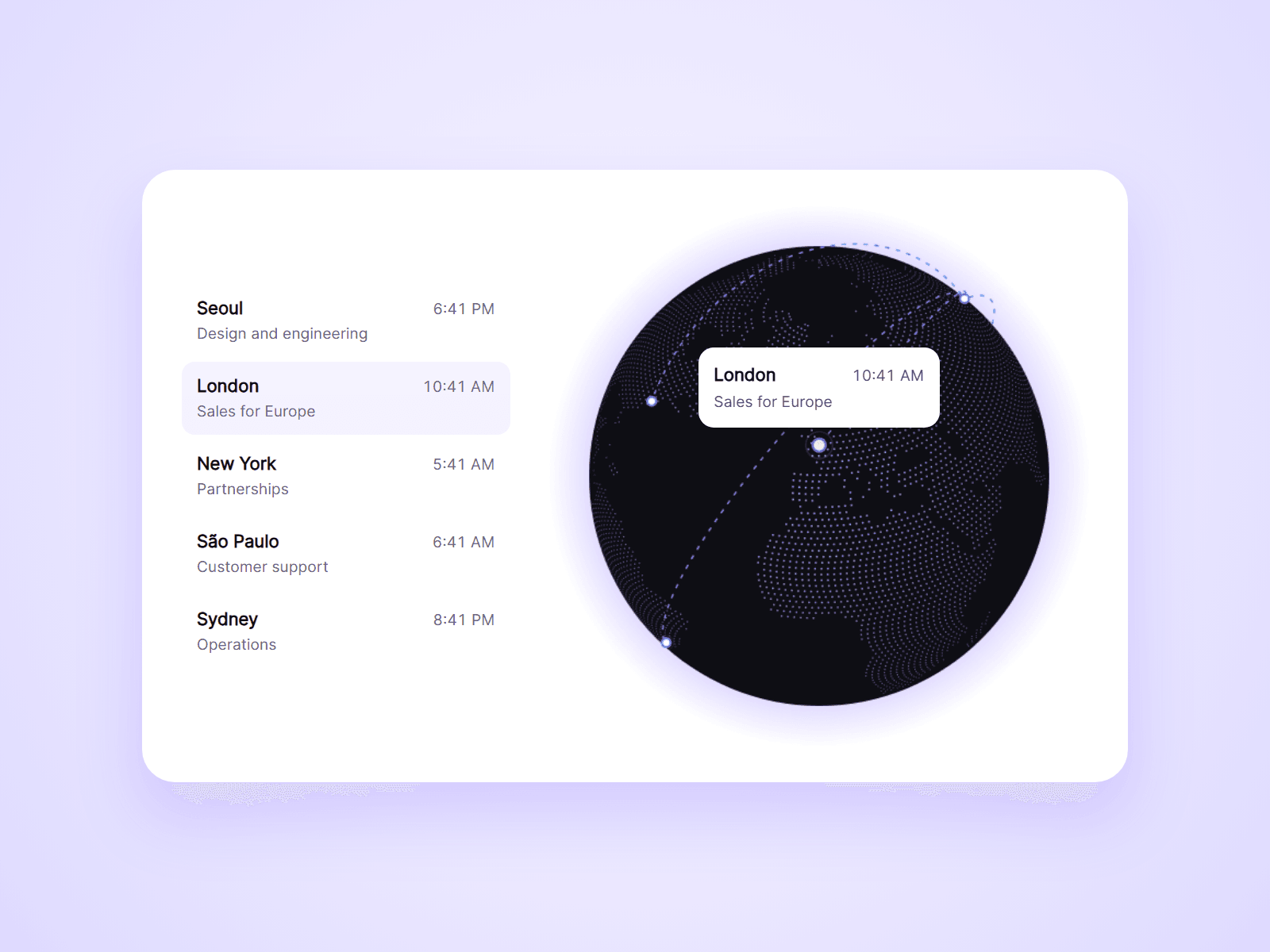
A dotted globe that shows your offices, stores or events. Every place shows its live local time, dashed lines join the places, and a list beside the globe turns it to any place with one click.
What you can customize
Everything is set from the property panel. No code needed.
- Places, up to 24: name, text, latitude, longitude, time zone and link
- Lines: from the first place, in order, or none
- Local time: shown or hidden, 12h or 24h
- Colors of the ocean, land, markers, lines and glow
- Dot spacing and size
- Tilt and spin speed
- Card colors, radius and width
- Linked List: colors, radius and gap
- Fonts for names and texts
Details
- Set Type to List and use the globe's Group name. The list shows every place with its local time. Click a row and the globe turns to bring that place to the front.
- Choosing a place opens a card with its name, text, local time and link. Click it again to let it go.
- The globe turns slowly on its own and stops while the pointer is over it or a place is chosen.
- It is drawn without a 3D library, so it stays light on phones.
- Every place can be chosen with the keyboard.
- With reduced motion turned on, it does not spin.
- Framer color styles work in every color setting.
- It is a dotted illustration, not a street map. Places are typed in, not loaded from a CMS collection.
How to use
Add the component and set its width to Fill. Open Places and add each one with its coordinates and a time zone such as Europe/London. For the list, paste another copy and set Type to List. On the canvas the globe is still. Open the preview to see it turn.
Code
This is a code component. Unlinking is not available, so the source cannot be viewed or edited. Updates arrive through the Update button in your Assets panel.
Support
Email joviseo1106@gmail.com. Replies usually take up to 3 business days. More components are at https://joviseo.vercel.app