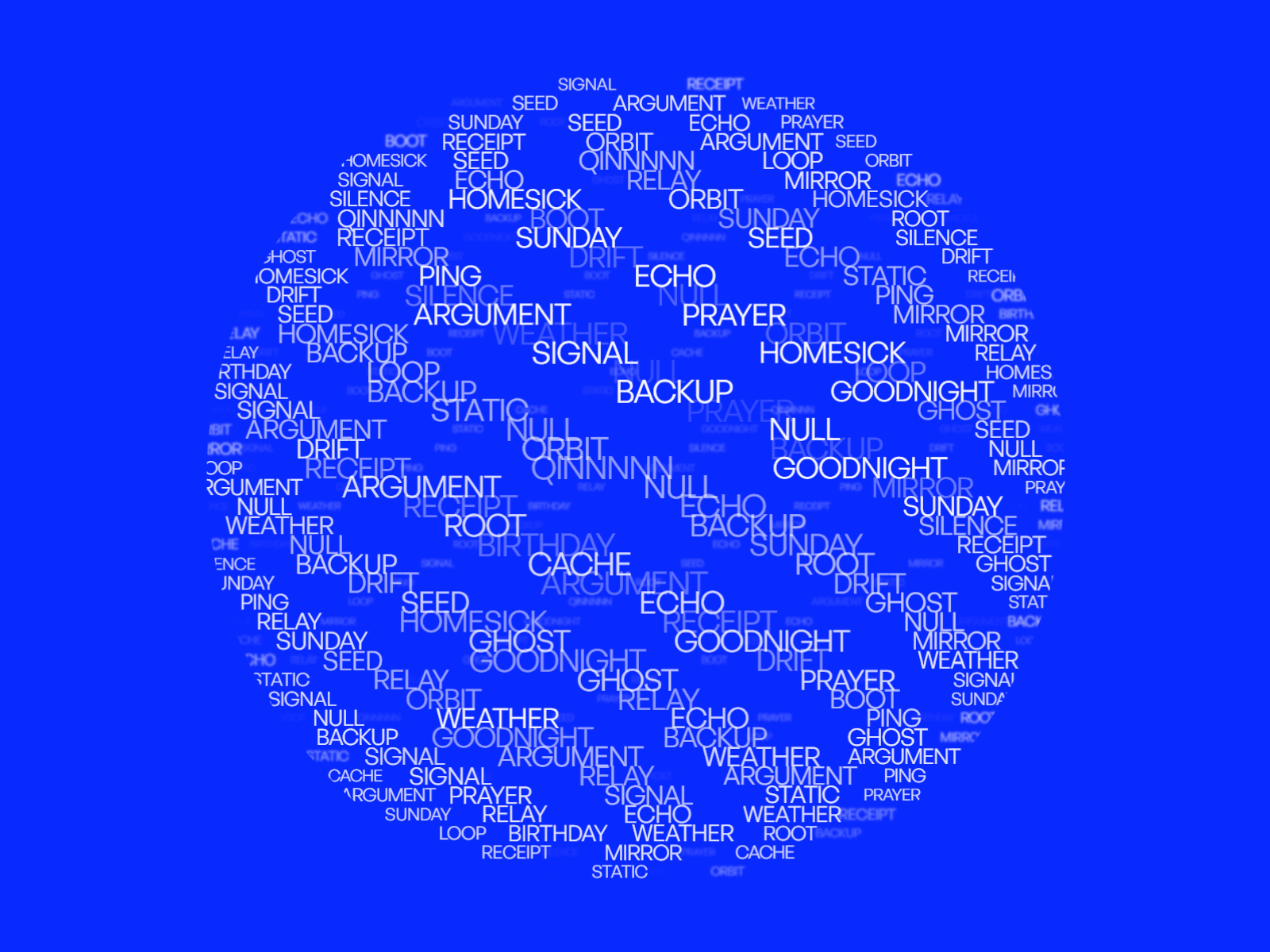
About Text Globe 3D
Add a high-converting 3D kinetic typography sphere to your website with real-time drag rotation, responsive cursor steering, customizable depth blur, and smooth kinetic physics.
Features
High-performance 3D typography rendering without heavy external libraries
Interactive drag-to-rotate canvas with realistic momentum physics
Smooth cursor steering that reacts to cursor position in real time
Depth softness and distance blurring for cinematic focal depth
Fully responsive layout scaling for mobile, tablet, and desktop viewports
Keyboard navigation support for complete accessibility
Automatic constant rotation with customizable direction and speed
Custom typography control including font size, weight, and letter spacing
Transparent or solid custom background color options
Visibility detection to pause animation off-screen and save GPU performance
Customization Options
Custom word list input
Font style and letter spacing
Sphere size and density
Depth blur softness
Auto-rotation speed and direction
Drag interaction toggle
Cursor steer sensitivity
Text and background colors
Transparent canvas toggle
Live editor preview mode
How to Use
Drop the Text Globe 3D component onto your Framer canvas
Enter your list of words separated by line breaks or commas
Customize typography styling, scale, and density controls
Adjust auto-rotate speed and cursor steering preferences
Match text and background colors to your brand theme
Publish your site for an engaging kinetic 3D typography experience