About TickerSlideshow
Ticker Slideshow
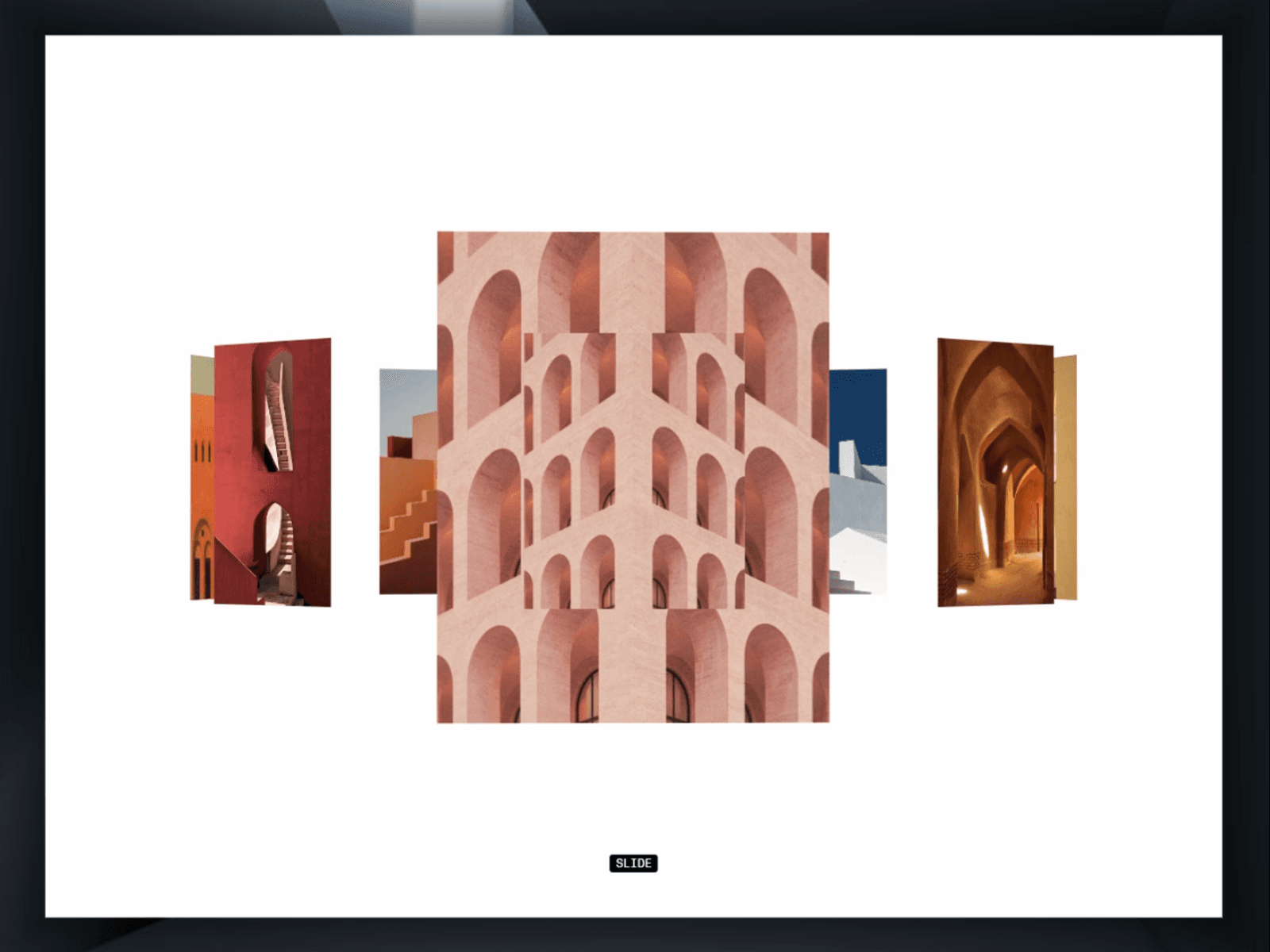
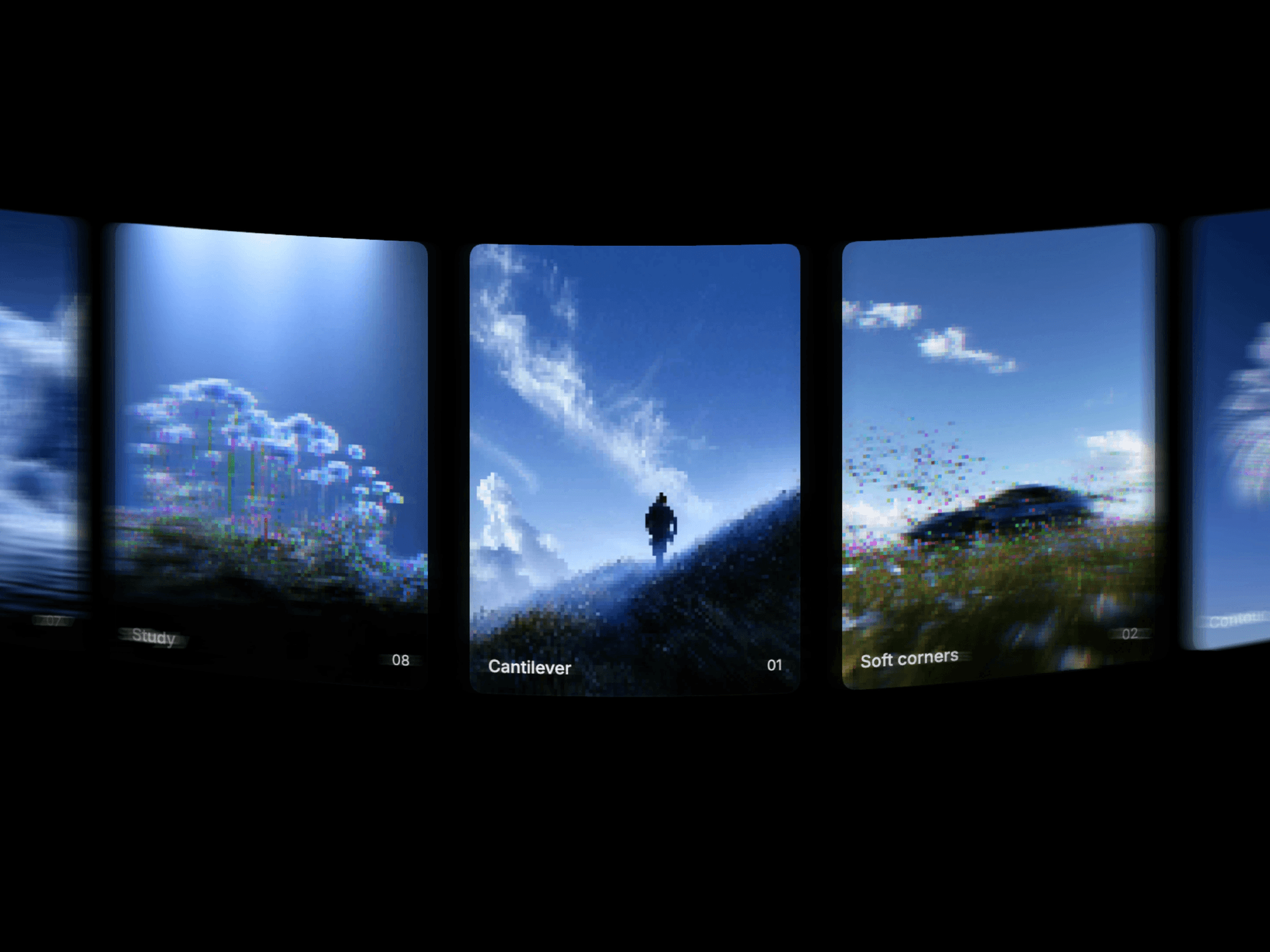
Intelligently switches between two display modes based on viewport width, giving you the best experience on every device.
Desktop Mode (Ticker)
Infinite horizontal scroll with smooth CSS animations
Configurable speed and direction (left or right)
Pause on hover option for better user control
Automatically duplicates content for seamless looping
Adjustable gap between cards
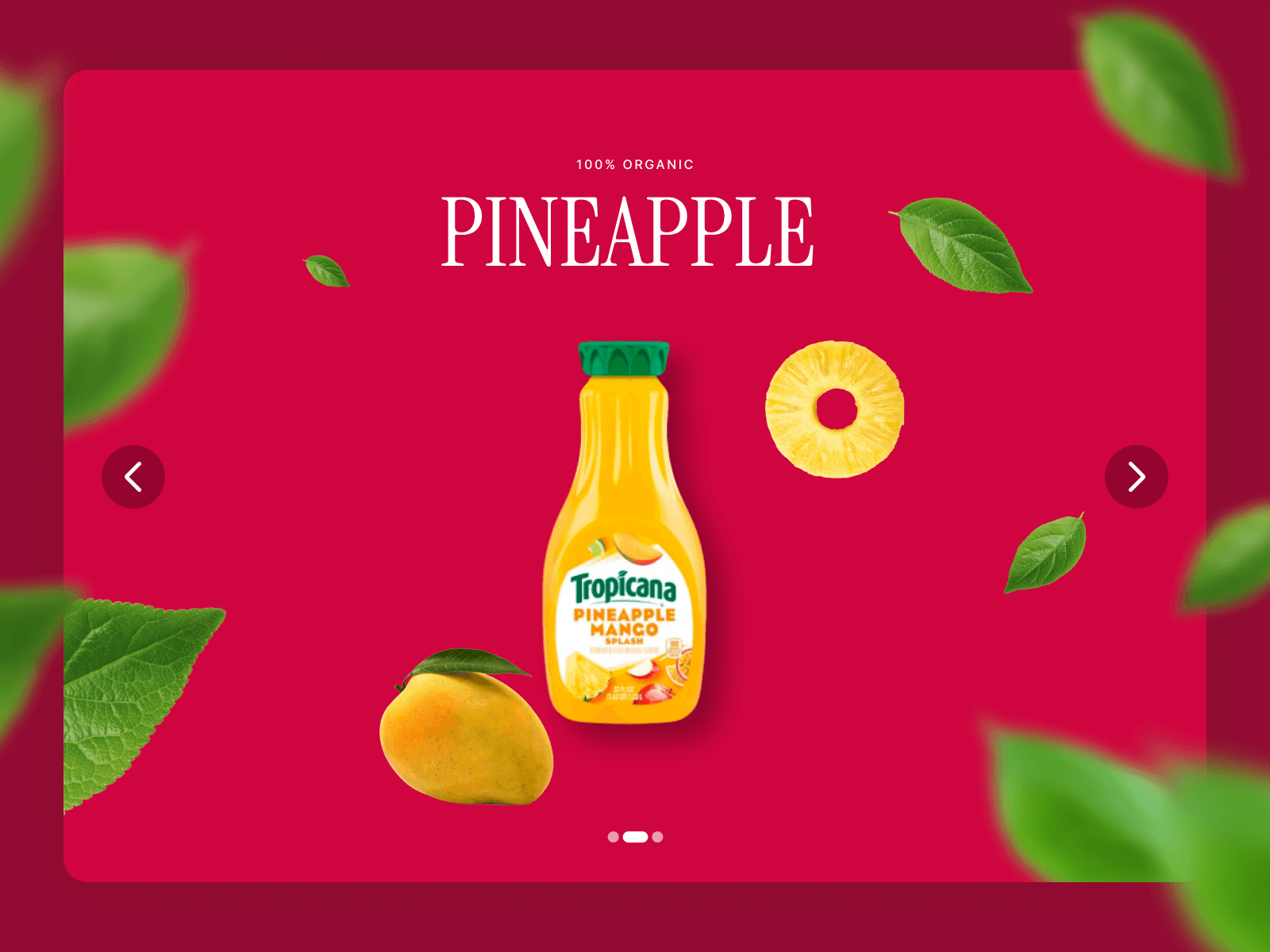
Mobile Mode (Slideshow)
Touch-enabled swipe gestures with velocity detection
Pill-style dot navigation for quick access
Auto-play with configurable intervals
Three sizing options: Fill (stretch to frame), Fixed (canvas size), or Fit (content width)
Smooth snap animations with infinite loop support
Accessibility Features
Full keyboard navigation (arrow keys)
ARIA live regions for screen readers
Semantic HTML with proper roles
Respects prefers-reduced-motion settings
Focus management for interactive elements
Customization Options
Adjustable breakpoint (when to switch between modes)
Configurable gaps for both ticker and slideshow
Custom active dot color
Speed and interval controls
Pause behavior settings
Use Cases
Logo carousels and partner showcases
Customer testimonials and reviews
Product feature highlights
Social media feed displays
Image galleries and portfolios
Promotional banners
The component handles edge cases gracefully, including single items, empty states, and rapid user interactions. It uses performance-optimized CSS transforms and includes proper cleanup to prevent memory leaks.