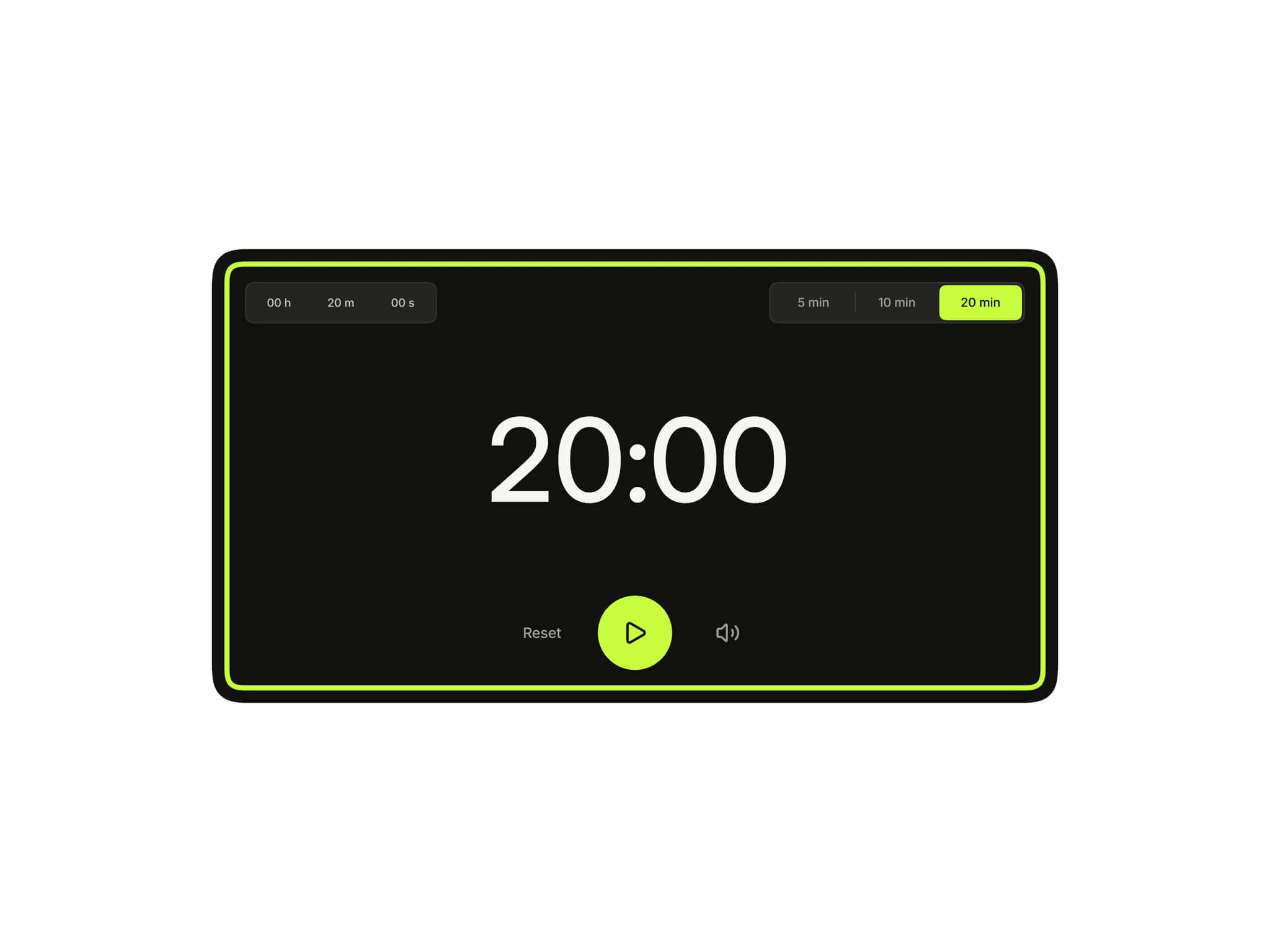
About Timed Popup
Sometimes the perfect moment to show a popup isn't after a click.
It's after visitors have spent a few seconds exploring your site.
Maybe you want to display a newsletter signup after 10 seconds, reveal a coupon offer after users engage with your content, or show an announcement once visitors have had time to understand your product.
That's exactly what Timed Popup was built for.
Simply choose a delay, connect your popup design, and the component automatically displays it at the right moment. No custom code, no complex setup, and no external scripts.
Built 100% natively for Framer.
Instructions
Getting started takes less than a minute:
Copy the component URL provided after purchase.
Paste it into your Framer project and place it under your Desktop frame.
Set the component position to Absolute.
Set both Top and Left values to 0.
And Remove the default Z-Index style from Framer's right-side panel. Smart Popup manages layering through its built-in Popup Layout → Z-Index control, giving you full control directly from the component settings.
Connect your popup design using the Popup Card slot.
Optionally connect a custom Close Button design.
Choose how many seconds to wait before showing the popup.
Customize placement, animations, backdrop, frequency settings, and close behavior from the property panel.
Preview or publish your site.
That's it.
The popup will automatically appear after the selected delay.
🎁 Bonus Included
All popup demos shown in the preview are included with your purchase.
Simply remix, customize, and launch.
What Makes This Different
Most popup solutions focus on triggers and functionality but overlook the design experience.
Timed Popup includes a built-in Canvas Preview mode, allowing you to position and style your popup while designing.
When you're working on the rest of your page, simply disable the preview and the popup disappears from the canvas, keeping your workflow clean and distraction-free.
How It Works
- Popup Card
Connect any popup design including: Newsletter forms, Coupon popups, Announcement banners, Lead generation forms, Welcome messages, Cookie notices, Marketing offers
- Delay Settings
Choose exactly how long the popup waits before appearing.
Perfect for:
3-second welcome messages
5-second announcements
10-second lead capture forms
Long-delay promotional offers
- Frequency Controls
Control how often the popup appears:
Always
Once Per Session
Show Once Ever
Custom Display Rules
- Close Behavior
Choose how visitors dismiss the timed popup:
Close Button
Backdrop Click
Escape Key
Auto Close Timer
Page Scroll
- Placement
Position your delayed popup anywhere:
Center
Top Center
Bottom Center
Top Left
Top Right
Bottom Left
Bottom Right
- Animation Controls
Customize:
Opacity
Scale
Position
Skew
Rotate X
Rotate Y
Rotate Z
With independent enter and exit animations.
- Backdrop
Control:
Color
Opacity
Blur
Backdrop Animation
Features
Automatic delayed popup trigger
Custom delay timer
Newsletter popup support
Coupon popup support
Announcement popup support
Lead capture popup support
Marketing popup support
Welcome popup support
Fullscreen modal support
Custom popup placement
Independent enter and exit animations
Auto-close timer
Close on backdrop click
Close on Escape key
Delayed close button support
Page scroll lock
Frequency controls
Session memory support
Canvas Preview mode
Canvas-friendly workflow
Fully responsive
Zero-code setup
Production-ready
Built 100% natively for Framer
Use Cases
Newsletter Signup Popup: Capture email subscribers after visitors spend time on your site.
Coupon Popup: Display discount offers after a short delay.
Welcome Popup: Introduce new visitors to your brand.
Announcement Banner: Promote launches, updates, and important news.
Lead Capture Form: Offer free resources, demos, or consultations.
Product Promotion: Highlight a featured product after visitors engage with the page.
Event Registration: Encourage signups after visitors have explored your content.
Marketing Campaigns: Present offers at the perfect moment without requiring a click.
Made with ❤️ by Soyeb
Refund Policy: Due to the digital nature of these components, all sales are final, and once delivered they cannot be returned, exchanged or refunded. Please review product details and demos before purchasing, and feel free to reach out if anything is unclear.
Have questions or need a custom Framer component? Reach out at heysoyebali@gmail.com