About Timeline Carousel
About
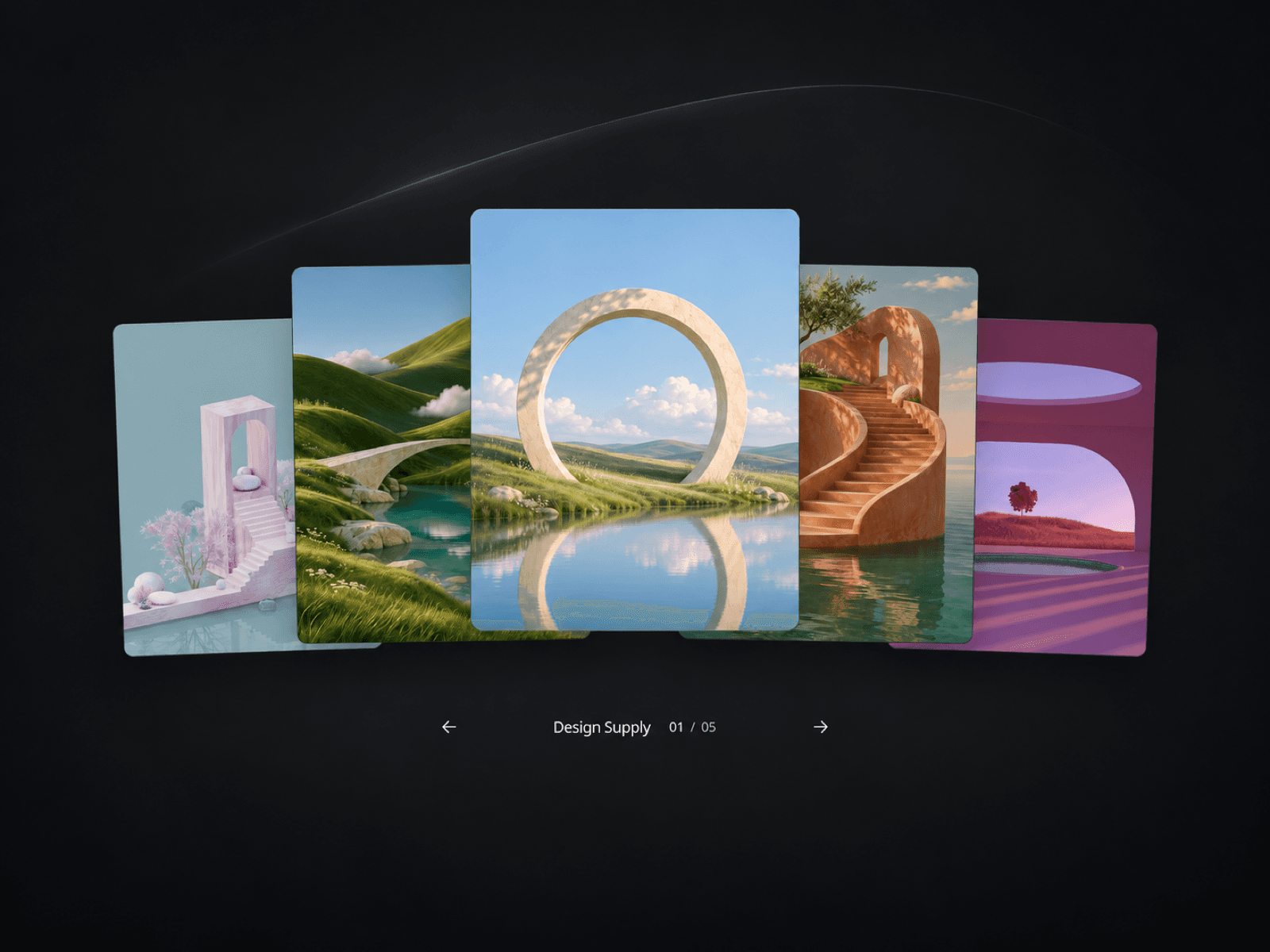
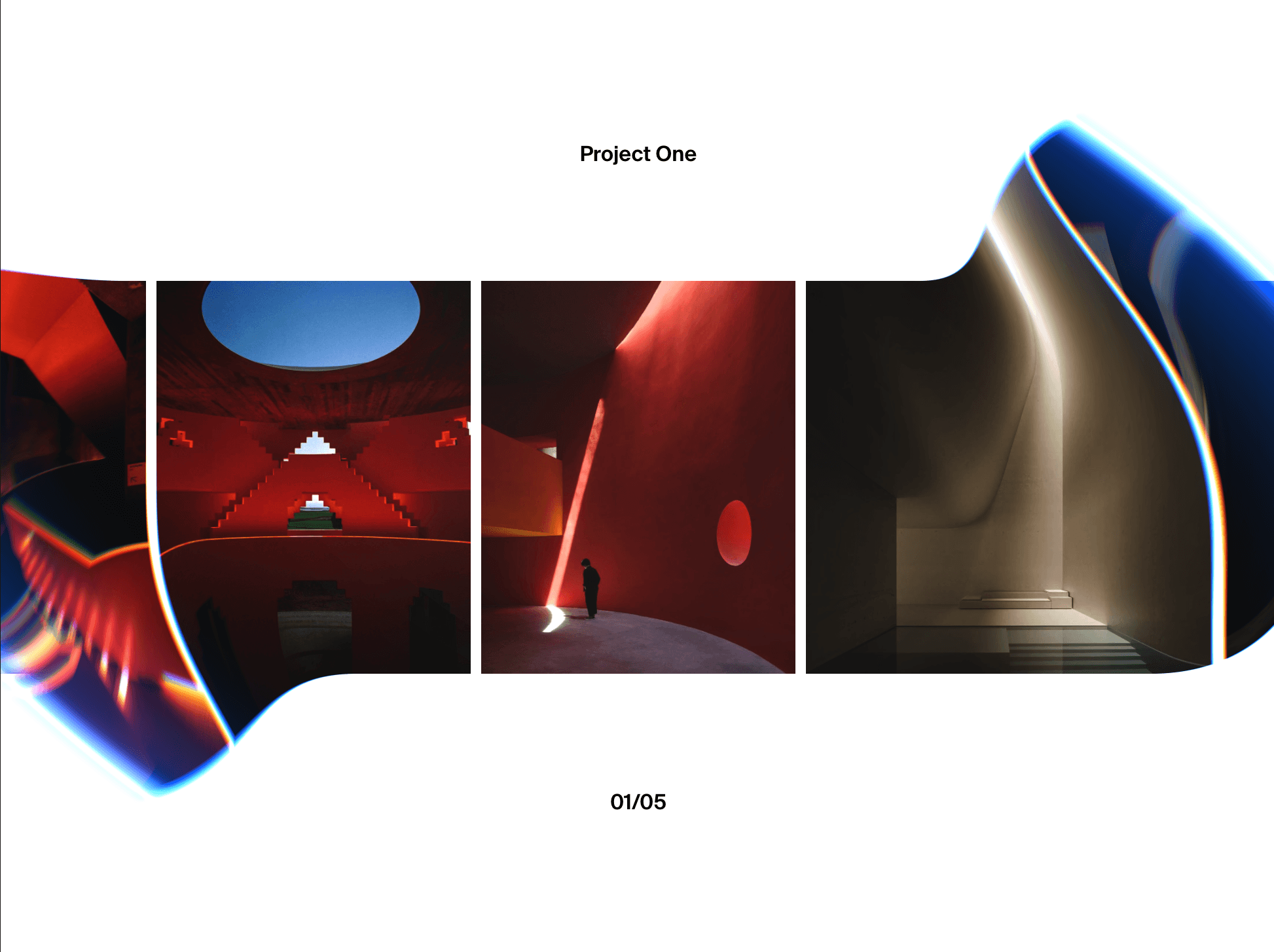
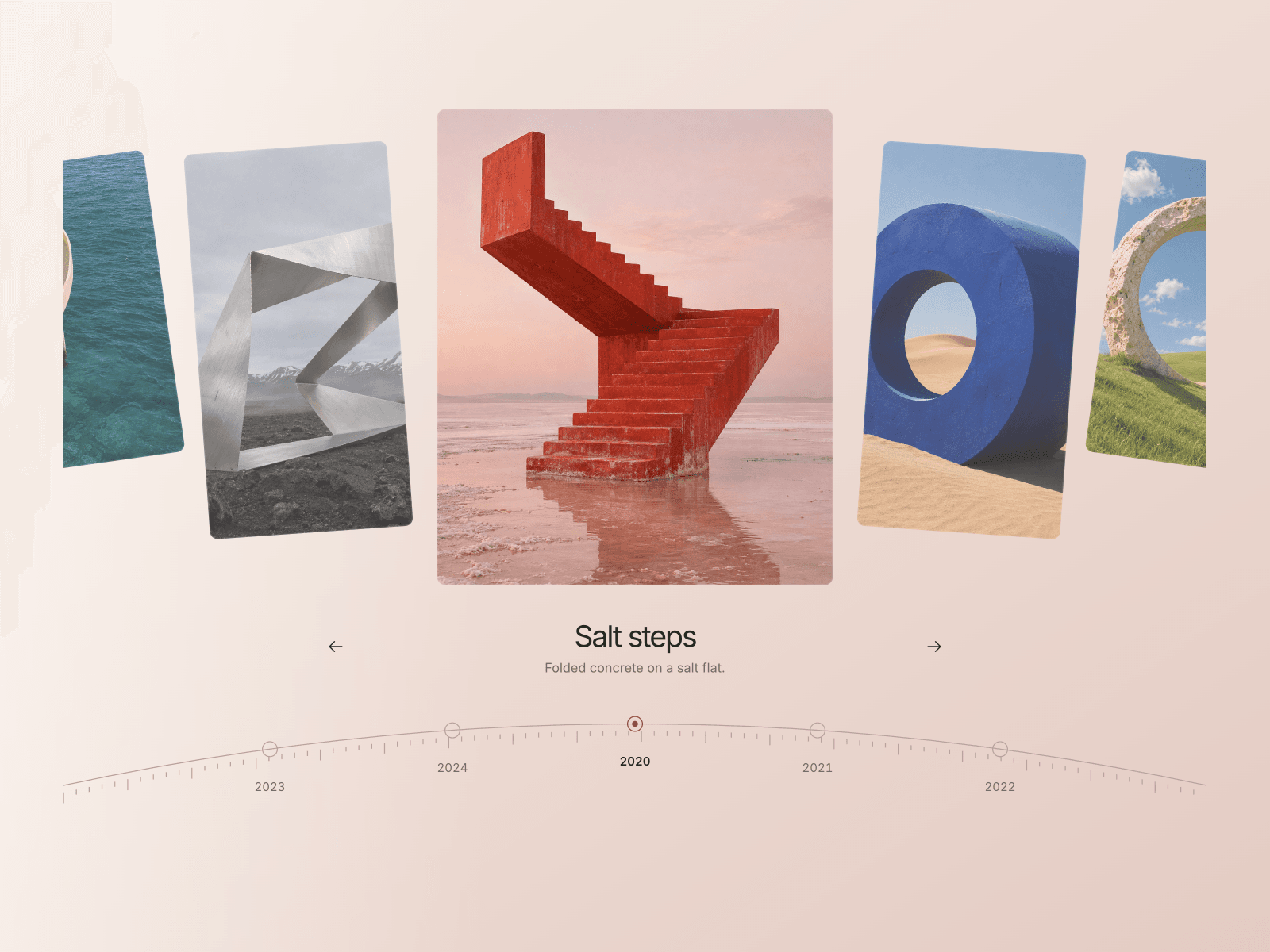
Timeline Carousel is an interactive image carousel for Framer that gives projects, milestones, and visual stories a sense of sequence. Large image cards move around a centered selection, while a fine timeline follows underneath. Choose a curved arc or a straight line to suit the rhythm of your page.
A timeline you can explore
Drag or swipe through the images, scroll horizontally with a trackpad, or move between entries using the arrows and keyboard. Select a year or a neighboring card to bring it into focus. Optional looping connects the last entry back to the first, keeping the collection moving without a hard stop.
The selected image can open a project, product, or story. Titles and short descriptions stay separate from the image link, leaving the composition clear and easy to browse.
Make it yours
Shape the content, palette, and movement around your own work. Add up to 30 entries with images, year labels, titles, short descriptions, and individual links. Choose new-tab behavior per entry, or set one default destination for images without a separate link.
Adjust image height, corner radius, padding, and arc depth directly in Framer. Match the background, text, timeline, and active marker to your site, with separate title and label typography controls. Choose the starting entry, tune transition duration, switch looping or horizontal scrolling on and off, and hide the supporting description for a quieter layout.
The responsive layout adapts to smaller screens, supports keyboard navigation, and respects reduced-motion preferences.
Stories worth a closer look
Give a visual collection a clear path to follow:
Architecture projects and studio portfolios
Photography series and travel journals
Company milestones and brand histories
Product collections and design archives
Exhibition chapters and cultural programmes
Editorial features and creative retrospectives
Made by Design Supply