About Portfolio Rows
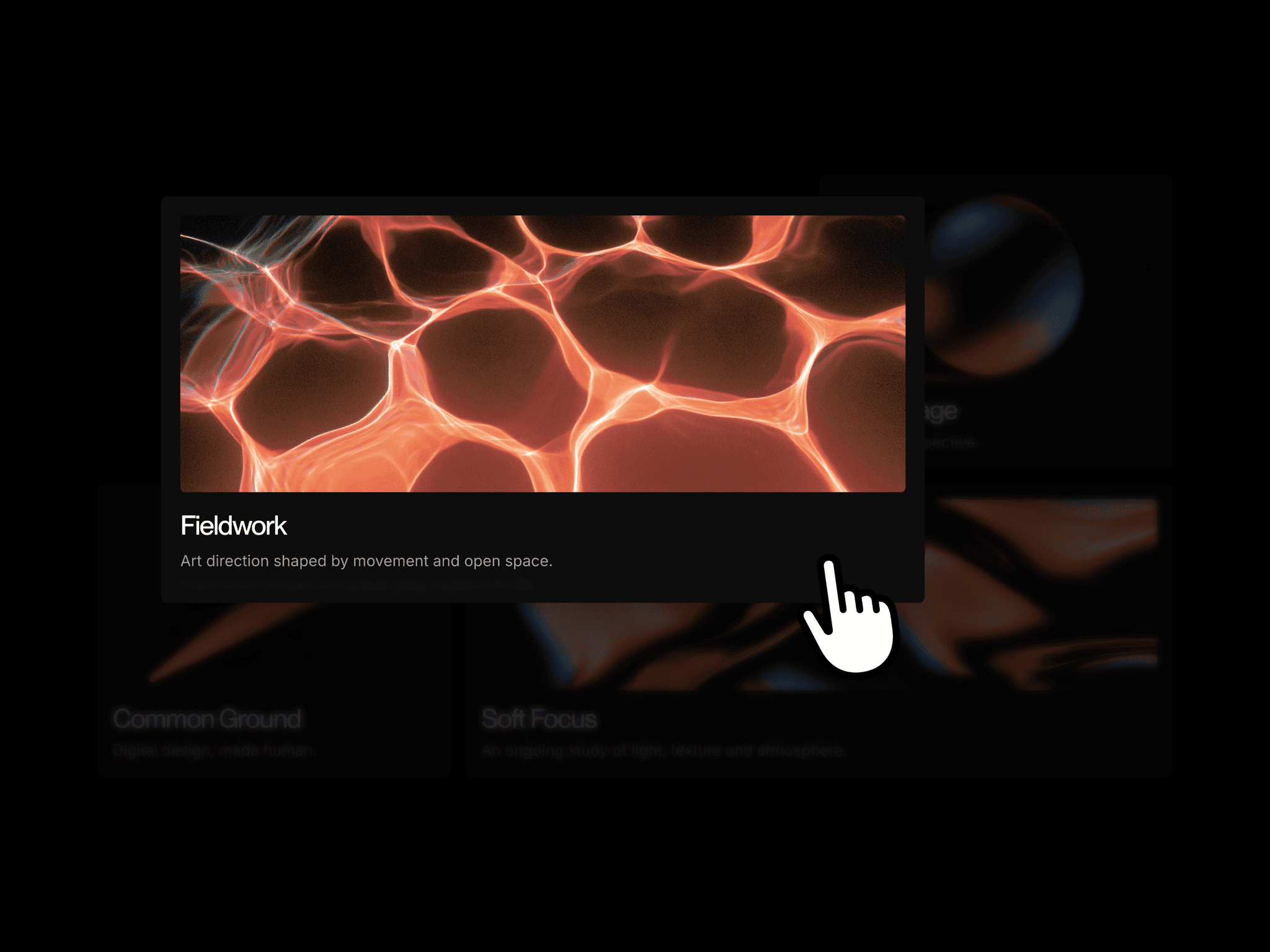
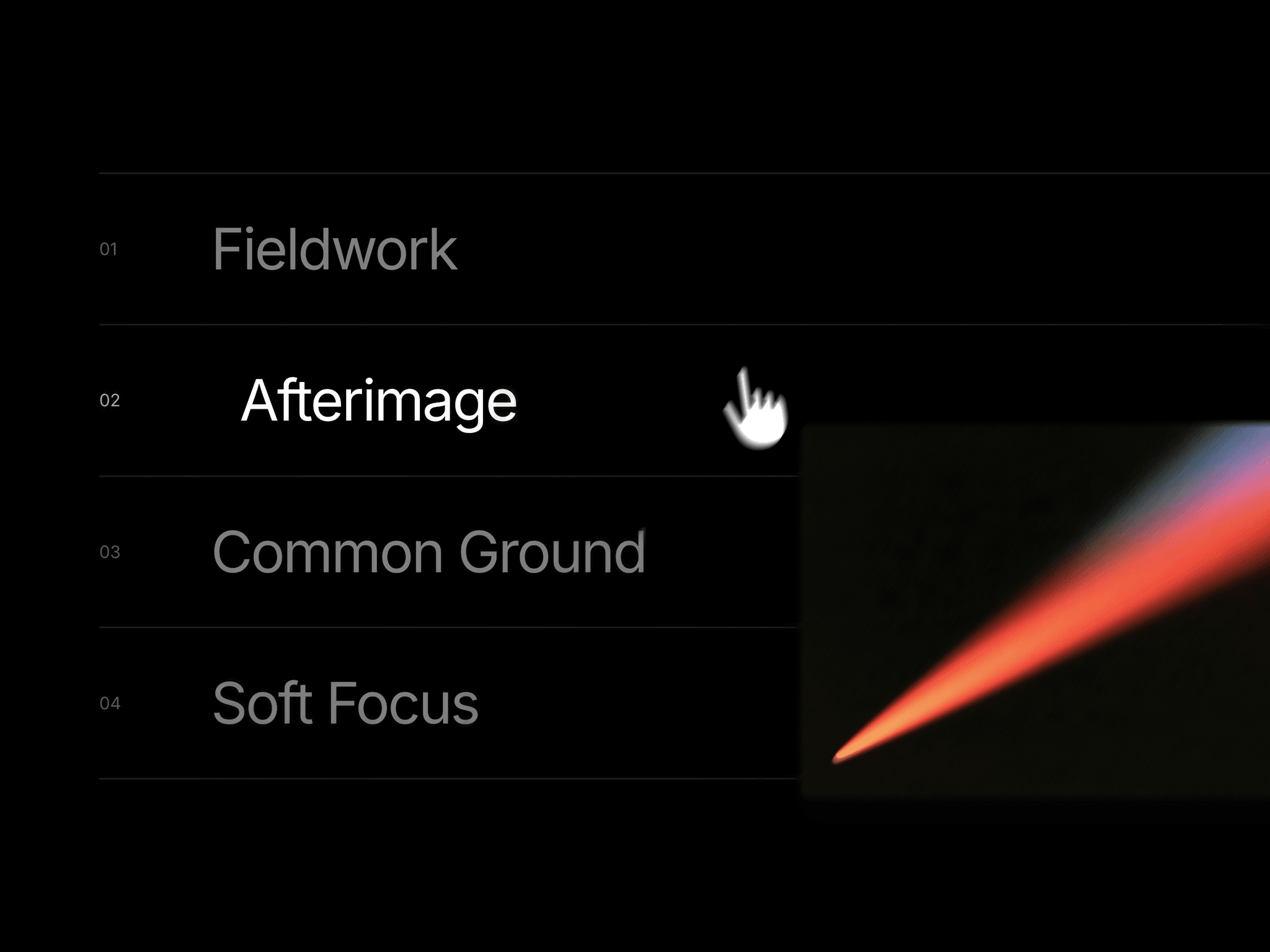
Portfolio Rows presents projects as a list with large titles and thin dividers. Hovering reveals an image that follows the cursor with spring motion, while the active title shifts and other rows dim. It supports keyboard focus and inline image expansion on touch devices and smaller screens.
What you can customize
Add or remove projects through the Projects control. Customize fonts, desktop and mobile title sizes, colors, row spacing, gutters, and numbering.
Adjust the preview’s width, image ratio, corners, shadow, tilt, and overflow. Fine-tune cursor offset, follow speed, damping, transition style and duration, text shift, and inactive opacity. Hover previews, mobile image behavior, the mobile breakpoint, and canvas preview are also configurable.
How to use
Copy the component from the Marketplace and paste it onto the canvas
Open Projects to edit titles and images or add more items
Set the fonts, title sizes, Row Spacing, and Gutter
Adjust the preview size, Image Motion, and cursor-follow settings
Great for
Displaying selected work on a designer’s portfolio
Browsing an agency’s project archive
Presenting photography series
Adding visual previews to an editorial project index