About Vertical Video Feed
About Vertical Video Feed
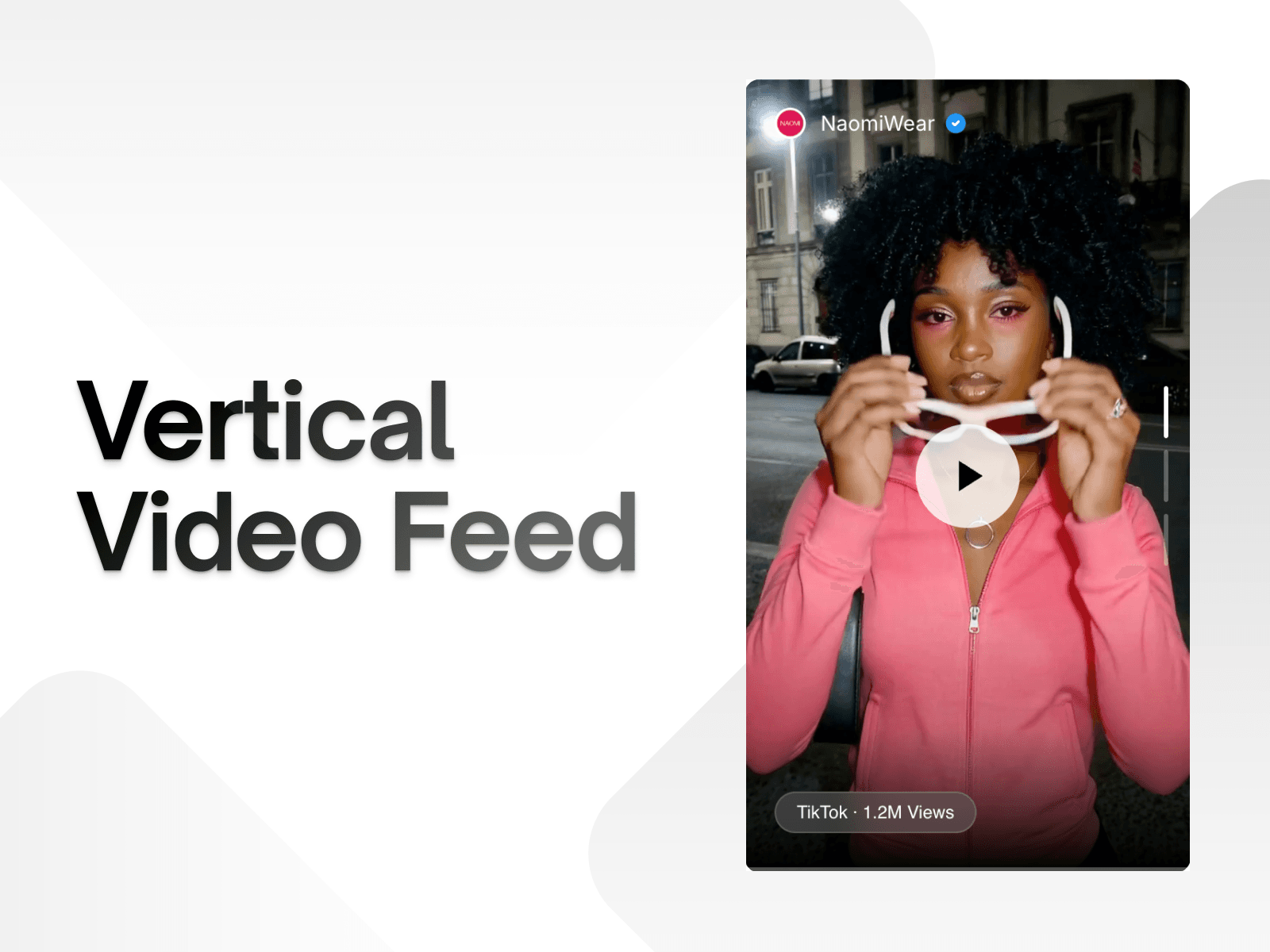
Vertical Video Feed is a customizable Framer component for displaying short-form video content in a clean, social-style feed. Add videos through direct uploads or video URLs, control playback behavior, and customize the experience directly on your website.
Features
Vertical video feed supporting multiple videos.
Add videos through direct file uploads or video URLs.
Autoplay and automatic video advancement.
Infinite looping for continuous playback.
Smooth transitions between videos.
Optional video titles, descriptions, timestamps, and navigation indicators.
Customizable profile badge with username and verified icon.
Adjustable video height and layout spacing.
What you can customize
Upload video files or add videos using URLs.
Enable or disable autoplay, infinite loop, and auto-advance.
Control playback delay and transition smoothness.
Customize background colors, badge styling, and text colors.
Show or hide titles, descriptions, timestamps, and indicators.
Adjust top, bottom, left, and right spacing.
Customize username, title, caption, and badge fonts.
Control avatar size and verified icon.
Best for
Creator portfolios showcasing short-form video content.
Personal websites featuring social media-style video feeds.
Brands highlighting product videos and promotional content.
Agencies presenting video campaigns and creative work.
Landing pages looking to add dynamic video content.
Share your work
Built something with it? Tag me on X. I'd love to see what you create.
Need help?
Have questions or need support? Email me at info@maydframe.com.