About Video Preview
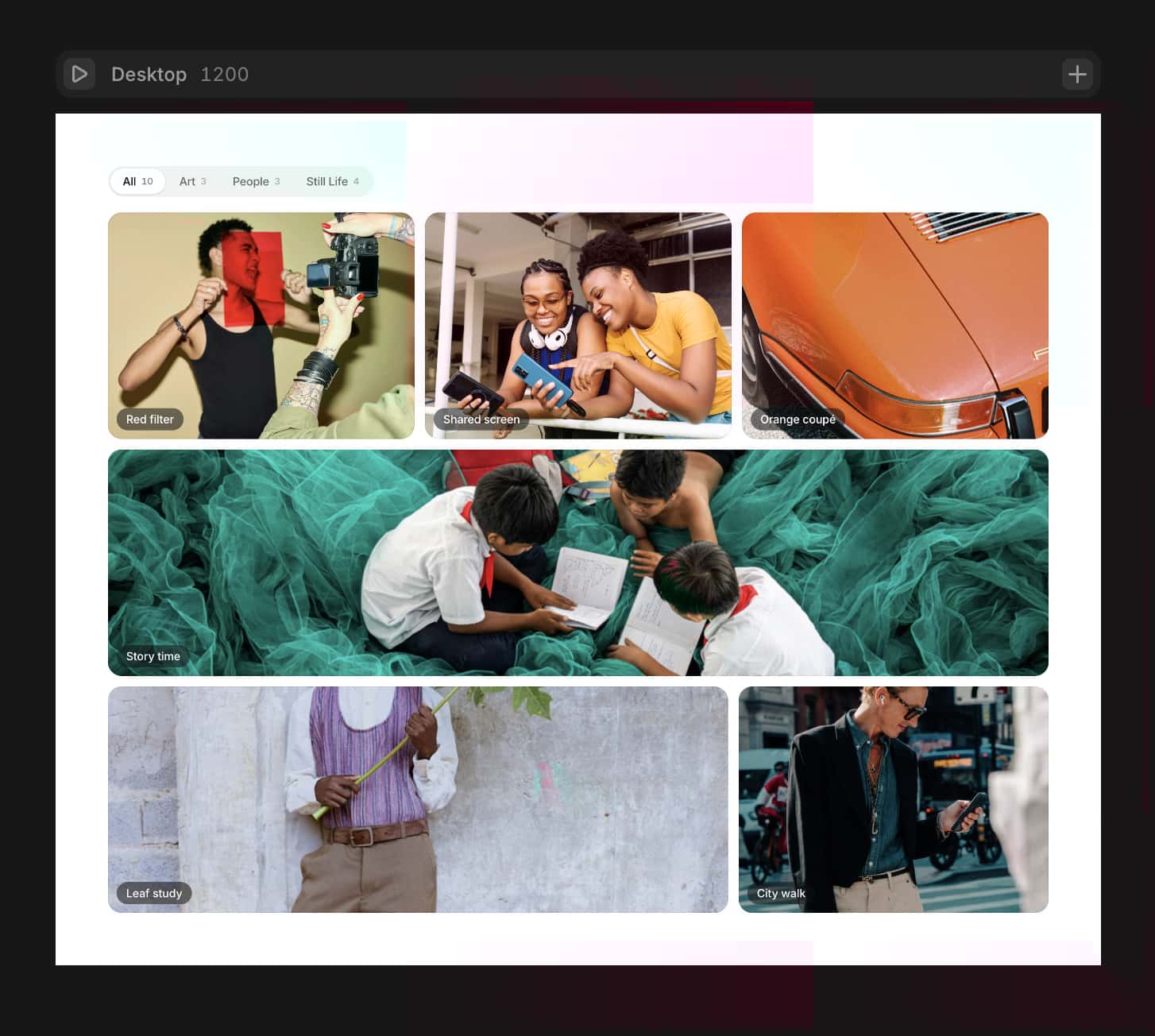
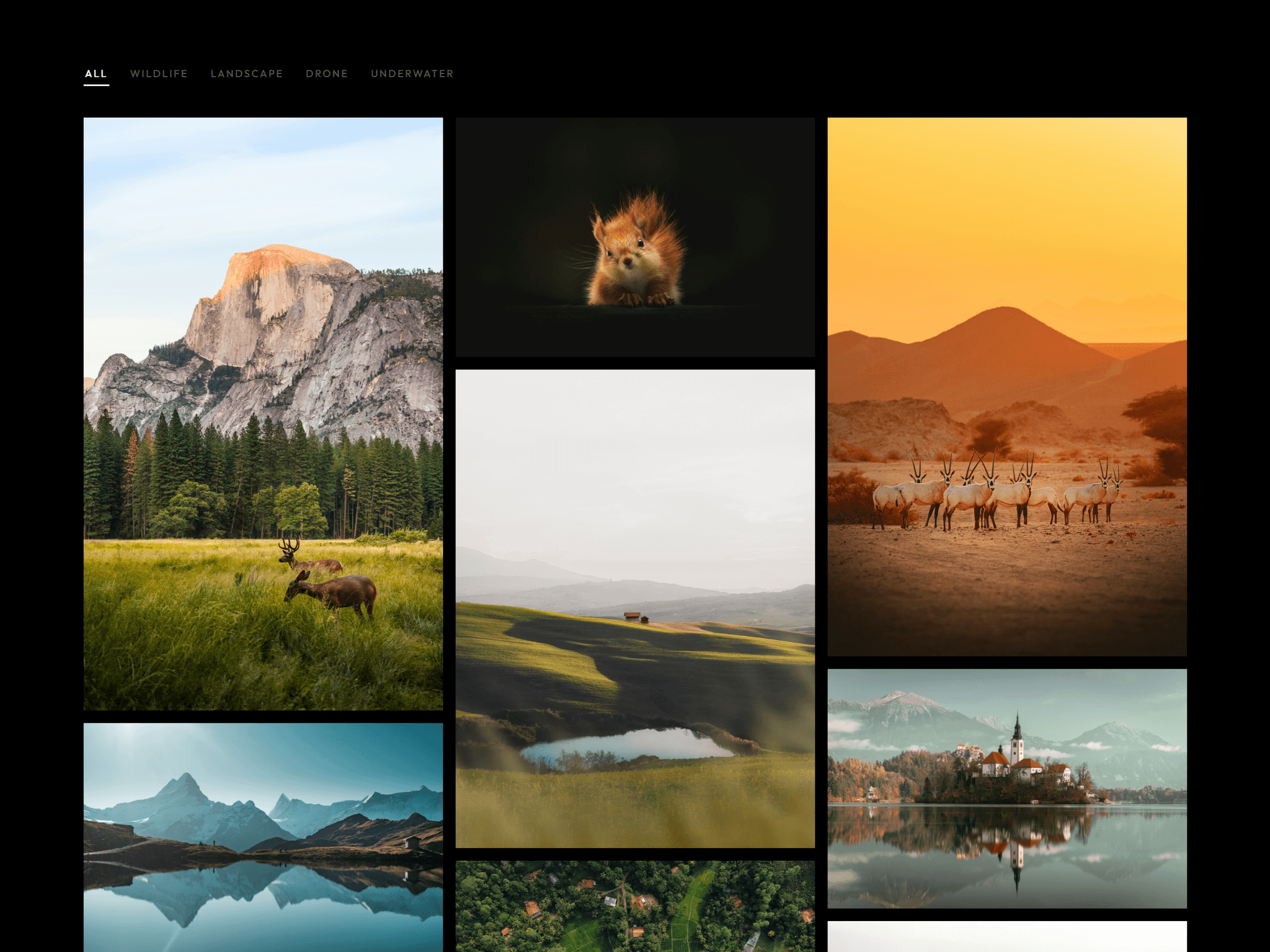
Turn static thumbnails into interactive video previews. Users can preview content on hover, then open a clean lightbox for full playback.
What it’s for
Portfolio websites
Course previews
Product showcases
Media galleries
What’s included• Instant hover video preview• Click to open lightbox with autoplay• Progress bar and duration badge• Mute toggle• Automatic aspect ratio• Works with CMS collections
Hover to play uploaded videos instantly. Click to open a clean lightbox with autoplay. Includes a progress bar, duration badge, mute toggle, and automatic aspect ratio detection.
Built for CMS collections. Connect your fields and it works without extra setup.
How to use
Add the component - Drag the component onto your canvas
Connect a video file - Or paste a video URL
Adjust settings - (hover preview, lightbox, controls, progress colour, bar thickness, fonts)
CMS - If using CMS, bind fields from your collection
That’s it.