About Visuals Timeline
Visuals Scroll Timeline – Animated Process & Steps Section
Live Preview: https://visualsscrolltimeline.framer.website/
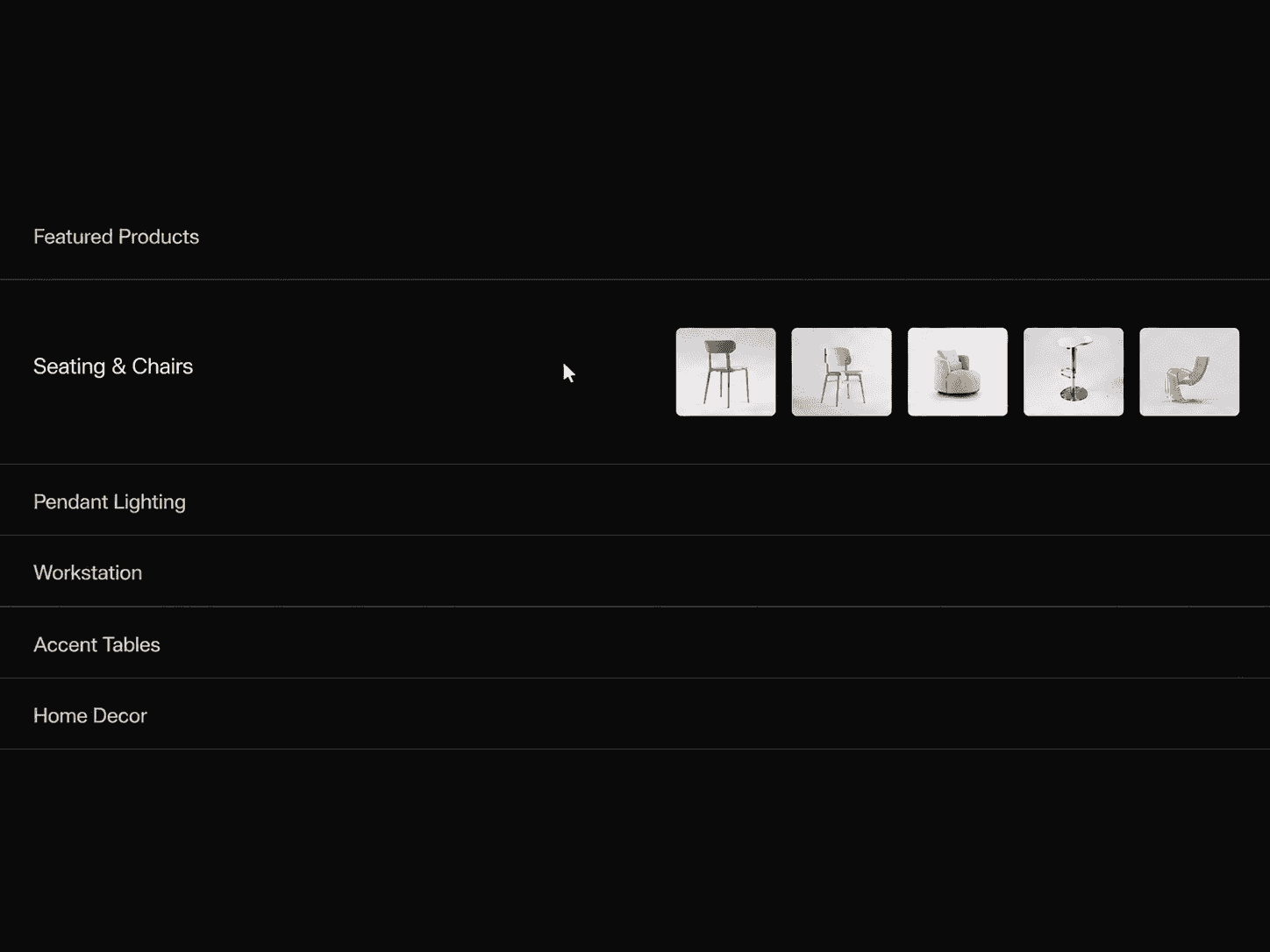
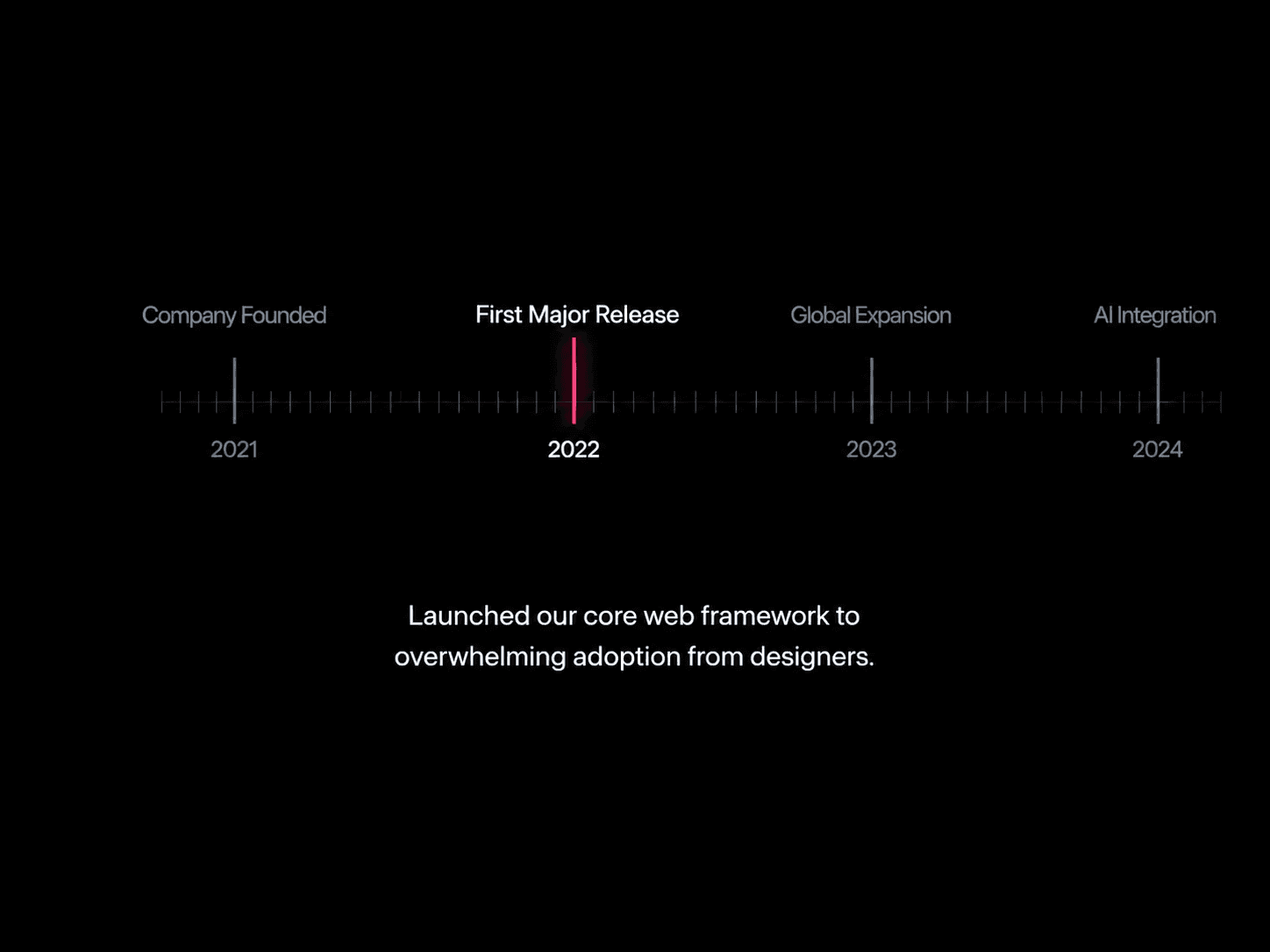
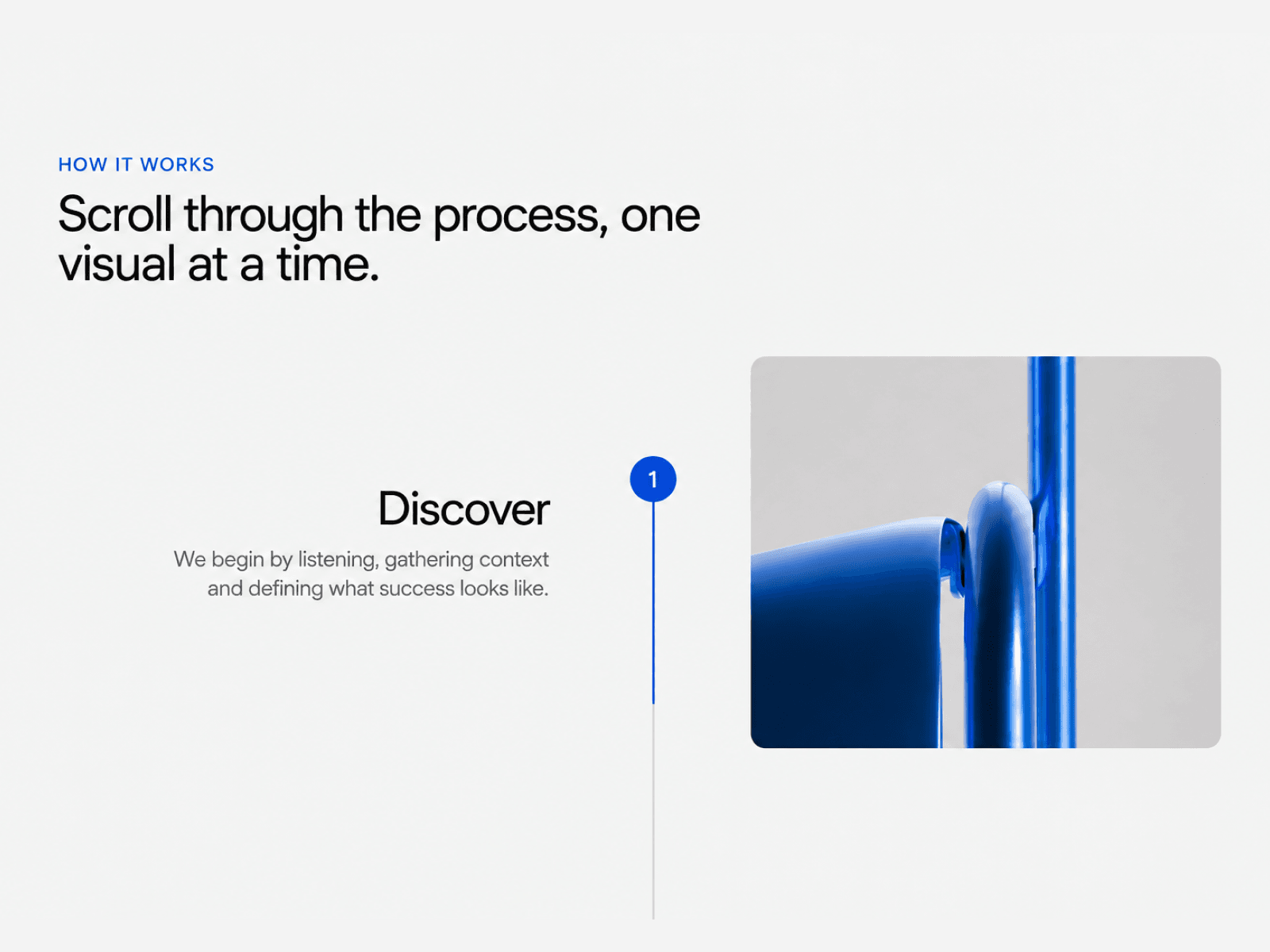
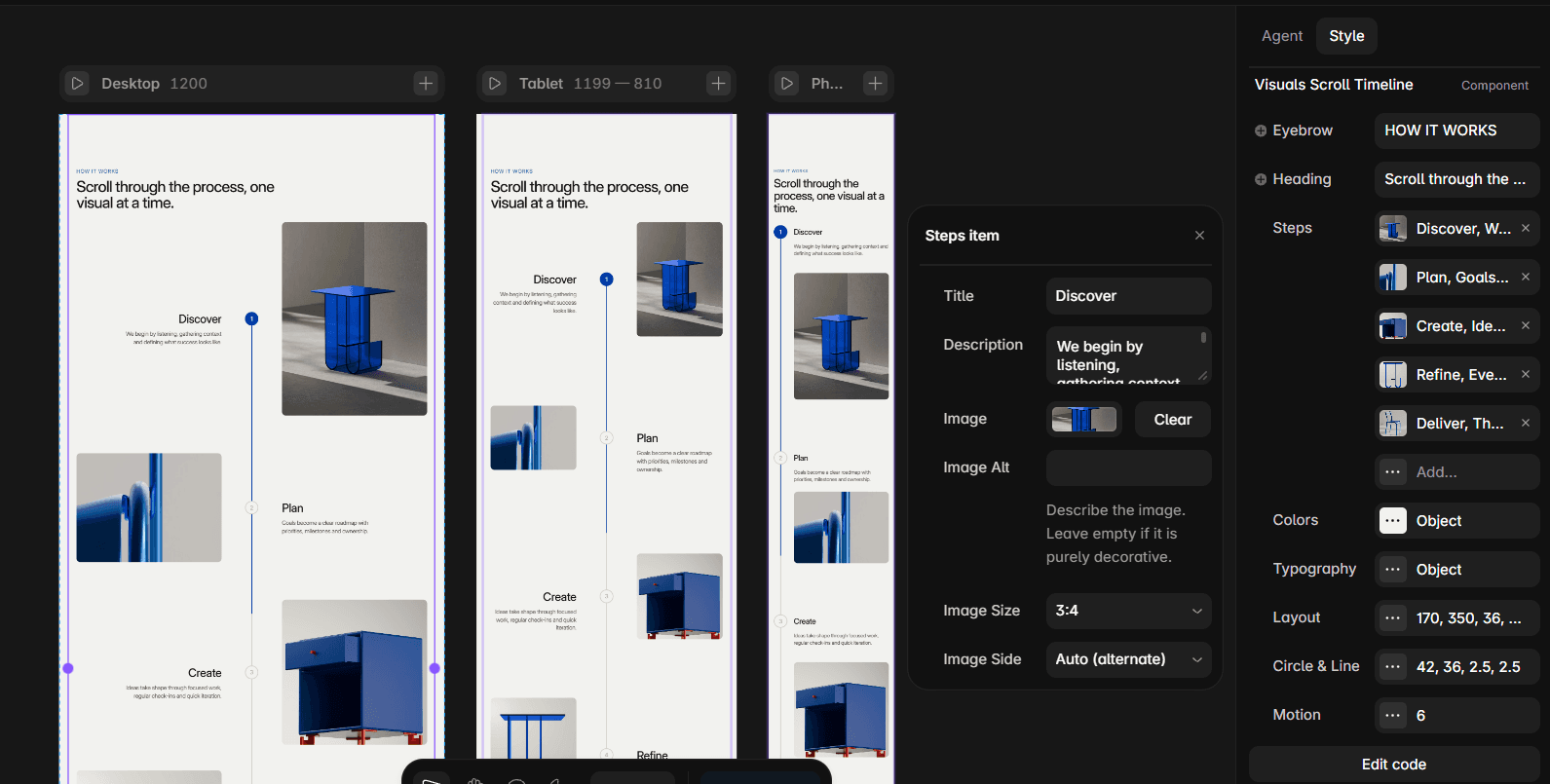
A clean, scroll-driven vertical timeline for showing a process, journey or set of steps. A centre line fills with colour as visitors scroll, numbered markers light up one by one, and each step's image opens up beside its text.
What you get
Framer component with editable property controls
Centre progress line that fills as you scroll, with numbered circle markers that switch on at each step
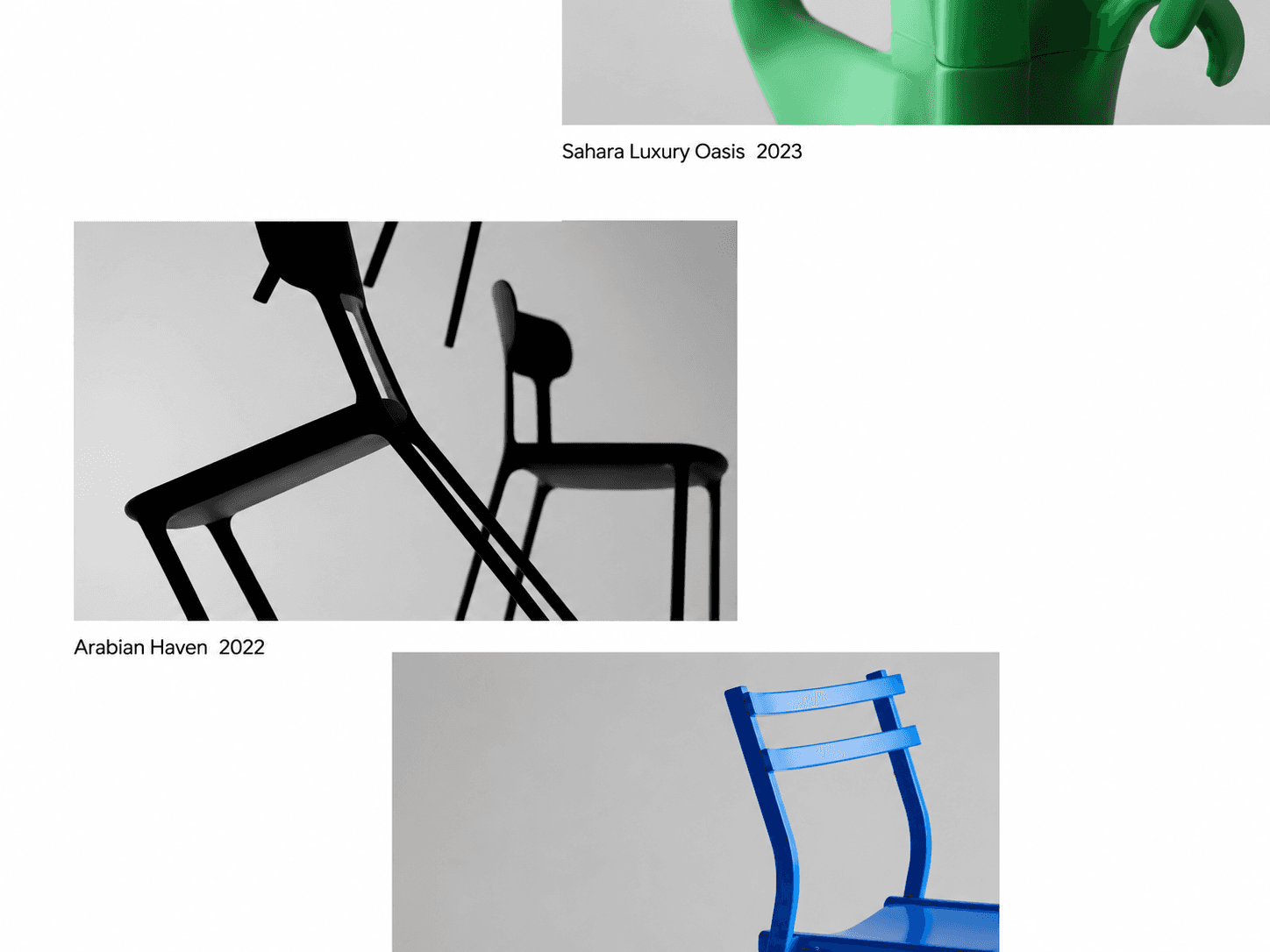
Alternating text and image rows, or choose the image side (left or right) for each step
Eight image ratios: 4:3, 3:4, 1:1, 3:2, 2:3, 16:9, 5:4 and 4:5
Normal page scrolling, with no scroll hijacking or smooth-scroll override
Customizable
Content: eyebrow, heading, and each step's title, description, image, alt text, size and side
Colors: background, accent, active title, active body text, muted and line track
Typography: separate fonts for the eyebrow, heading, circle number, step title and description
Layout: top and bottom padding, heading gap, heading max width, spacing between line and content, description max width, image max width and radius, step height, and the mobile breakpoint
Circle & Line: circle size, corner radius, border width and line width
Motion: text blur amount
Good to know
Step height is based on the visitor's screen height, so you can make the scroll feel faster or slower with the Step Height control.
On the Framer canvas the timeline shows a fixed preview. Scroll animations appear on the published page or in preview.
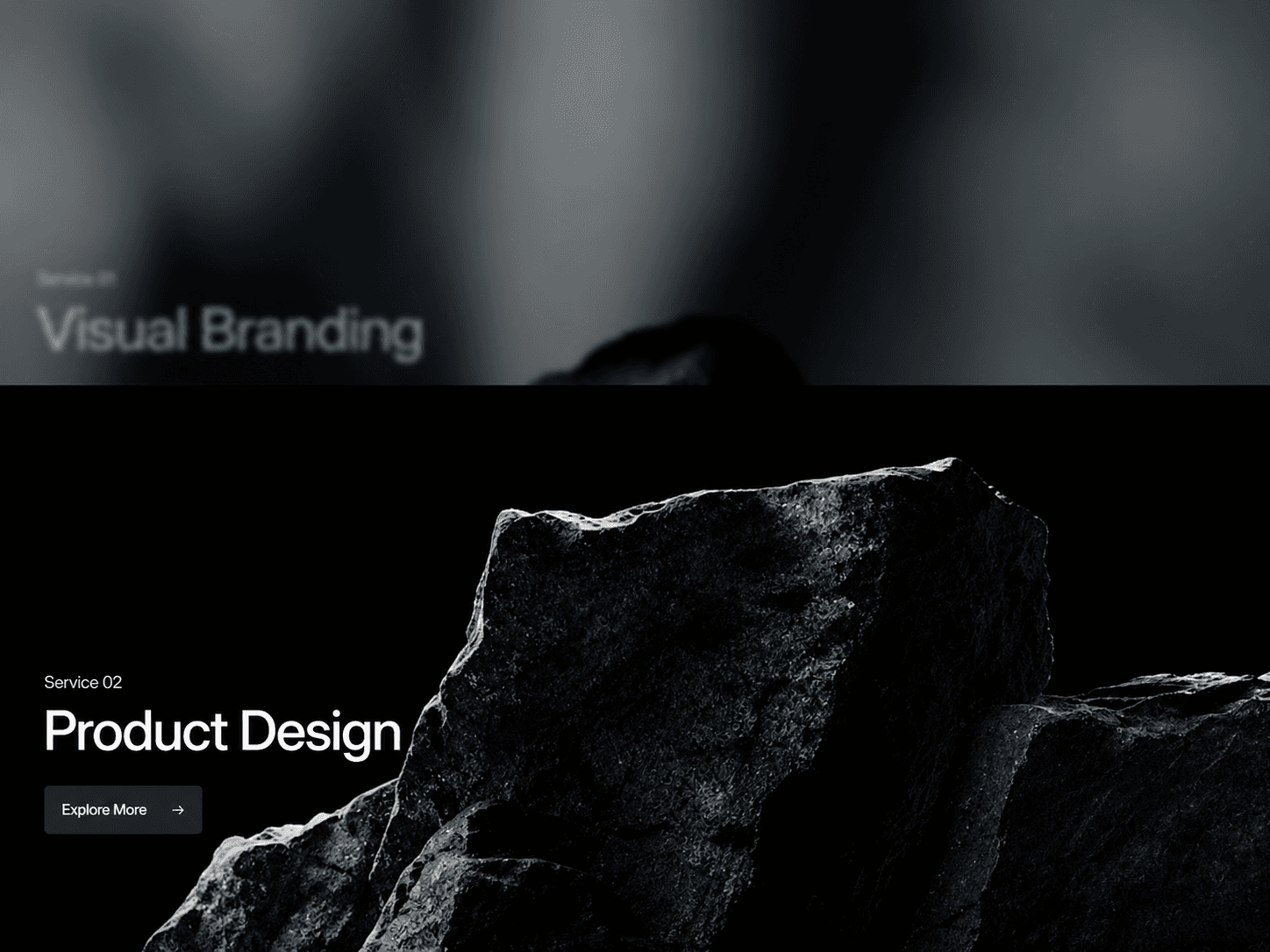
Steps without an image show a soft gradient placeholder, so add your own photos for the final look.
License: Unlimited personal and client projects. No resale or redistribution.
Refunds: Not working? Email us first and we'll fix it within 24 hours. If we can't, you get a full refund.
Questions? support@russetsupply.com