About CMS Image Gallery
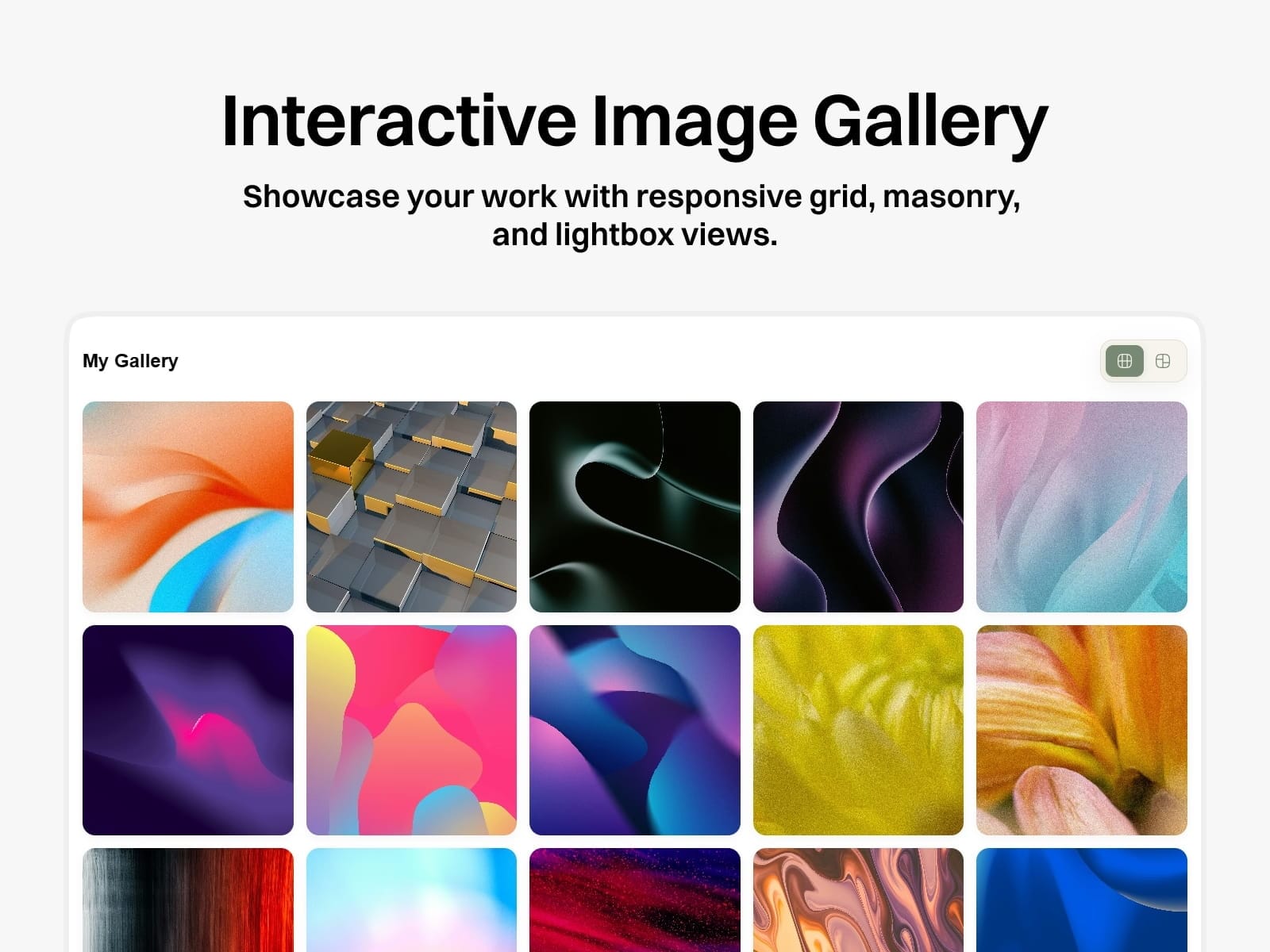
Interactive Image Gallery
A flexible Framer Code Component for creating responsive image galleries with CMS support, Grid and Masonry layouts, and an optional Lightbox.
What's Included
Grid & Masonry layouts
Framer CMS support
Responsive layouts
Optional Lightbox
Sticky gallery header
Custom spacing & radius
Custom Grid & Masonry icons
Custom colors
Component Properties
CMS List — Select your gallery collection.
Gallery Title — Add a title above the gallery.
Default View — Choose Grid or Masonry.
Sticky Header — Keep controls visible while scrolling.
Lightbox — Enable expanded image viewing.
Spacing & Radius — Customize gallery appearance.
Min Column Width — Control column sizing.
Colors & Icons — Customize the gallery controls.
Responsive
Desktop: 5 columns
Tablet: 4 columns
Mobile: 2 columns
Image Tips
Use high-quality images and test mixed aspect ratios for the best Masonry results.