About WebGL Lense Carousel
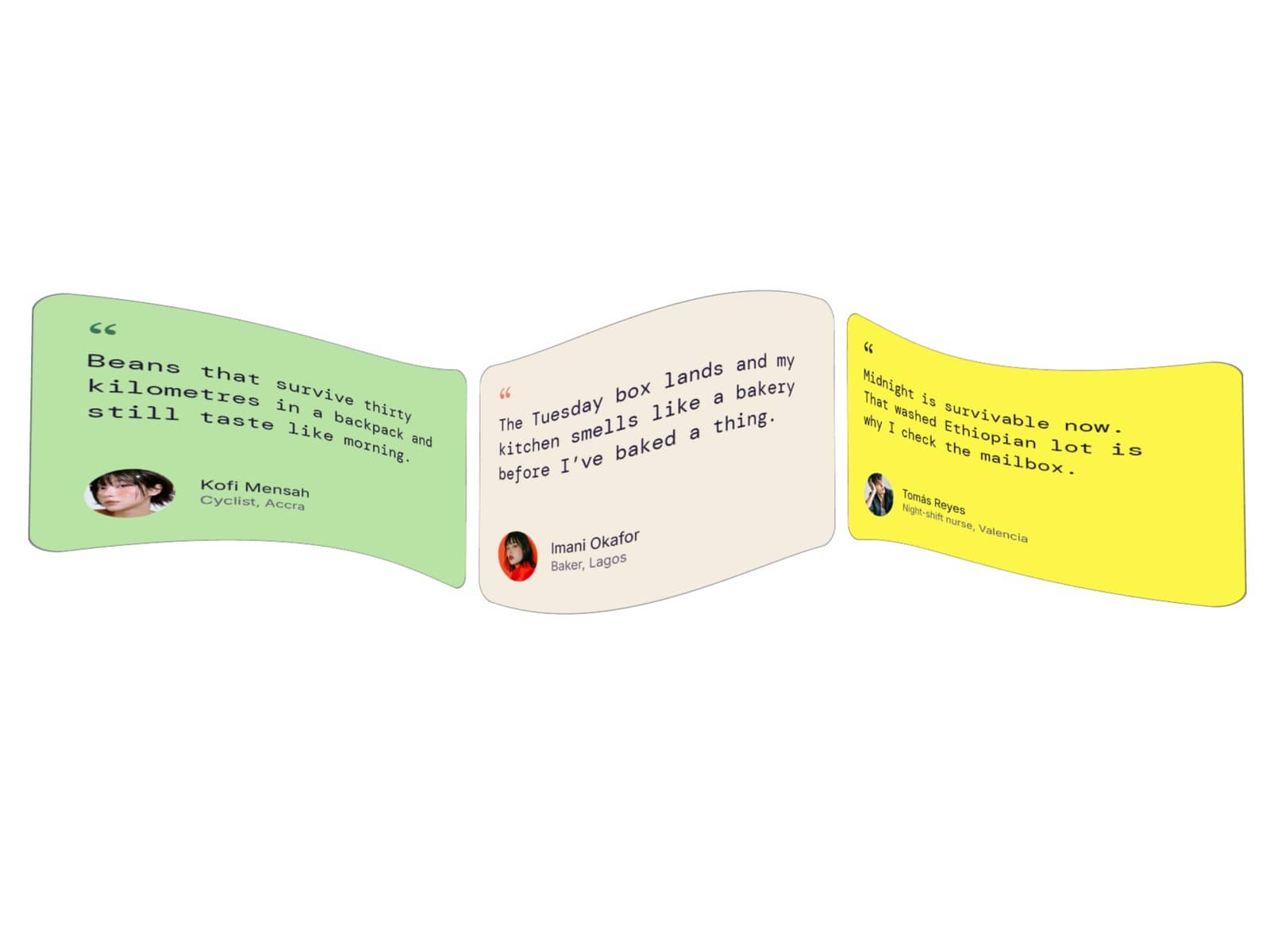
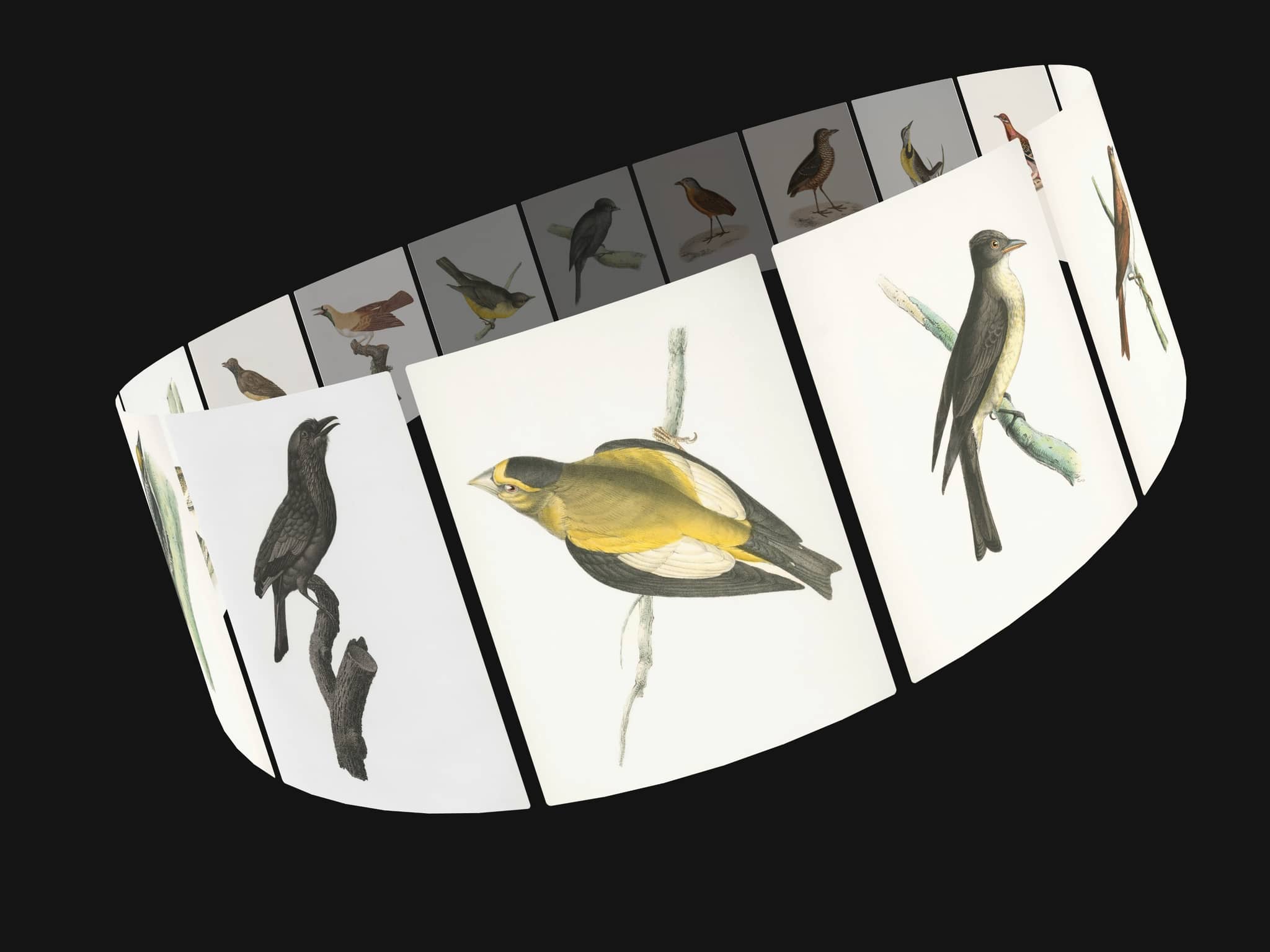
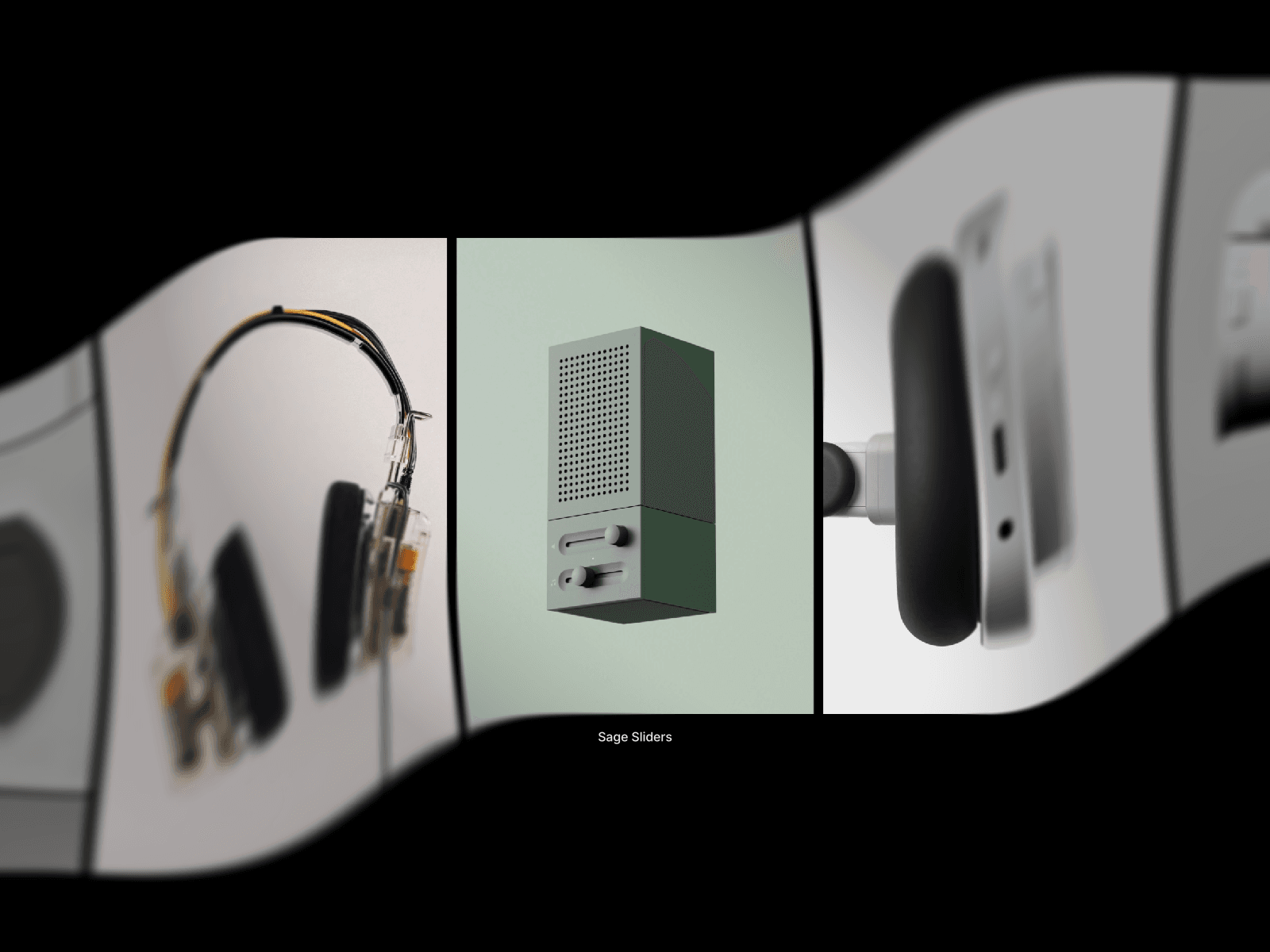
Liquid Lens Carousel turns a row of images into a showpiece. Every card passes through a glass lens: sharp in the middle, bending away at the sides with real colour dispersion and a progressive edge blur. It feels physical: the strip springs from card to card, squeezes slightly when flicked, and the lens can wobble like liquid or follow the cursor.
Media
Images, animated GIFs and videos. GIFs play frame by frame and videos stream live through the lens.
Per-card sizing. Each card can use the shared height or its own width × height in pixels.
Titles and subtitles with separate full font controls for the title, subtitle and counter.
Lens
Five presets: Liquid, Ribbon, Vortex and Arch, plus a fully Custom
Edge Blur: a smooth, progressive blur that builds along the bend, with start, ramp, falloff and an optional tint.
Navigation
Drag: drag, swipe, flick with momentum, mouse wheel and trackpad, click a side card to centre it.
Arrows: previous and next buttons with Chevron, Arrow or your own uploaded icons; glass blur, size, radius, position.
Scroll: the page scroll drives the strip from the first card to the last, across the viewport or a sticky section.
Loop or Ends: endless wrap, or real ends where the first and last cards rest in the centre.
Click to focus: the centred card zooms into a close view.
Autoplay with a custom interval.
Details
Five intros: Rise, Bloom, Spin, Deal and Fade.
Custom cursors: upload images for Open, Close, Drag and Dragging, or use the system cursors.
Keyboard and screen reader support: arrow keys, Home, End, Enter and Escape.
Performance: pure WebGL2 with no libraries, a render loop that sleeps when nothing moves, offscreen pausing, a quality control for large heroes, and reduced-motion support.
Interactions: On Change and On Select events for Framer interactions.
Editable code: the source is open and documented, with a built-in guide for editing it with AI coding agents (Claude, Cursor, Framer AI and others)