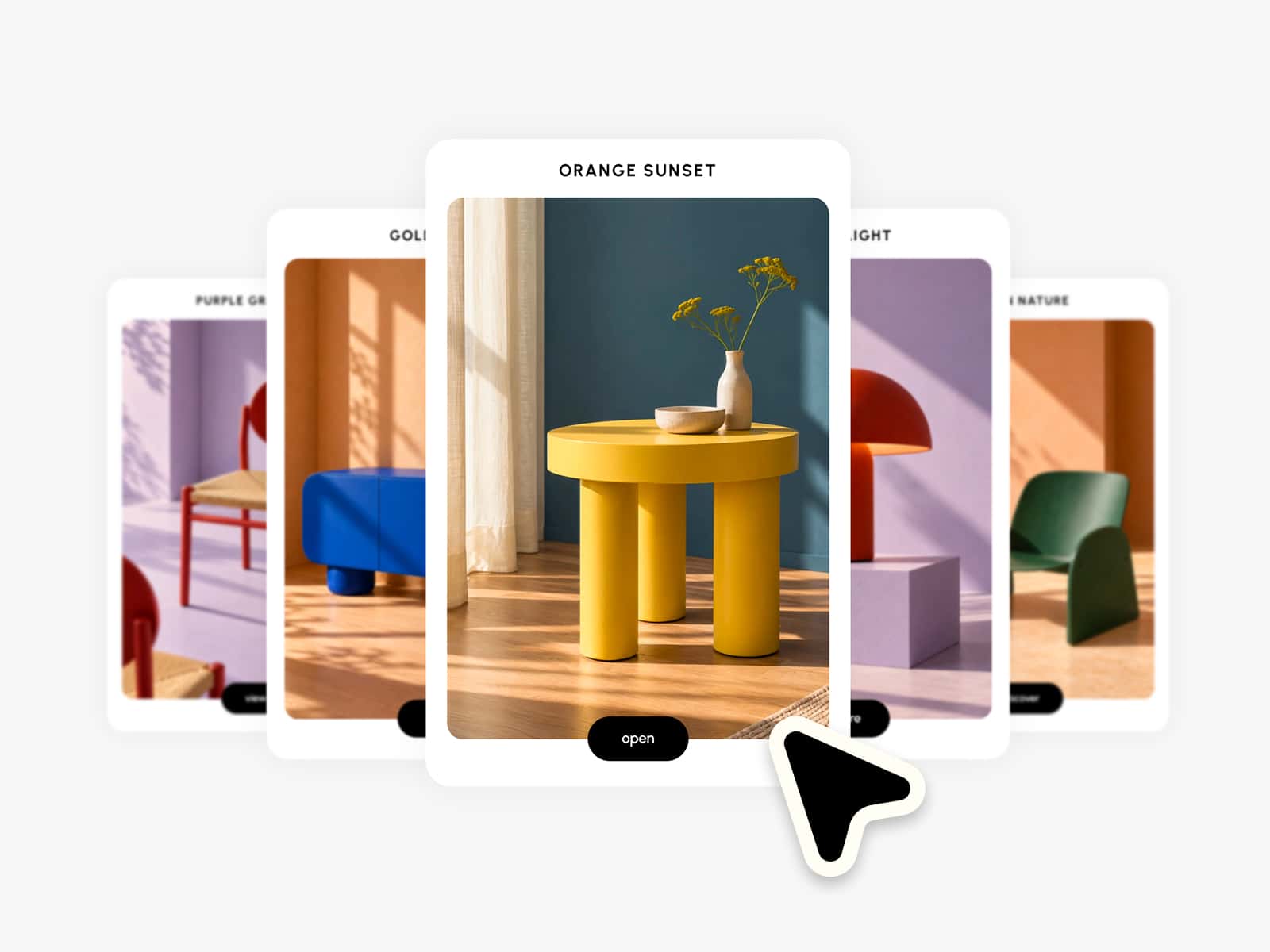
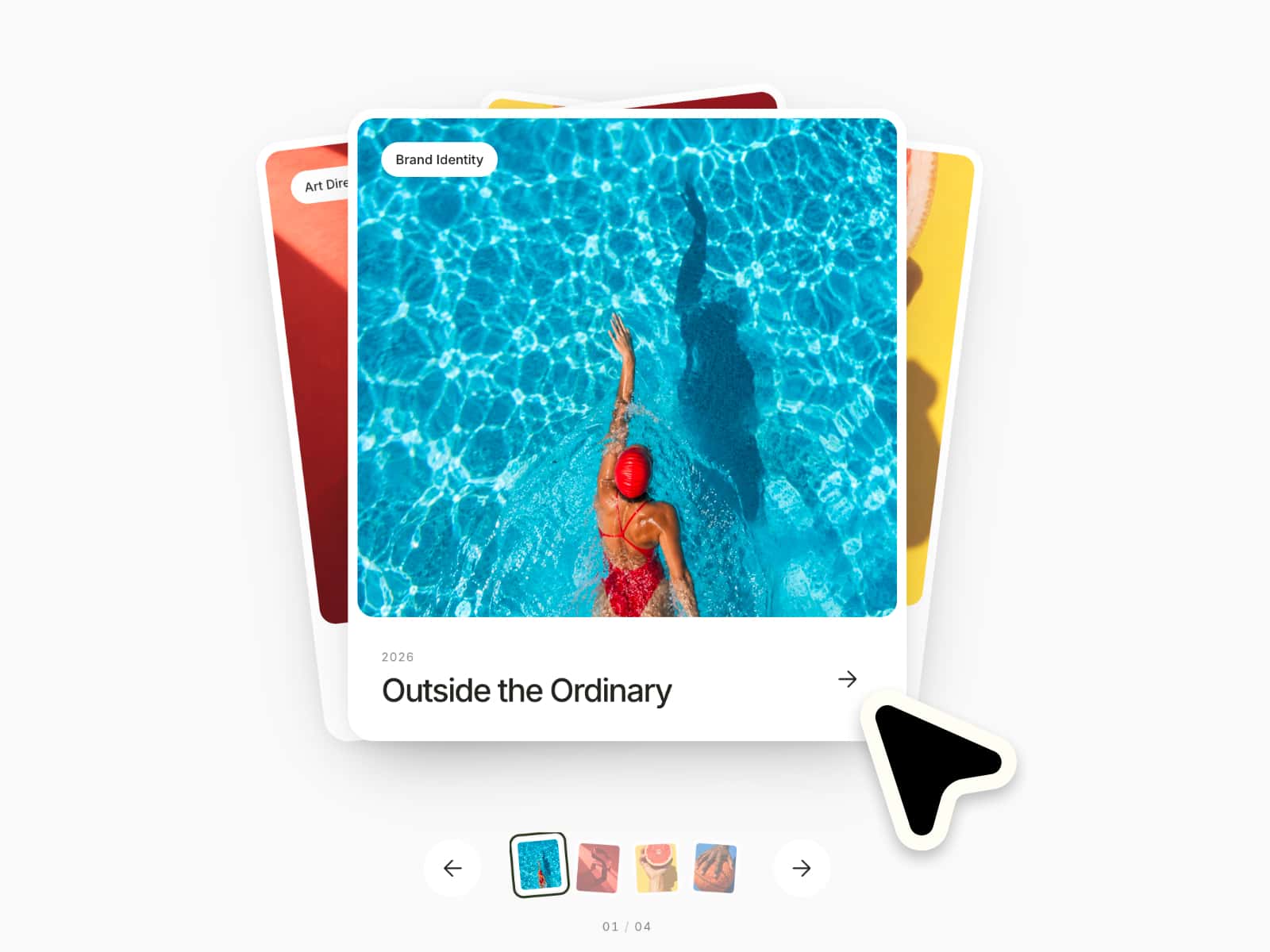
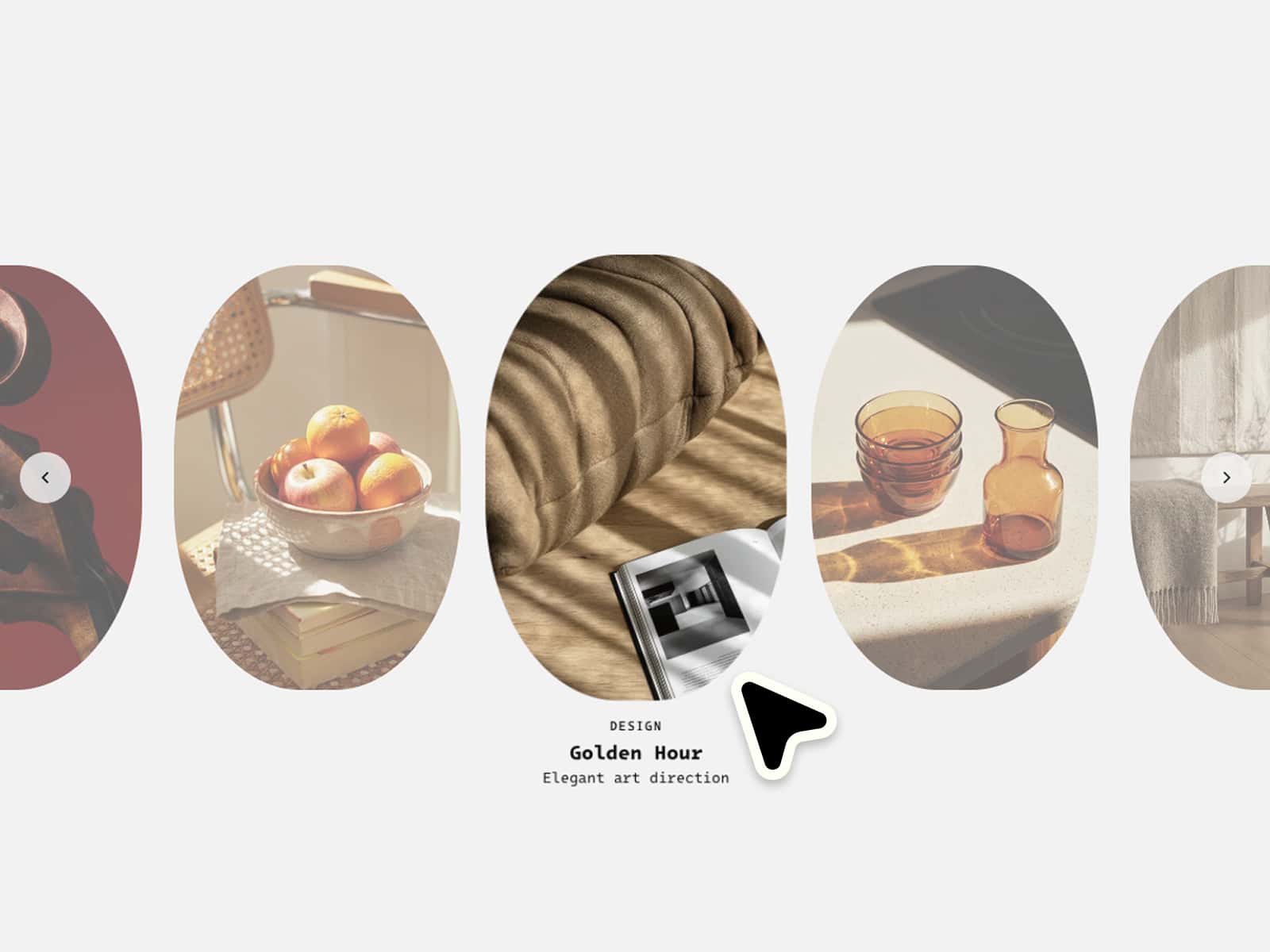
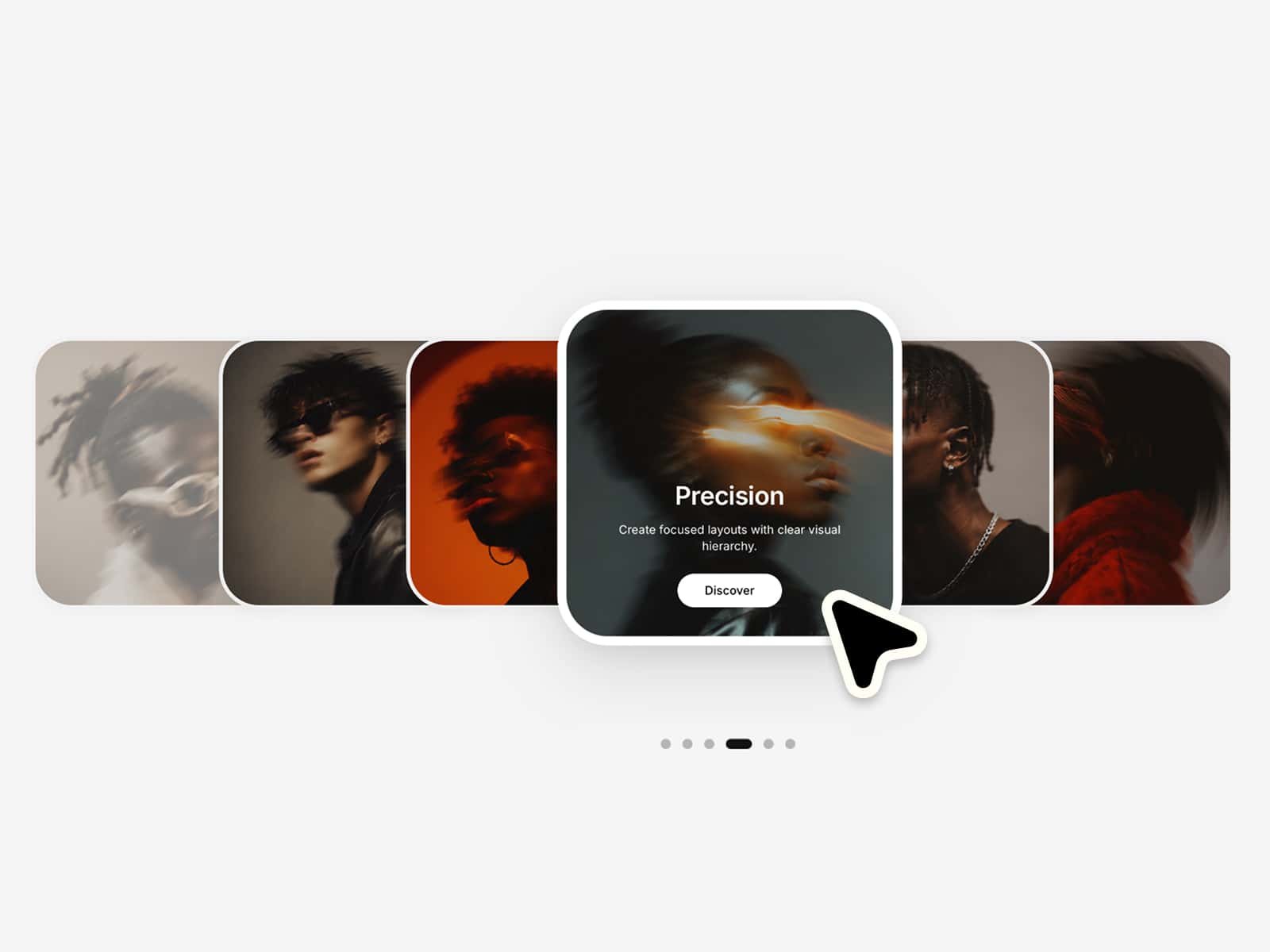
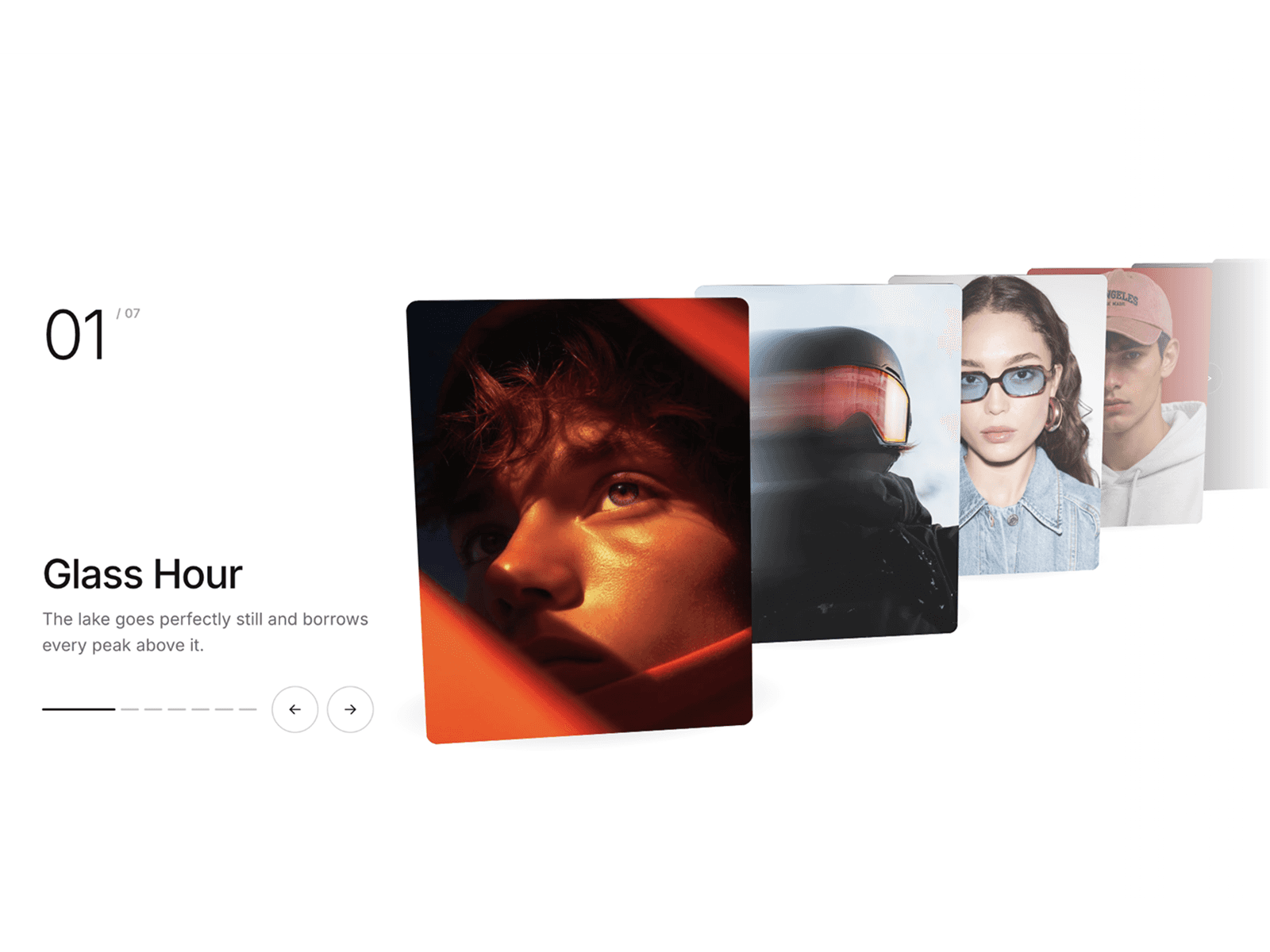
Fan Carousel is a responsive Framer component for displaying visual cards in a fanned layout with smooth transitions, drag navigation, optional scroll control, keyboard support, clickable cards, text overlays, tags, and editable headlines.
This component works especially well for:
landing page hero sections
campaign showcases
product collections
portfolio highlights
travel sections
editorial stories
image galleries
feature previews
event highlights
brand presentations
Perfect when you want a carousel that feels more expressive, layered, and visually dynamic than a standard slider.
–––––––––––––––––––––––––––
Fully customizable via the properties panel:
card images
card titles
card subtitles
card tags
card links
topic headline
main headline
card width
card height
fan spread
rotation angle
active scale
inactive scale
card radius
animation speed
drag behavior
scroll navigation
desktop vertical position
tablet vertical position
mobile vertical position
mobile carousel scale
desktop headline position
tablet headline position
mobile headline position
topic font
headline font
title font
subtitle font
tag font
topic color
headline color
title color
subtitle color
tag color
tag background
card background
shadow color
Built to look dramatic and polished by default, but flexible enough for very different visual directions.
–––––––––––––––––––––––––––
Desktop: Larger cards, wider fan spread, stronger rotation, and full visual depth.
Tablet: Card size, spread, rotation, and headline sizing are reduced for balanced medium layouts.
Mobile: Cards scale down, fan spread tightens, rotation becomes softer, and touch navigation stays usable.
The component calculates its layout from the actual container width, making the composition more reliable across different screen sizes.
–––––––––––––––––––––––––––
Fanned card layout: Cards are arranged in a layered fan-style composition with horizontal spread and subtle rotation.
Centered active card: One card stays in focus while surrounding cards remain visible around it.
Depth through layering: Scale, rotation, vertical offset, shadow, and z-index create a stacked, dimensional look.
Image-first design: Large image cards keep the component bold, visual, and easy to adapt to different content styles.
Built-in headline area: A topic headline and main headline sit above the carousel for stronger section storytelling.
Overlay content: Each card includes a title, subtitle, and tag placed over the image with a subtle gradient for readability.
–––––––––––––––––––––––––––
Drag navigation: Users can drag or swipe horizontally to move between cards.
Keyboard support: Left and right arrow keys allow quick keyboard navigation.
Click-to-focus behavior: Clicking an inactive card brings it into the active position.
Clickable active cards: Clicking the active card can open its assigned link.
Optional scroll navigation: Mouse wheel navigation can be enabled directly in the properties panel.
Hover feedback: Cards respond with subtle scale, image zoom, lift, and shadow changes on hover.
Indicators: Bottom indicators show the current active card and allow direct navigation.
–––––––––––––––––––––––––––