About Zoom Parallax Sudiv
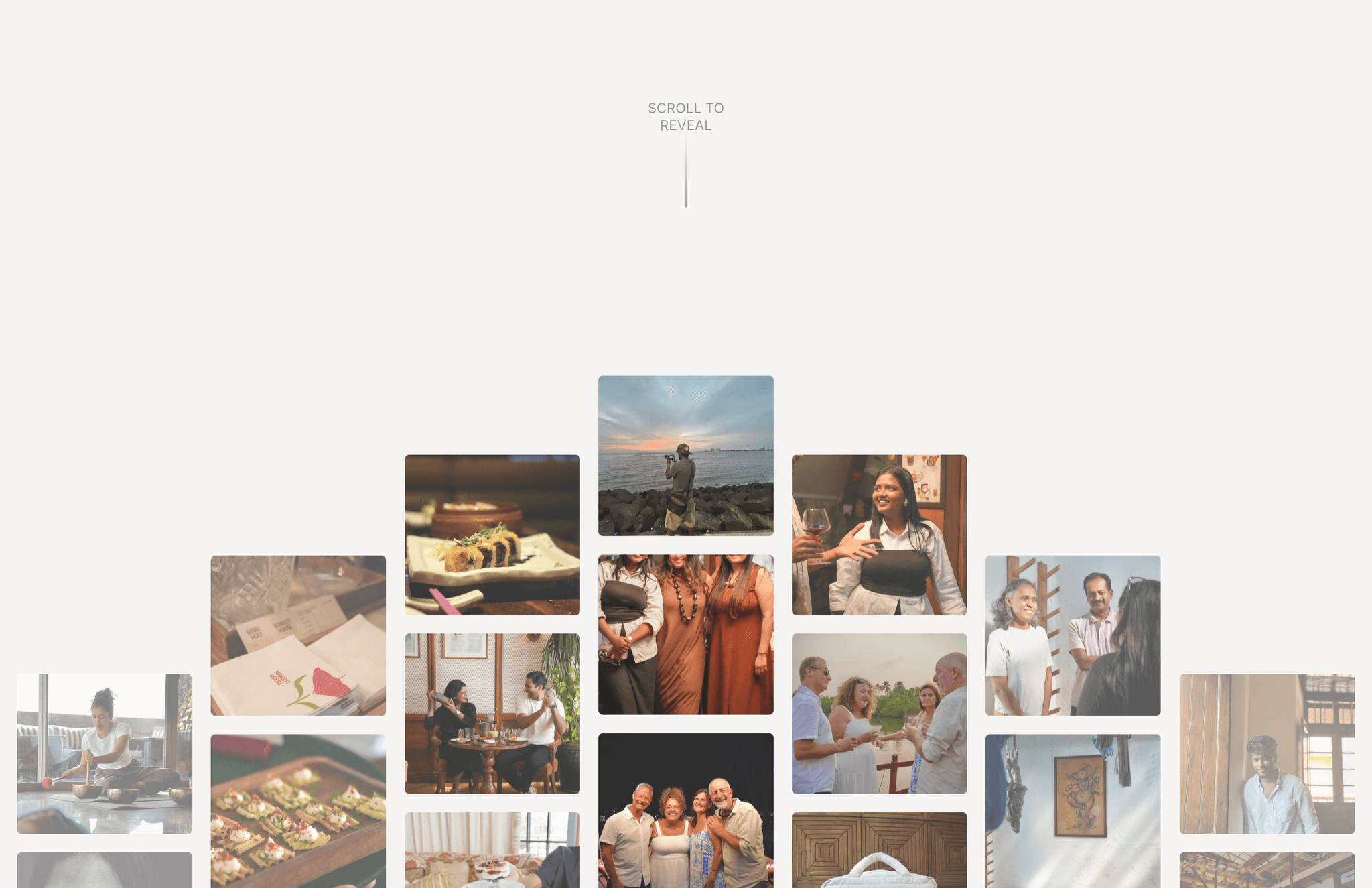
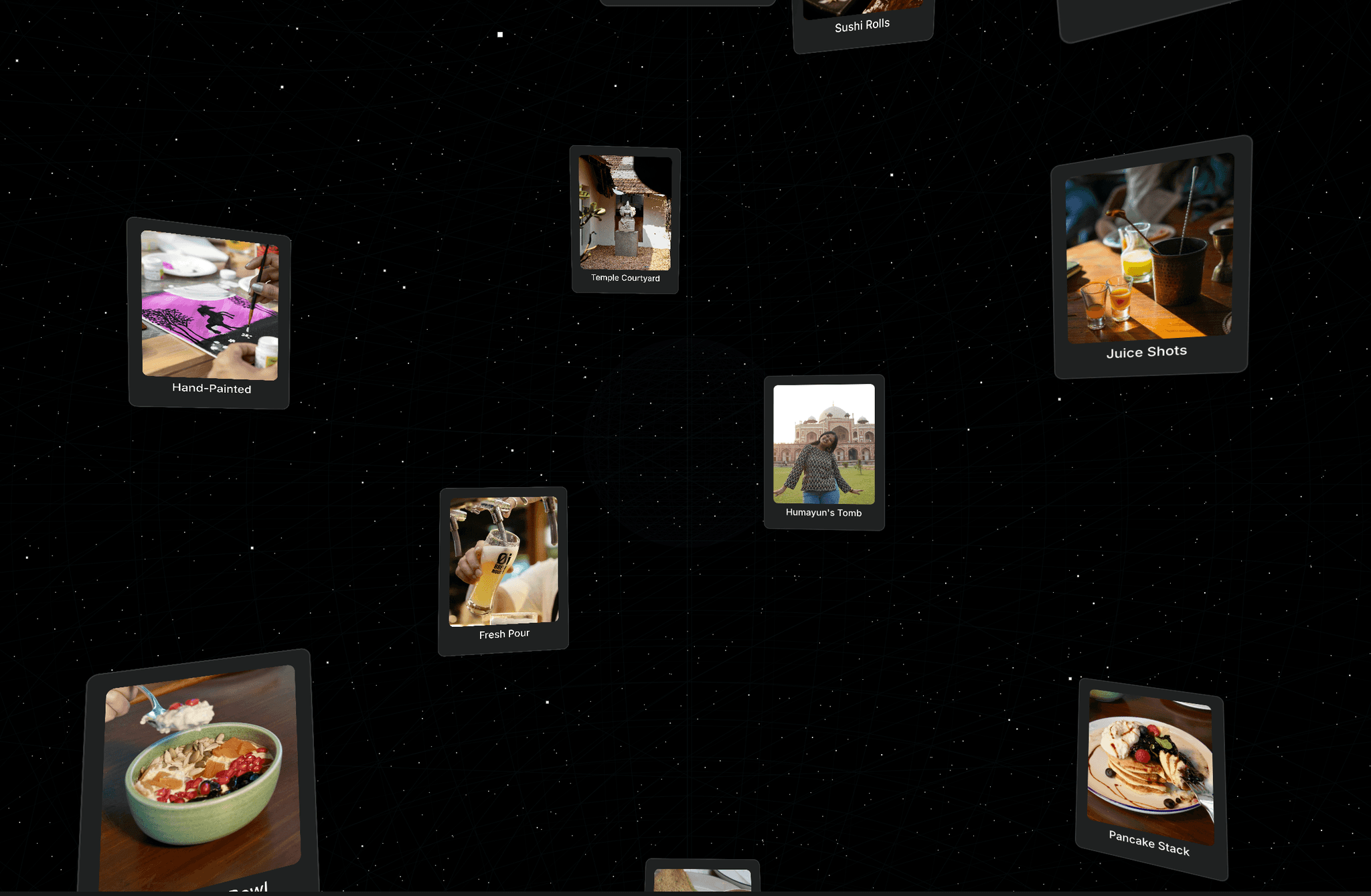
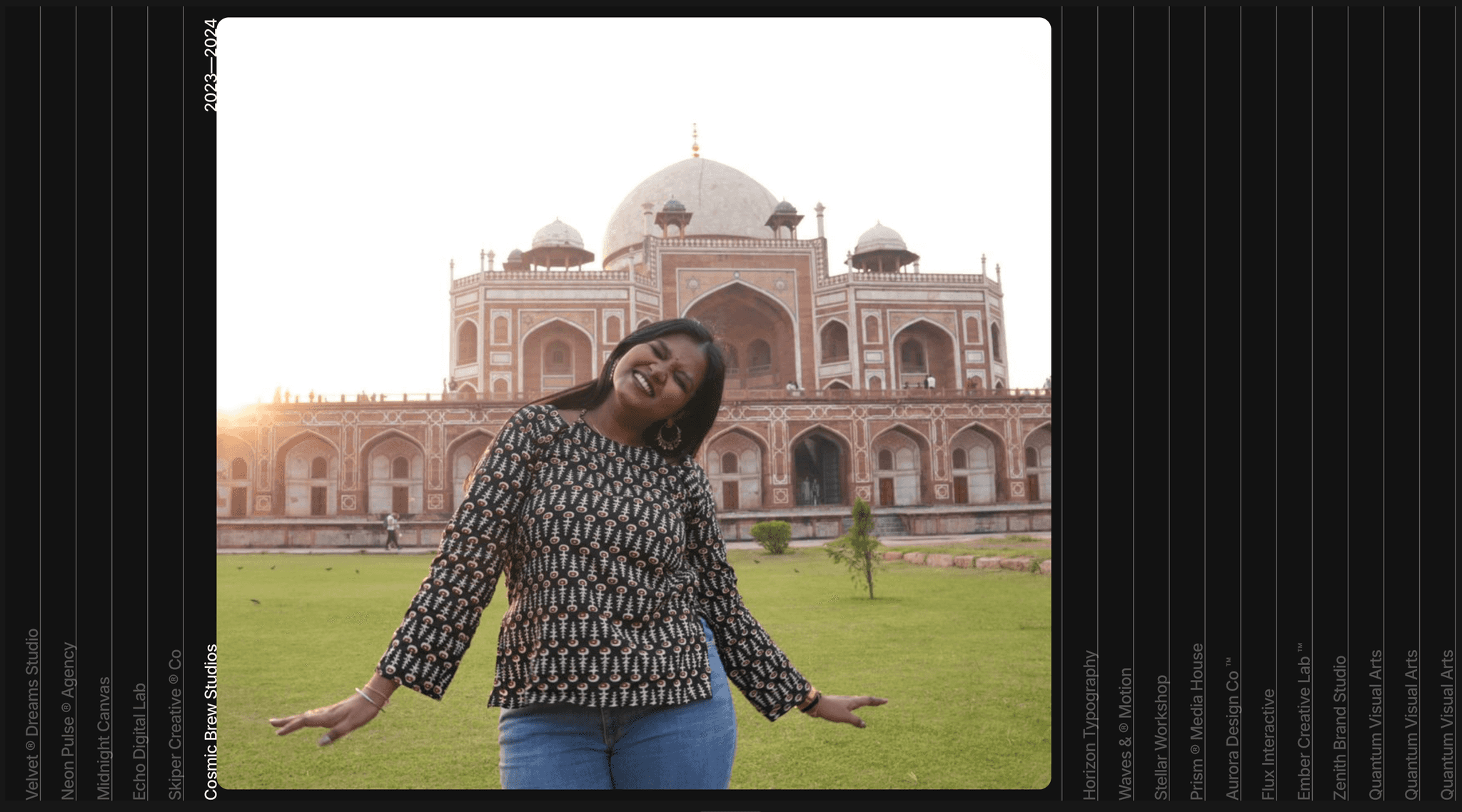
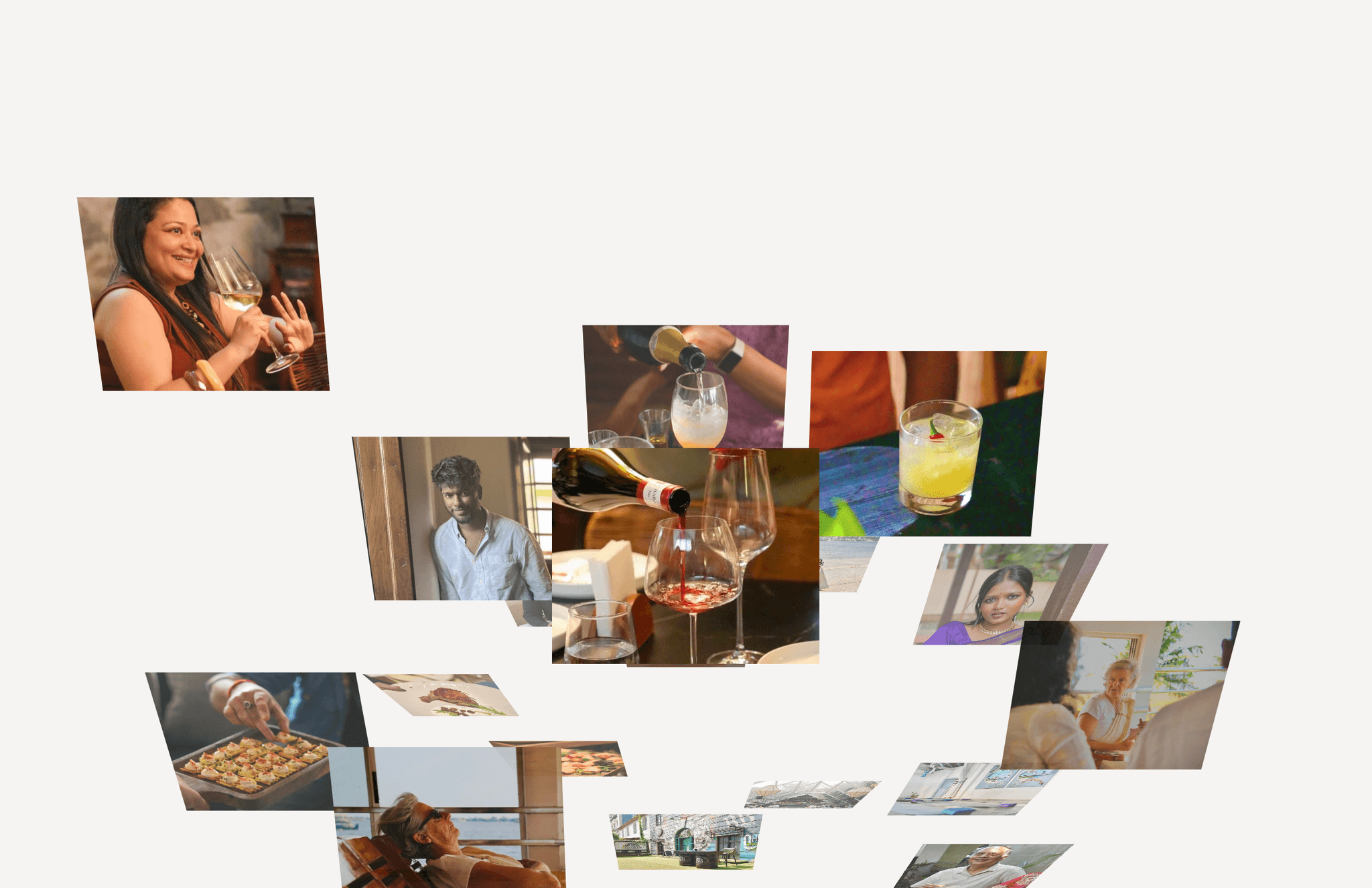
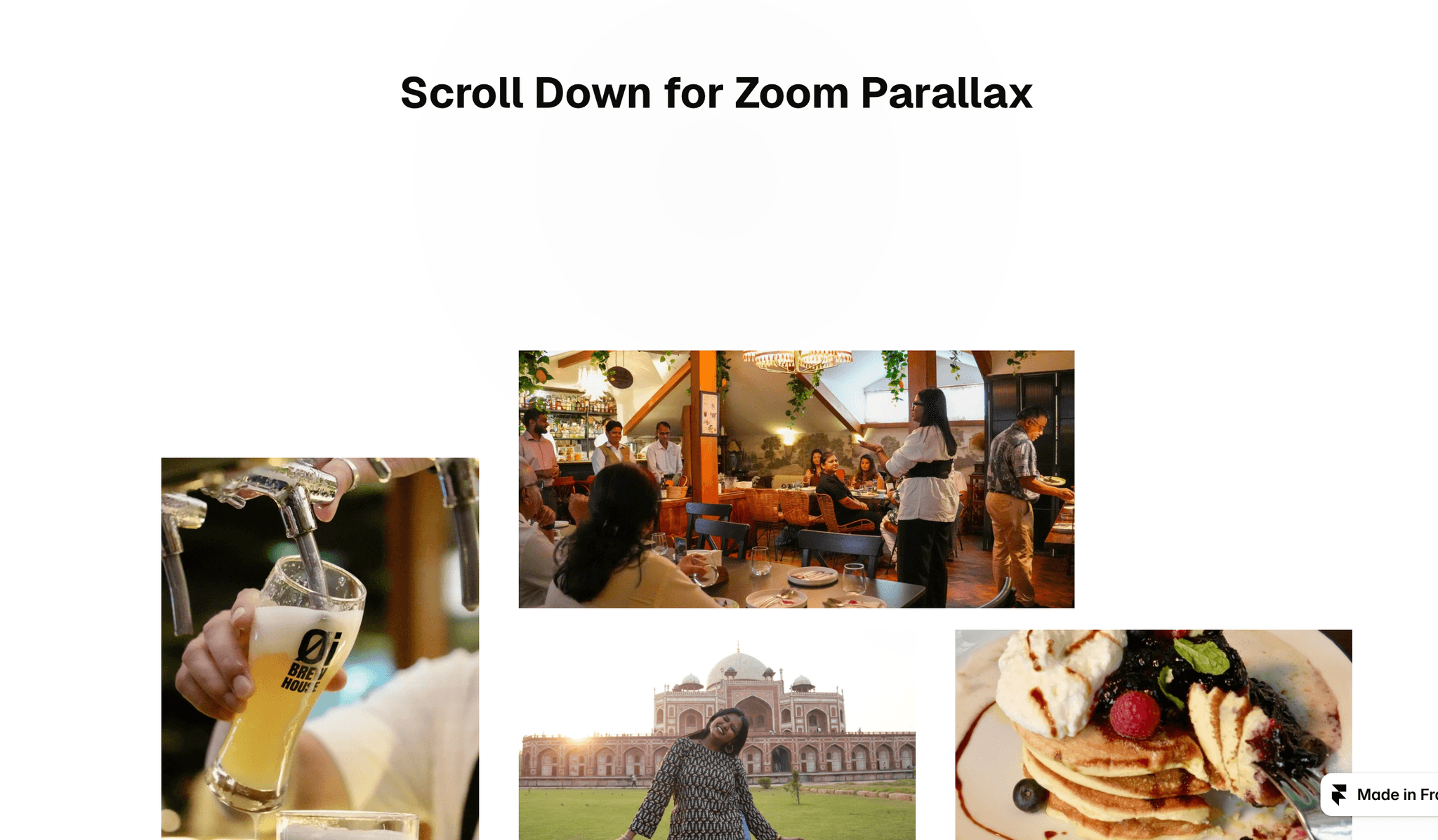
Zoom Parallax turns a set of images into a cinematic scroll moment. As visitors scroll, the section pins to the screen and seven images scale outward at different speeds. The center image keeps growing until it fills the whole screen.
The component is built from native Framer layers, so you can move, resize and restyle every image right on the canvas. Swap photos, change the title and colors, or turn the header off from the properties panel.
It's responsive out of the box, with Desktop, Tablet and Phone variants. Smooth scrolling is built in and can be switched off with one toggle.
Features:
Scroll-linked zoom on 7 layers, each scaling at its own rate (4× to 9×)
Final image fills the viewport edge to edge
Built-in smooth scrolling (Lenis, bundled, no external scripts), with an on/off toggle
Desktop, Tablet and Phone variants
Optional header with title and soft spotlight glow
Optional bottom spacing
Native layers: edit images, positions and styles directly on the canvas
Lightweight: no animation loop runs while the page is idle
Respects reduced-motion settings and renders cleanly in static previews
Properties:
Image 1–7
Title
Text Color
Spotlight (glow color)
Background
Show Header
Bottom Space
Smooth Scroll
How to use:
Paste the component onto your page and set its width to Fill.
Set the component variant on each breakpoint: Desktop, Tablet, Phone.
Replace the images and title in the properties panel.
Preview or publish to see the scroll effect. Scroll animations don't play on the canvas.
Tip: Image 1 is the one that ends up full screen, so use your strongest photo there.
Category: Components → Scroll / Animation (or Gallery)
Tags: parallax, zoom, scroll animation, gallery, image gallery, sticky, smooth scroll, lenis, portfolio, hero