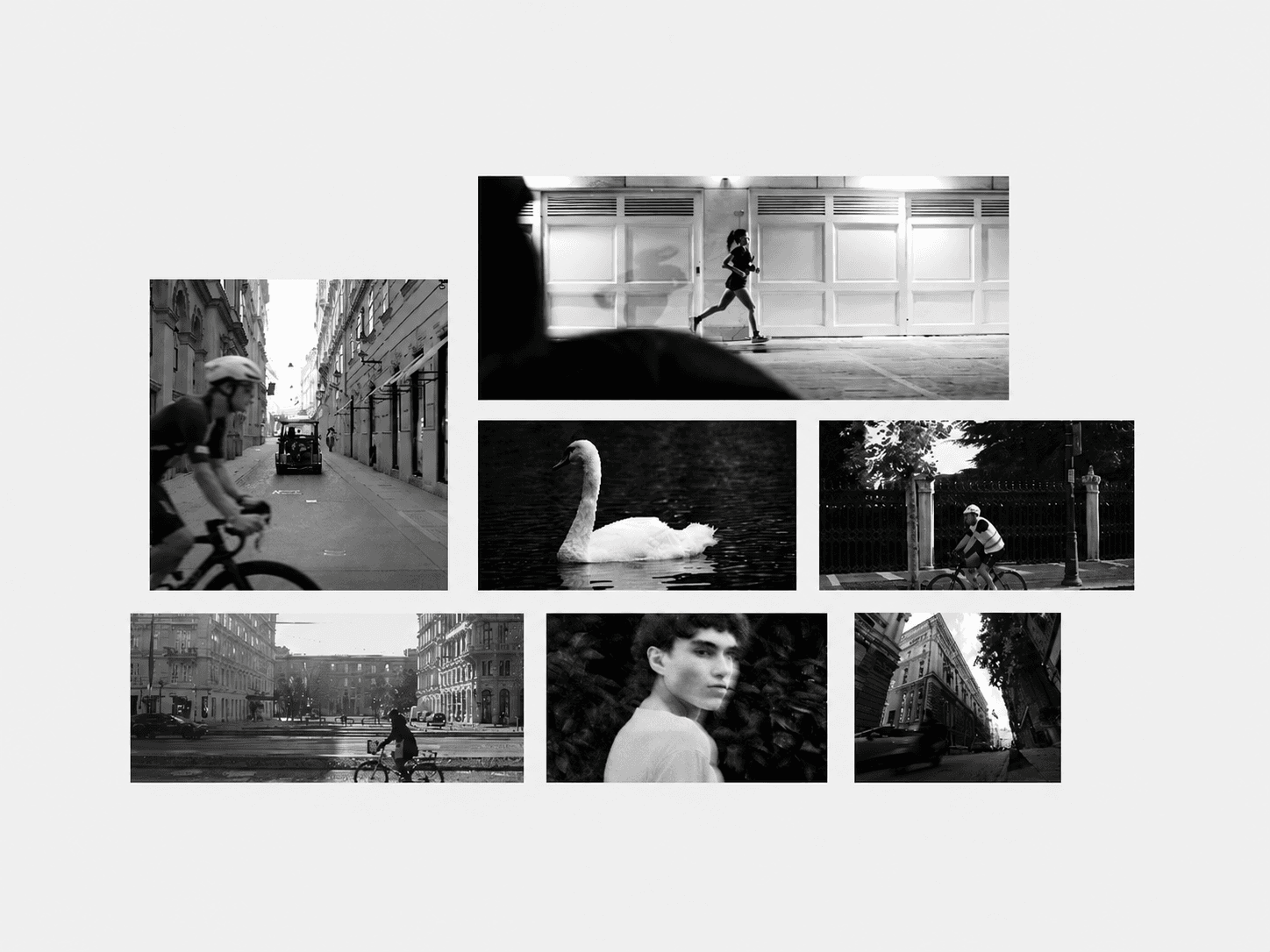
About Zoom Parallax
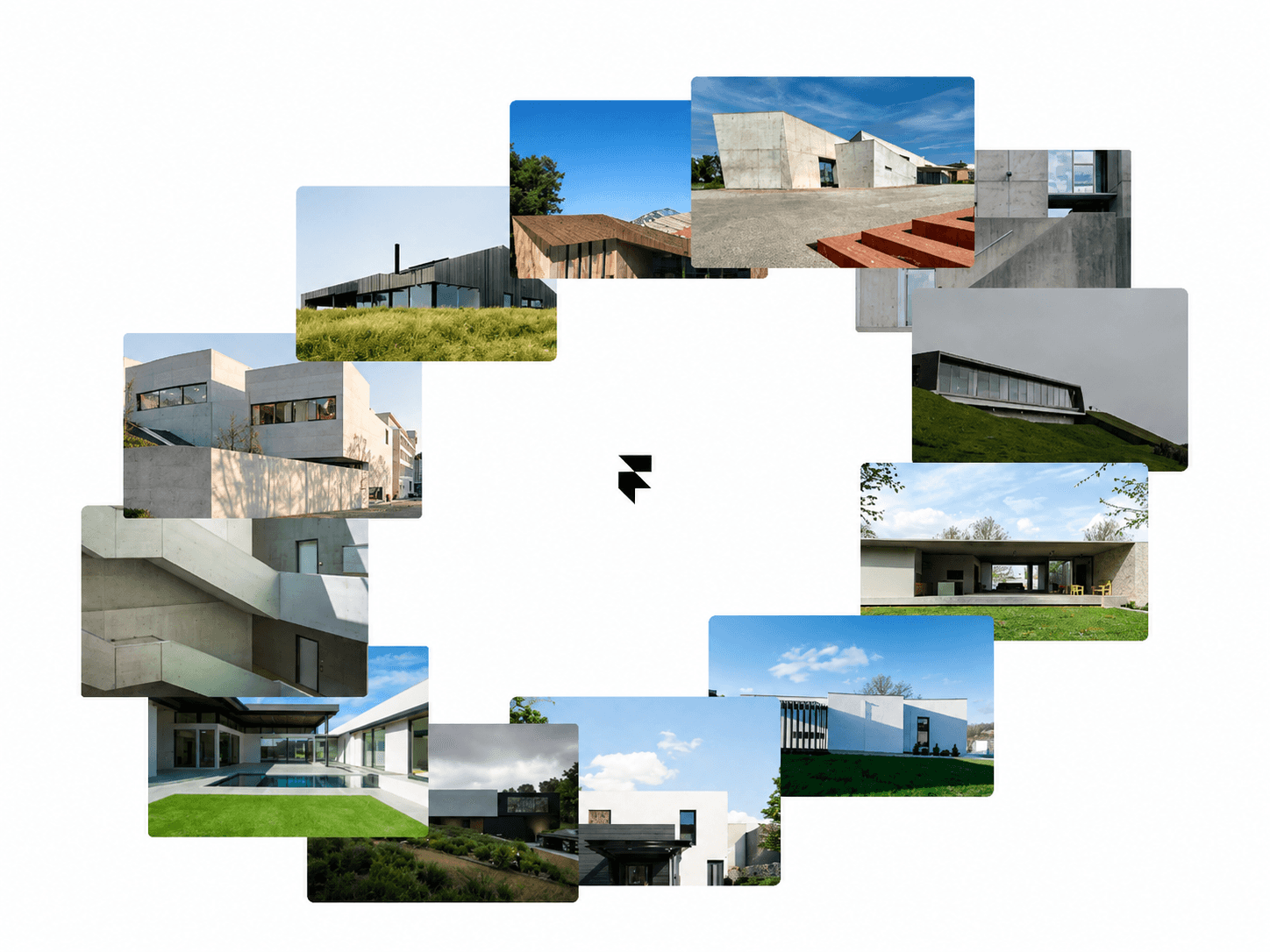
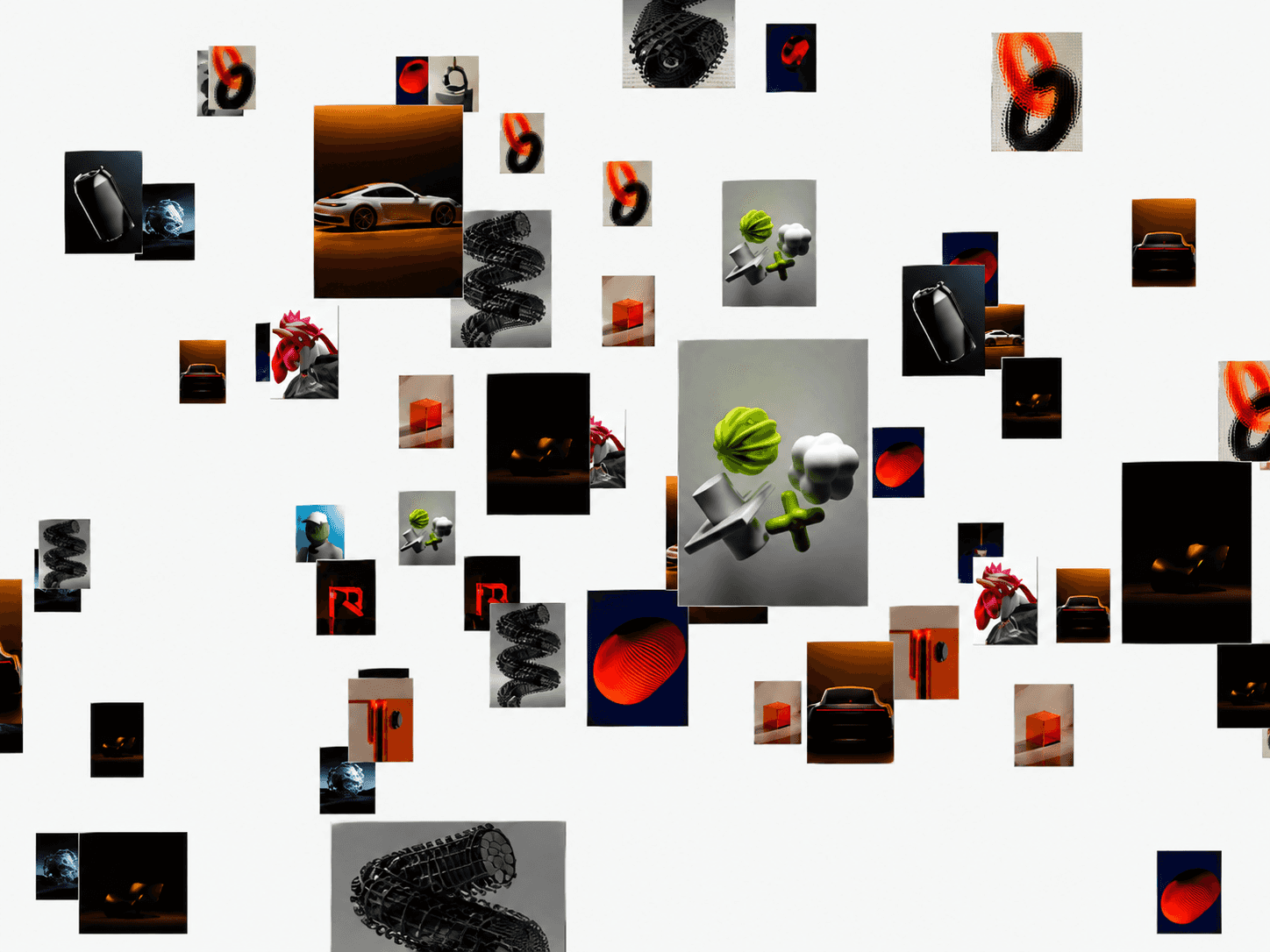
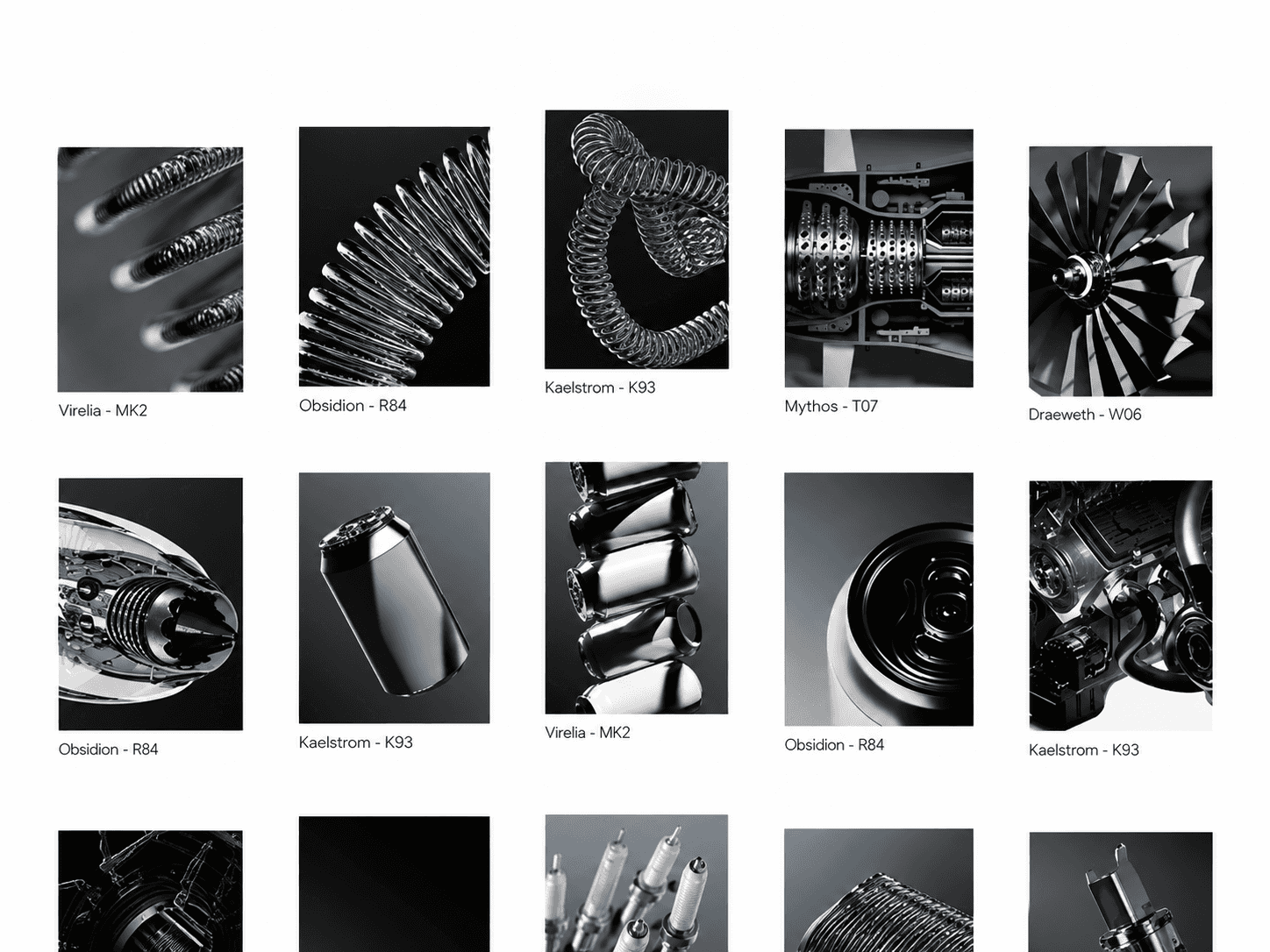
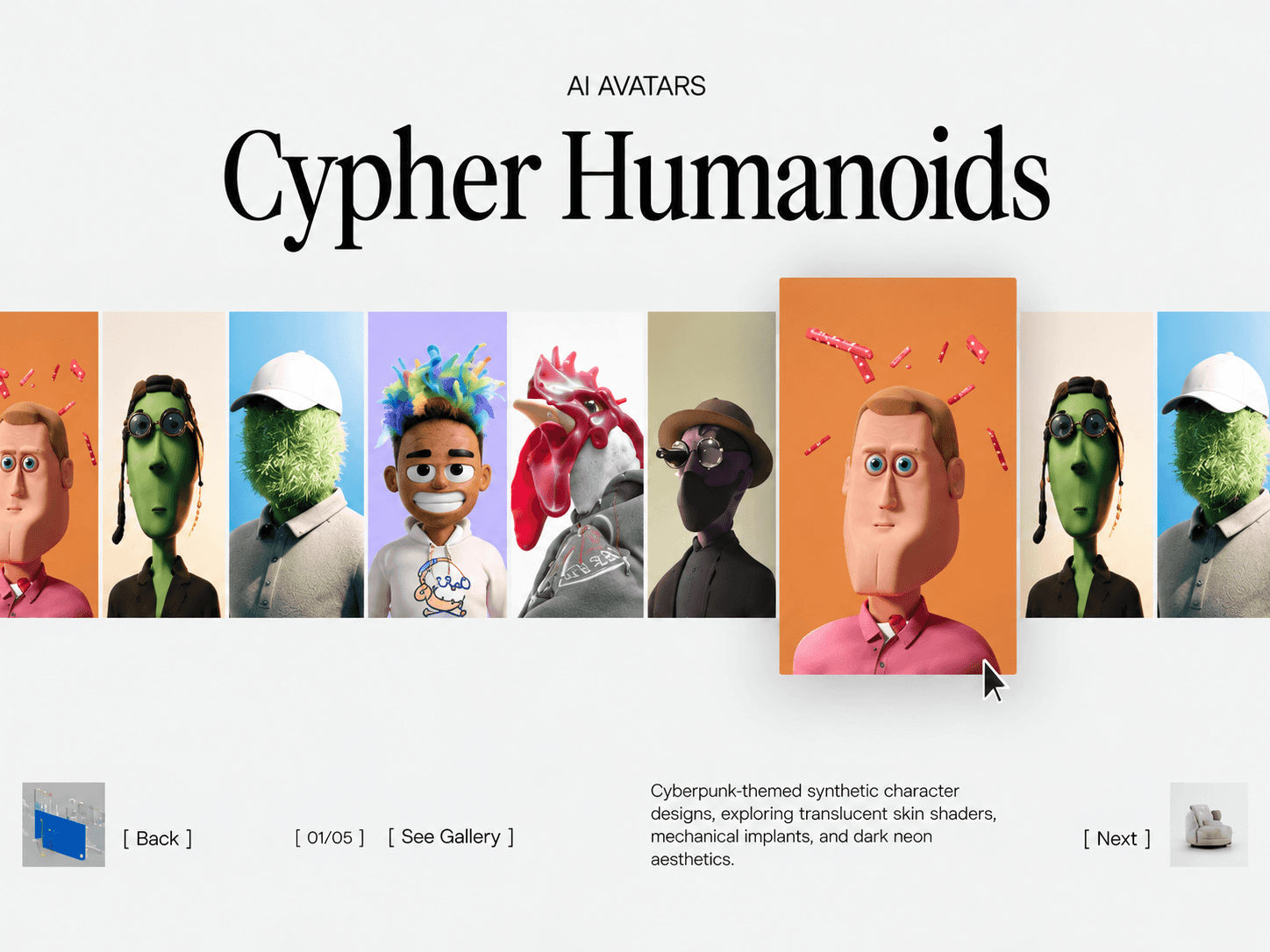
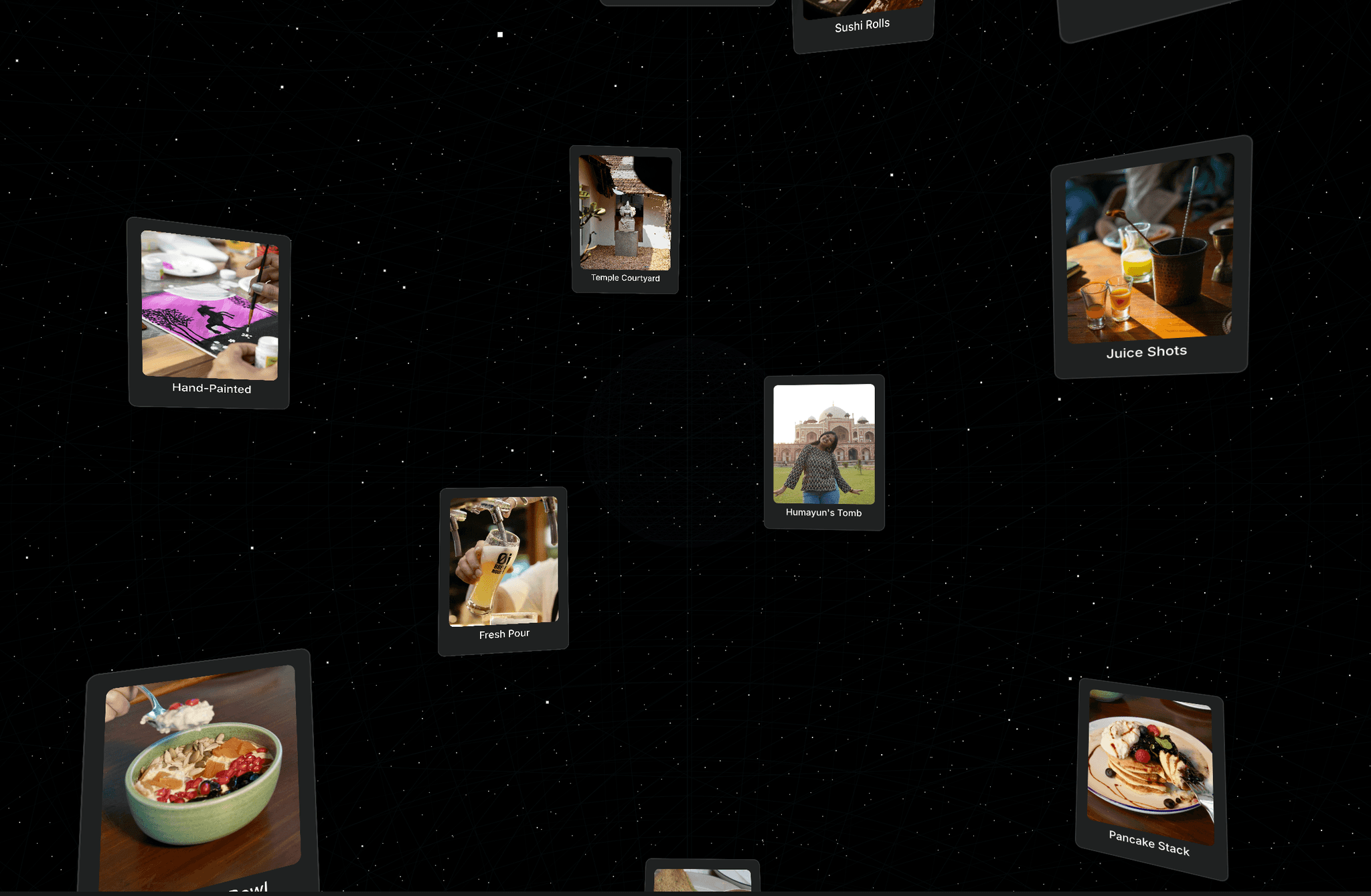
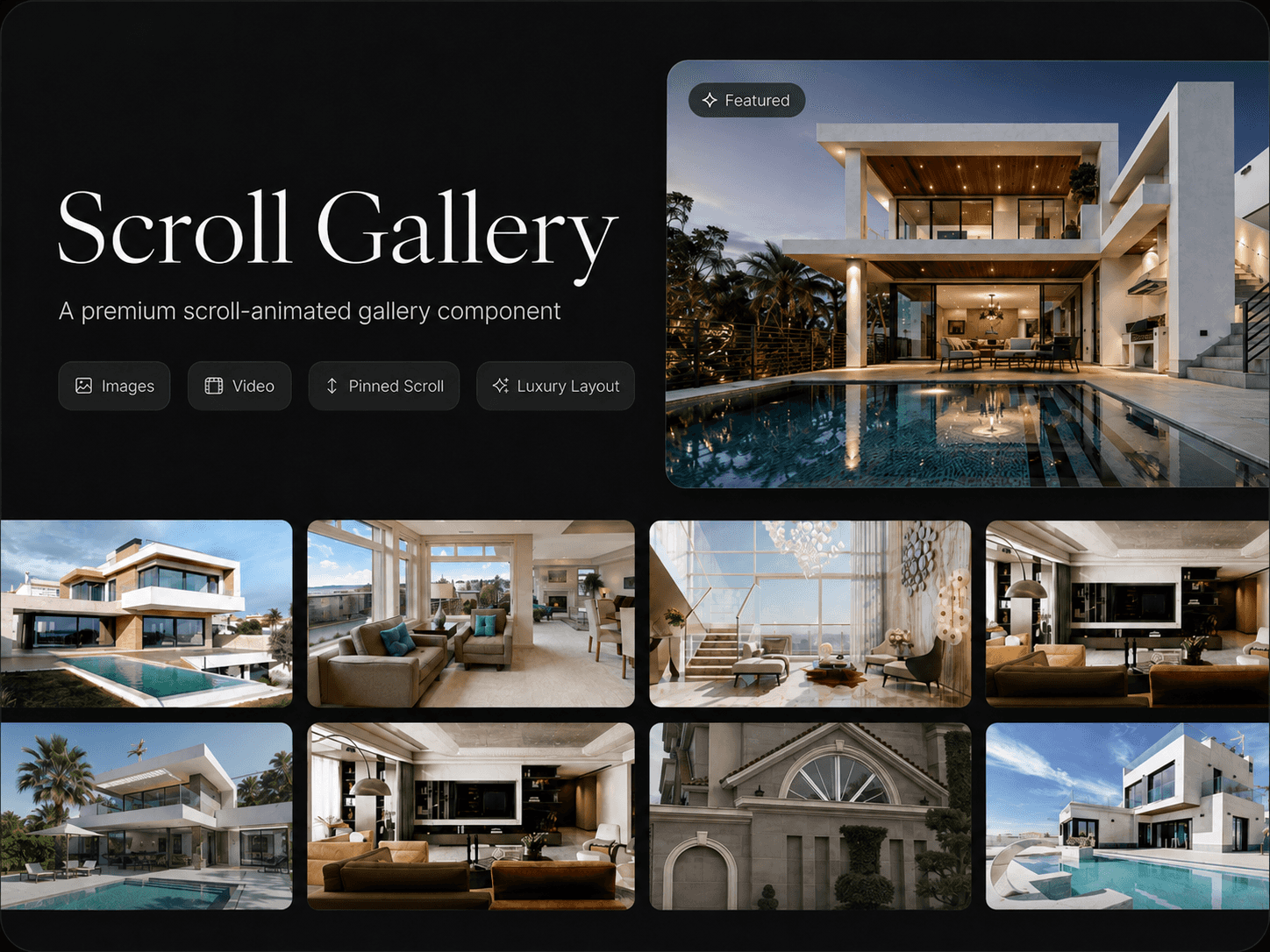
Zoom Parallax is a scroll-driven Framer component that transforms a grid of images into an immersive full-screen zoom experience. As visitors scroll, the main image expands to fill the viewport while surrounding images subtly drift outward, creating a layered parallax effect.
Scroll-Driven Experience
Scroll through a pinned image grid with a smooth zoom effect.
Choose a main image that expands to fill the screen edge-to-edge.
Surrounding images drift outward to create the parallax effect.
Fully reversible — scrolling up reverses the animation naturally.
Optional caption that fades in and out during the scroll.
Static-render safe for Framer canvas previews and exports.
Fully Customizable
Zoom Parallax includes detailed Framer property controls for images, zoom behavior, parallax movement, animation feel, backgrounds, spacing, alignment, and captions.
Customize
Images — Add up to 7 images, replace visuals, and select which image becomes the main focus.
Gap & Radius — Control spacing between images and their corner radius.
Zoom Scroll Length — Set how much scrolling is required for the main image to reach full screen.
Satellite Scale — Adjust the fixed scale of surrounding images.
Drift Amount — Control how far surrounding images move outward.
Parallax Strength — Adjust the intensity of the outward movement.
Smoothness — Control the overall motion from snappy to more springy.
Background — Change the section background color.
Top & Bottom Spacing — Control the space before and after the scroll experience.
Alignment — Position the image grid left, center, or right.
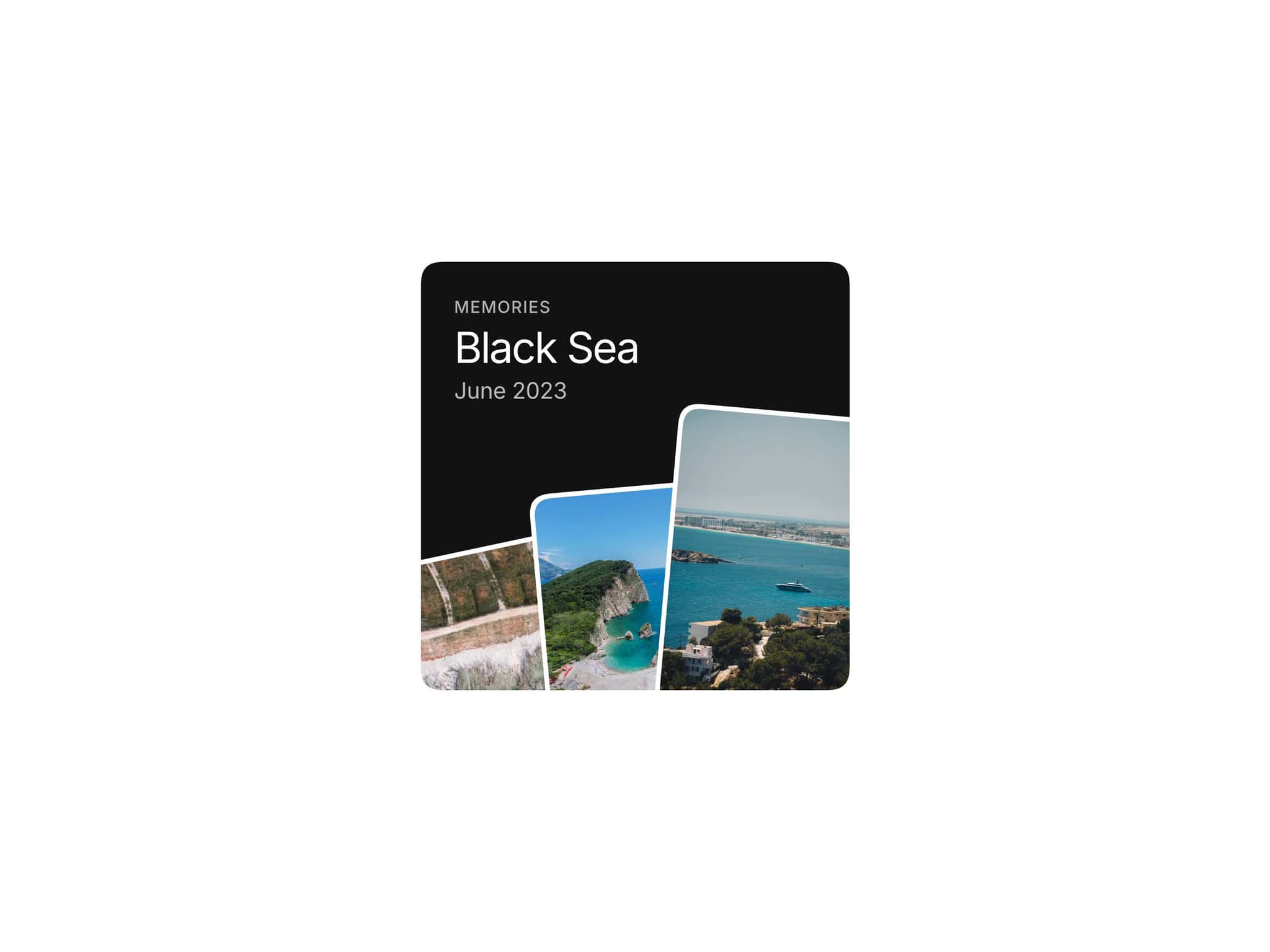
Caption — Enable or disable a caption and customize its text, font, color, background, radius, and padding.
How It Works
The component uses a pinned viewport section where the image grid stays in place while the visitor scrolls. The selected main image progressively expands toward a centered, edge-to-edge view, while the surrounding images drift away from the center.