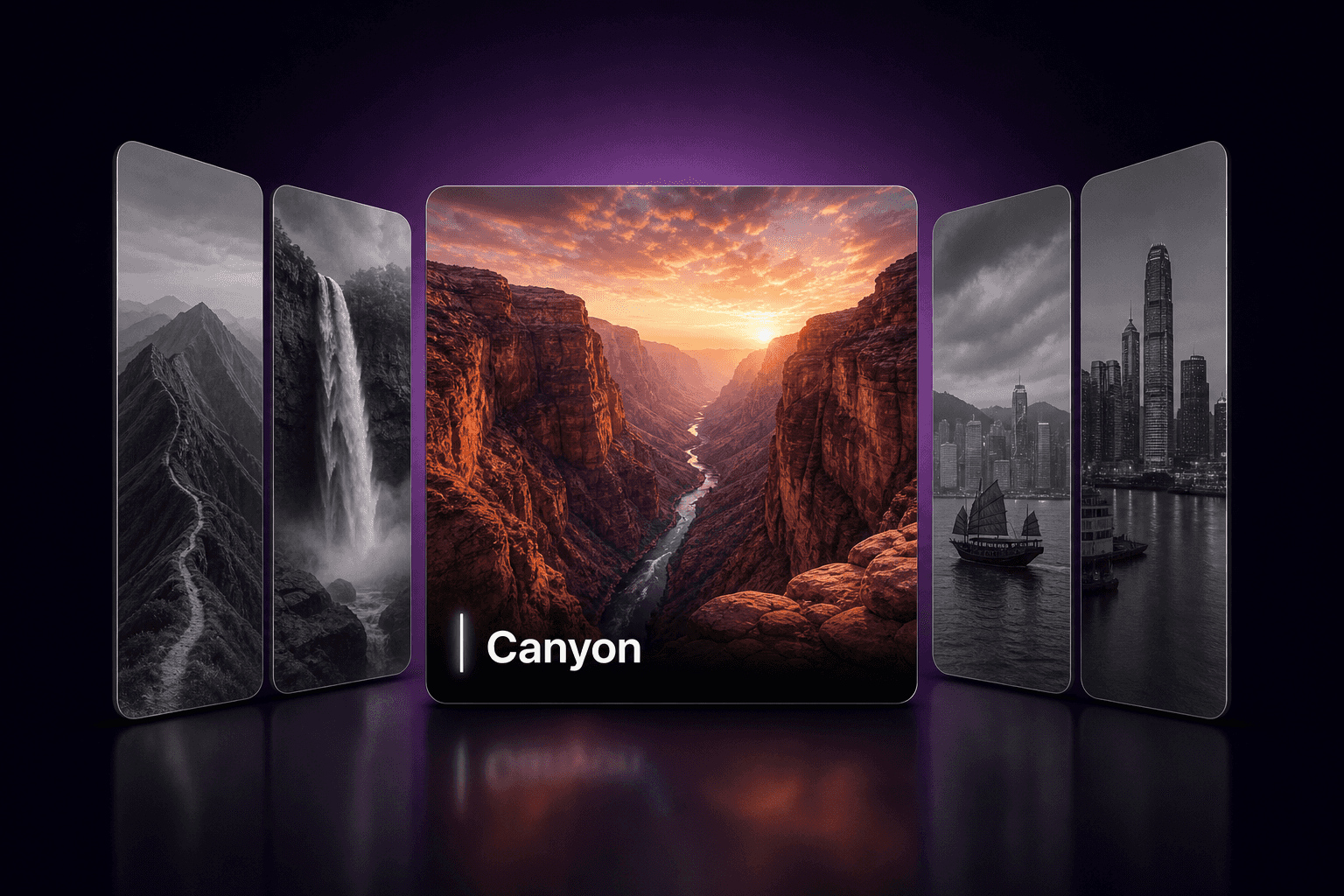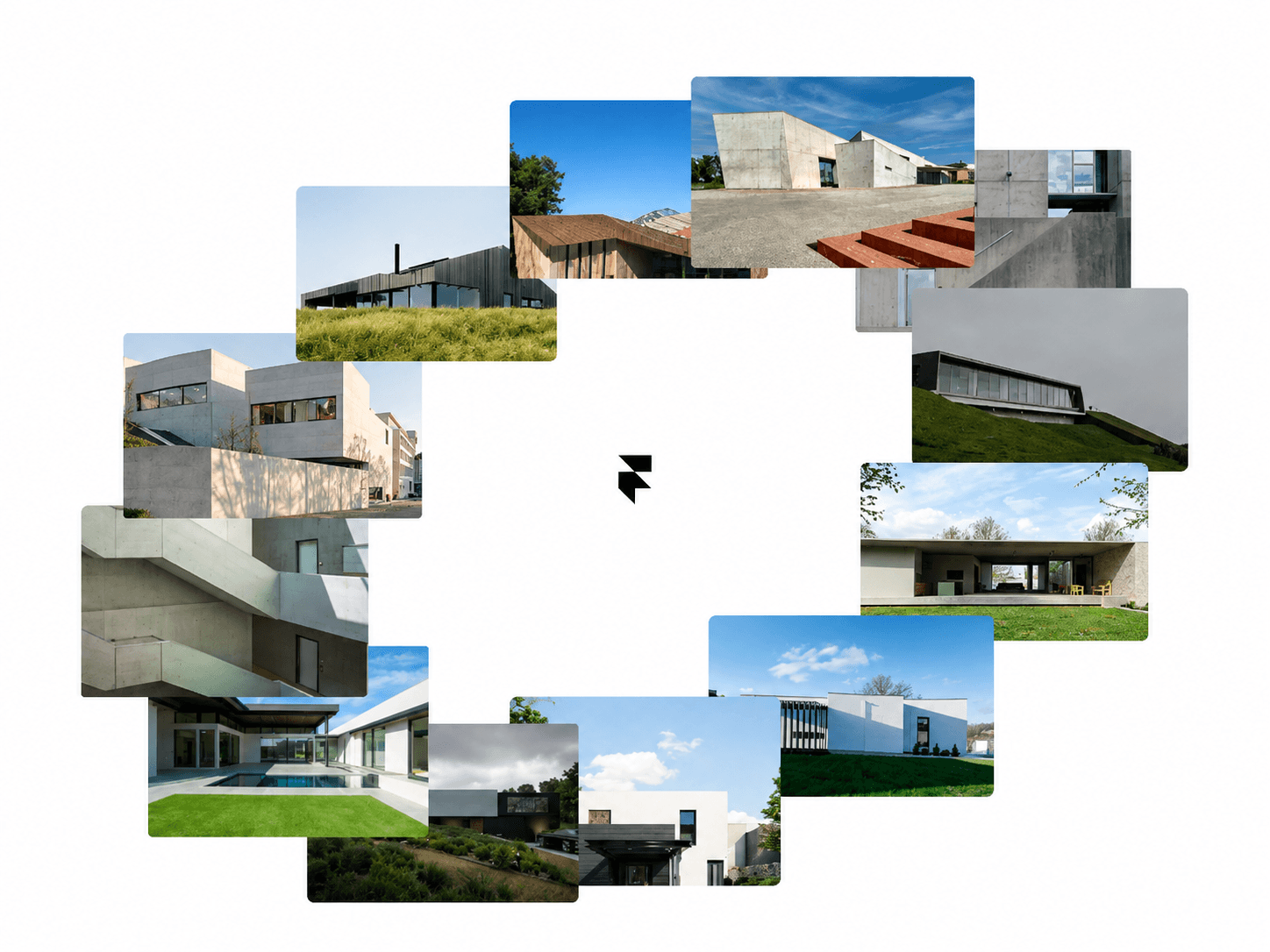
About Orbit Scroll Gallery
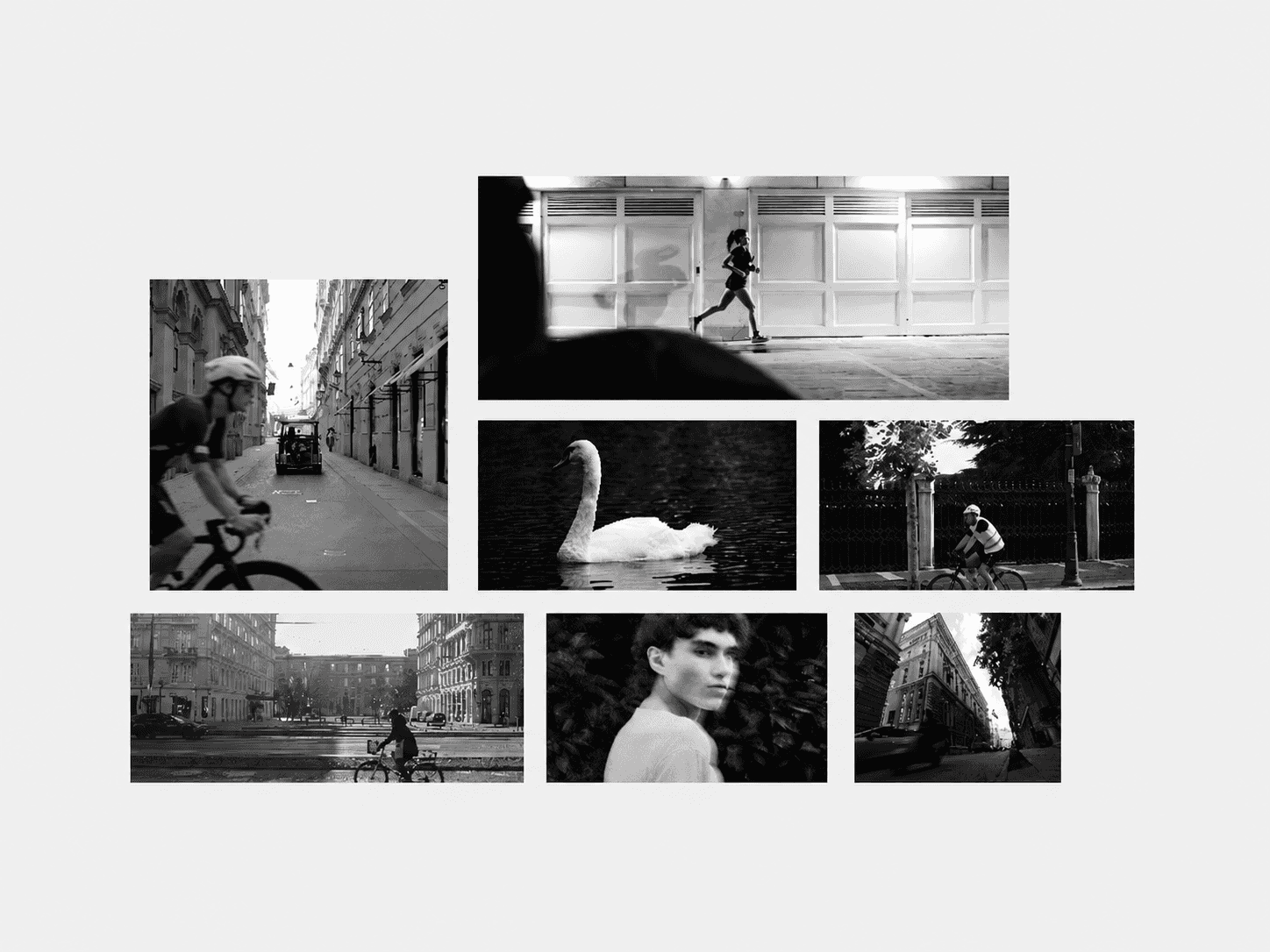
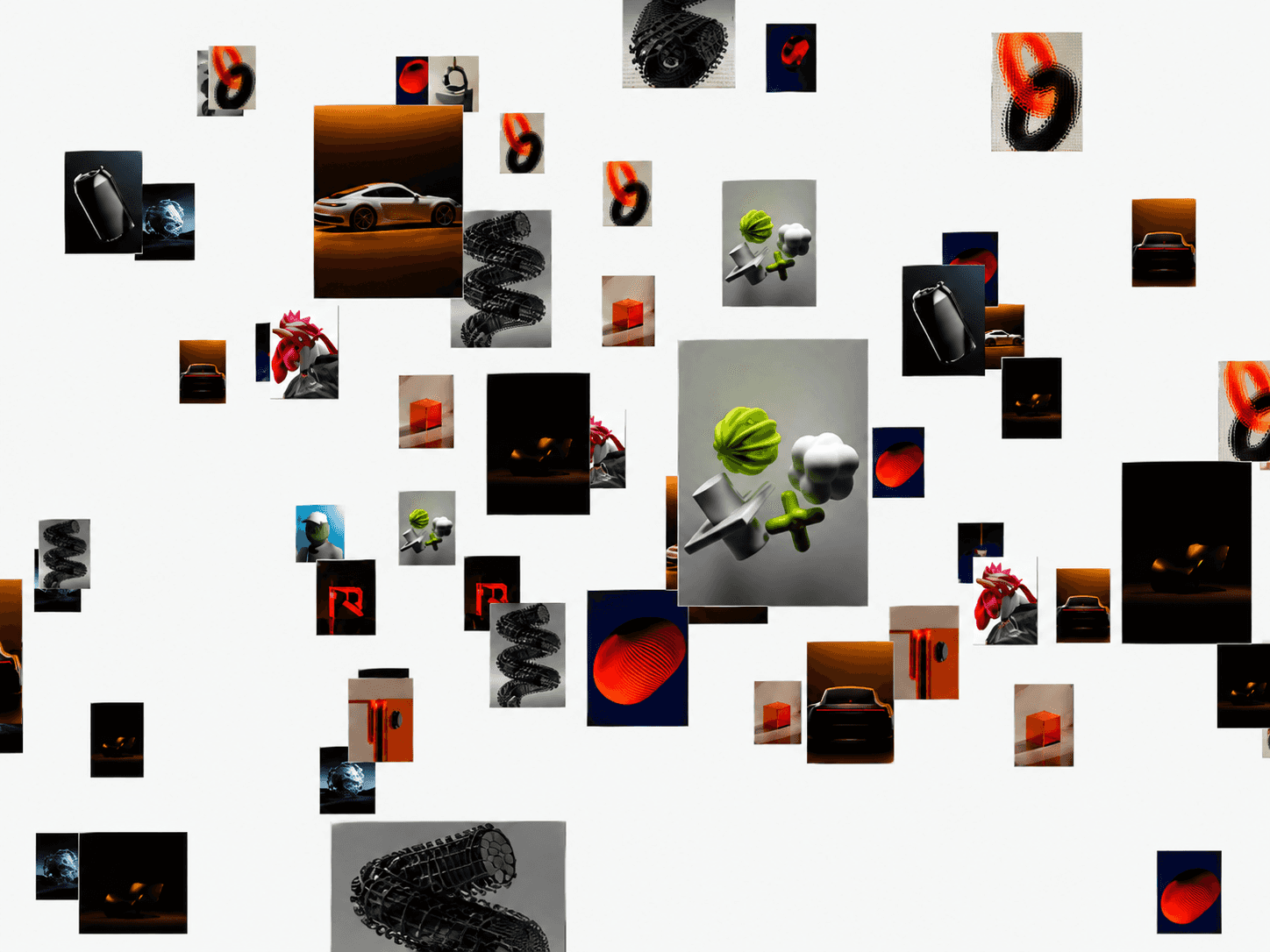
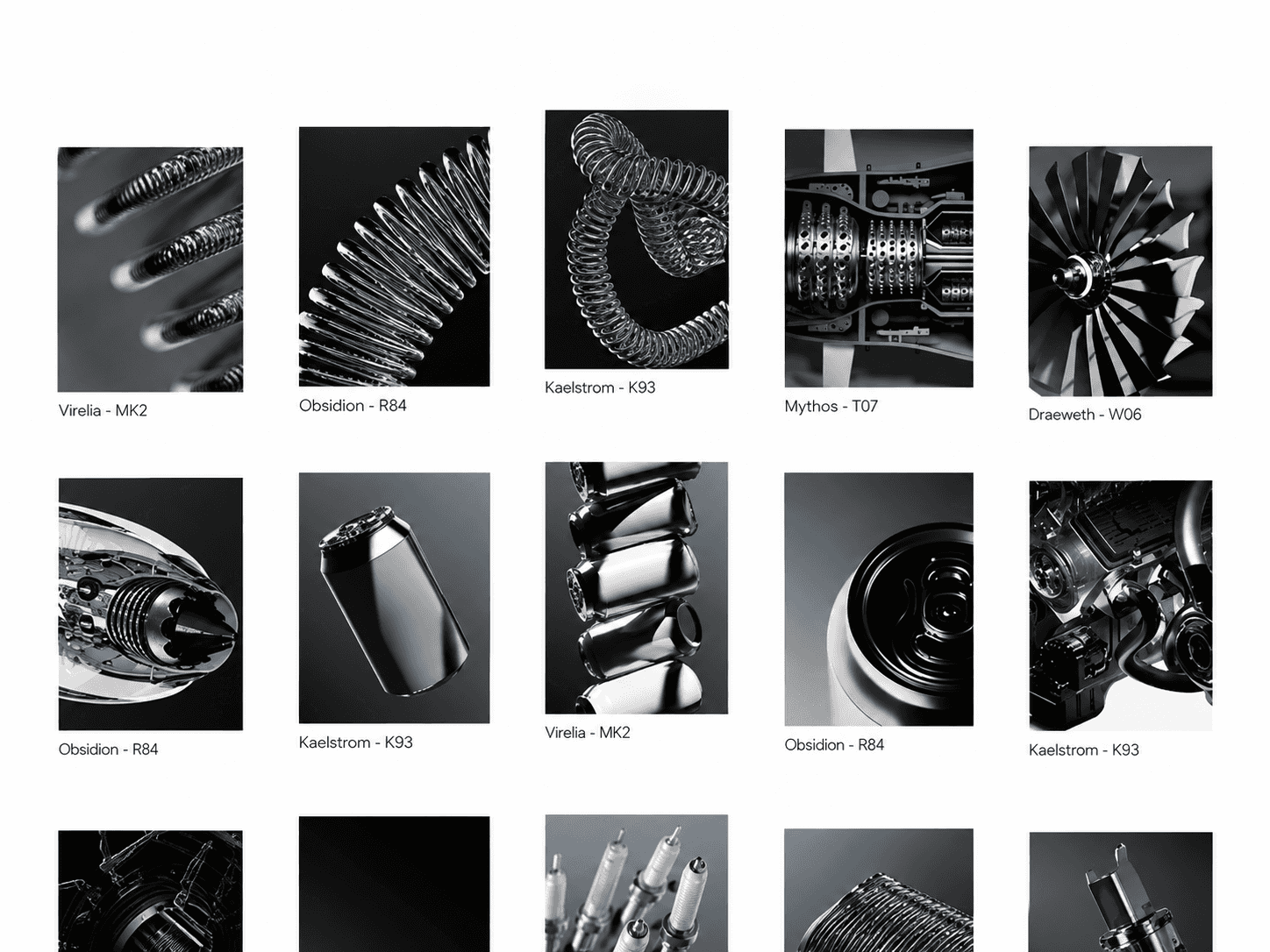
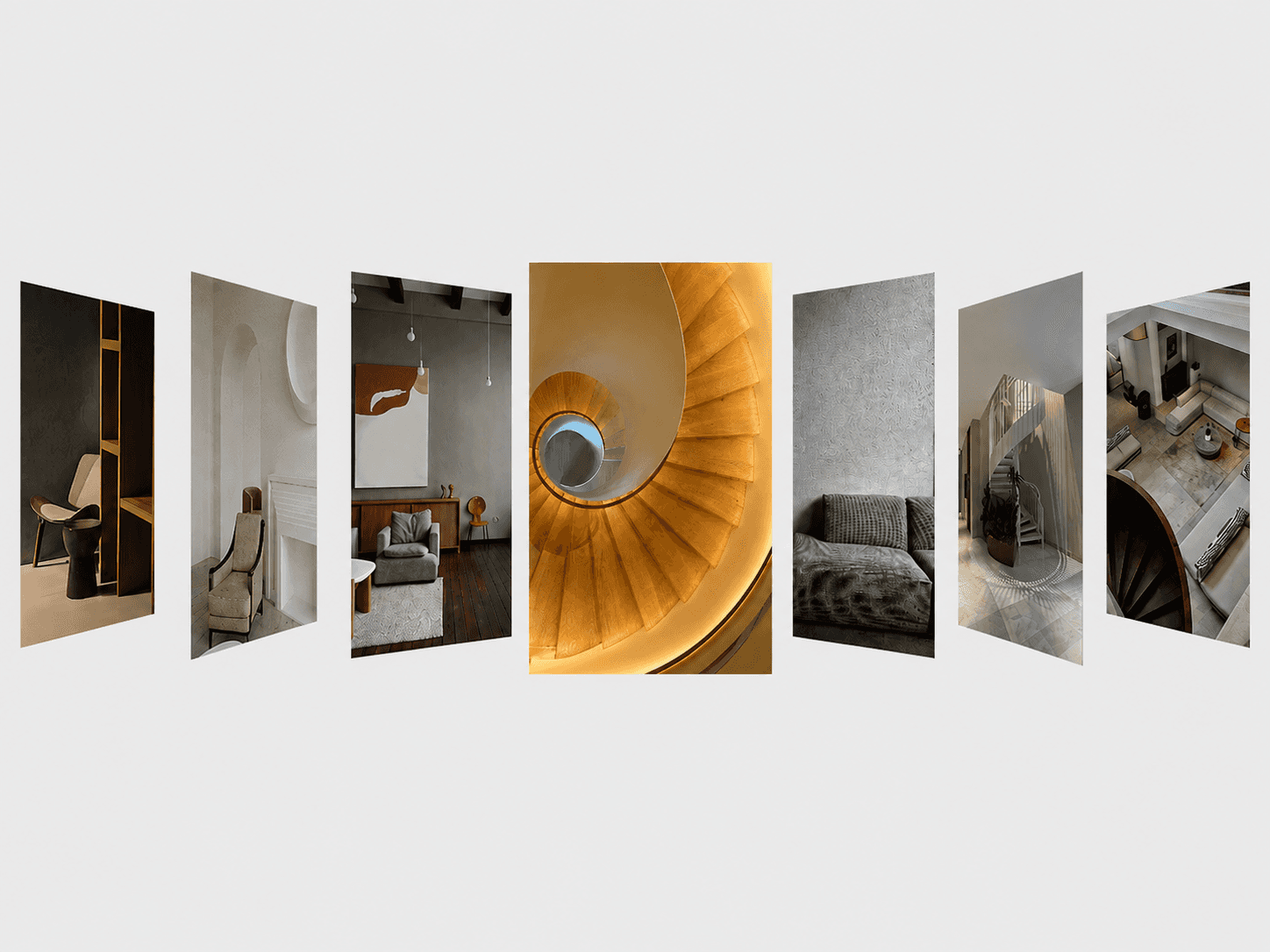
A circular image gallery that continuously rotates images around an adjustable oval orbit, with scroll-controlled acceleration, interactive hover scaling, and an optional centered logo — fully customizable.
Features
Circular image orbit with adjustable oval shape
Automatic continuous rotation
Clockwise or counterclockwise rotation
Scroll-controlled rotation acceleration
Adjustable maximum rotation speed
Smooth speed easing
Interactive hover scaling
Optional dimming of inactive images
Adjustable hover scale and idle zoom
Custom hover duration and easing
Optional centered logo
Keyboard-focus support for interactive images
Static-render optimized for Framer
Fully Customizable
Everything can be adjusted directly from Framer’s property panel, from the image gallery and orbit layout to rotation behavior, hover interactions, logo positioning, colors, and animation settings.
Customize
Image width, height, and border radius
Oval orbit width and height
Orbit tilt
Background color
Auto-rotation and rotation speed
Clockwise or counterclockwise direction
Scroll acceleration and maximum speed
Speed easing
Hover scale and idle zoom
Dim inactive images and brightness
Hover animation duration and easing
How It Works
Add your images and they are arranged automatically around an adjustable oval orbit. When auto-rotation is enabled, the gallery continuously moves around the orbit. Scrolling accelerates the rotation and changes its direction based on the scroll movement. Hovering or focusing an image brings it forward with a scale effect while the other images can dim into the background. An optional logo stays centered over the gallery.
Need help setting it up?
If you’re not sure how to use the component or want us to set it up directly in your Framer project, contact us at support@russetsupply.com
Tags and keywords
image gallery, carousel, circular gallery, rotating gallery, orbit, portfolio, hero section, showcase, scroll animation, hover effect, GSAP