About Reframe
Reframe
Turn Framer components into production-ready React code without rebuilding them by hand.
Reframe lets you select a component in Framer, publish it, then pull it directly into your React project with the Reframe CLI.
What Reframe does
Exports Framer components into reusable React code
Preserves styling, assets, fonts, responsive behavior, and component structure
Gives every published component a simple CLI install command
Supports updating and re-exporting components as your Framer design changes
Keeps your exported components private to your Reframe account
Works with both JavaScript and TypeScript projects
How it works
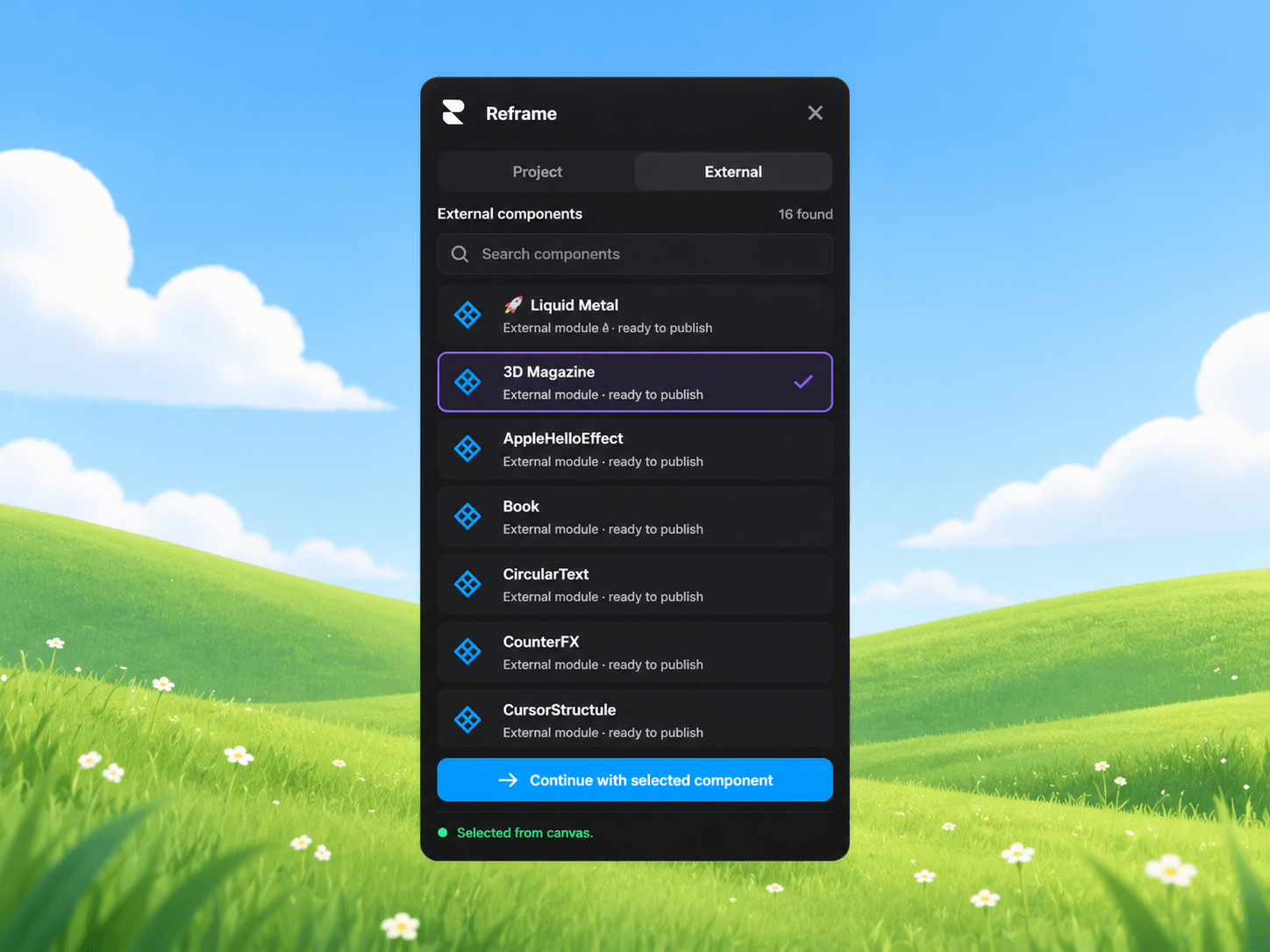
Open Reframe inside Framer
Sign in to your Reframe account
Select the component you want to export
Publish it
Copy the generated CLI command
Run it inside your React project
Example:
pnpx @reframejs/cli add <component-id>
Reframe handles the rest.
Built for developers using Framer
Reframe is designed for people who like designing visually in Framer but still want full control over the final application code.
Instead of recreating your Framer components manually in React, Reframe helps bridge the gap between design and development so you can move faster while keeping your own codebase.
Plans
Starter
10 exports per billing cycle
1 linked Framer project
Pro
Unlimited exports
Unlimited Framer projects
Lifetime Pro
Unlimited exports
Unlimited projects
One-time purchase
Previously exported components remain available through the CLI even if your subscription later expires.
Requirements
A Reframe account
A supported React project
The Reframe CLI
Learn more, manage your account, and view your exports from the Reframe web app.