About Auto Table of Contents
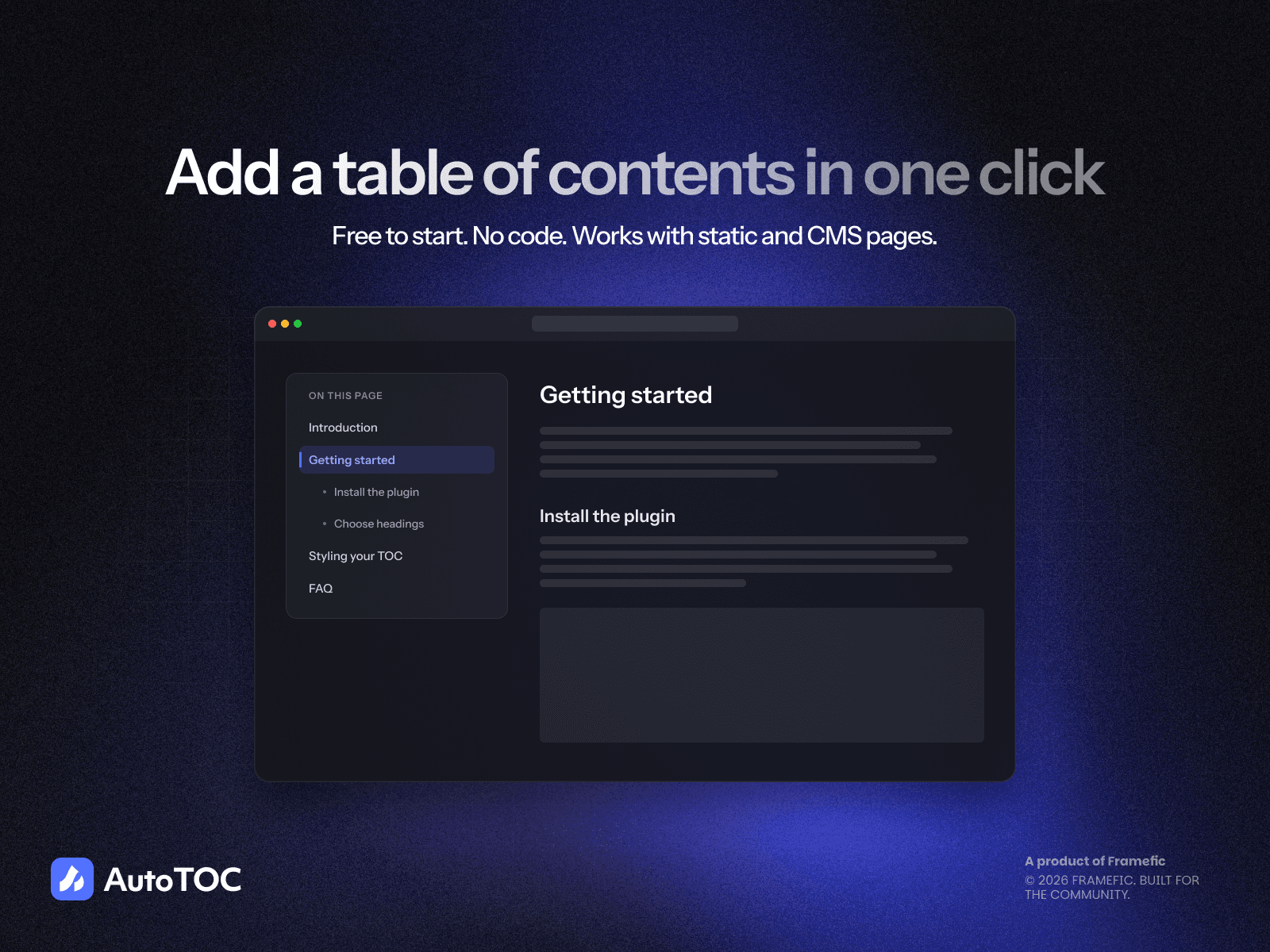
Turn your Framer articles into easy-to-navigate reading experiences. Auto TOC creates a table of contents from your headings, helping readers find sections, follow their progress, and share links to specific content.
Highlights
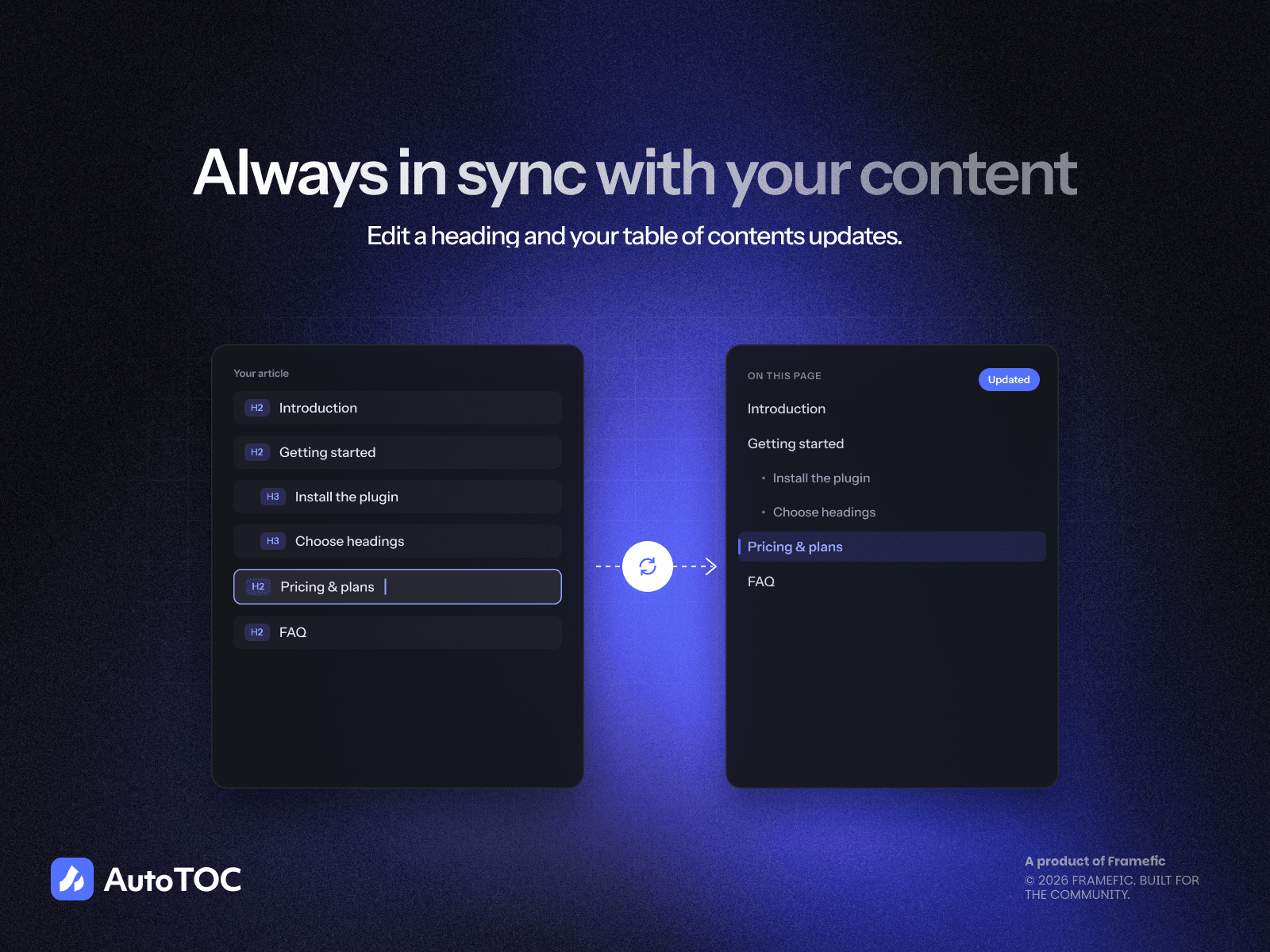
Automatic article navigation: Connect your article frame and choose heading levels to build your table of contents automatically.
Real headings on canvas: See your article’s actual headings in Framer and watch the outline update as you edit.
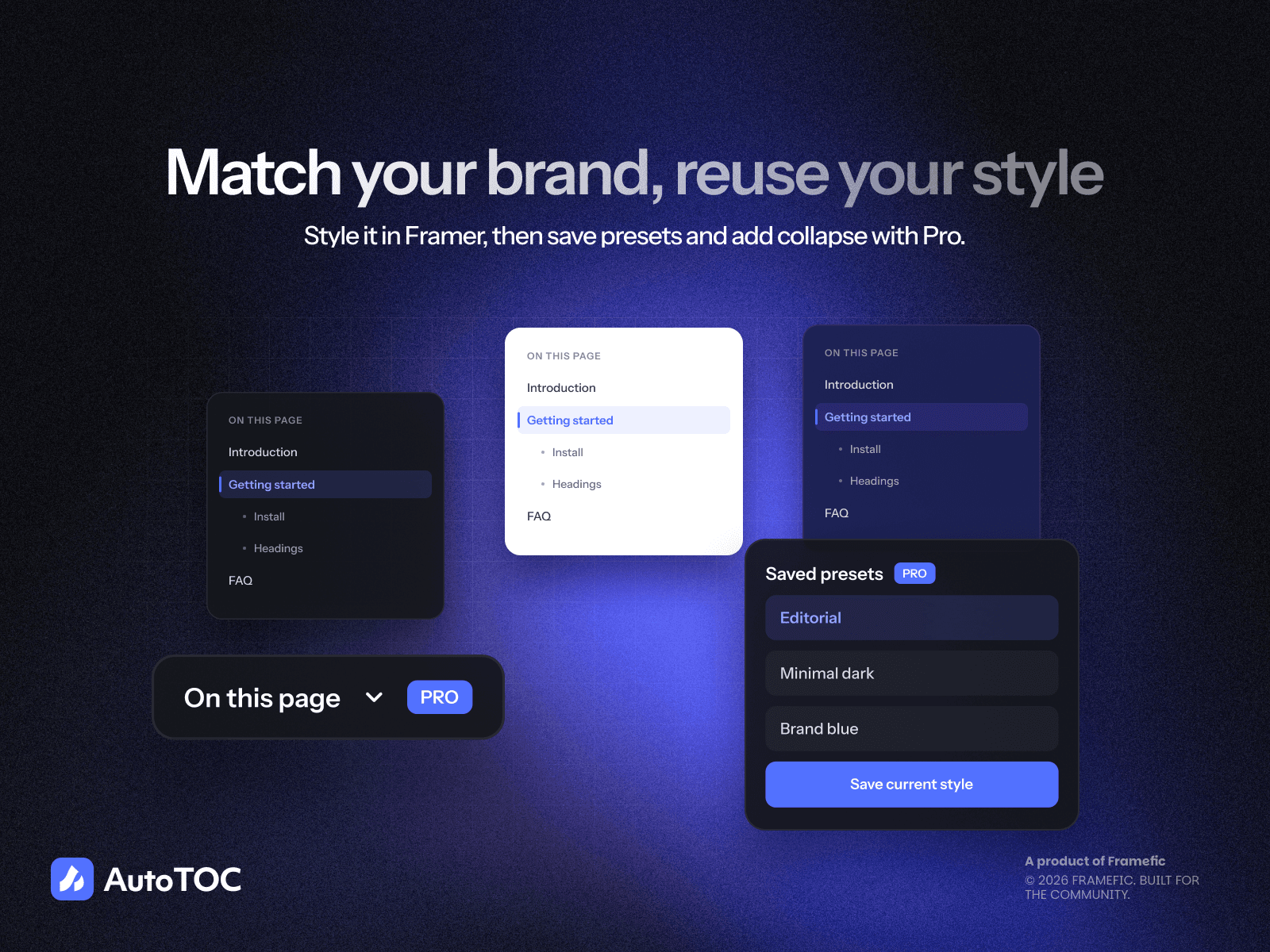
Six ready-made styles: Choose Classic, Minimal, Rail, Numbered, Pill, or Glide to match your page.
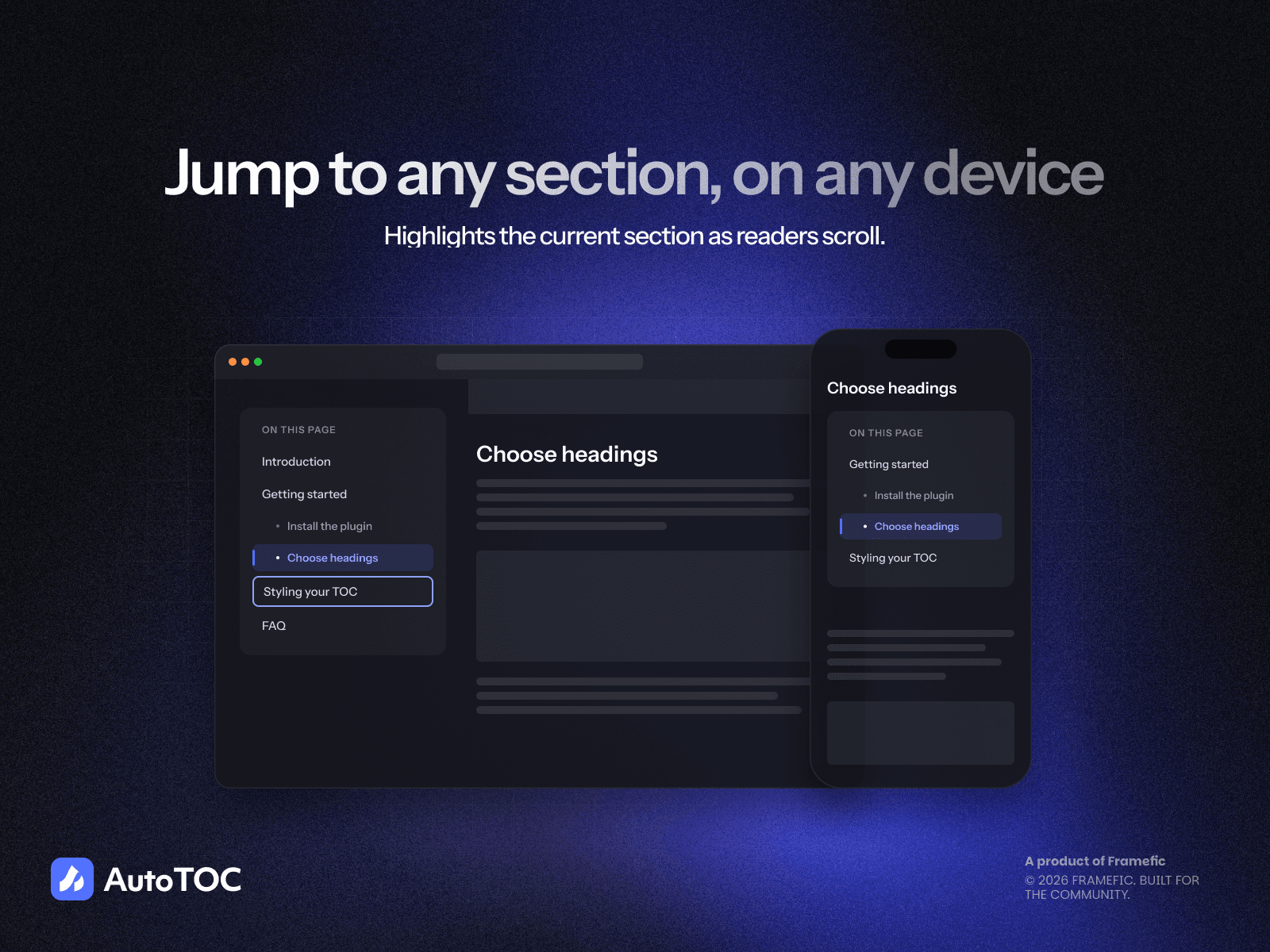
Active section highlighting: Show readers where they are with a highlight that follows their scroll.
CMS support: Add Auto TOC to your CMS detail page once, and each article displays its own headings.
Flexible styling: Customize colors, spacing, borders, typography, and more using Builder or Framer’s Property Controls.
Collapsible and scrollable: Keep long outlines compact with a collapsible list or a maximum height.
Shareable section links: Give every heading a direct link readers can share or revisit.
Fixed header support: Set a scroll offset so headings stay visible beneath your navigation.
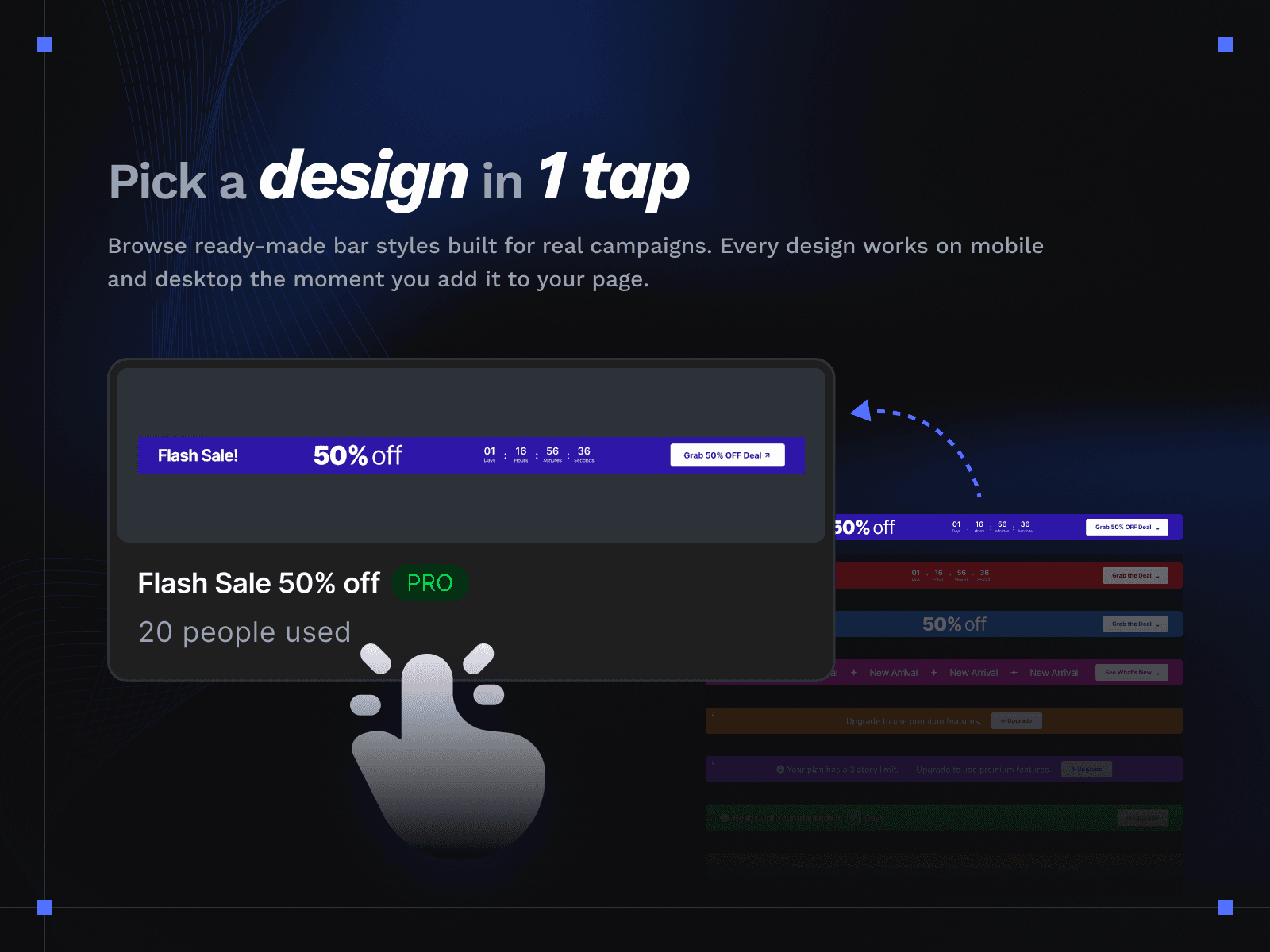
Reusable presets: Save your favorite designs and apply them to other tables of contents.
Try Auto TOC Free for 7 Days
Explore every style and setting on one project, with no credit card required. Choose a plan to remove the trial badge and the one-table-of-contents limit.
Add Auto TOC and make every article easier to explore.