About Booking Limits
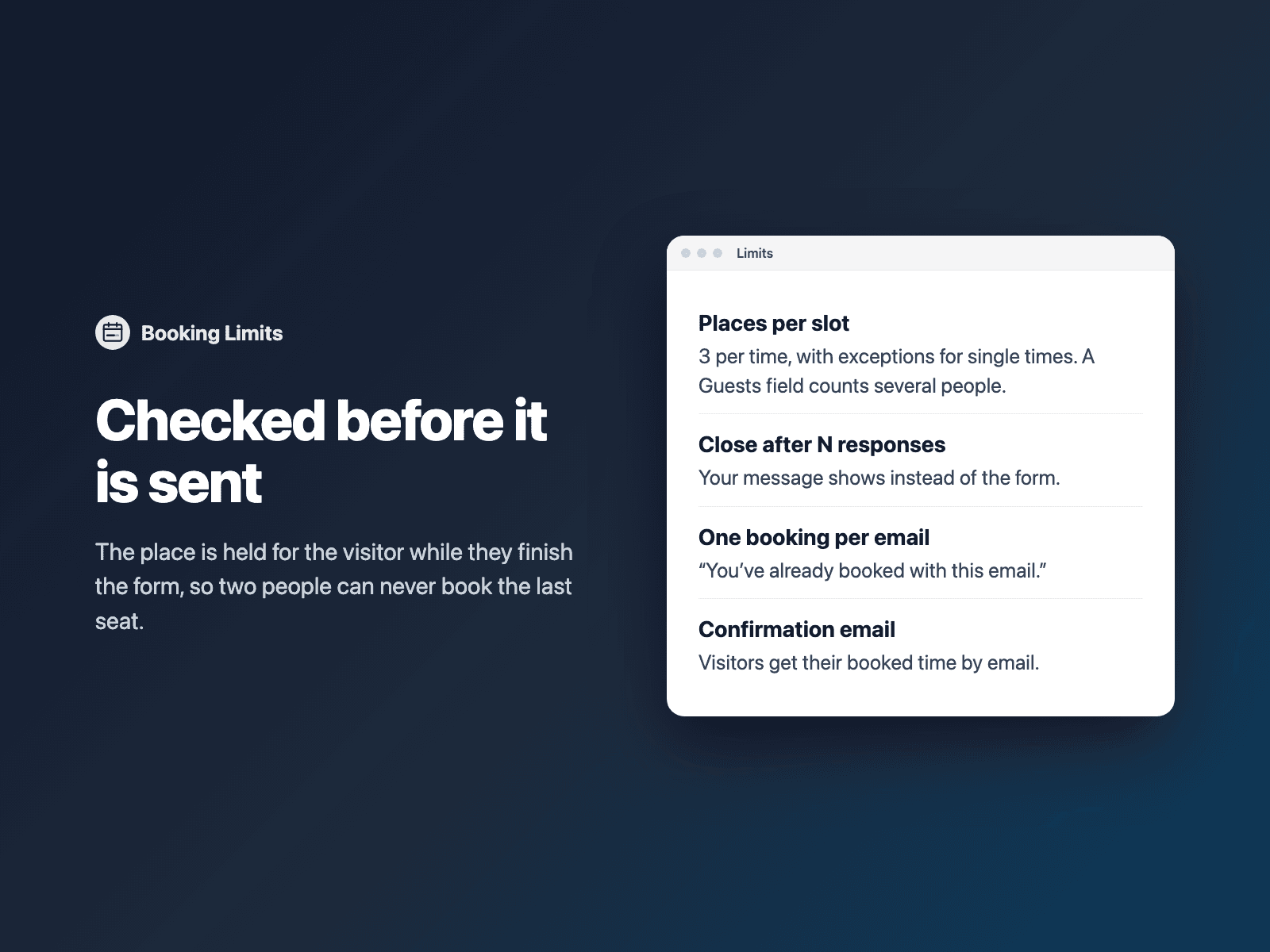
Take bookings with your native Framer form without ever overbooking. Set how many people fit in each time slot, close the form after a number of responses, or allow one booking per email address.
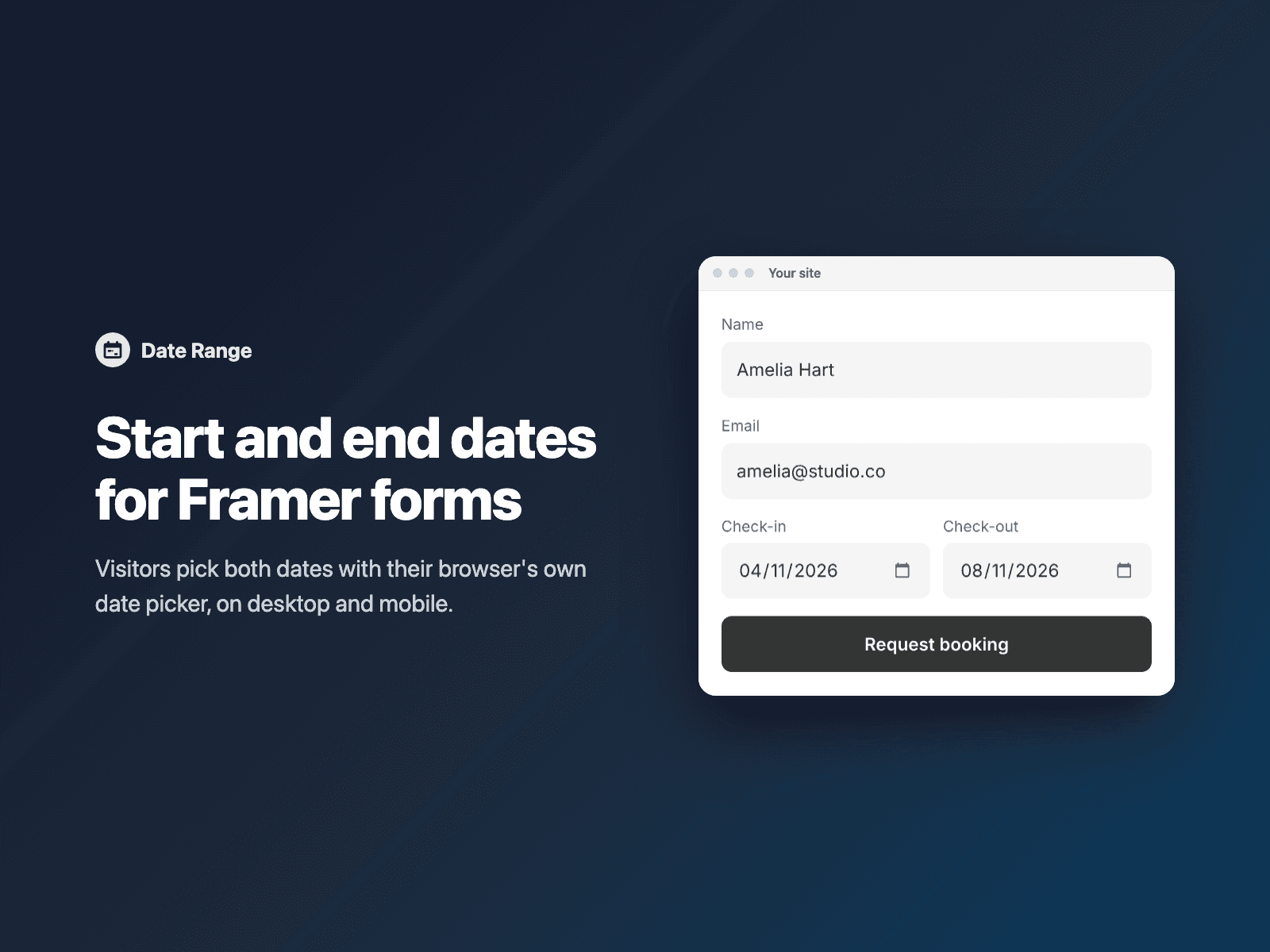
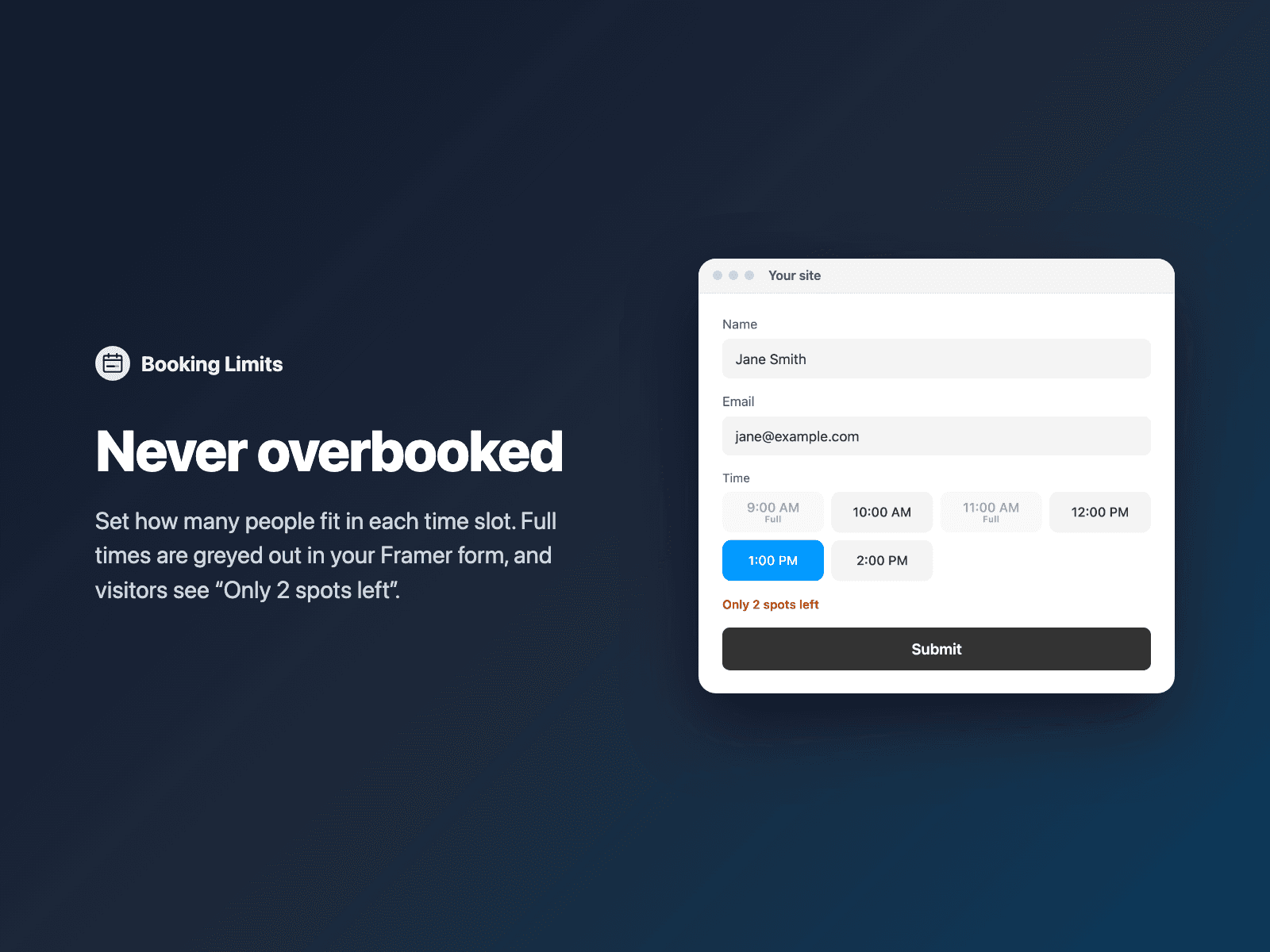
Full times are greyed out with "Full" right in your form, and visitors see "Only 2 spots left". Works with the FramerSend Time Slots, Time Picker and Inline Calendar fields, Date Range, and native selects and radios. Add a guests field and a booking for 3 people takes 3 places.
The place is checked before the form is sent: as soon as a visitor picks a time, FramerSend holds it for a few minutes while they finish the form, so two people can never book the last seat. When every place is taken, the fields are hidden and your message shows instead.
Every submission carries a booking reference, and FramerSend can email visitors a confirmation. See and cancel bookings in the FramerSend dashboard; a cancelled booking frees its place.
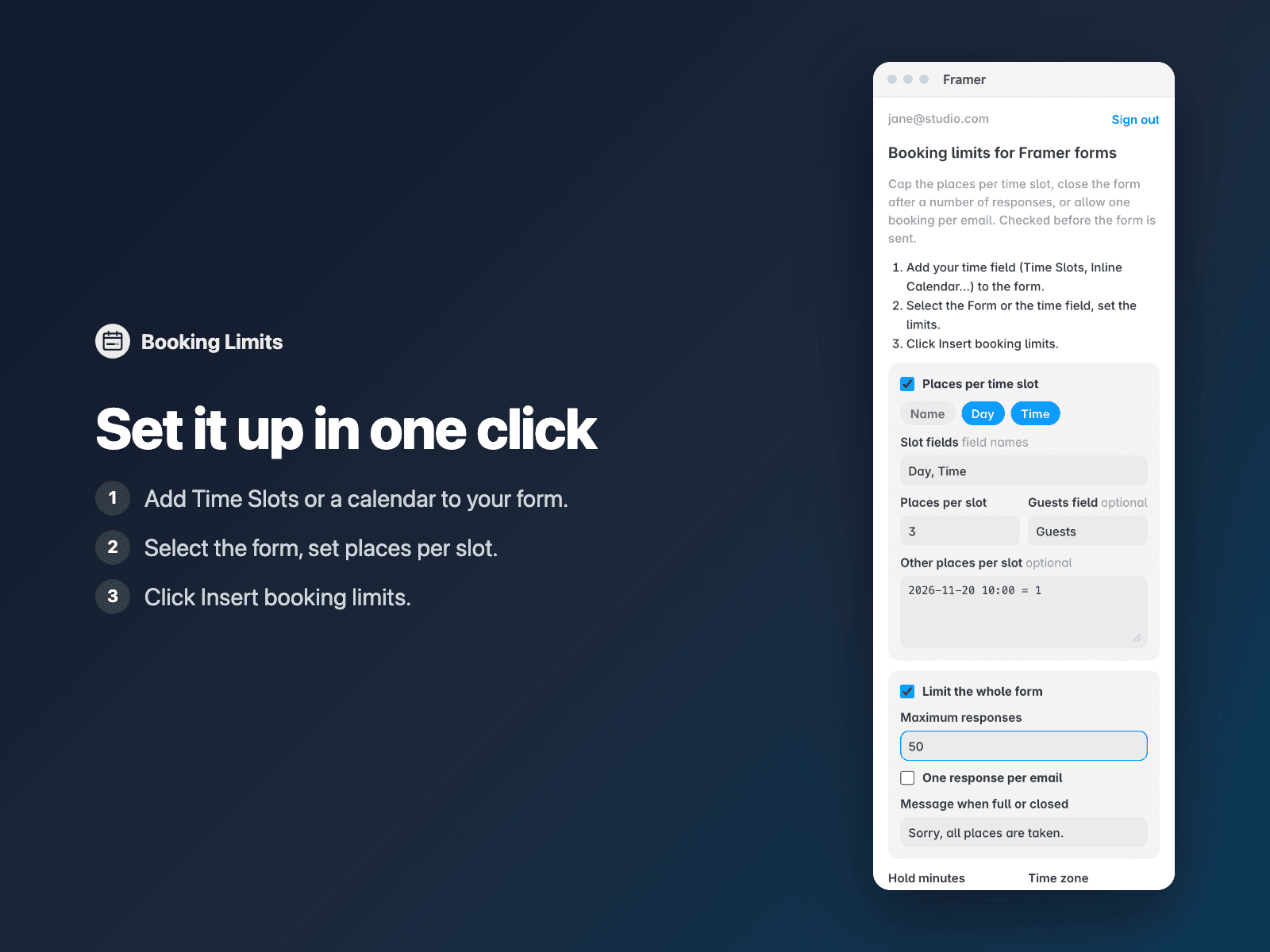
How it works: add your time field to the form, select the Form, open Booking Limits, set the places per slot and click Insert booking limits.
The field is a code component written into your project. It loads no external scripts and only talks to framersend.com to check and hold places.
Pricing: included in every FramerSend plan. Free for 14 days with no card, then from $5/month.